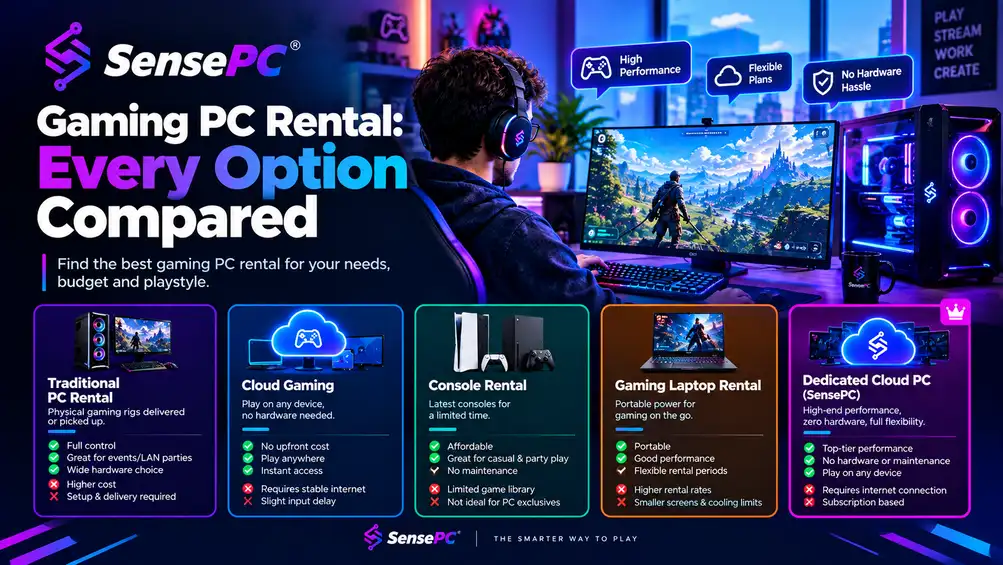
Gaming PC Rental: Every Option Compared
Rent-to-own, event rentals, laptop subscriptions, and cloud gaming PCs compared — which "gaming PC rental" option actually fits what you need.
Cloud GamingSep 15, 2026
Browse 89 published SensePC articles.
Page 4 of 5
Rent-to-own, event rentals, laptop subscriptions, and cloud gaming PCs compared — which "gaming PC rental" option actually fits what you need.
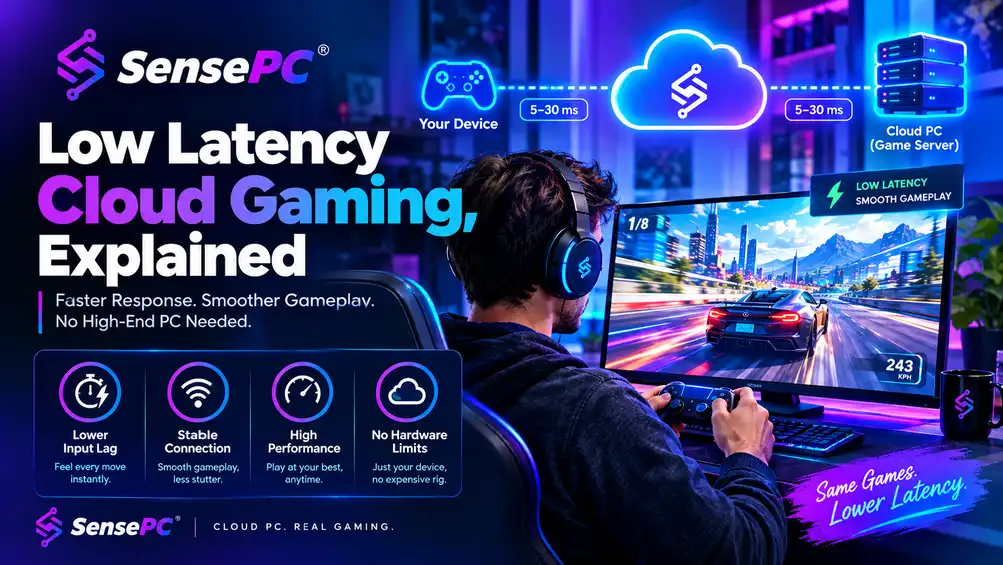
Low-latency cloud gaming means keeping the total delay between your input and the picture on screen low enough that a remote game feels local. The biggest factor is your round trip to the data center: under 30 ms is ideal and under 40 ms is a strong target for most games. After that, a steady frame rate, a native streaming client and a wired connection make the difference.
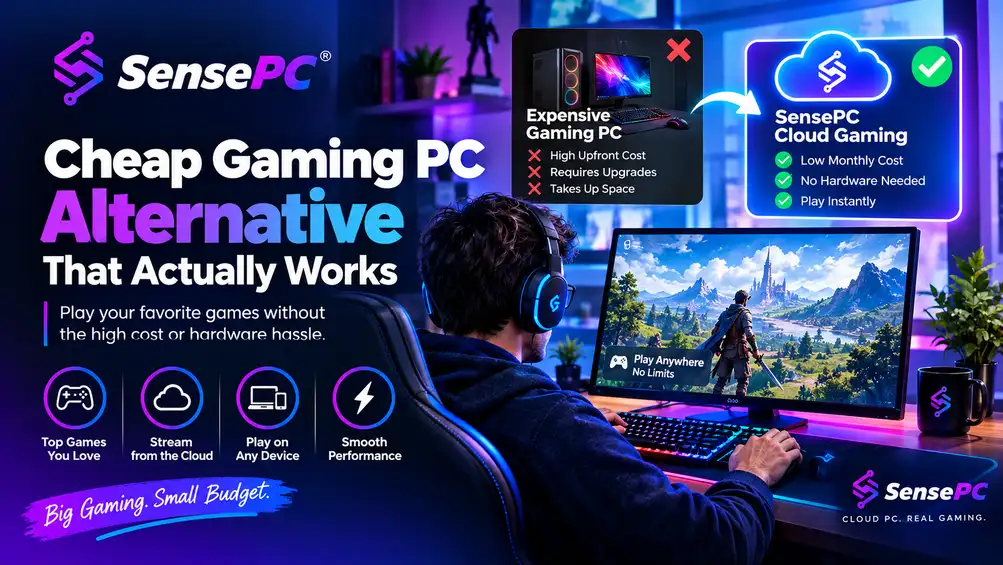
The best cheap gaming PC alternative isn't a weaker machine — it's a smarter way to access real performance. Used PCs, consoles, and budget gaming laptops each trade away something important (reliability, PC library and mods, or long-term value).
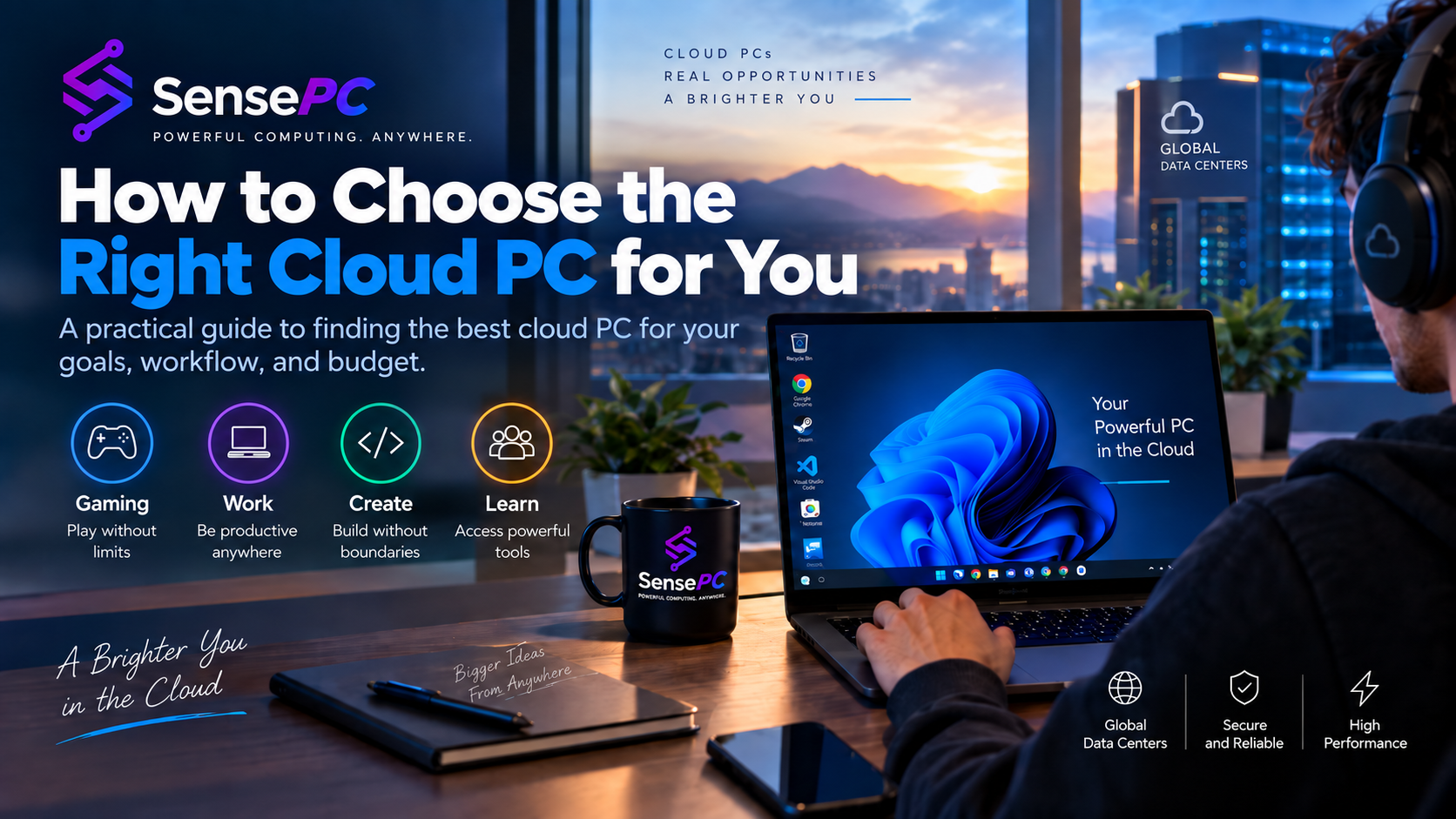
Does a cloud PC keep your files when it is stopped? Learn how persistent cloud storage works, what happens to your applications and data, why storage can still generate cost while compute is off, and what to check before choosing a cloud PC.
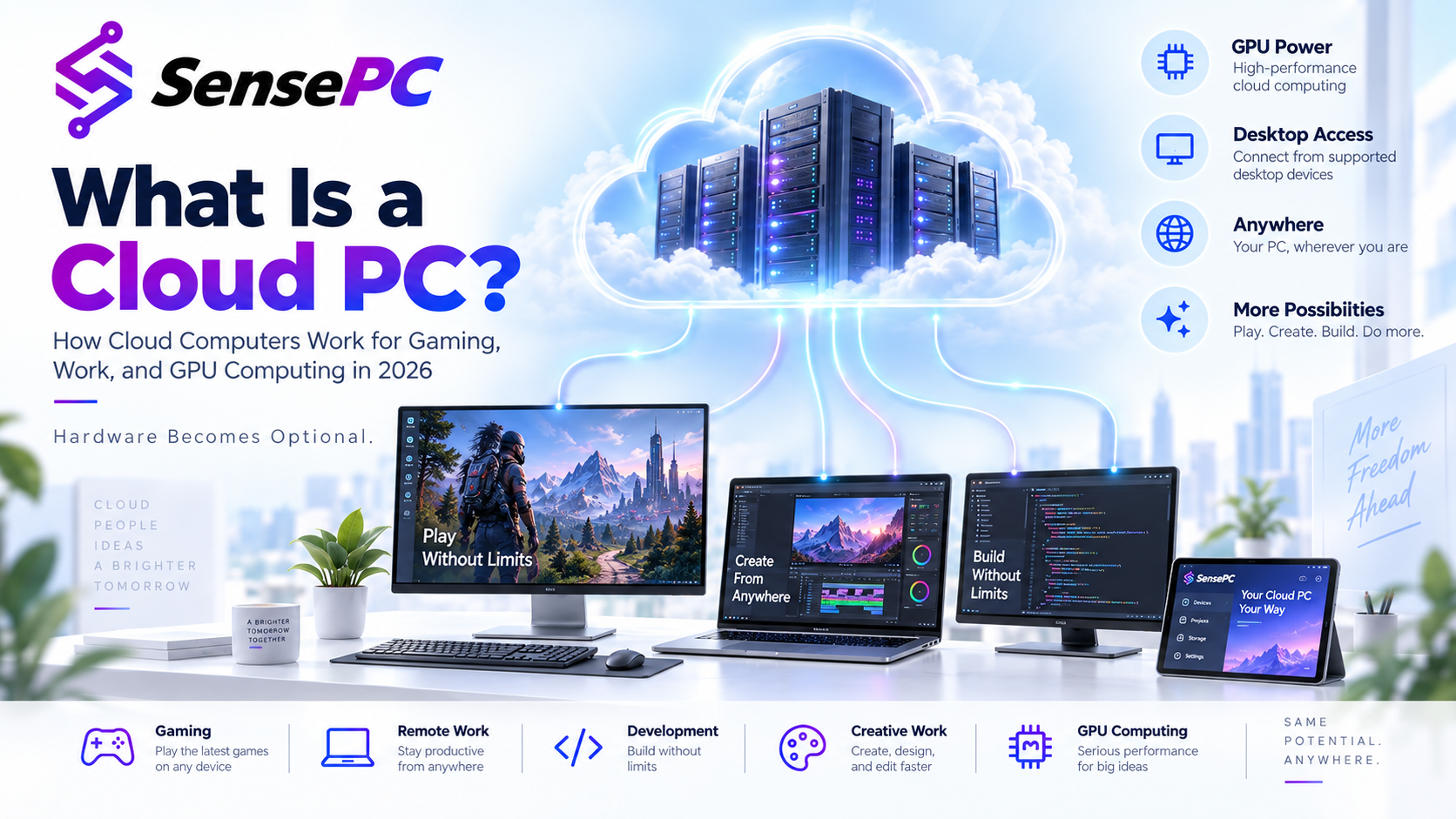
A cloud PC is a remotely hosted Windows or Linux computer that runs in a data center and streams its screen to your device. Processing, storage and any GPU stay on the provider’s hardware. Unlike a cloud gaming service, a cloud PC gives you the full desktop to install your own software.
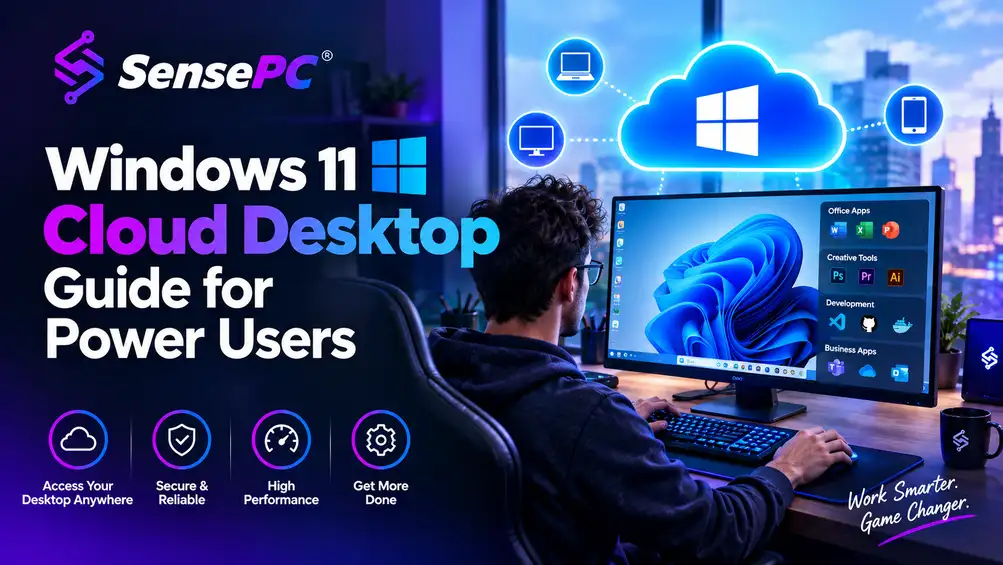
A Windows 11 cloud desktop is a full Windows PC hosted remotely — you connect from your laptop, Mac, or desktop, while the CPU, RAM, GPU, and storage live in the cloud. It's a strong fit when you need more power than your local device provides but don't want to buy and maintain premium hardware, and a weaker fit if you need that performance every day for years or have unreliable internet.
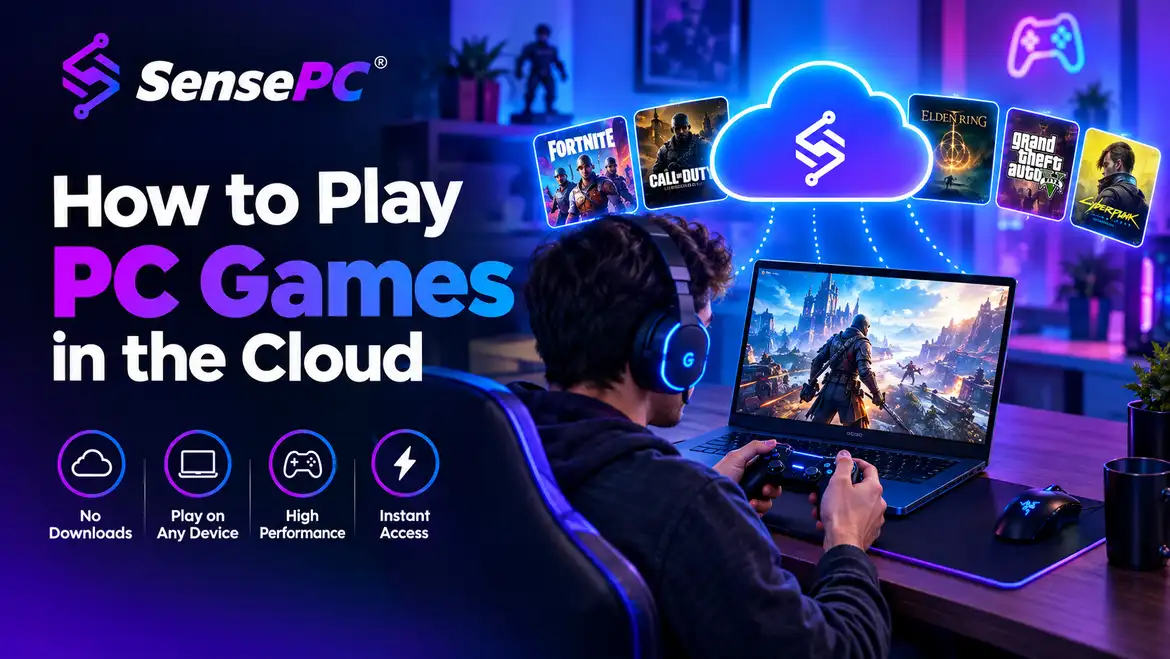
Four ways to play PC games in the cloud — streaming catalogs, cloud PCs, remote play and DIY cloud VMs — compared on library, cost, devices and setup.
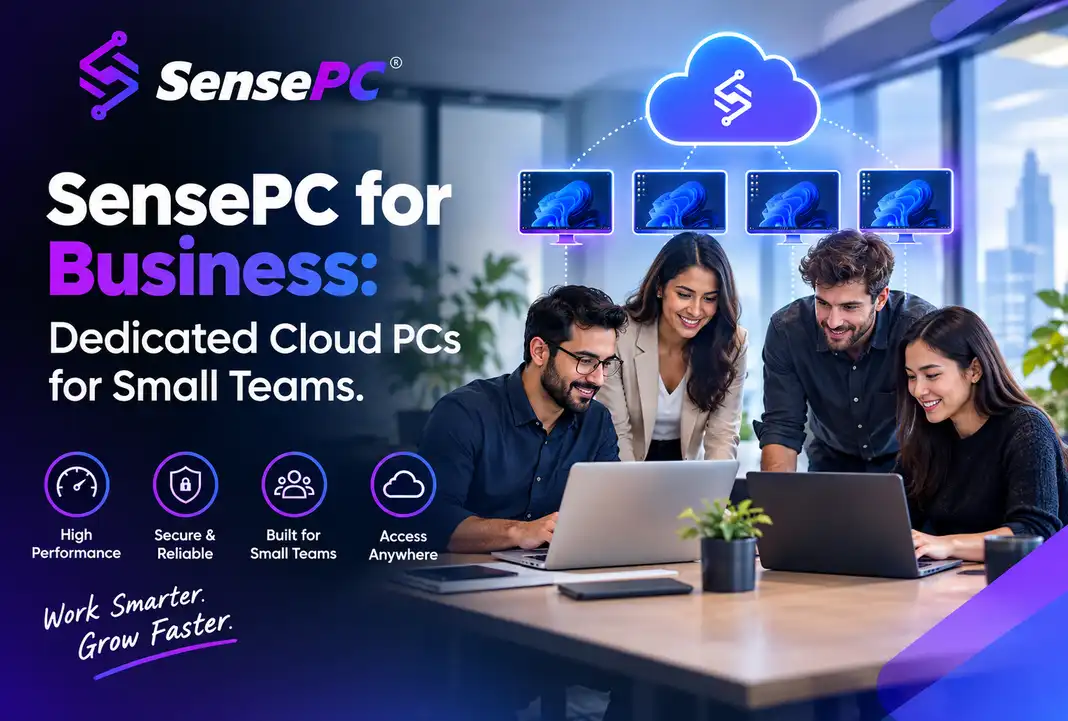
SensePC for Business gives small teams, contractors, and growing companies dedicated Windows cloud PCs for employees or contract workers — without buying hardware, shipping laptops, or building out enterprise IT infrastructure. It's built for businesses that find traditional VDI too heavy and buying a fleet of workstations too expensive or too slow, not as a replacement for enterprise-scale IT management.
A cloud workstation fits engineering work well when your need for heavy compute is occasional or project-based — a capstone project, a design review cycle, a Mac user needing Windows-only CAD tools, or a contractor with a time-sensitive job. It's not automatically the right move for every workflow: software licensing terms, model size, connection stability, and required peripherals all need checking first, and daily heavy users with strict data-handling requirements are often still better…
There are five real categories to choose from: self-serve high-performance cloud PCs (best for individuals needing a full Windows environment with flexible GPU power), traditional VDI (built for IT-managed teams, not individuals), cloud servers with Windows (for technical users building infrastructure, not a ready-to-use desktop), gaming-focused streaming services (for playing a game catalog only, not general Windows use), and physical PCs (best for daily, heavy, latency-sensitive use).
Four things: a clear, narrow project (not "a social network for everyone"), an AI-enabled coding environment plus a browser and repository, enough code literacy to read and verify what the AI produces, and a computer that matches your actual stack — which for most beginners is a current laptop, not a premium workstation.
There are three practical ways to run Windows on a Mac. Virtualization (Windows in a window on your Mac) works well for office apps, browsing, and light coding, but shares your Mac's CPU, memory, and graphics — and has more compatibility caveats on Apple Silicon.
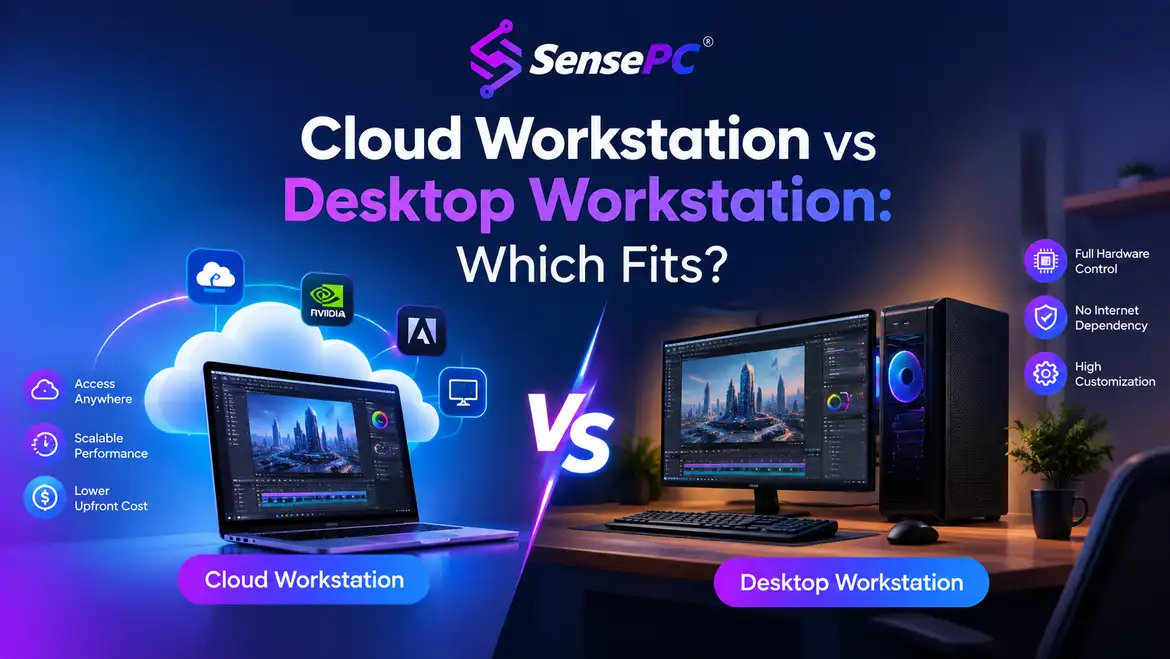
The deciding factor isn't budget or raw power — it's how often you need peak performance. If you use demanding software for long hours every business day, a desktop workstation is usually more economical over time. If your need for high performance comes in bursts — a project, a course, a release cycle — a cloud workstation avoids paying for capacity that sits idle most of the time. Many users end up with both: a local device for daily work, cloud access for occasional heavy lifting.
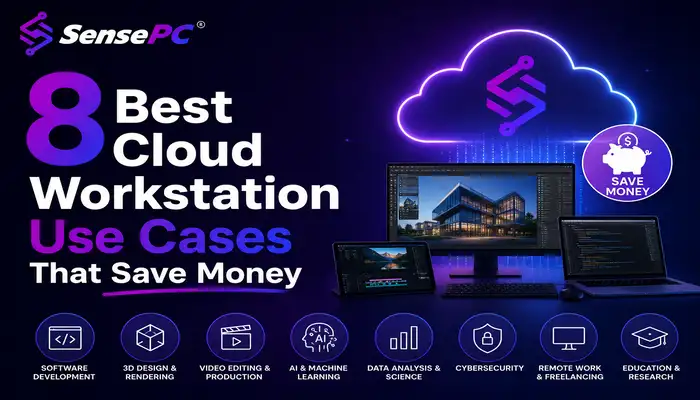
Eight real situations where a cloud workstation beats buying hardware — gaming, development, AI experimentation, creative work, Mac/Windows compatibility, remote work, coursework, and occasional high-performance projects — plus the honest cases where owning a physical PC still wins.
A six-developer team (a representative scenario, not a single named client) replaced uneven local laptops with individual cloud workstations sized to each person's workload — standard tiers for most developers, a GPU-configured tier for image-processing work.
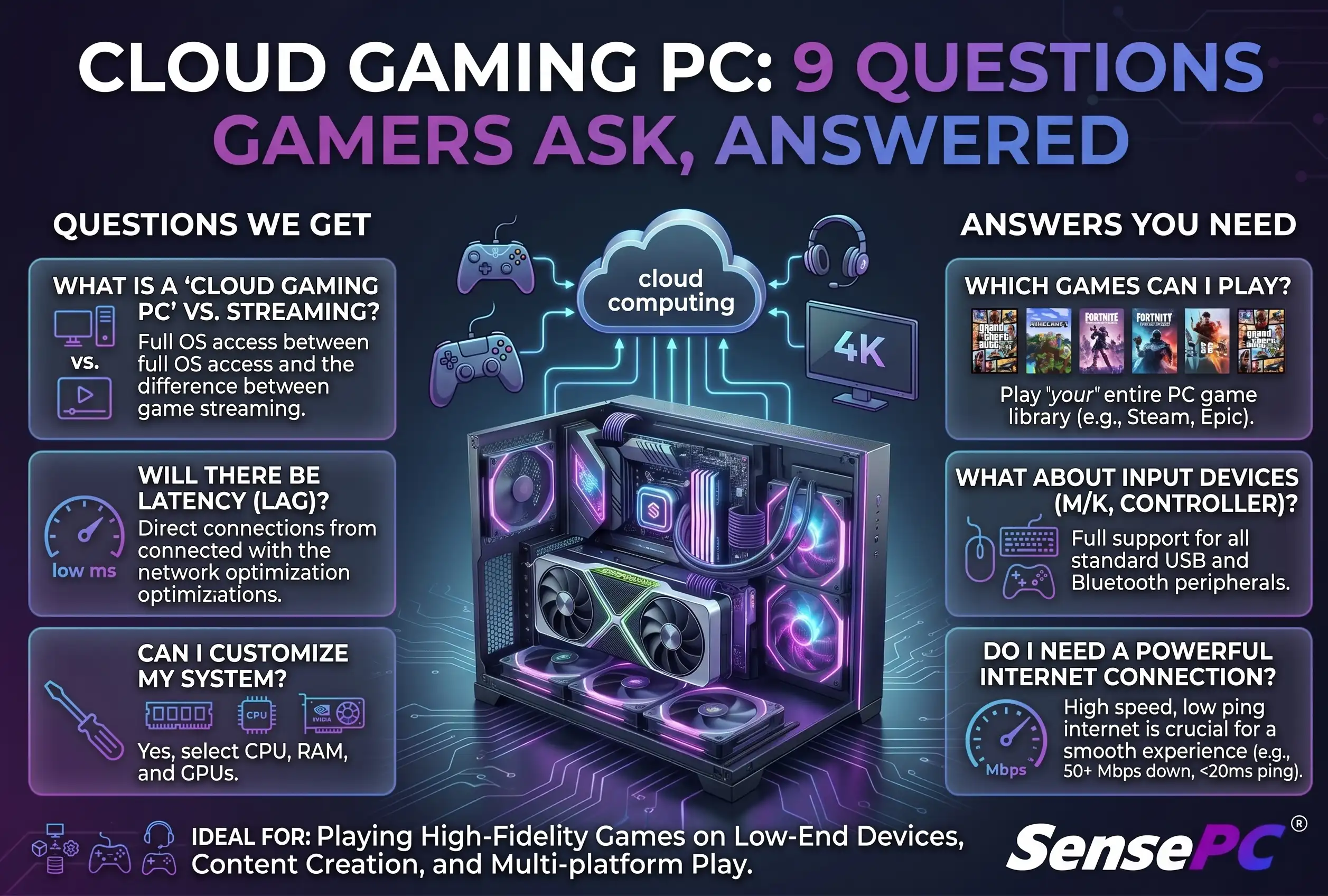
A cloud gaming PC can match or exceed a mid-to-high-end gaming laptop's performance without the upfront hardware cost, but whether it's right for you depends on three things: your internet connection's stability (not just speed), whether your specific games and launchers are compatible, and how often you actually play.
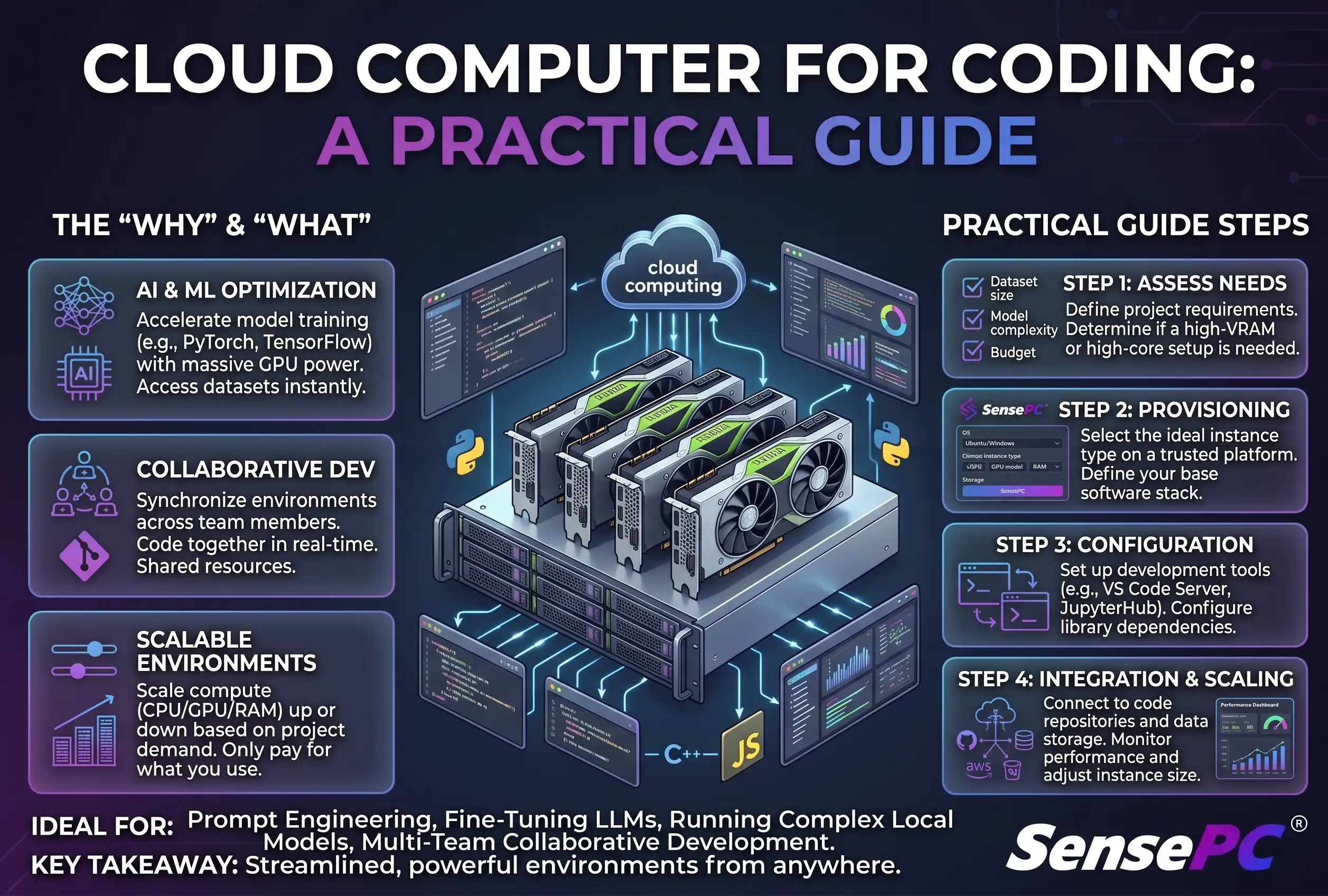
A cloud computer is worth it once your local laptop becomes the actual bottleneck — Docker containers, Android emulators, multiple test environments, large repositories, GPU tools, or a full Windows stack that your device can't comfortably run.
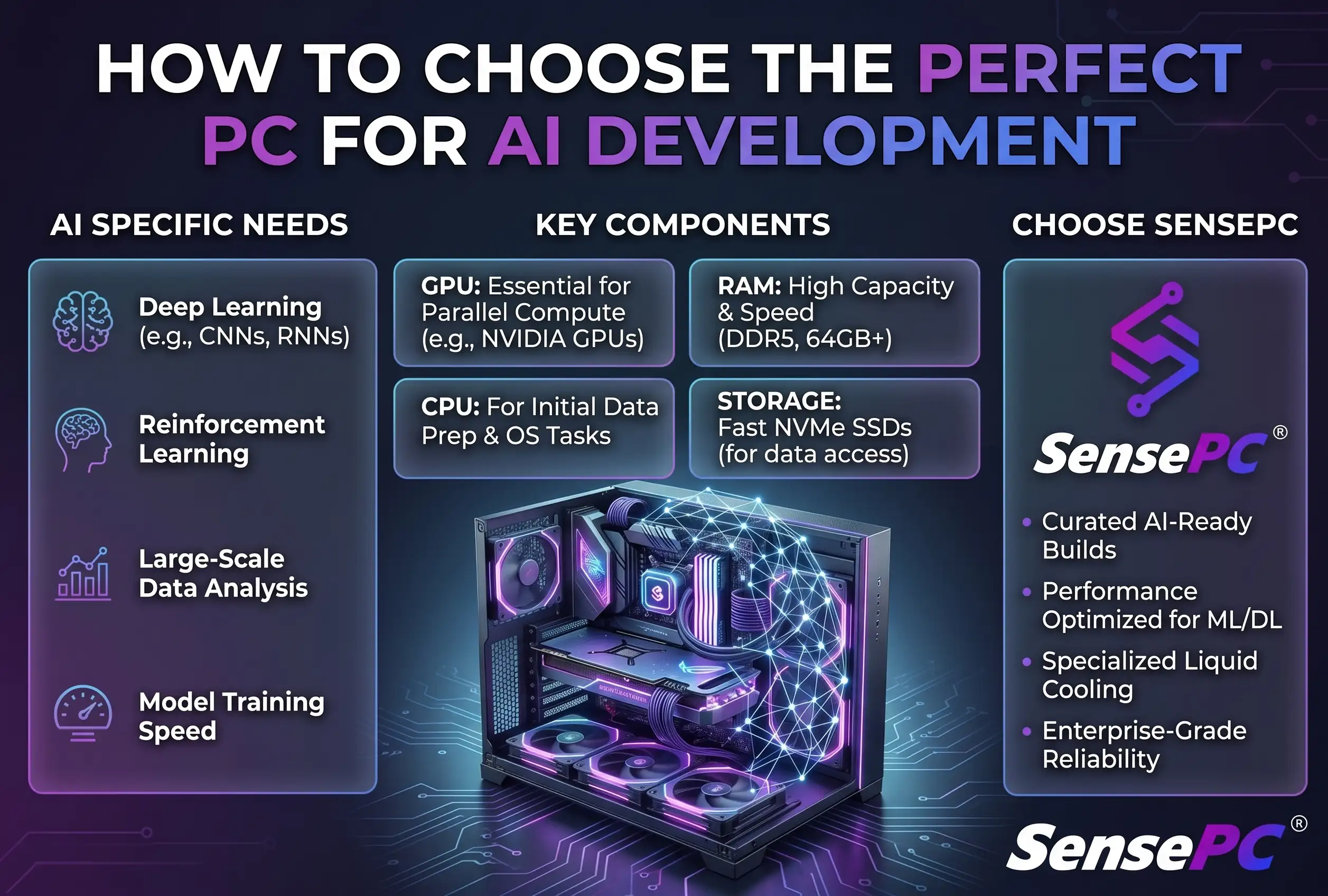
A perfect PC for AI development isn't defined by the most expensive parts list — it's defined by the models you run, how often you train, and whether you need a machine every day or only when a project gets demanding.
Are you passionate about cloud computing, gaming VMs, or high-performance developer setups? Contribute a guest post to the SensePC blog. Start with your title, summary, and article body; media, SEO details, and FAQs can be added when they are useful.
Configure vCPUs, RAM, SSD, and high-performance NVIDIA GPUs. Spin up your dedicated virtual workstation in seconds.
No hidden fees. Pay-as-you-go hourly instances or flat monthly subscription packages. Scale resources up or down anytime.
A few quick answers before you submit an article for review.