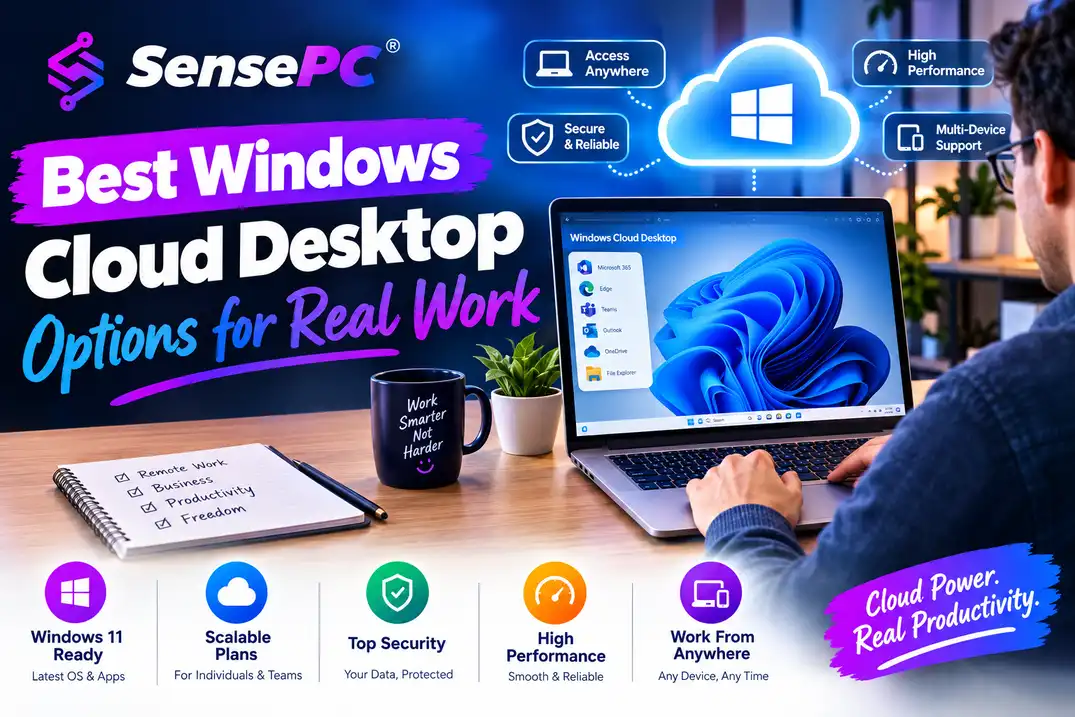
Short answer: There are five real categories to choose from: self-serve high-performance cloud PCs (best for individuals needing a full Windows environment with flexible GPU power), traditional VDI (built for IT-managed teams, not individuals), cloud servers with Windows (for technical users building infrastructure, not a ready-to-use desktop), gaming-focused streaming services (for playing a game catalog only, not general Windows use), and physical PCs (best for daily, heavy, latency-sensitive use). The right pick depends on whether you need a full Windows desktop or just an app or game, how often you'll use it, and whether centralized IT control matters to you.
A thin laptop can be perfectly fine for email and video calls, then become a hard limit the moment you need to compile code, render a project, run Windows-only software, or use GPU-powered tools. The best Windows cloud desktop options solve that gap in different ways: some provide a full personal Windows PC, while others are built for corporate desktops, remote servers, or game streaming.
What a Windows Cloud Desktop Should Actually Provide
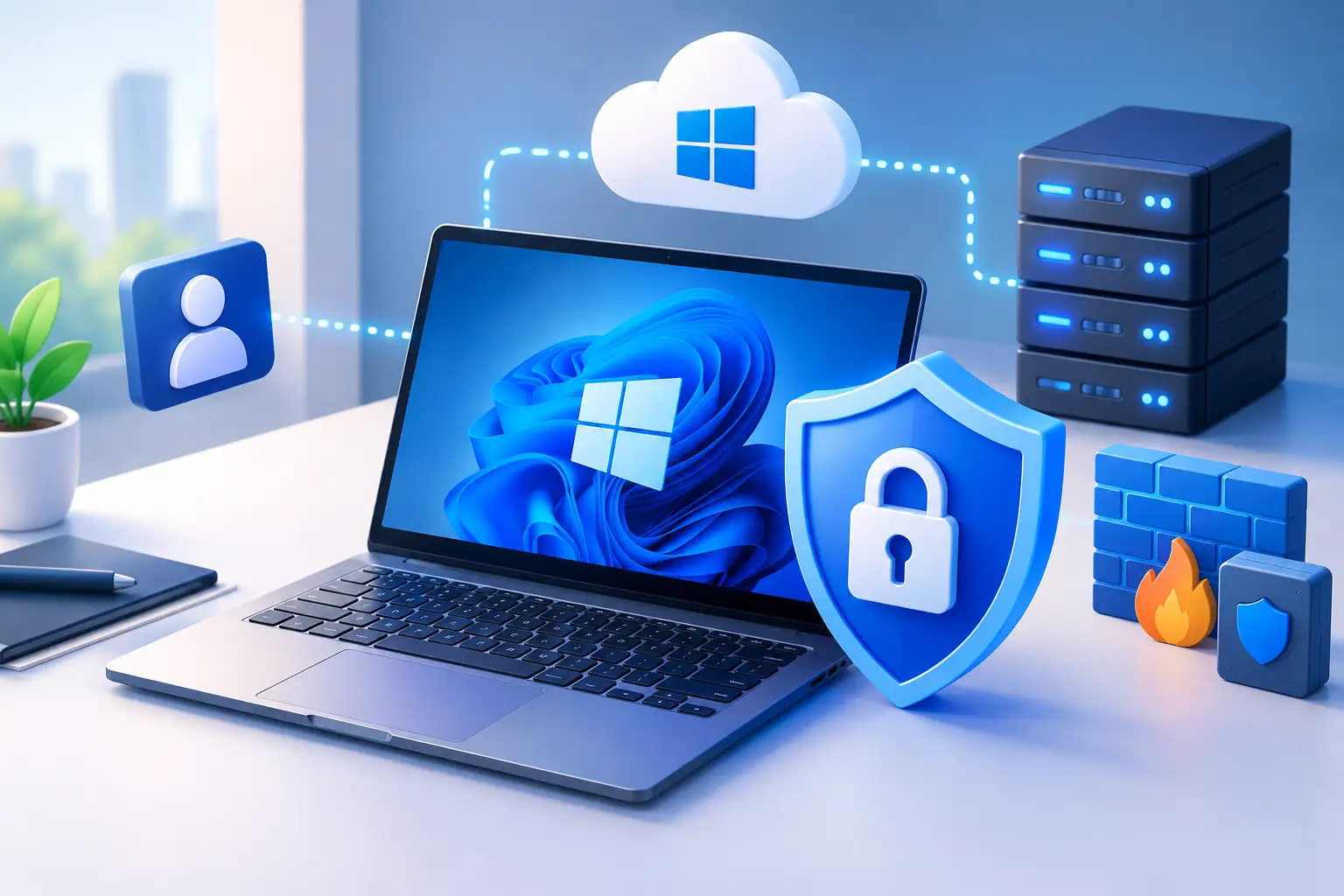
A cloud desktop is more than a remote screen. For most users, it should feel like a Windows computer that lives in a data center and is available from the devices they already own — connecting from a desktop, laptop, Mac, or supported browser to a Windows environment with your apps and files.
A useful cloud desktop should offer persistent storage so your work remains after you sign out, let you choose CPU, RAM, and GPU capacity based on the job, and make it easy to create a machine without configuring an enterprise network or learning cloud infrastructure tools. That separates a real cloud PC from a temporary remote session — if you need the same development environment, project files, game installs, plugins, or creative tools each time, persistence isn't optional.
The Five Categories at a Glance
| Category | Best for | Not ideal for |
|---|---|---|
| Self-serve high-performance cloud PC | Individuals needing a full Windows desktop with flexible GPU power | Daily heavy use for years (ownership may be cheaper) |
| Traditional VDI | IT-managed teams needing centralized control | Individual developers, students, creators — too much overhead |
| Cloud server with Windows | Technical users building infrastructure | Anyone wanting a ready-to-use desktop without setup work |
| Gaming-focused streaming service | Playing a supported game catalog only | Development, creative work, or any general Windows use |
| Physical PC | Daily, heavy, latency-sensitive, or offline use | Occasional or unpredictable performance needs |
High-Performance Cloud PCs for Flexible Computing
A self-serve high-performance cloud PC is usually the strongest fit for people who need a full Windows environment and serious compute power without buying a premium desktop — this works well for developers, creators, students, AI learners, remote professionals, and gamers with demanding workloads.
Look for plans with dedicated GPU options, configurable CPU and memory tiers, and persistent SSD storage. Dedicated GPU access matters for GPU-accelerated creative applications, 3D tasks, local AI tools, CUDA-based development, and many modern games. A machine ready in minutes is also more practical than a platform requiring a support ticket and several IT steps.
SensePC fits this category, with Windows 11 cloud PCs designed for on-demand performance. Its hourly-first approach makes sense when usage rises and falls — more power for a project sprint, software testing, a rendering job, or a weekend of gaming, without committing to hardware that sits unused the rest of the month. See specific situations where this fits for concrete examples.
The trade-off: ongoing usage costs can exceed the cost of owning a PC if you run a high-performance machine heavily every day for years. For occasional, seasonal, or changing workloads, flexible billing is usually the better financial fit.
Traditional Virtual Desktop Infrastructure for Managed Teams
Traditional VDI platforms are built for organizations needing centralized control over employee desktops — IT teams standardize applications, manage access policies, and keep company data in controlled environments. This can be the right answer for regulated businesses or large teams with strict administration requirements.
For an individual developer, student, creator, or gamer, VDI can be more system than necessary. Setup may involve organization-level accounts, administrator approvals, managed images, and policies limiting personal customization. GPU access may also be limited or priced for enterprise use cases rather than flexible individual use.
Choose VDI when centralized governance is the priority. Choose a self-serve cloud PC when you want direct control over your own persistent Windows workspace without enterprise overhead.
Cloud Servers With Windows for Technical Users
A Windows cloud server can be configured into a remote desktop, but it isn't automatically a polished cloud PC. Servers are useful for technical teams needing to build infrastructure, host internal services, or customize a network environment — offering deep control, but that control comes with setup work.
You may need to select an image, configure remote access, manage security settings, attach storage, and troubleshoot performance choices. GPU availability and remote desktop quality can also vary by provider and configuration.
If your real goal is opening Windows, installing your tools, and getting to work, a purpose-built cloud desktop is usually the simpler option. If your goal is building and managing infrastructure, a cloud server may be the better fit.
Gaming-Focused Streaming Services for Play Only
Game streaming services can be convenient when your only objective is playing a supported catalog of games — often designed around quick sessions, controller support, and a game-first interface.
Their limitation is that they may not provide a full, persistent Windows desktop for your own development tools, professional software, AI environments, or custom workflow, and you may have less control over installations, storage, and system settings. That makes them a narrow solution for someone needing both gaming capability and a real Windows workstation.
A full cloud PC is more flexible for users wanting one machine for games, code, creative projects, Windows-only applications, and remote work. Compatibility with individual games, launchers, anti-cheat tools, and third-party software should still be checked before relying on any cloud platform for a specific title.
Buying or Upgrading a Physical PC
A physical desktop remains a strong option for people using high performance every day, wanting full local control, or facing internet conditions that make remote computing impractical. Once purchased, a local PC has no hourly runtime charge, and can be the better choice for workloads requiring consistently low local latency, large local file transfers, or offline access.
The downside is upfront cost — a capable gaming PC or GPU workstation can require a major purchase before it does any work, then come upgrade decisions, replacement parts, heat, noise, physical space, and maintenance.
Cloud desktops shift that equation: you pay for access instead of owning equipment. For irregular demand, that reduces waste. For users needing a powerful machine eight hours a day, five days a week, ownership may be more economical over time. The full cloud vs. physical PC comparison covers this trade-off in depth — the best answer depends on usage frequency, not just specs.
How to Choose Between These Options
Start with the work, not the hardware label. A student running an engineering app a few times each month has different needs than an AI developer testing GPU workloads daily. Consider these five questions before choosing:
- Do you need a full Windows desktop, or only access to a specific game or application?
- Will your files, installed software, and settings need to remain available between sessions?
- Do your tools benefit from a dedicated GPU, more memory, or higher CPU capacity?
- How many hours per week will you realistically use the machine?
- Is your internet connection stable enough for a responsive remote desktop experience?
Internet quality is a practical part of the decision — a cloud desktop works best with a reliable connection and a sensible network path to the platform. Performance Mode and modern remote desktop technology can improve the experience, but can't remove the effects of unstable Wi-Fi, congestion, or a poor connection.
Also think about file workflow. If you regularly work with very large media files, datasets, or project folders, plan how those files will get into and out of the cloud desktop — keeping active work inside persistent cloud storage reduces repeated transfers.
Match the Machine to the Workload
Don't pay for a large GPU configuration just because it sounds impressive. For browser work, office apps, light coding, and remote administration, a balanced CPU and memory setup may be enough. For Unreal projects, video editing, 3D work, local AI applications, model experiments, or GPU-accelerated development, stronger GPU resources and more RAM make a meaningful difference.
A tiered cloud PC approach is useful because your needs change — a balanced machine for daily work, then a higher-performance configuration for a rendering deadline, a development test, or a demanding personal project. That's difficult to do with a fixed laptop bought two years ago. Billing models once you've picked a category are worth reviewing next.
The most practical cloud desktop isn't the one with the longest feature list — it's the one that gives you enough power, keeps your workspace persistent, starts quickly, and lets you control spending as your workload changes.
What's the difference between a cloud PC and VDI?
A self-serve cloud PC is built for individual, direct control — you create a machine, choose specs, and start working without enterprise overhead. VDI is built for organizations needing centralized IT management, approval workflows, and standardized images across many users, which adds overhead an individual doesn't need.
Can I use a cloud server as a Windows desktop?
Technically yes, but it requires configuring remote access, security settings, and storage yourself — it's built for technical users managing infrastructure, not a ready-to-use desktop experience like a purpose-built cloud PC.
Is a game streaming service the same as a Windows cloud desktop?
No. Game streaming services are built for playing a supported game catalog, often with limited control over installations, storage, or system settings. A full cloud PC gives you a complete Windows desktop for games, development, creative work, and general use.
When should I buy a physical PC instead of using a cloud desktop?
When you use demanding software every day, need the lowest possible local latency, work with very large files constantly, or have unreliable internet. Cloud desktops fit better for occasional, seasonal, or unpredictable performance needs.
Do all Windows cloud desktops offer GPU access?
No — availability and pricing vary significantly by category. Self-serve cloud PCs built for individuals often offer configurable dedicated GPU tiers; enterprise VDI platforms may limit or price GPU access for enterprise use cases rather than flexible individual use.