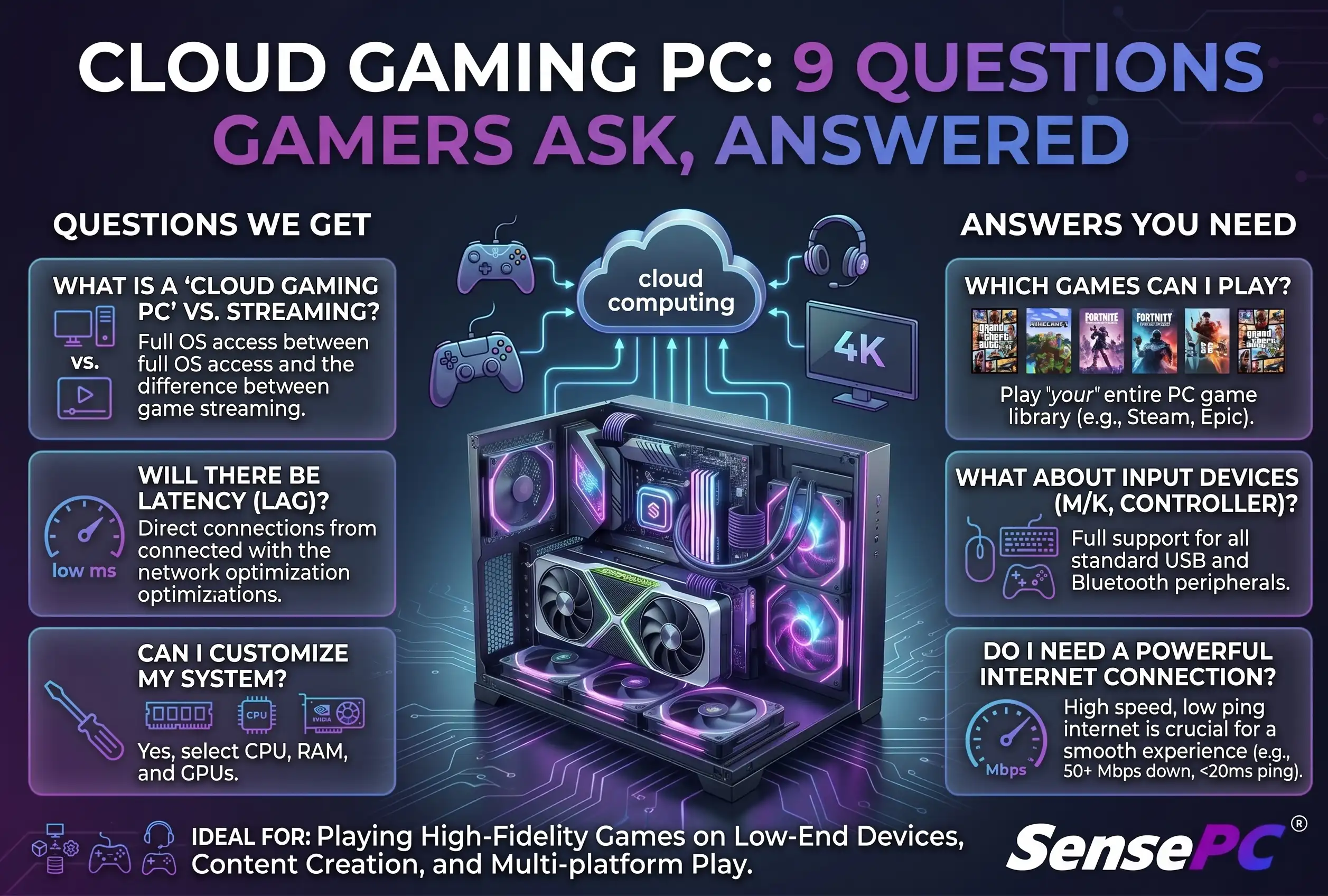
Short answer: A cloud gaming PC can match or exceed a mid-to-high-end gaming laptop's performance without the upfront hardware cost, but whether it's right for you depends on three things: your internet connection's stability (not just speed), whether your specific games and launchers are compatible, and how often you actually play. Below are the practical questions worth answering before you commit.
A high-end game can expose the limits of a laptop fast: frame drops, fan noise, low storage, and an upgrade list that costs more than expected. That's why the questions gamers ask before building a cloud gaming PC usually start with a practical one: can cloud access give me the Windows gaming performance I need without buying a full desktop?
What does building a cloud gaming PC actually mean?
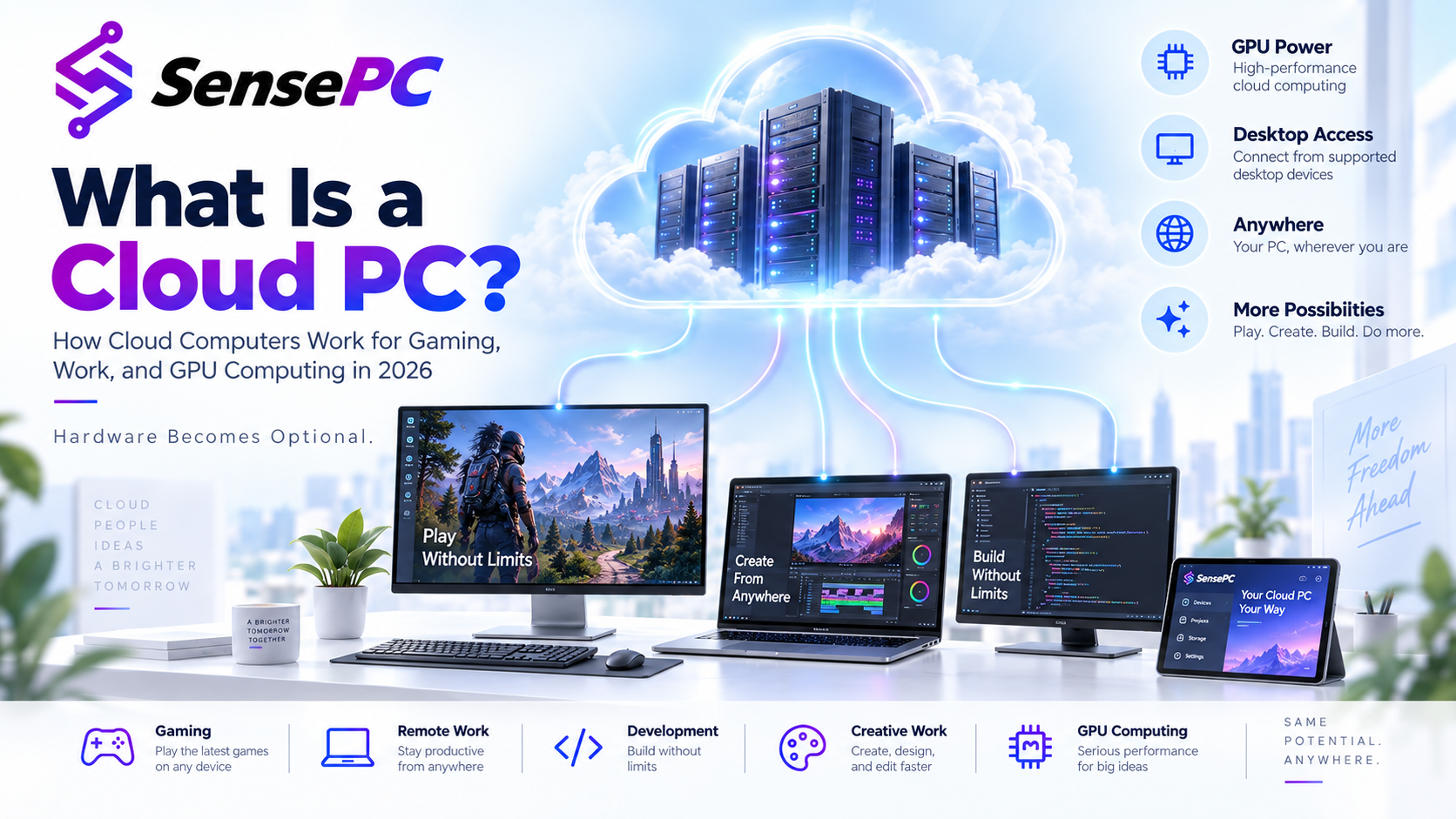
You're not selecting parts, waiting for shipping, and assembling a physical tower. You're creating a remote Windows PC that runs in a data center, then connecting to it from the device you already own — your laptop, Mac, or desktop handles the display, keyboard, mouse, and controller input, while the cloud PC handles game processing, GPU rendering, storage, and Windows applications.
A cloud gaming PC is more than a streaming catalog — it's a persistent Windows environment where you can install supported software, manage files, adjust settings, and use the same machine for gaming, creative work, development, or school projects. With SensePC, you create a Windows 11 cloud PC in minutes and choose a configuration based on the CPU, RAM, GPU, and storage your workload needs, with persistent SSD storage so you don't reinstall everything every session.
Will my internet connection be good enough?
This is the most important question. Cloud gaming shifts heavy computing away from your local device, which makes your connection part of the gaming setup — your input travels to the cloud PC, the game responds there, and the video stream returns to your screen. Speed matters, but consistency and latency matter just as much.
A stable wired Ethernet connection is often the best option. Strong, reliable Wi-Fi can also work well, but crowded networks, weak signals, and long distance from the router can add inconsistency — test during the hours you'd actually play if you're sharing internet with video calls, downloads, or streaming devices.
Your location relative to the cloud infrastructure also affects responsiveness. Slower-paced strategy games, RPGs, simulation titles, or single-player adventures are more forgiving of a wider range of network conditions; competitive shooters, fighting games, and rhythm games are less forgiving. No cloud provider can remove the physics of distance or fix an unstable home network — use a short session to test your own connection, display, controller, and favorite type of game before committing to a long-term plan.
What performance do I need for the games I play?
Start with the games, not a spec sheet.
| Play style | Consideration |
|---|---|
| Esports titles at modest settings | Lower tier is usually sufficient |
| Current AAA releases, high-res textures | More CPU/GPU headroom needed |
| Second monitor, voice chat, browser tabs open | Extra RAM and CPU capacity matter |
| Large game libraries | Storage is easy to underestimate — modern games can exceed 100 GB each |
Look at the recommended CPU, RAM, GPU, and storage requirements for the games you plan to install, then leave room for Windows updates, launchers, background applications, and future titles. A dedicated GPU cloud PC provides a meaningful step up from an integrated-graphics laptop or older desktop — SensePC configurations use dedicated NVIDIA L4 GPUs and tiered CPU/RAM options. Still, settings, resolution, game optimization, and network conditions all influence the final result.
Don't pay for the largest configuration simply because it exists — if you mostly play lightweight games occasionally, a lower tier is often better value.
Can I play every game and use every launcher?
Treat compatibility as something to verify, not assume. A cloud PC provides a full Windows desktop, but games and third-party platforms can have their own rules around cloud environments, remote access, DRM, or anti-cheat software — and those policies can change without notice.
Check the game publisher's current requirements and the platform's supported use policies before building your library around a cloud machine. If one specific competitive game is your main reason for using a cloud PC, test that title early — do the same with any controller software, mods, overlays, or peripherals you rely on.
How much will a cloud gaming PC cost compared with a physical build?
The fair comparison isn't just monthly cloud cost versus the price of a graphics card.
| Physical Gaming PC | Cloud Gaming PC | |
|---|---|---|
| Upfront cost | Purchase price + possible monitor/peripheral upgrades | $0 |
| Ongoing costs | Electricity, repairs, storage expansion, eventual part replacement | Usage-based (hourly, daily, or monthly) |
| Network dependency | None — works offline | Requires a reliable connection |
| Best for | Daily heavy players with a stable connection and years-long horizon | Weekend players, short projects, testing before a hardware purchase |
For a full cost breakdown of hourly billing, the short version: someone gaming heavily every day for years, with a good connection, wanting the lowest possible input delay, is usually better served by owning a physical desktop. Someone with an older laptop, a Mac, limited space, or an unpredictable schedule reduces financial risk with cloud access instead. Calculate based on your real hours, not an idealized estimate.
What device can I connect from?
The local device doesn't need to be a gaming tower — a capable desktop, laptop, or Mac works, as long as it runs the supported client or browser experience and has a dependable connection. A better local display, keyboard, mouse, controller, and network setup improves how the cloud PC feels.
Your local screen still sets practical limits, though. A 60 Hz laptop panel won't show a higher refresh rate just because the remote GPU can render more frames, and poor Bluetooth performance or an unreliable USB adapter can affect controller input even when the cloud PC itself runs well.
Will my games and files still be there next time?
Yes, if you choose a cloud PC service with persistent storage — this is a major difference between a personal cloud workstation and a disposable remote session. Persistent SSD storage keeps your installed games, saved files, settings, and Windows environment available when you return.
That doesn't remove the need for good file habits: keep copies of important saves where the game supports cloud saves or backups, and watch available storage as your library grows.
How much setup and maintenance am I taking on?
Cloud access removes hardware assembly, driver hunting for a new graphics card, dust cleaning, thermal issues, and most upgrade planning. It doesn't remove every responsibility — you still install games, manage storage, keep Windows and applications updated, and protect your account credentials.
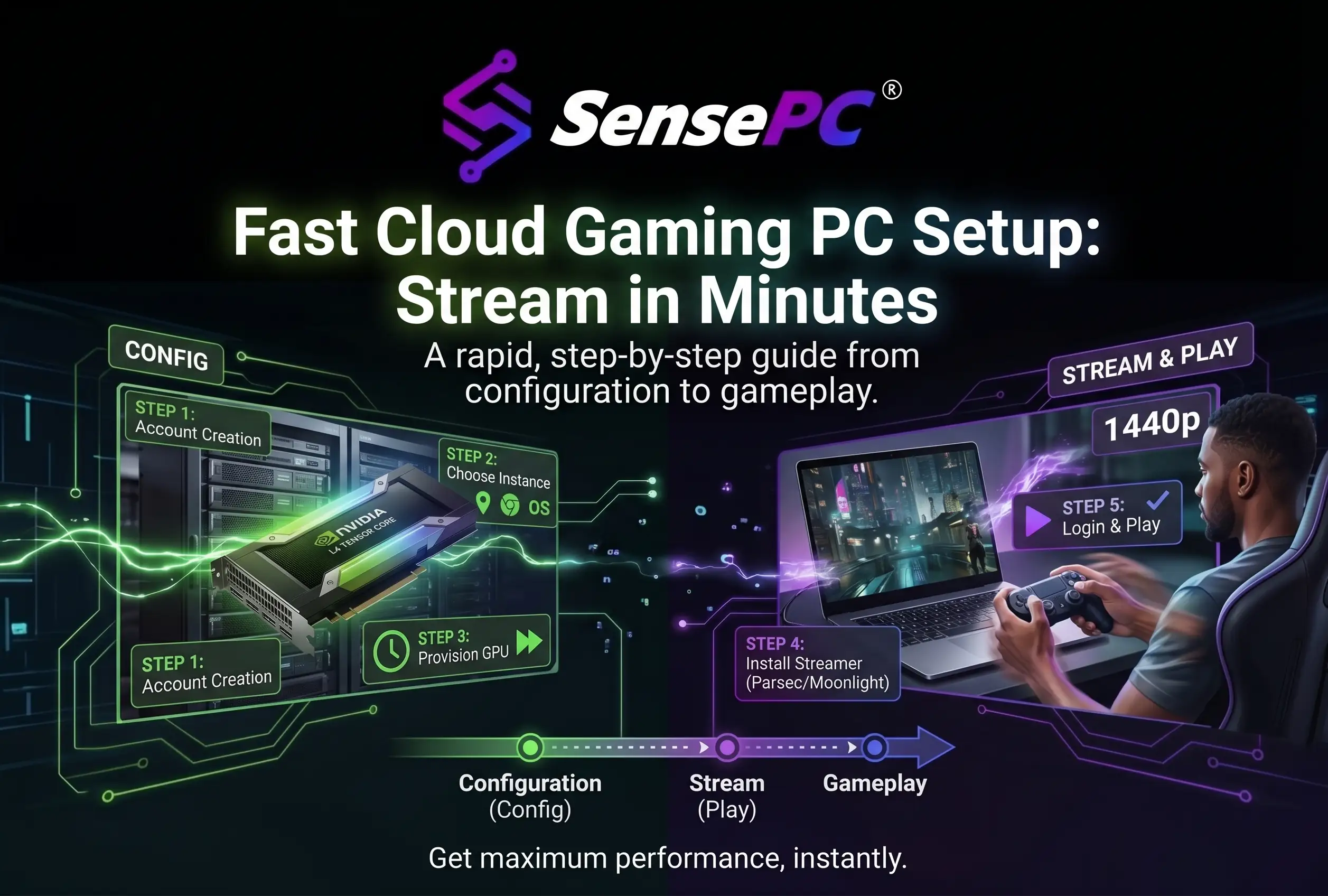
The advantage is control without physical upkeep. You access the same Windows desktop from different supported computers instead of moving a tower or keeping separate installs on every device. See the actual setup steps for what this looks like in practice.
Is a cloud gaming PC the right choice for me?
The best answer comes from your habits. A cloud gaming PC is especially practical when your current device is underpowered, you want Windows access from a Mac or lightweight laptop, or you need serious GPU capacity for more than games — it also works well for students, creators, and developers wanting one persistent high-performance environment without a large upfront purchase.
A local desktop remains hard to beat if you play latency-sensitive games every day, have unreliable internet, or prefer complete offline access. There's no need to force one model to fit every gamer — see hourly vs. monthly billing for your specific schedule once you've decided cloud access fits.
Build around the experience you actually need, then test it under real conditions.