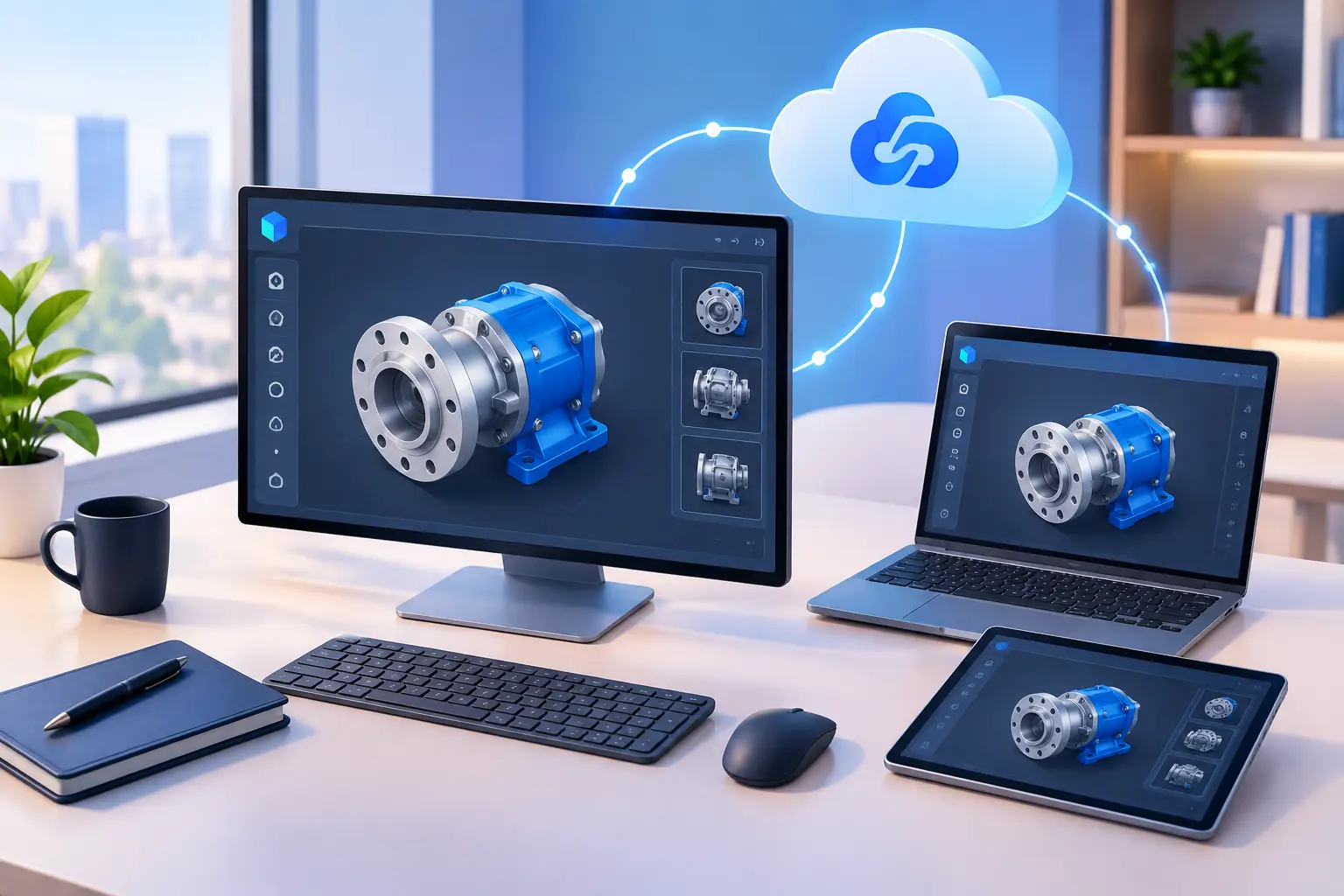
Short answer: A six-developer team (a representative scenario, not a single named client) replaced uneven local laptops with individual cloud workstations sized to each person's workload — standard tiers for most developers, a GPU-configured tier for image-processing work. The result after two weeks wasn't faster benchmarks; it was fewer interruptions, since developers stopped avoiding full builds, GPU testing, or multi-service runs because their local machine couldn't handle it.
A developer's local laptop shouldn't decide what they can build. Yet that's exactly what happens when a project needs more RAM, Windows-only tools, GPU access, several containers, or a large codebase. This case study walks through where a cloud workstation helped a representative development team, where it didn't, and what changed after the move.
The goal wasn't replacing every computer on the team — it was giving developers a consistent, high-performance Windows environment accessible from the devices they already owned. No new workstation purchase per project, no waiting for IT to image a machine, no critical files stranded on one laptop.
The Starting Point: Capable Developers, Uneven Machines
The team had six developers building a Windows desktop application with a web dashboard and GPU-assisted image processing features. Local setups were mixed: a MacBook, older Windows laptops, a personal gaming desktop, and a few company-issued machines with different configurations.
That variety was manageable for basic coding. It became a problem running the full stack — a typical workday could involve an IDE, local database, Docker containers, browser testing, build tools, a Windows-specific SDK, and image-processing jobs. Some developers could run it all; others closed applications, waited through builds, or skipped GPU-dependent testing entirely.
The team considered two alternatives first:
- New physical workstations — solved the performance gap, but meant a significant upfront purchase, shipping delays, and hardware choices that would need to last through a changing project (a documentation/frontend developer doesn't need the same machine as someone testing GPU features).
- A traditional remote desktop / enterprise VDI setup — offered central management, but the expected configuration overhead felt too heavy for a small team that needed to move quickly.
What the Remote Developer Environment Needed
| Requirement | Why it mattered |
|---|---|
| Persistent Windows desktop | Reinstalling tools, cloning repos, and rebuilding databases every session would erase most of the benefit |
| Multiple performance tiers | One developer needed standard CPU/RAM; another needed more memory for containers and browser tests; the imaging engineer needed a dedicated GPU tier |
| Simple access from any device | Developers worked from home, shared workspaces, and while traveling, connecting from Windows PCs, Macs, or lightweight laptops |
| Reliable internet (acknowledged limit) | A cloud desktop can't fix an unstable connection or high network delay — this was a precondition, not something the platform solved |
| Cost control / usage-based option | Not every engineer needed maximum performance every hour; bursty, contract, or short-cycle workloads fit a usage-based model better |
The Setup: One Workstation Per Developer
The team created individual cloud PCs rather than a shared development machine — keeping credentials, editor profiles, repositories, and local test data separate, and avoiding the common shared-server problem where one person's build or memory-heavy process slows everyone else down.
Using SensePC, each developer started with a Windows 11 cloud workstation sized to their work. Setup took minutes rather than days. The team then installed its standard toolchain: source control tools, the IDE, container tooling, database clients, browsers, SDKs, and internal utilities.
Persistent SSD storage mattered here specifically — the team kept active repositories, build caches, test assets, and development databases in place between sessions, so developers connected, pulled the latest changes, and continued where they'd stopped rather than rebuilding an environment each time.
A short internal setup checklist (approved IDE extensions, required environment variables, project scripts, authentication tools, and a backup process for anything that shouldn't live only on the workstation) kept six slightly different setups from becoming six separate debugging problems.
Why Windows Consistency Mattered
The project shipped for Windows, so testing on a Windows desktop wasn't optional. Developers on Macs could write code locally but couldn't always reproduce the same application behavior, dependency issues, or installer flow as a Windows user.
A remote Windows environment gave those developers a direct place to build and test without buying a second computer, and reduced the "works on my machine" gap caused by different operating systems and local tool versions — it didn't eliminate every issue (production systems can still differ from development), but it made the team's main development environment noticeably more consistent.
What Changed After Two Weeks
| Before | After |
|---|---|
| Developers delayed full builds until evening to avoid overloading local machines | Full builds run inside the cloud workstation without local resource conflicts |
| GPU-related work required reserving time on a local desktop or asking a teammate to test it | The imaging engineer kept a GPU-configured environment ready between sessions |
| Mac users couldn't fully reproduce Windows-specific behavior locally | Mac users kept their local device for everyday work and opened the cloud PC for Windows-specific tasks |
| New contractors waited on a shipped workstation before contributing | New contractors followed the same setup checklist once access was granted — no hardware step to wait on |
The clearest individual benefit was for the GPU-focused engineer, since experimentation got faster once the environment stayed configured and ready between sessions instead of being reserved time on a shared local desktop.
The Trade-Offs the Team Had to Accept
A cloud workstation isn't automatically right for every developer or team, and this case study is only useful if that gets said plainly:
- Connection quality is a precondition, not a variable the platform fixes. This team had a good connection. Teams with poor or inconsistent internet may find remote desktop work frustrating, especially for responsive visual tools or frequent large transfers.
- Some workloads still favor local hardware. A developer running demanding workloads all day, every workday, from a stable office may get better long-term value from a well-chosen physical workstation — the same applies to workflows depending on specialized peripherals, hardware debugging tools, or fully offline access.
- Data movement needs planning. Pulling a source repository is normal; moving large media assets, model files, or database snapshots repeatedly consumes time and bandwidth. The team managed this by keeping active project assets on persistent storage and agreeing on where shared files belonged.
- Cost requires active management. Hourly flexibility only helps if the team chooses the right capacity and adjusts machines when they're not needed. The team reviewed usage monthly — developers with occasional heavy testing kept flexible access, while developers using their environment most of the workweek compared longer-term options against the cost of owning hardware.
Lessons for Teams Building Remote Developer Environments
- Standardize the environment before standardizing the device. A developer doesn't always need the same laptop — they need a reliable place to run the project, test the target platform, and access the tools their role requires.
- Start with the workload, not the largest available configuration. Identify who needs extra CPU/RAM for builds and containers, who needs GPU capacity, and who only needs a consistent Windows desktop occasionally. This keeps spending tied to real work instead of assumptions.
- Treat persistence as a productivity feature, while still protecting source code and essential assets through version control, shared repositories, and your organization's normal backup practices — persistent storage is convenience, not your backup strategy.
- Test the remote experience with the people doing the work. Measure build flow, editor responsiveness, file-transfer patterns, and connection quality per developer. A short pilot reveals more than a hardware spec sheet.
For teams needing Windows tools, stronger compute, or dedicated GPU access without an immediate hardware purchase, a cloud workstation can remove a real bottleneck. The point isn't declaring local PCs obsolete — it's giving each developer the level of computing power their work actually calls for.
Is a cloud workstation good for a development team with mixed hardware (Mac, Windows, varying specs)?
Yes — this is one of the strongest use cases, since it gives every developer the same baseline Windows environment regardless of their local device, while they keep using their own machine for everyday work.
Can each developer on a team have a different cloud PC configuration? Yes. Sizing per developer (standard CPU/RAM for most roles, a GPU tier for specialized work) avoids paying for capacity that a given developer's tasks don't use.
Does a cloud development environment replace the need for version control and backups?
No. Persistent storage keeps a workstation's files and configuration in place between sessions, but it isn't a substitute for version control, shared repositories, or an organization's normal backup practices for source code and critical assets.
What's the biggest limitation of a remote developer environment? Connection quality. A cloud workstation can't compensate for an unstable or high-latency internet connection — teams evaluating this option should test with a real project and their actual network conditions before committing.
Is hourly or longer-term billing better for a dev team's cloud workstations?
It depends on individual usage, not the team as a whole — developers with occasional heavy testing may fit hourly access, while those using their environment most of the workweek may find a longer-term plan more cost-effective. Reviewing usage monthly, rather than committing everyone to one model, keeps cost tied to actual need.