Short answer: Four things: a clear, narrow project (not "a social network for everyone"), an AI-enabled coding environment plus a browser and repository, enough code literacy to read and verify what the AI produces, and a computer that matches your actual stack — which for most beginners is a current laptop, not a premium workstation.
You have an app idea, a clear problem to solve, and an AI assistant ready to write code alongside you. Vibe coding means building software by describing what you want in plain language, then directing AI through the code, fixes, and iterations. It can move fast — but it doesn't remove the need for judgment. Someone still has to decide what the product should do, notice when the output is wrong, and test whether it works for actual people.
Start With the Product, Not the Prompt
Start with one small, specific project — not "a social network for everyone" or "an AI platform." Build a meal planner for your household, a client intake form for a freelance business, a study tracker, or a simple dashboard that turns a spreadsheet into useful charts.
A narrow project gives you something AI can help with effectively. You can describe the screens, data, and user actions without writing a fifty-page specification, and it keeps the first version small enough to test in days instead of abandoning after weeks.
AI produces better code when you give it a useful brief. Before opening an editor, write down who the tool is for, the one problem it solves, and the first action a user should take. For example, instead of asking for "a project management app," define this: "Build a web app for a two-person design studio. Users can add projects, create tasks, assign a due date, and see overdue tasks in red." That's concrete enough to turn into screens and data fields.
Then break the work into small requests — a landing page first, then the task form, then storage, then test editing and deleting tasks. Large, vague prompts often create code that looks complete but fails when you try to change one piece. Keep a simple project document as you work, recording features, choices, and bugs found — a stable reference when your AI assistant suggests a different direction halfway through the build.
The Four Basics
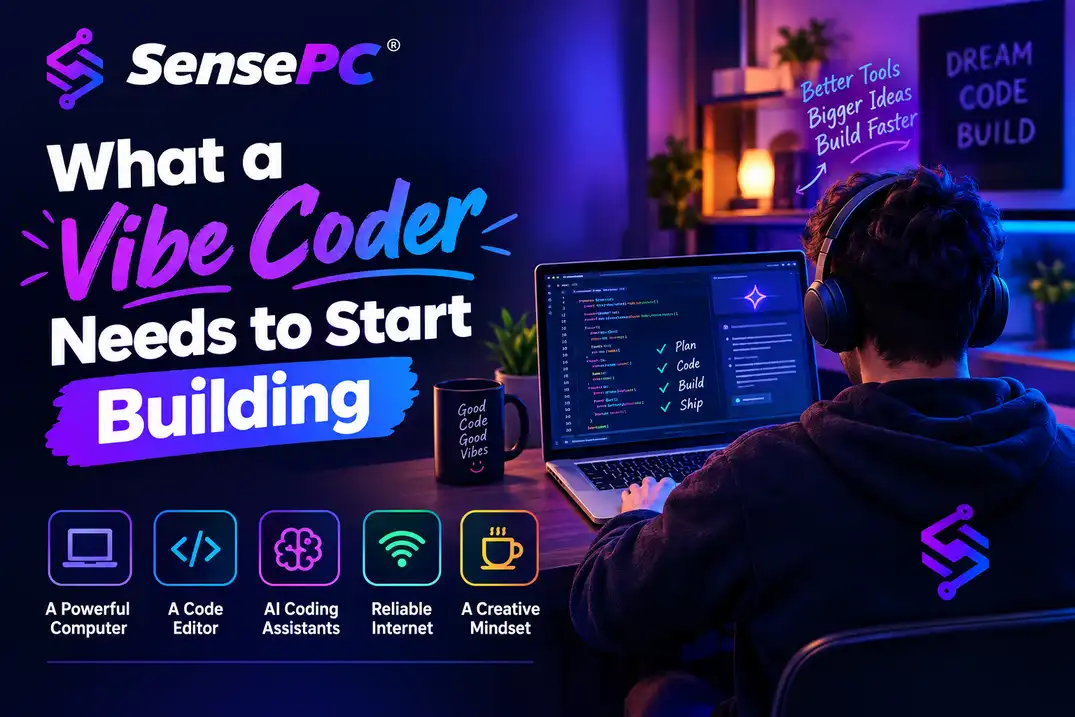
- A clear outcome — the specific, narrow problem your project solves
- An AI-enabled coding environment — an editor with AI support
- A browser and test setup — for checking what actually gets built
- A place to run your project — most beginners can start with a local editor, a browser, and a code repository
If you plan to build with heavier tools — Windows-only software, local AI models, 3D elements, or GPU-assisted workflows — your computer becomes part of the decision (more on that below).
Learn Enough Code to Inspect the Output
You don't need to become a computer science graduate before building your first useful app, but you do need enough foundation to read basic code and recognize the major moving parts.
For a typical web project, learn what HTML does, how CSS controls layout, how JavaScript handles behavior, and how data is stored and retrieved. Understand folders, files, variables, functions, errors, and environment settings — and know how to use version control so a bad change doesn't erase a working version.
This isn't busywork. AI can produce an outdated package command, expose a secret key, or confidently invent a function that doesn't exist. If you can read the error message and ask a focused follow-up question, you stay in control — vibe coding is fastest when you can verify the vibe.
Choose Tools That Reduce Friction
Your first tool stack should be boring in a good way: a popular code editor with AI support, a modern browser with developer tools, a source-control repository, and a simple deployment option when you're ready to share the project.
Choose one language and framework path rather than trying five at once. For web apps, JavaScript or TypeScript is a practical starting point since it covers both the interface and much of the server-side work. Python may be a better first choice for automation, data tasks, and many AI experiments.
Use AI for focused jobs: explaining an error, generating a small component, writing tests, suggesting database fields, or reviewing a function for edge cases. Avoid pasting a huge block of generated code into your project without understanding where it belongs — that shortcut creates a codebase that's hard to fix the moment something breaks.
Protect your accounts from day one: never paste passwords, API keys, private files, or customer information into a prompt. Store secrets outside your source code, use separate test data, and review any code that handles authentication or payments. A quick prototype can become a real product faster than expected.
Decide How Much Computer You Actually Need
For basic web development, a current laptop with enough memory to run an editor, browser tabs, and local tools can be enough — buying a premium workstation just to begin usually doesn't make financial sense for simple sites, learning programming, or browser-based services.
The calculation changes when your workflow includes multiple development environments, Windows-only tools, containers, emulators, creative applications, GPU-based AI tools, or local model testing. These workloads can push a lightweight laptop or Mac past its comfortable limit — slow builds, limited storage, heat, and constant app switching interrupt the fast feedback loop that makes vibe coding productive. See the full hardware breakdown for vibe coding for CPU, RAM, and GPU specifics by workload.
A powerful physical PC is the right call if you code or create every day, need consistent local performance, and have a stable set of long-term workloads — you own the hardware and can work even with poor internet, but take on the upfront cost, maintenance, and eventual upgrade cycle.
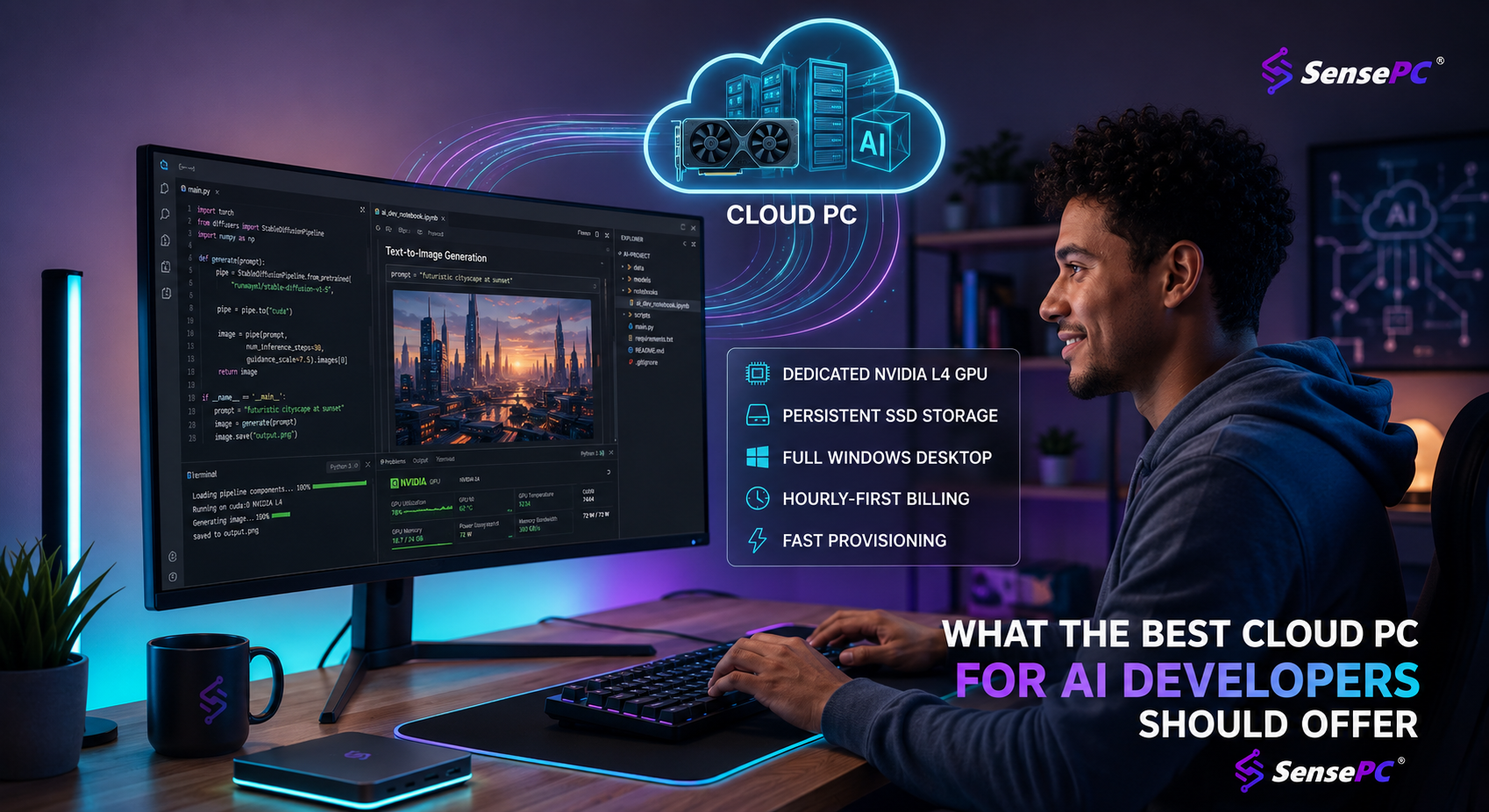
A cloud PC is often more practical when you need serious Windows performance occasionally, want to test demanding tools before buying hardware, or work across devices. SensePC gives you a persistent Windows 11 desktop with dedicated GPU options from a Mac, laptop, desktop, or supported browser, so your project files and installed tools stay on the cloud machine instead of being tied to one local device. It's not a universal answer — it depends on a solid internet connection, your location, and how responsive you need the experience to feel — but for a student running an AI class project, a developer needing a stronger Windows environment for a few days, or a creator testing GPU-heavy software, usage-based access can avoid buying a machine before the workload proves itself.
Build a Simple Workflow Before Adding Complexity
A productive vibe coding workflow has a repeatable cycle: describe a small change, generate or edit the code, run it, test it, and save a working version. Do this constantly — don't wait until the end of a large build to click every button.
Test like a skeptical user:
- Submit an empty form
- Enter a very long name
- Refresh the page
- Try the app in a different browser window
- Ask what happens when data is missing or a network request fails
AI is good at producing a happy path. Real products need the unhappy paths too.
When an error appears, give your AI assistant the exact message, the relevant file, what you expected, and what happened instead. "It doesn't work" gets generic advice. "This form submits, but the saved record disappears after refresh, and this is the console error" gives the model something it can reason about.
As the project grows, create checkpoints — commit working changes, keep a list of known issues, and resist adding every feature suggested by a prompt. Your first version only needs to prove that one person can use it to solve one problem.
Know When Vibe Coding Is Not Enough
Vibe coding is excellent for prototypes, internal tools, personal automation, learning projects, and early product validation. It can also support serious production work when paired with testing, code review, security practices, and a developer who understands the system.
It is less suitable as a hands-off approach for:
- Sensitive financial data
- Medical information
- Complex security requirements
- Systems where failure has serious consequences
In those cases, AI can still speed up development, but experienced human review is part of the build process.
The point isn't to prove you can create an entire company from one prompt. Build something small that works. Once you have real users, real feedback, and a clearer sense of what your tools demand, you'll know whether to keep your setup light, move to a cloud workstation, or invest in your own hardware.
Do I need to know how to code to start vibe coding?
Not to a professional level, but you need enough to read basic code, understand errors, and verify what the AI produces — without that, you can't catch mistakes like an invented function or an exposed secret key.
What's the biggest mistake beginners make when vibe coding?
Starting with a project that's too broad ("a social network for everyone") and using large, vague prompts instead of small, specific requests. Both make it hard for AI to produce code you can actually verify and fix.
Do I need a powerful computer to start vibe coding?
No, for most beginner projects. A current laptop handles standard web development fine. The calculation changes only if your project needs Windows-only tools, containers, GPU-based AI tools, or local model testing.
Is vibe coding safe for handling user data or payments?
Not as a hands-off approach. Vibe coding works well for prototypes and internal tools, but sensitive financial data, medical information, and payment or security-critical systems need experienced human review as part of the build process, not just AI-generated code.
What tools do I actually need to start vibe coding?
A code editor with AI support, a modern browser with developer tools, a source-control repository, and eventually a simple deployment option — plus one language/framework path (JavaScript/TypeScript for web apps, Python for automation and AI experiments) rather than juggling several at once.