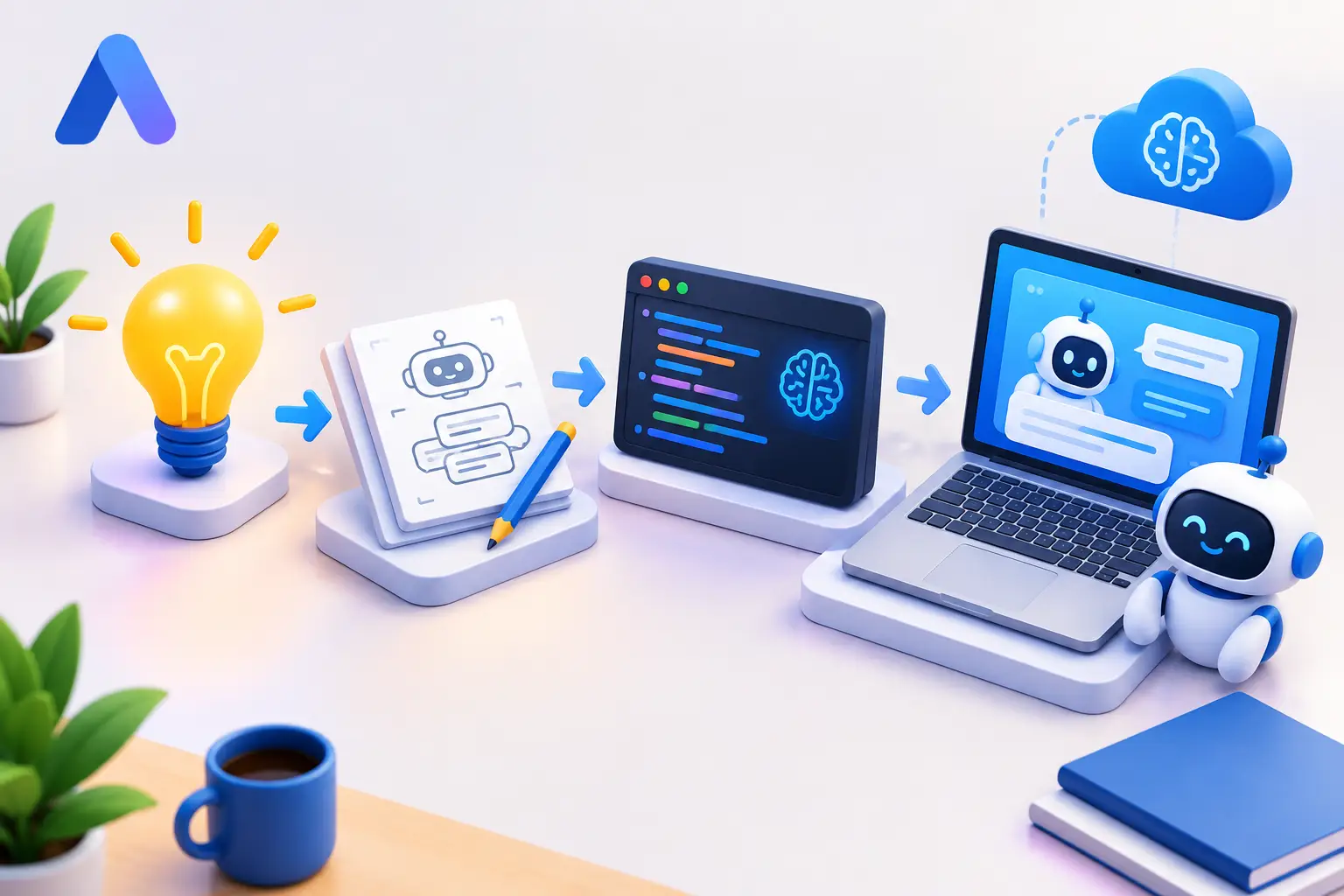
Short answer: A useful AI prototype doesn't start with a giant model or a polished app — it starts with one specific, measurable job. A concrete example: a support reply assistant that drafts responses to common tickets using an approved knowledge base, evaluated against real historical tickets rather than demo prompts. The prototype proves (or disproves) one question — can this system produce accurate, useful output for this specific task — before anyone commits to building a full product around it.
A useful AI prototype example does not begin with a giant model, a polished app, or months of infrastructure work. It starts with one job that currently takes too long, costs too much, or produces inconsistent results. Then it proves whether AI can improve that job with real inputs and clear measurements.
For a practical example, imagine a small support team that receives hundreds of tickets every week. Many ask the same questions about account access, setup, billing, or product features. The team wants an assistant that drafts replies using approved help content. The prototype is not a full autonomous support platform. It's a controlled test: can the system produce useful reply drafts, cite the right source material, and reduce first-response time without creating new risks?
That's the right scale for an AI prototype — small enough to build quickly, specific enough to evaluate, useful enough to guide a real product decision.
What an AI Prototype Should Prove
An AI prototype exists to remove uncertainty. It should answer a business or technical question before you commit to a production build.
For the support assistant, the central question might be: can an AI model create accurate draft responses for the 20 most common ticket types? That's much stronger than asking whether a chatbot is possible — almost anything is possible with enough time and budget. The real question is whether it works well enough for your users, data, workflow, and cost limits.
A good prototype also defines what it will not do. In this case, the assistant does not send messages automatically. It does not access private account data. It does not handle refunds, security incidents, or legal questions. A human reviews every draft.
That boundary matters. It keeps the test focused and prevents a promising idea from becoming an oversized project before its value is proven.
AI Prototype Example: A Support Reply Assistant
Here's how the prototype can work in practice. A support agent pastes a customer question into a simple internal screen. The system searches a small, approved knowledge base, selects relevant articles, and sends the question plus that context to a language model. It returns a draft reply and the source passages used to create it.
The agent can edit, reject, or use the response. Those actions become the evaluation data. If agents heavily rewrite every answer, the system isn't yet saving time. If they accept useful drafts for routine questions, there's a strong case for the next stage.
The Minimum Viable AI Prototype Checklist
The first version needs only five moving parts:
- A ticket input — the raw question, pasted or submitted
- A set of trusted support documents — the approved knowledge base
- A retrieval step — finding the relevant passages for a given question
- A model prompt — the instructions governing how the model uses that context
- An output screen for review — where a human edits, rejects, or accepts
It doesn't need a custom-trained model on day one. Using retrieval is often the sensible first choice: the model receives current, relevant information at request time instead of relying only on its general training. That makes updates easier — when a policy changes, you update the source document rather than retraining the model.
The prompt should be direct. Tell the model to answer only from the supplied content, state when the source doesn't contain an answer, use the company's support tone, and avoid making promises it cannot verify. Clear instructions reduce bad output, but they don't eliminate it — human review is still part of the prototype design.
What to Measure
Don't judge the prototype by whether a few demo responses sound impressive. Measure it against the current workflow.
For example, test 100 historical tickets that have already been resolved. Remove personal data where needed, then compare the AI draft with the final answer sent by the support team. Track factual accuracy, source relevance, agent acceptance rate, average editing time, and unsafe or unsupported claims.
Set success criteria before testing. A reasonable goal might be that agents rate most routine drafts as useful and spend less time writing them than starting from a blank screen. The exact threshold depends on the task — a low-risk internal writing assistant can tolerate more variation than a tool involved in medical, financial, legal, or security decisions.
Build the Smallest Useful Version First
The fastest path is usually a narrow prototype built around representative data. Start with 20 to 50 common ticket categories, not every possible question. Use approved help articles and internal documentation that people already trust. If the source content is outdated or contradictory, AI will expose that problem quickly.
Keep the interface plain. A basic web form or internal desktop tool is enough — the goal is not to win a design award, it's to learn whether agents can use the output in their real work.
This approach also makes failures easier to diagnose. If answers are wrong, ask whether retrieval selected the wrong document, the source material lacked the answer, the prompt was unclear, or the model ignored the available context. Each cause needs a different fix.
A prototype that tries to solve every problem at once gives you vague feedback. A focused test gives you useful evidence.
Where GPU Computing Fits
Not every AI prototype requires a powerful GPU. If you're testing a hosted model through an API, a normal laptop may be enough for the front end, evaluation scripts, and workflow testing — that can be the fastest way to validate an idea.
GPU power becomes more relevant when you want to run local models, test image generation, process larger datasets, experiment with embeddings at scale, fine-tune a model, or use frameworks such as PyTorch and CUDA. These workloads can strain a thin laptop or Mac, especially when you need a Windows environment or dedicated graphics resources.
That's where an on-demand cloud workstation can be practical. Instead of buying hardware before the prototype has earned the investment, you can use GPU capacity for the hours when you're building, testing, or evaluating. SensePC gives users access to a persistent Windows desktop with dedicated GPU options, so project files and tools can remain available between sessions.
The trade-off is straightforward. A local workstation may make more sense for teams running heavy workloads every day with stable, long-term needs. A cloud PC is often a better fit for short projects, changing requirements, remote collaboration, or users who need more power than their current device can provide without purchasing a new machine. Compare billing options that match a short prototyping sprint versus ongoing work.
Common Prototype Mistakes
The biggest mistake is treating a prototype as a finished product. A prototype can use manual review, a limited data set, and a simple interface — those aren't weaknesses when they help you test the core assumption quickly.
Another mistake is using synthetic examples only. Clean demo prompts rarely reflect actual user behavior. Real tickets include vague wording, missing details, typos, frustration, and requests that fall outside the knowledge base. Test those cases early.
Teams also underestimate evaluation. If nobody defines a correct answer or reviews failures, the project becomes a collection of opinions. Build a small test set with expected outcomes. Review bad answers by category — you'll see patterns faster than by reading random outputs.
Finally, avoid assuming that a bigger model automatically fixes everything. A larger model may improve reasoning or writing quality, but it can also increase cost and response time. Better retrieval, cleaner source data, and a tighter workflow often produce larger gains than switching models.
When the Prototype Is Ready for the Next Step
Move forward when the prototype shows repeatable value, not when it produces one great demo. For the support assistant, that means agents consistently save time on defined ticket types, inaccurate drafts are rare and easy to catch, and the source content is reliable enough to maintain.
The next phase may add integrations, user permissions, logging, feedback capture, monitoring, and stronger safeguards. It may also reveal that the right outcome is not a chatbot at all. Perhaps the best product is an internal drafting tool, a search assistant, or a workflow that flags missing documentation.
That's still a successful result. The point of an AI prototype is not to force AI into every process — it's to find the version of the idea that delivers real value before you spend heavily on software, infrastructure, or hardware.
Start with one decision, one workflow, and one measurable result. If the test works, you'll know exactly what deserves more investment.
What's a good first AI prototype to build?
A narrow, measurable task with a clear existing baseline — like drafting support replies from an approved knowledge base — rather than a broad "AI assistant" with no defined scope. The goal is testing one specific assumption, not shipping a finished product.
Do I need to train my own AI model for a prototype?
No, usually not. Retrieval (feeding the model relevant, current source material at request time) is often the sensible first choice over fine-tuning or training a custom model — it's faster to build and easier to update when source information changes.
How do you measure whether an AI prototype is actually working?
Test it against real historical examples with known correct outcomes, not demo prompts. Track specific metrics — accuracy, source relevance, how often users accept the output without heavy edits, and how often it makes unsupported claims — and set success criteria before you start testing, not after.
Does building an AI prototype require a powerful GPU?
Not always. Testing a hosted model through an API can run fine on a normal laptop. A GPU becomes relevant when you're running local models, generating images, fine-tuning, working with large datasets, or using frameworks like PyTorch and CUDA — workloads that can strain a typical laptop or Mac.
What's the most common mistake when building an AI prototype?
Testing only with clean, synthetic demo prompts instead of real, messy user input — typos, vague wording, missing context, and out-of-scope requests. A prototype that only looks good on polished examples hasn't actually been tested.