Training a model on a thin laptop is a fast way to waste an afternoon. You wait on installs, hit memory limits, watch the fan scream, and still end up cutting corners. That is why the search for the best cloud pc for ai developers is really about one thing: getting usable GPU power without buying a workstation you may outgrow in six months.
For most AI developers, a cloud PC makes more sense than a local build or a raw cloud server. You get a full Windows desktop, persistent storage, and dedicated performance you can access from the device you already own. No expensive gaming rig. No upgrade cycle. No hardware waiting game.
What makes the best cloud PC for AI developers?
Not every cloud machine is a good fit for AI work. Some are really remote desktops with weak shared resources. Others are closer to server rentals, which can work, but often expect you to manage more setup than you want.
The best option sits in the middle. It should give you a real desktop experience with enough GPU, CPU, RAM, and SSD performance to handle actual development work. That includes writing code, managing environments, testing models, using notebooks, and running GPU-heavy tools without turning setup into its own project.
A few things matter more than the rest.
Dedicated GPU access is the first one. If you are working with PyTorch, TensorFlow, Stable Diffusion, ComfyUI, or CUDA-based tools, shared or vague GPU access is not enough. You want clear GPU allocation and predictable performance.
Persistent storage matters just as much. AI workflows are storage-heavy. You download models, cache dependencies, save checkpoints, store datasets, and revisit projects weeks later. If the machine resets every time or treats storage like temporary scratch space, your workflow slows down fast.
CPU and RAM still matter. Even if your model work leans on the GPU, data prep, local tooling, IDEs, browser tabs, containers, and background tasks all compete for resources. A GPU attached to a weak machine is not a balanced setup.
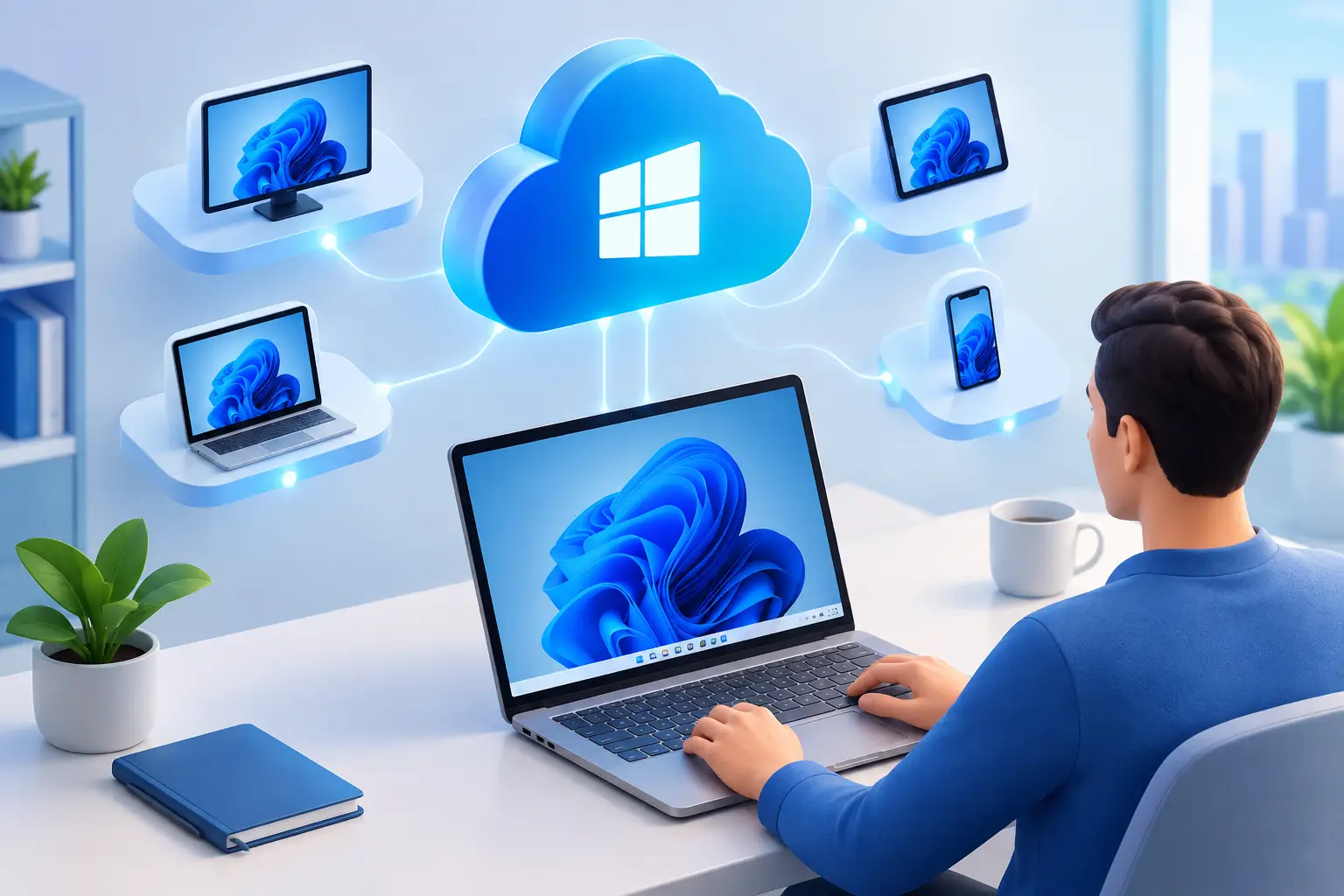
Then there is access. A strong cloud PC should be quick to create, easy to reconnect to, and available from a Mac, laptop, desktop, or browser. If it takes too long to start or feels clunky to use, people stop using it for daily work.
Cloud PC vs cloud server for AI development
This is where a lot of people make the wrong comparison.
A cloud server can be powerful, but it is often built for infrastructure users first. You may need to configure remote access, storage, drivers, security rules, and desktop tools yourself. That is fine if you want infrastructure control. It is less appealing if you just want to open a machine and get to work.
A cloud PC is usually the better fit for AI developers who want a usable development environment, not an ops project. You get a full desktop, faster setup, and a workflow that feels closer to sitting down at a powerful local PC.
That does not mean a cloud PC is always better. If you need large-scale distributed training, niche Linux-only server workflows, or fully custom networking, a server environment may still win. But for model experimentation, app development, local inference, notebook-based testing, image generation workflows, and GPU-assisted coding, a cloud PC is often the more practical choice.
How to choose the right specs?
The best cloud PC for ai developers depends on what you are actually building.
If you are learning ML, testing notebooks, using smaller models, or running local AI apps, you do not always need the biggest machine available. What you need is stability, enough VRAM for your tools, and enough RAM to keep your environment responsive.
If you are working with larger checkpoints, heavier image generation pipelines, fine-tuning workflows, or multiple GPU-accelerated apps at once, you need more headroom. That usually means stepping up both system memory and storage, not just GPU power.
For many developers, the sweet spot looks like this: a dedicated NVIDIA GPU, enough CPU to keep data prep and general desktop work smooth, at least mid-tier RAM, and persistent SSD storage that can hold datasets, environments, and project files without constant cleanup.
The mistake is chasing headline specs without thinking about workflow. If you are constantly reconnecting, reinstalling packages, or moving files around because storage is too limited, the machine is not saving time. It is creating friction.
What AI developers should look for before buying?
Price matters, but pricing structure matters more.
Many AI developers do not need a machine running 24/7. They need burst access for a few hours, maybe a few days, then nothing for the rest of the week. That makes hourly-first billing far more practical than locking into a large monthly cost too early.
Setup speed also matters more than people expect. If creating a machine takes too long, you lose the main advantage of cloud access. Fast provisioning changes behavior. You are more likely to test an idea, spin up a stronger machine for a deadline, or move a project off your local device when access feels immediate.
Latency is another overlooked factor. AI development is not competitive gaming, but desktop responsiveness still affects productivity. Slow input response, laggy windows, or poor image quality make long work sessions annoying. A performance-focused remote protocol is worth paying attention to.
You should also check whether the platform gives you a full Windows environment instead of a restricted workspace. Many AI developers use a mix of tools that span coding, file management, browser-based dashboards, launchers, and GUI-based apps. A normal desktop is often easier to live with than a stripped-down environment.
Where most cloud options fall short?
A lot of services look good on paper and disappoint in practice.
Some focus on enterprise virtual desktops and feel overbuilt for individual users. They are often more complex to configure and less transparent about actual performance. Others are cheap, but use shared resources that create inconsistent results under load.
There are also platforms that offer GPU access but treat storage like an afterthought. That can be a dealbreaker for AI work. Re-downloading models and rebuilding environments is not a small inconvenience. It is lost time every week.
Then there are consumer options aimed mostly at gaming. Those can be great for entertainment, but not always for development. If the environment is too locked down, lacks flexibility, or does not give you the control of a real desktop, it stops being useful once your workflow goes beyond launching apps.
A practical fit for real AI workloads
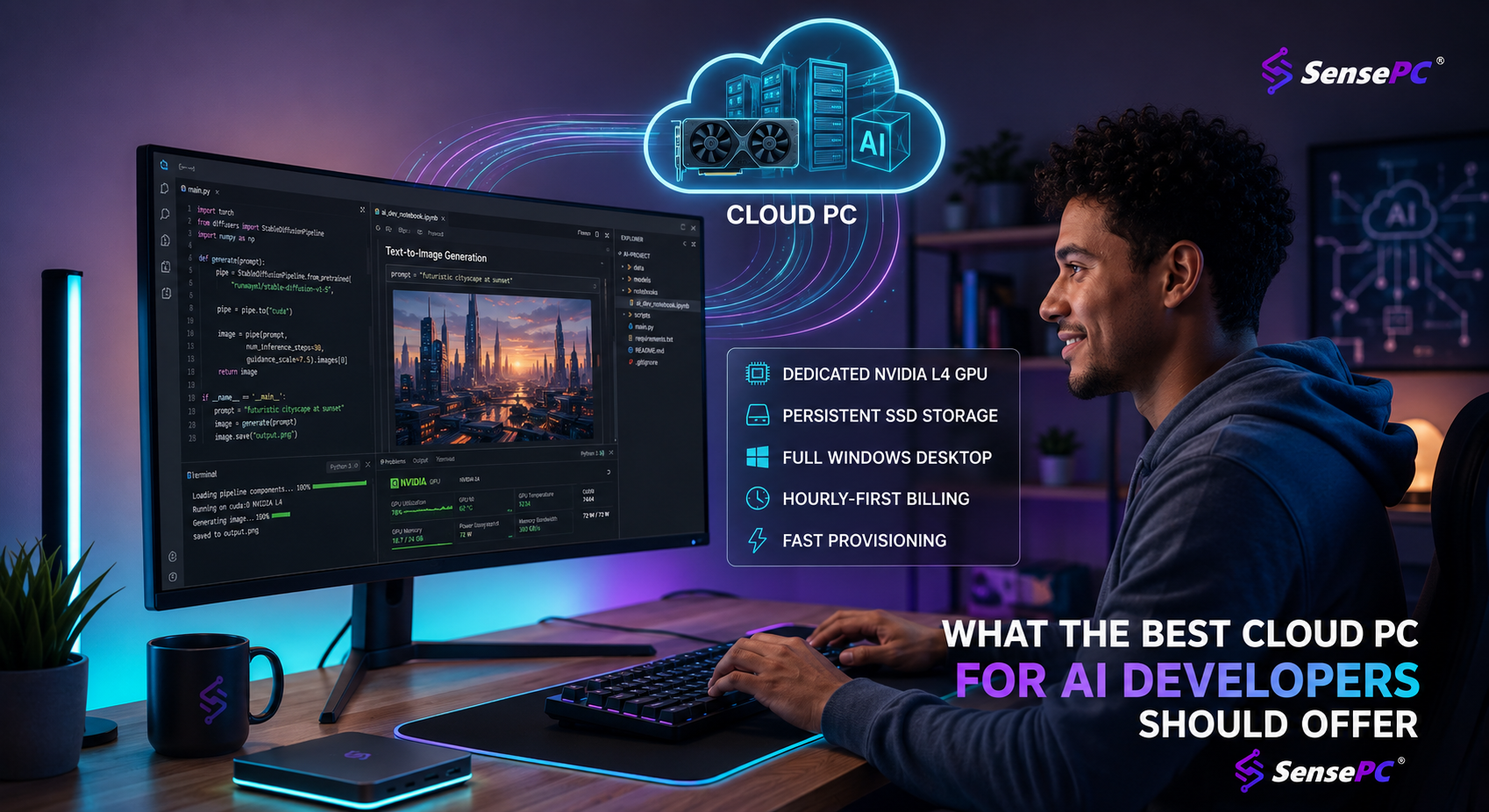
For AI developers who want a full Windows machine with dedicated GPU power, persistent SSD storage, and fast access without infrastructure overhead, platforms like SensePC make the most practical case. The appeal is simple: create a high-performance cloud PC in a few minutes, connect from the device you already have, and work inside a real desktop environment instead of piecing together a server stack.
That matters if your day includes more than pure model training. Maybe you are coding in an IDE, testing a local AI app, using CUDA tools, organizing project files, running Stable Diffusion or ComfyUI, and switching between browser docs and notebooks. That is not a server-only workflow. It is a desktop workflow, and the machine should support it.
Dedicated NVIDIA L4 GPU configurations are especially relevant here because they give developers a clear performance tier for GPU-accelerated tasks. Add persistent storage and tiered CPU and RAM options, and you get a setup that can scale from learning and testing to more serious project work.
The hourly-first model is also a real advantage. If your AI workload is uneven, paying for access when you need it is often smarter than buying a high-end local machine or paying for a month of idle cloud time.
So what is the best cloud PC for AI developers?
The honest answer is that it depends on whether you want to manage infrastructure or just build.
If you want maximum control over a server environment and do not mind extra setup, a cloud GPU server may still be your best route. But if you want fast access to dedicated GPU power, a persistent Windows desktop, and a simpler path from login to actual work, a cloud PC is the stronger choice.
The best cloud PC for AI developers is the one that gives you enough GPU power for your current tools, enough storage to keep projects intact, enough flexibility to scale up when needed, and pricing that matches how often you actually use it.
That is the real benchmark. Not the flashiest spec sheet. Not the lowest starting price. A machine you can open quickly, trust under load, and return to tomorrow without starting over.
If your local hardware is slowing down your work, that is usually the signal. Stop forcing AI development onto a machine that was never built for it. Use the power when you need it, keep your workflow intact, and let your laptop go back to being just a screen.