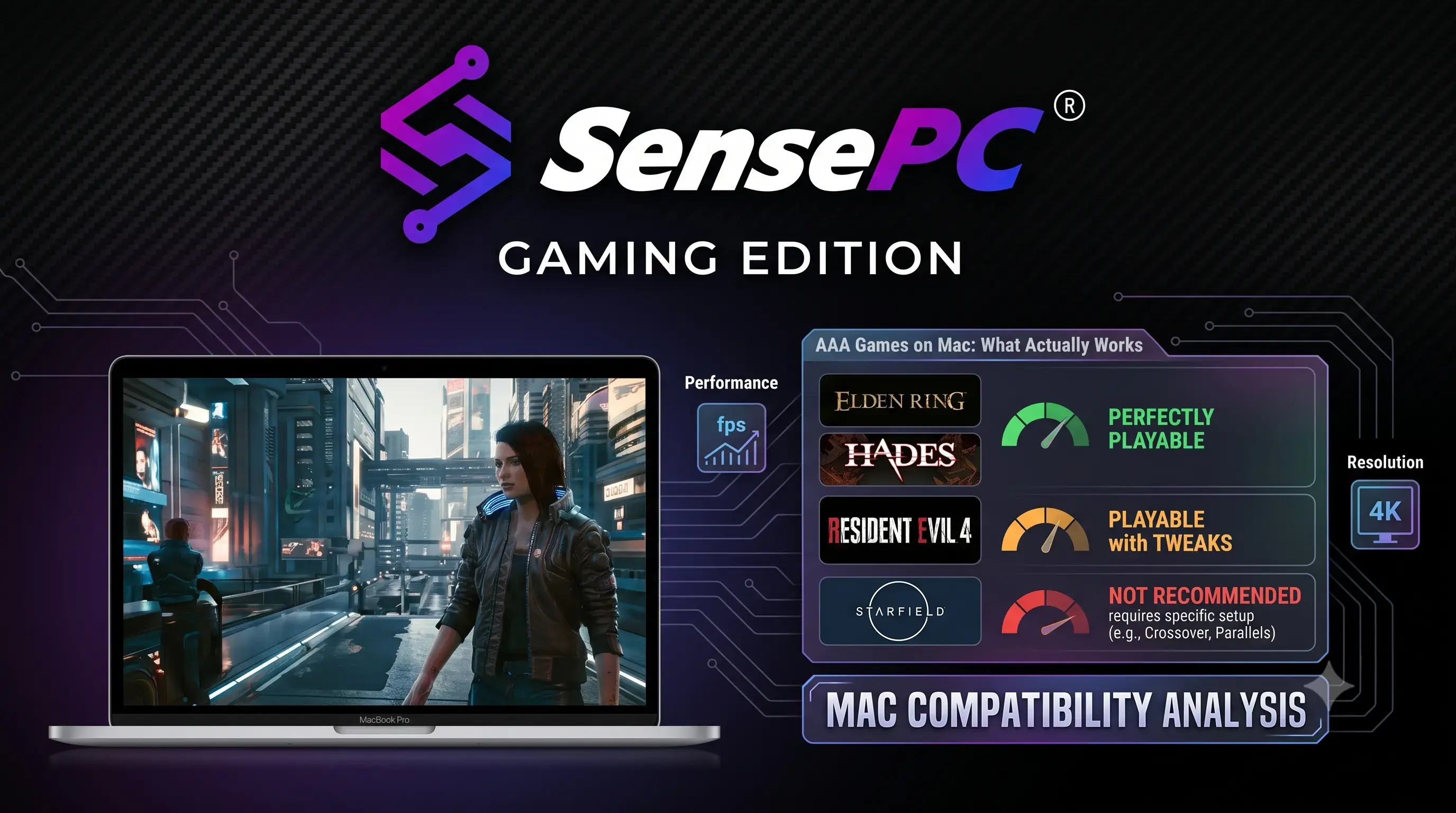
Short answer: AAA games on Mac fall into three categories: a small but growing list of games built natively for Apple Silicon, a much larger list playable through a compatibility layer like Apple's Game Porting Toolkit or Parallels (with real performance trade-offs), and effectively every major release through cloud gaming or a cloud PC, which runs the game on remote hardware and streams it to your Mac. Which path makes sense depends on which specific games you want to play and how much setup you're willing to do.
Mac gaming has a reputation problem that's increasingly out of date. Apple Silicon changed the performance math, Apple's Game Porting Toolkit gave developers a real path to bring Windows titles over, and cloud gaming removed the "my Mac can't run this" problem entirely for anyone with a decent internet connection. None of that means every AAA release just works — it means there are now several real paths to get there, and picking the right one saves a lot of wasted time.
Can You Actually Play AAA Games Natively on a Mac?
Yes, a growing number — but it's still a list, not the default. Apple Silicon (M1 through M4-series chips) gave Macs genuine gaming-capable GPUs for the first time, and a steady stream of AAA and near-AAA titles have shipped natively since: franchises spanning strategy, RPG, and action genres have added Mac versions, often arriving day-and-date with PC and console releases rather than months later, which was rare before Apple Silicon.
Native still means checking game-by-game. A native build being available doesn't guarantee it's well-optimized — some natively-ported titles run noticeably better than others on the same hardware, and a MacBook Air's passive cooling will throttle under sustained load in a way a MacBook Pro won't. Before buying a game expecting native Mac support, check the Mac App Store listing or the publisher's system requirements directly rather than assuming.
Why Do So Many AAA Games Still Launch Windows-Only?
Three practical reasons, not an Apple-vs-everyone conspiracy:
- Development cost. Porting a AAA engine to a new architecture and graphics API (Metal, in Apple's case, instead of DirectX) is real engineering work, and studios weigh it against the size of the Mac gaming market relative to PC and console.
- Anti-cheat systems. Many competitive multiplayer games use kernel-level anti-cheat software that doesn't support macOS at all, which blocks both native ports and most compatibility-layer workarounds regardless of hardware capability.
- Timing and priorities. Even when a Mac version is planned, it often ships after the PC/console launch rather than alongside it, since the primary platforms get development priority.
This is improving — Apple has invested specifically in reducing the porting burden — but it's why "will this specific game run on my Mac" still needs a direct answer rather than a general "Macs can/can't game" assumption.
Your Four Real Options for AAA Games on Mac
| Native | Compatibility Layer | Cloud Gaming | Cloud PC | |
|---|---|---|---|---|
| What it is | Game built for macOS/Apple Silicon | Game Porting Toolkit, CrossOver, or Parallels translating a Windows build | Stream a game from a provider's server (GeForce NOW, Xbox Cloud Gaming, Boosteroid) | Stream a full Windows desktop you control |
| Library | Limited but growing | Large, with per-game compatibility gaps | Limited to each service's supported catalog | Any Windows game, same as a PC |
| Setup | None — install and play | Moderate — install a translation/virtualization layer | Low — subscribe and stream | Low — connect and install |
| Performance | Native, hardware-dependent | Reduced vs. native Windows, varies by game | Depends on your connection, not your Mac | Depends on your connection, not your Mac |
| Anti-cheat games | Works if natively supported | Often blocked | Works if the service supports the title | Works like a real Windows PC — same support as any Windows gaming rig |
Native is the simplest when the specific game you want has a Mac version — no workarounds, best performance ceiling. Compatibility layers (Apple's Game Porting Toolkit, CrossOver, or running Windows through Parallels/VMware) open up a much bigger library, but expect a performance hit versus native Windows and game-by-game reliability, especially for anything with aggressive anti-cheat. Cloud gaming services solve the hardware problem entirely but only for games in that specific service's catalog — you're limited to what GeForce NOW, Xbox Cloud Gaming, or Boosteroid have licensed and support, which won't include everything.
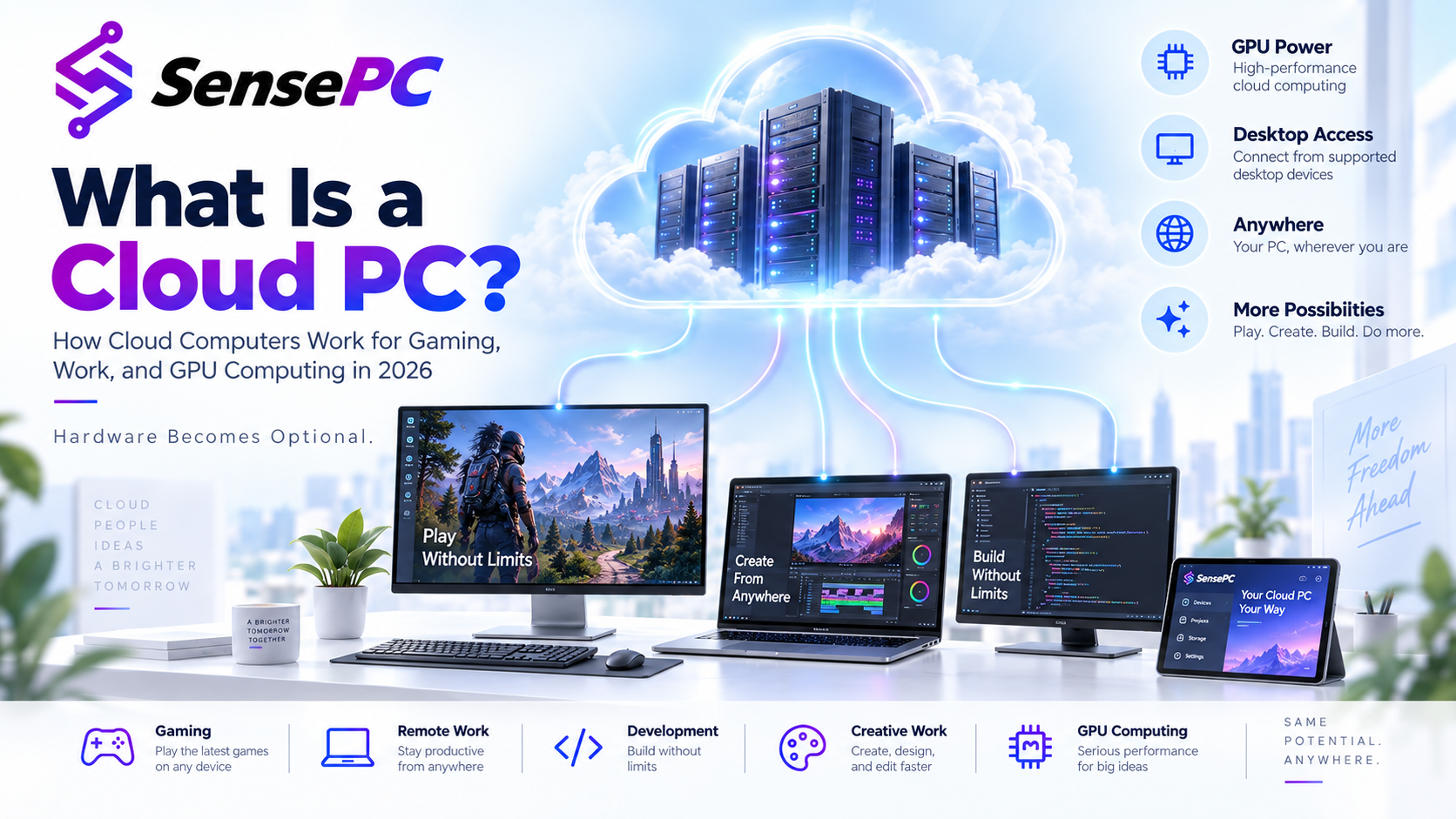
A cloud PC is the fourth option, and it solves a different problem than the other three. Instead of a curated game-streaming catalog, you get a full remote Windows desktop — install Steam, Epic, Battle.net, or GOG, and run the same games a Windows PC would, with the same anti-cheat compatibility a real Windows installation has. SensePC provides this with dedicated NVIDIA L4 GPU configurations, persistent SSD storage for your installed library, and a low-latency Performance Mode for interactive play — accessed from your Mac without replacing it. It's not a replacement for native Mac gaming when a native version exists and runs great; it's the option for the games that will never get a Mac port and that a closed streaming catalog doesn't carry.
What Actually Affects Mac Gaming Performance
Chip and cooling matter more than the OS. An M4-series Mac Mini or MacBook Pro with active cooling will sustain demanding workloads better than a fanless MacBook Air, regardless of whether the game is native or running through a compatibility layer. If you're shopping specifically for gaming headroom, prioritize the chip tier and active cooling over storage or display specs.
Storage fills up fast. AAA titles routinely run 50–150GB installed. Between native titles, a Windows virtual machine if you use one, and cloud-gaming cache, a base-storage Mac can run out of room quickly — check your available space before committing to a large install.
Connection quality decides cloud and streaming performance, not your Mac's own specs. For cloud gaming or a cloud PC, a stable, low-latency connection matters more than anything in your Mac — test with your actual network before relying on it for competitive or fast-paced titles.
How to Decide Which Path Fits You
Start with the specific games you actually want to play, not a general "can my Mac game" question. Check each title's Mac App Store listing or system requirements first — if it's native, you're done. If it's Windows-only, check whether it's in GeForce NOW's, Xbox Cloud Gaming's, or Boosteroid's supported library next, since that's the lowest-setup path when it's available. If the game isn't natively supported and isn't in a streaming catalog — which covers a large share of AAA and niche Windows-only titles, plus anything requiring real Windows anti-cheat — a cloud PC or a local compatibility layer are your remaining options, and a cloud PC avoids the game-by-game reliability guesswork that comes with translation layers.
For occasional play, hourly billing on a cloud PC keeps cost aligned with actual use. For a regular gaming habit, a monthly plan or a local Windows gaming PC may be more cost-effective over time — see SensePC's gaming-ready configurations to compare.
Can I play modern AAA games natively on my Mac?
A growing number, yes — Apple Silicon (M1 through M4-series chips) made native AAA gaming genuinely viable, and more titles ship with day-and-date Mac versions than before. It's still a specific list rather than the default, so check the Mac App Store listing or the publisher's requirements for the exact game you want before assuming it's supported.
Why do many AAA games still launch only on Windows?
Mainly development cost (porting to Apple Silicon and Metal is real engineering work weighed against market size), anti-cheat systems that don't support macOS, and release timing — Mac versions, when planned, often ship after the PC/console launch rather than alongside it.
What are the best native Mac games right now?
This changes regularly as more titles add Apple Silicon support — check the Mac App Store's game charts or the publisher's own system requirements page for current, verified native support rather than relying on a static list, since "native" status can change with game updates.
Can I run Steam games on a Mac, including Windows-only ones?
Steam itself runs natively on Mac, and any native-Mac Steam title works directly. Windows-only Steam games need either a compatibility layer (CrossOver, Apple's Game Porting Toolkit, or Parallels) with game-by-game reliability, or a cloud PC that runs a full Windows desktop where Steam and your Windows library work the same as they would on a PC.
Do M1, M2, M3, and M4 Macs handle games differently?
Generally, each generation improves GPU performance and efficiency, and active cooling (MacBook Pro, Mac Mini, Mac Studio) sustains demanding games better than passive cooling (MacBook Air) under long play sessions. For gaming-focused use, prioritize chip generation and cooling design over base storage or display specs.
What's the fastest way to play a AAA game that isn't available on Mac at all?
A cloud gaming service if the specific game is in its supported catalog (GeForce NOW, Xbox Cloud Gaming, Boosteroid), or a cloud PC if it isn't — a cloud PC gives you a full Windows desktop where you install the game directly through Steam, Epic, Battle.net, or GOG, the same way you would on a Windows PC, without local hardware limits or catalog restrictions.