Cloud PC vs Virtual Desktop: What's the Difference (and Which One Do You Need?)
If you've been researching cloud computing solutions, you've probably run into a confusing mix of terms: Cloud PC, Virtual Desktop, VDI, DaaS, remote desktop, and more.
The problem is that people often use these terms interchangeably—even though they don't always mean the same thing.
For a freelancer who needs a Windows workstation from a Chromebook, a Cloud PC might be the perfect solution. For an enterprise IT department managing thousands of employees, a Virtual Desktop Infrastructure (VDI) deployment may make more sense.
Understanding the difference can save you money, reduce complexity, and help you choose a platform that actually matches your needs. In this guide, we'll break down Cloud PCs and Virtual Desktops in plain English, compare them side-by-side, and help you determine which option is right for you.
What Is the Difference Between a Cloud PC and a Virtual Desktop?
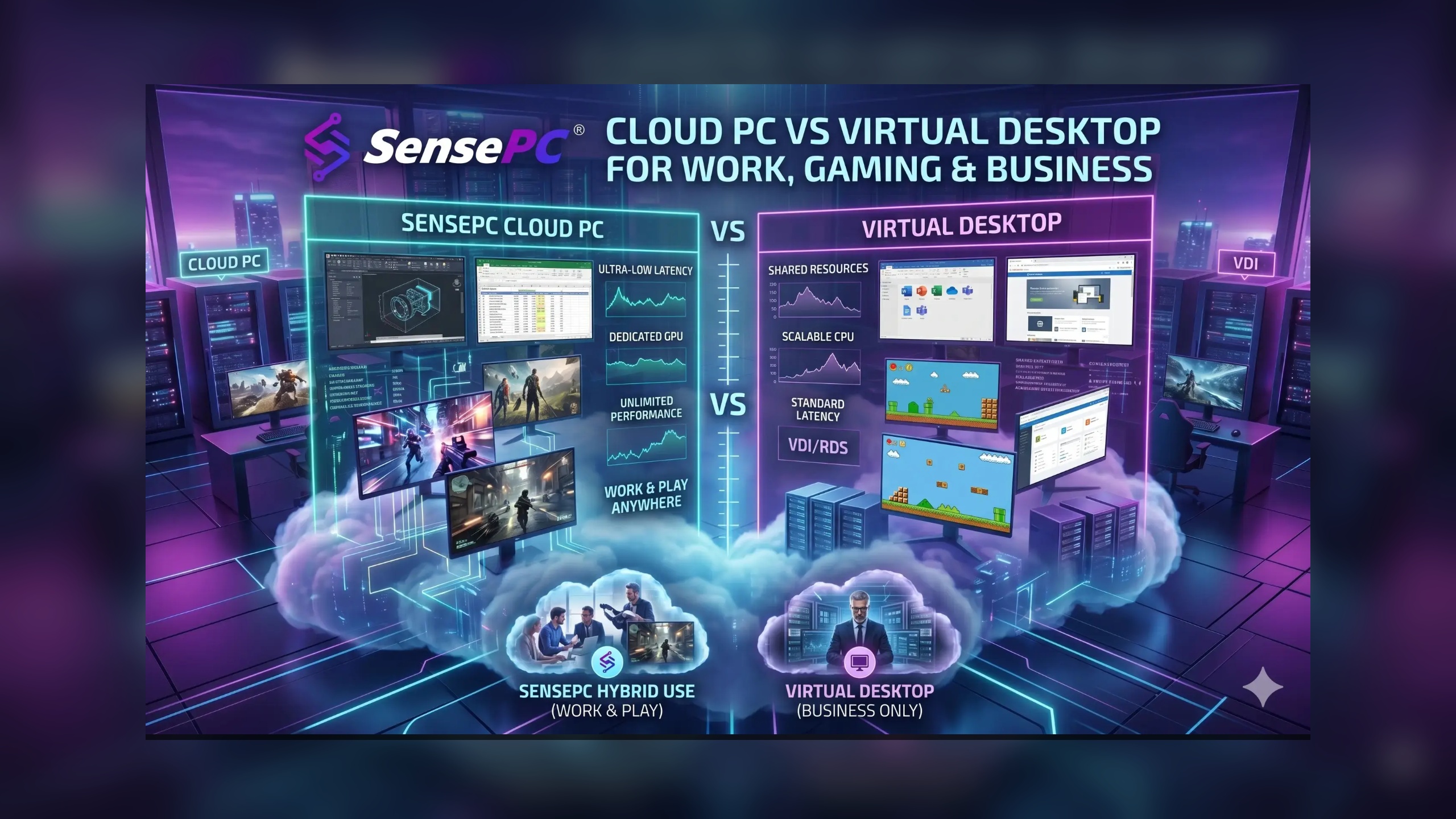
A Cloud PC is a dedicated, personal cloud-based computer assigned to a single user and accessed over the internet. A Virtual Desktop typically refers to a broader desktop virtualization environment—often managed through VDI—where IT teams provision and control desktops for multiple users across an organization.
What Is a Cloud PC?
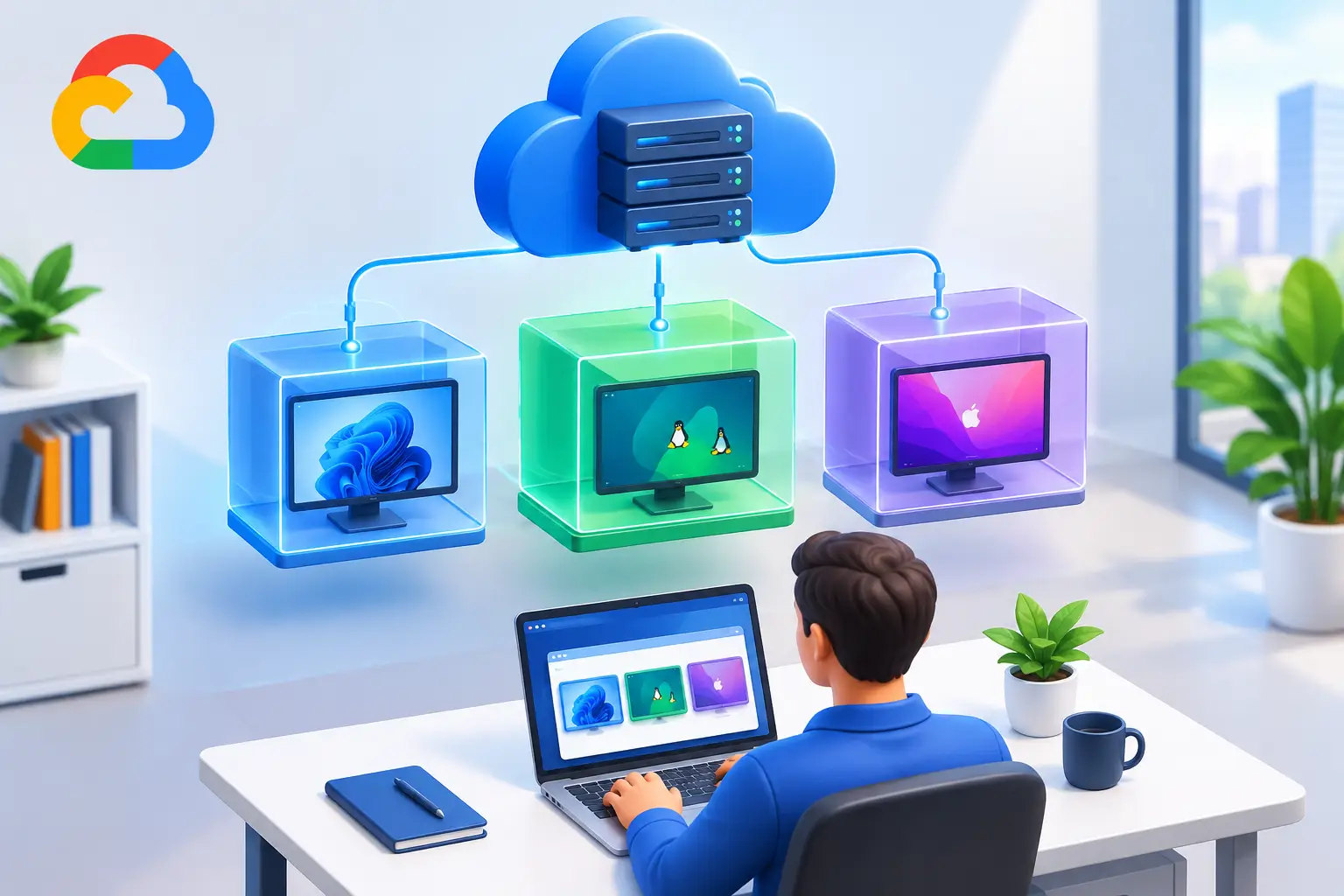
A Cloud PC is a complete Windows computer running in the cloud that you can access from virtually any device.
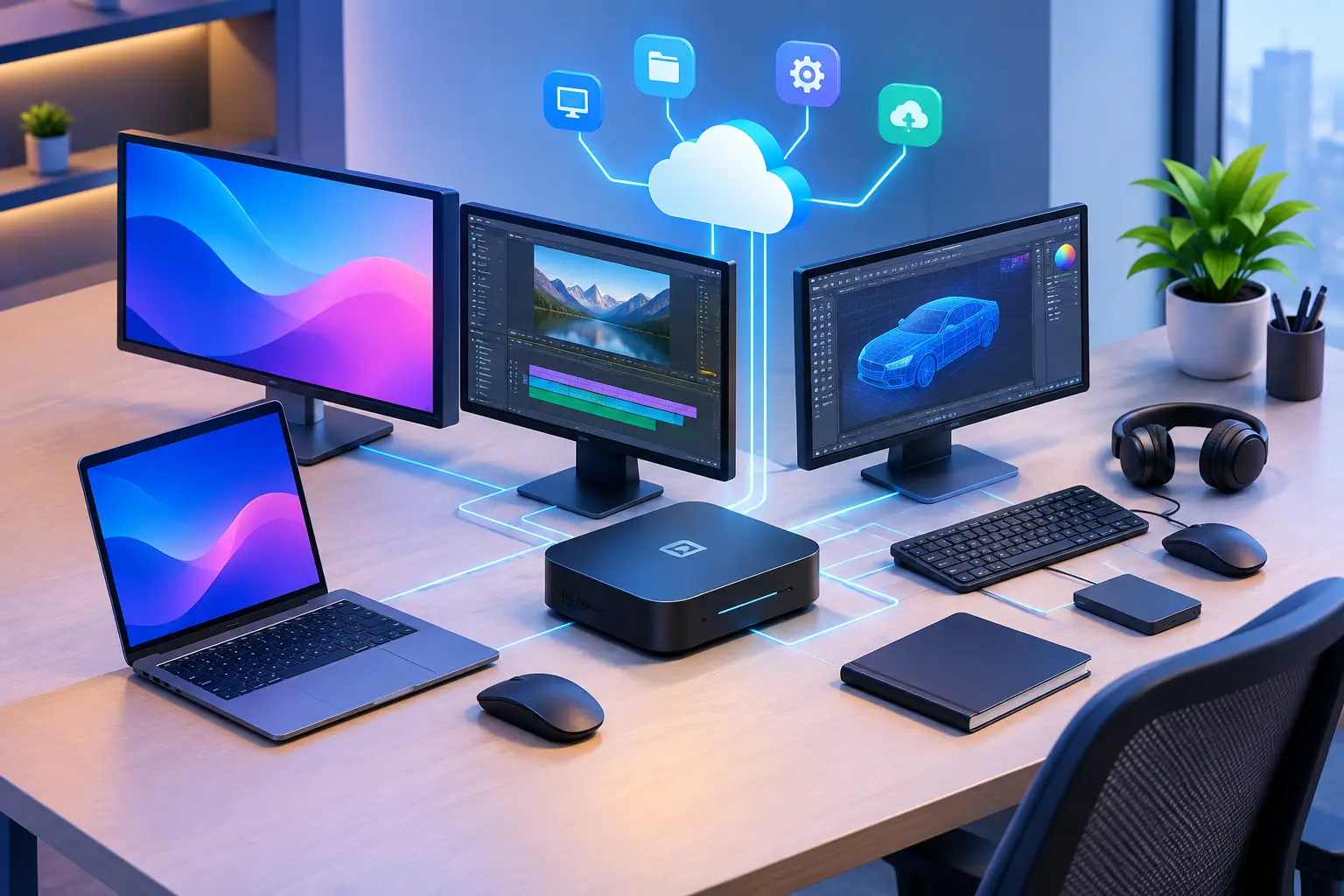
Instead of buying powerful hardware, you connect to a remote computer hosted in a data center. Your applications, files, settings, and computing resources live in the cloud while your screen is streamed to your device.
From the user's perspective, it feels like using a normal PC.
Key Characteristics of a Cloud PC
Dedicated computer for one user
Accessible from any browser or device
No local hardware requirements
Simple self-service setup
Predictable or flexible usage-based pricing
Ideal for individuals and small teams
SensePC as a Practical Example
SensePC is a good example of a modern pay-as-you-go Cloud PC platform.
Instead of purchasing expensive hardware or configuring complex IT infrastructure, users can launch a Windows desktop in the cloud and access it through a browser. Billing options include hourly, daily, and monthly plans, making it practical for occasional users as well as professionals who need consistent access.
For many users, the experience is closer to "renting a personal cloud computer" than deploying enterprise virtualization infrastructure.
What Is a Virtual Desktop (VDI)?
A Virtual Desktop is a desktop environment hosted remotely and delivered to users over a network.
In many business environments, this is implemented using Virtual Desktop Infrastructure (VDI). VDI allows organizations to host multiple virtual desktops on centralized servers while IT administrators manage security, updates, policies, and user access.
Popular enterprise VDI solutions include:
Microsoft Azure Virtual Desktop
Citrix Virtual Apps and Desktops
VMware Horizon
These platforms are designed primarily for organizational management rather than individual convenience.
Key Characteristics of VDI
Centralized administration
Enterprise-grade security controls
Multi-user deployment
IT-managed environment
Advanced policy management
Suitable for large organizations
While VDI can provide desktop experiences similar to Cloud PCs, the operational model is very different.
Cloud PC vs Virtual Desktop: Side-by-Side Comparison
Feature | Cloud PC | Virtual Desktop / VDI |
Primary User | Individual user | Organizations and enterprises |
Desktop Assignment | Dedicated to one user | Shared or assigned across many users |
Setup Complexity | Simple self-service | Requires IT planning and administration |
Infrastructure Management | Provider-managed | Often IT-managed |
Access Method | Browser or client app | Client software or enterprise portal |
Pricing Model | Monthly, daily, or pay-as-you-go | Enterprise licensing and infrastructure costs |
Scalability | Easy for individuals and small teams | Designed for large-scale deployments |
Maintenance | Minimal user involvement | Managed by IT teams |
Typical Use Cases | Remote work, gaming, freelancing, creative work | Corporate workforce management |
Technical Expertise Required | Low | Medium to high |
Understanding Where Cloud PCs and VDI Overlap
This is where much of the confusion comes from.
Technically, both Cloud PCs and VDI deliver desktops from remote infrastructure. Both rely on virtualization technologies and cloud computing resources.
The distinction usually comes down to ownership, management, and intended use.
Cloud PC Focus
Cloud PCs prioritize:
Individual productivity
Ease of access
Fast deployment
Flexible pricing
Personal computing experiences
VDI Focus
VDI prioritizes:
Centralized management
Security governance
Regulatory compliance
Workforce standardization
Large-scale deployments
In other words, Cloud PCs are generally user-centric, while VDI environments are IT-centric.
Which One Should You Choose?
The best option depends on your specific needs.
For Remote Workers
A Cloud PC is usually the better choice.
You get access to a dedicated Windows environment from home, a laptop, a tablet, or even a Chromebook without maintaining multiple devices.
Choose a Cloud PC if you want:
Simple setup
Flexibility
Access from anywhere
No IT involvement
For Freelancers
Freelancers often benefit from the flexibility of a pay-as-you-go Cloud PC.
If you're a designer, developer, marketer, or consultant, you may not want to invest in high-end hardware for occasional projects.
A Cloud PC lets you scale resources up or down based on workload.
For Students
Students frequently need access to Windows applications that don't run well on their existing devices.
A browser-accessible Cloud PC can provide:
Access to specialized software
Compatibility with Windows applications
Lower hardware costs
Remote access from anywhere
For Gamers
Gaming is one area where Cloud PCs can offer significant advantages.
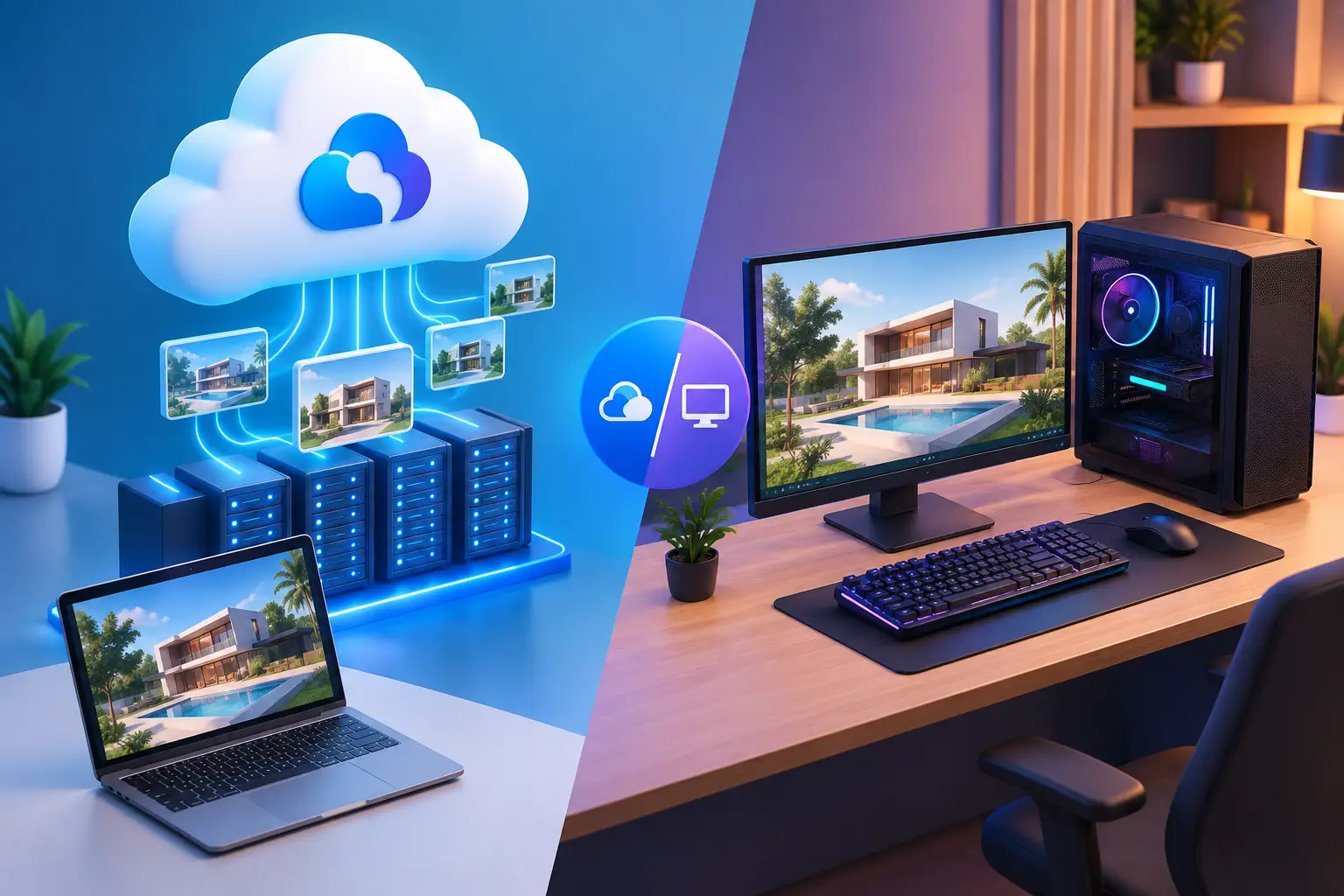
Instead of purchasing expensive gaming hardware, users can access powerful cloud resources on demand. The exact experience depends on network quality and hardware specifications, but Cloud PCs can be a practical option for certain gaming workloads.
For Small Businesses
Small businesses often sit between individual users and enterprise IT environments.
A Cloud PC can be a cost-effective option when:
You don't have a dedicated IT department
Employees work remotely
Hardware replacement costs are growing
You need quick onboarding
For Enterprise IT Teams
VDI is often the stronger option when:
Managing hundreds or thousands of users
Enforcing strict security policies
Supporting compliance requirements
Standardizing employee environments
Large organizations typically benefit from the control and governance that VDI platforms provide.
Why SensePC Fits the Cloud PC Category
SensePC aligns more closely with the Cloud PC model than traditional enterprise VDI.
Unlike platforms such as Azure Virtual Desktop or Citrix, users don't need to design infrastructure, configure virtual machine pools, or manage complex deployment policies.
Instead, the platform focuses on accessibility and simplicity.
Key characteristics include:
Self-service deployment
Browser-based access
No infrastructure management
Dedicated Windows desktop experience
Hourly, daily, and monthly billing
No specialized IT setup required
That makes SensePC particularly appealing to freelancers, students, remote workers, creators, and small businesses looking for computing power without infrastructure overhead.
Cost Considerations: Cloud PC vs Virtual Desktop
Cost is often one of the biggest deciding factors.
Cloud PC Costs
Typical Cloud PC pricing focuses on:
Pay-as-you-go usage
Monthly subscriptions
Resource-based plans
Predictable scaling
Users only pay for the resources they need.
VDI Costs
VDI deployments often include:
Infrastructure expenses
Licensing costs
Administrative overhead
IT staffing requirements
Ongoing maintenance
For large organizations, these costs can be justified by centralized management and security benefits. For individual users, they are usually unnecessary.
The debate around Cloud PC vs Virtual Desktop isn't really about which technology is better. It's about choosing the right tool for the right situation.
If you're an individual user, freelancer, student, gamer, or small business owner looking for a dedicated Windows desktop that's easy to access and simple to manage, a Cloud PC is often the most practical option.
If you're responsible for managing large teams, enforcing security policies, and maintaining standardized computing environments across an organization, a VDI-based virtual desktop solution may be the better fit.
The good news is that both approaches make computing more flexible by moving the desktop experience into the cloud. The key difference is who manages it—and who it's built for.
What is the main difference between a Cloud PC and VDI?
A Cloud PC is typically a dedicated desktop assigned to a single user and managed by the provider. VDI is an enterprise virtualization framework that allows IT teams to manage and deliver desktops to multiple users across an organization.
Is a Cloud PC the same as DaaS?
Not exactly. Desktop as a Service (DaaS) is a service model that delivers cloud-hosted desktops. Many Cloud PC solutions operate under the broader DaaS category, but Cloud PCs are usually focused on individual user experiences rather than enterprise desktop management.
Who should use a Cloud PC?
Cloud PCs are ideal for remote workers, freelancers, students, creators, gamers, and small businesses that need access to a Windows desktop without investing in expensive hardware or managing complex IT infrastructure.
Try a Cloud PC Without the Hardware
If you're exploring cloud computing options and want a dedicated Windows desktop that's accessible from virtually any browser, consider testing a Cloud PC experience first. A pay-as-you-go model can help you evaluate performance, flexibility, and cost before committing to new hardware or enterprise infrastructure.
What should I look for when choosing a cloud-based virtual desktop provider?
When choosing a cloud-based virtual desktop provider, consider:
CPU and RAM specifications
GPU availability and graphics performance
Storage capacity and type
Network latency and bandwidth
Data center locations
Operating system support
Application compatibility
Remote-access technology
Pricing and billing limits
Scalability
Customer support
Security and data protection
For users comparing SensePC with other cloud PC providers, these factors provide a more useful basis for evaluating which service matches their workload.
Is SensePC a cloud-based virtual desktop provider?
Yes. SensePC is a cloud computing platform that provides remotely accessible PC environments. It can be relevant to users searching for a cloud PC, virtual PC, cloud desktop, remote desktop, or cloud-based virtual desktop.
Depending on the selected configuration and intended workload, a SensePC cloud computer can be used for productivity, remote work, software development, creative applications, and gaming-related workloads.