Buying a gaming PC used to mean one thing: spend big now, hope it still feels fast in two years, and accept that upgrades, heat, noise, and hardware failures are part of the deal. A cloud gaming PC service changes that equation. Instead of owning the box under your desk, you rent high-performance Windows gaming hardware when you need it and play from the device you already have.
That sounds simple, but not every service is built for actual PC gamers. Some platforms are really remote desktops with a gaming label. Others stream a fixed game library and call it cloud gaming. If you want a real gaming PC in the cloud, the details matter. Latency matters. GPU allocation matters. Storage matters. Billing matters. The difference between a playable setup and a frustrating one is usually hiding in those details.
What a cloud gaming PC service actually is
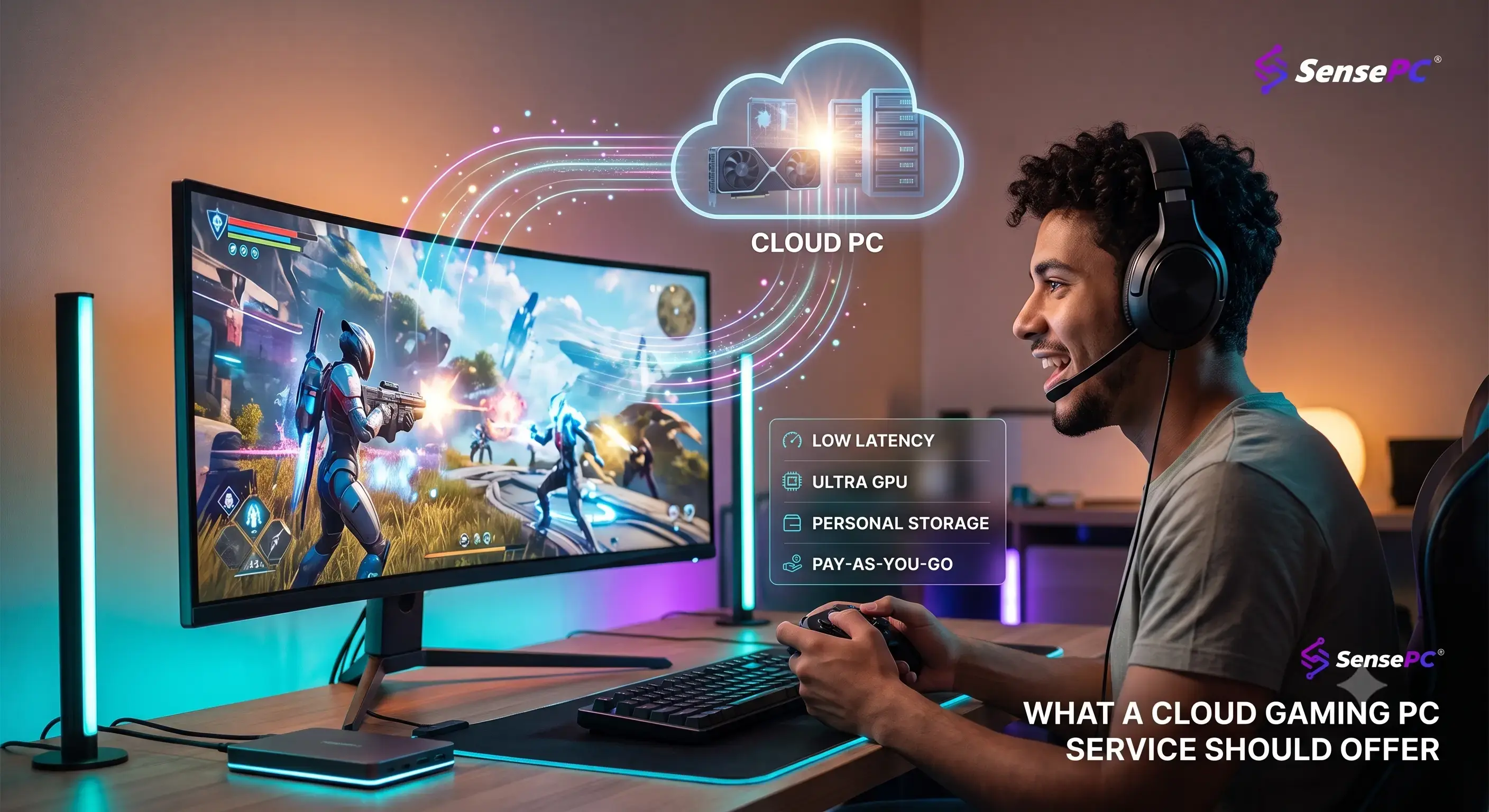
A true cloud gaming PC service gives you access to a dedicated or reserved Windows machine running in a data center, with gaming-grade hardware and enough control to install launchers, update drivers when needed, manage saves, and play the games you already own. It behaves more like a personal gaming PC than a locked-down streaming app.
That distinction matters because PC gaming is messy in a good way. Players use Steam, Epic, Battle.net, EA app, GOG, mods, Discord, overlays, controller software, and game-specific settings. If the service removes too much control, it stops feeling like PC gaming and starts feeling like a limited console stream.
The strongest services keep the experience simple without stripping out flexibility. You should be able to launch a machine fast, sign in, install what you need, and get into a game without dealing with enterprise IT menus or virtual desktop complexity.
The performance bar is higher than most marketing suggests
The phrase “gaming-ready” gets used loosely. In practice, a cloud gaming PC service needs to clear a much higher bar. You are not just rendering a game. You are rendering it remotely, encoding the video feed, sending it across the internet, decoding it on your local device, and translating your inputs back to the server in real time.
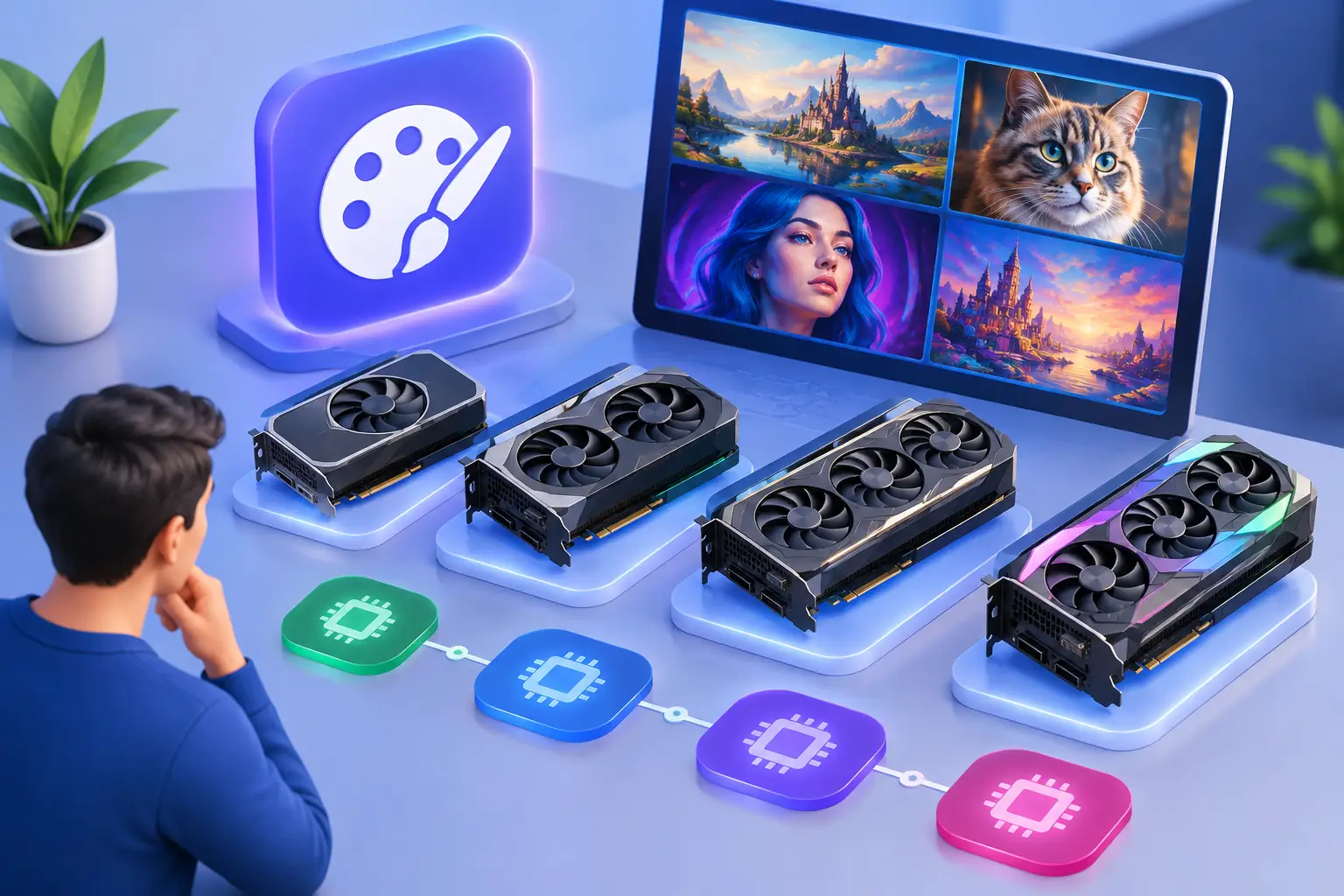
That means raw specs still matter. A dedicated GPU matters. CPU headroom matters. Fast SSD storage matters. If the underlying hardware is weak, streaming quality settings cannot save the experience. You will feel it in frame pacing, load times, texture pop-in, and the general responsiveness of the desktop before you even launch a game.
This is where many generic cloud desktops fall short. They may be fine for office apps or light 3D work, but gaming pushes hardware differently. AAA titles are demanding. Competitive games punish delay. Open-world installs are massive. A serious service needs enough GPU and CPU performance to handle modern titles without turning every session into a settings compromise.
Low latency is not a feature line. It is the product.
Gamers tend to focus on GPU names first, which is fair, but low latency is what determines whether the machine feels local enough to use. A cloud gaming PC service can have strong hardware on paper and still feel off if the streaming stack is inefficient or the server location is too far away.
Input lag is cumulative. Your keyboard or controller adds a little. Your network adds more. Encoding and decoding add more. The game engine adds its own delay. If a provider is not optimized for gaming, the total becomes obvious fast, especially in shooters, racing games, and anything with precise timing.
This is why gaming-first delivery matters. Protocol choice matters. Performance mode matters. Data center placement matters. The service should be designed around responsiveness, not just remote access. If it feels like you are controlling a video instead of a PC, the service is missing the point.
Persistent storage separates real utility from session rental
A surprising number of people do not think about storage until the second or third session. Then reality hits. Nobody wants to reinstall a 100 GB game every time they log in. Nobody wants saves, launchers, patches, and settings wiped because the machine resets after logout.
Persistent SSD storage is one of the clearest signs that a cloud gaming PC service is built for repeat use. It turns the platform from a temporary demo into something practical. Your games stay installed. Your files remain in place. Your desktop stays yours.
That matters even more if you rotate between a few big titles, test mods, or split your time between gaming and general Windows use. Without persistent storage, convenience disappears quickly. With it, the service starts to feel like your own gaming machine, just not one you have to buy, cool, clean, or upgrade.
Flexible billing is where cloud gaming starts making financial sense
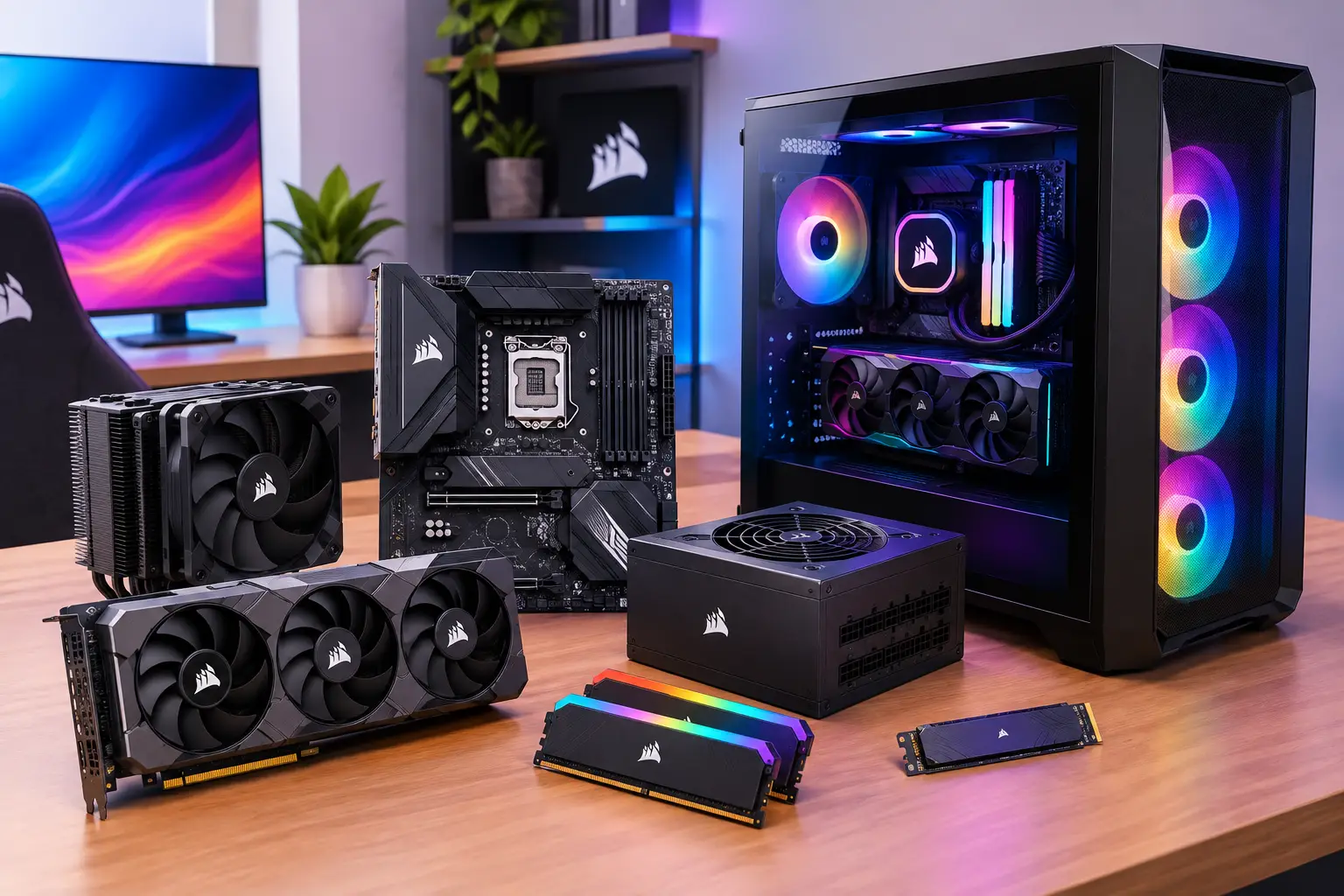
The old gaming PC model is simple but expensive. You pay upfront for the tower, GPU, storage, peripherals, and eventually the next round of upgrades. That works if you play constantly and want local hardware no matter what. It works a lot less well if your play time comes in bursts or you want high-end performance without dropping thousands at once.
A cloud gaming PC services makes the most sense when billing matches actual use. Hourly access is especially powerful because it turns gaming hardware into a utility. You pay for the sessions you use instead of carrying the full cost of ownership every day of the month.
That does not mean hourly billing is always the cheapest option. If you play every day for long sessions, a monthly plan can be better. If you only play on weekends, hourly or daily access usually wins. The smart model is not one rigid pricing plan. It is a ladder of options that lets users match cost to habit.
That flexibility also changes who can access serious PC performance. Students, laptop users, Mac owners, and players who travel or move between devices do not need to commit to a full hardware purchase just to run demanding games.
Device freedom is a bigger advantage than most buyers expect
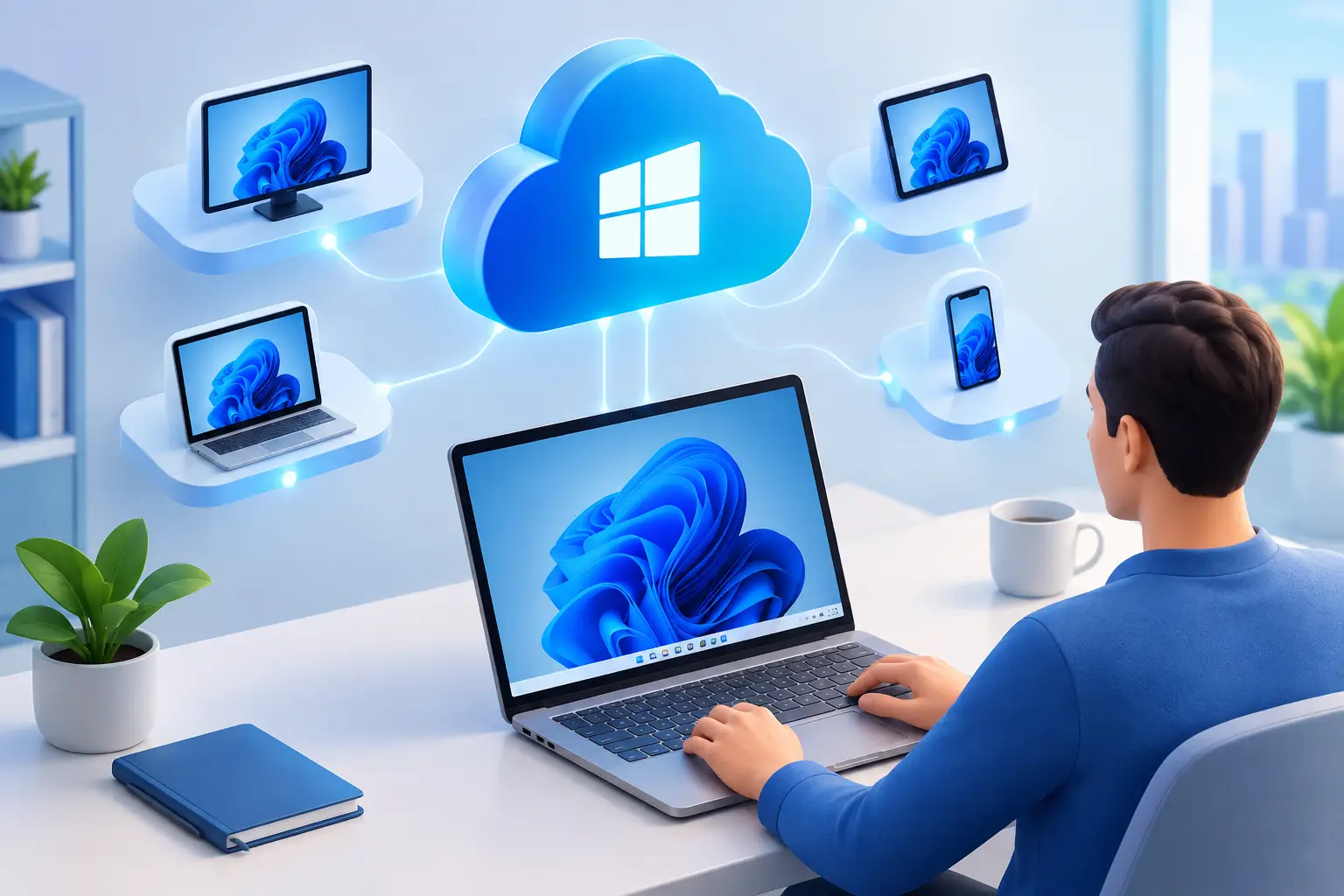
A local gaming rig locks your best experience to one physical machine. A Best cloud gaming PC service does the opposite. It lets you run a high-performance Windows gaming environment from a regular desktop, a thin laptop, or a Mac that has no business running modern AAA titles on its own.
This is not just about convenience. It is about removing hardware dead ends. Plenty of people already own a good screen, keyboard, mouse, headset, and internet connection. What they do not own is a current gaming GPU. With cloud access, that missing piece becomes on-demand instead of a major purchase.
There are trade-offs, of course. You still need stable internet. Your home network quality matters. Wi-Fi can be fine, but wired is better when possible. If your connection is inconsistent, cloud gaming will expose that faster than Netflix or YouTube ever will.
What to look for before you choose a service
If you are comparing options, skip the vague claims and check the operating details. Start with provisioning time. Fast setup matters because the service should feel closer to launching hardware than waiting for IT approval.
Then look at the GPU class, CPU and RAM tiers, storage persistence, and whether you get a full Windows environment or a locked game catalog. Confirm which launchers you can install and whether the platform supports the games you actually play. Check how sessions are billed and whether you can scale up or down without friction.
One gaming-first example is SensePC, which focuses on on-demand Windows 11 gaming PCs with dedicated NVIDIA L4 GPUs, persistent SSD storage, rapid setup, and hourly-first billing. That product structure makes the value proposition clear: no expensive gaming rig, no upgrade cycle, and no paying for idle hardware when you are not playing.
The best cloud gaming PC service feels boring in the right ways
That may sound strange, but it is true. The ideal experience is not flashy. It is predictable. You launch your machine in minutes, open the launcher you already use, load into your game, and play. No hardware troubleshooting. No driver drama. No wondering whether your aging GPU can handle the next release.
When the service is built well, the cloud part fades into the background. What stays visible is the outcome: high-end PC gaming on hardware you did not have to purchase, maintain, or replace.
For a lot of players, that is not a compromise anymore. It is the smarter model. If the service delivers low latency, real GPU performance, persistent storage, and pricing that tracks how you actually play, owning the box becomes optional. And once that becomes optional, you can start choosing gaming power the same way you choose any other tool - when you need it, at the performance level you need, without carrying the full cost all the time.
That is the standard worth expecting. Anything less is just a remote desktop with better marketing.