Short answer: There are four ways to play PC games in the cloud: stream from a game catalog (GeForce NOW, Xbox Cloud Gaming), rent a full cloud PC (SensePC, Shadow), stream from a gaming PC you already own (Steam Remote Play, Moonlight) or build your own GPU cloud VM. Catalogs are the simplest; a full cloud PC is the easiest way to run any launcher, game or mod without owning gaming hardware.
All four stream the game to your screen; how a cloud PC works covers the mechanics. What differs is which games you can play, what you pay for and how much setup you take on.
The 4 ways to play PC games in the cloud, compared
| Game-streaming catalog | Full cloud PC | Remote play from your own PC | DIY GPU cloud VM | |
|---|---|---|---|---|
| Examples | GeForce NOW, Xbox Cloud Gaming | SensePC, Shadow | Steam Remote Play, Moonlight + Sunshine, Parsec | GPU instances on AWS, Azure or Google Cloud |
| Needs gaming hardware? | No | No | Yes, a gaming PC at home | No |
| Games you can play | Titles the service supports | Anything that runs on Windows* | Anything on your own PC | Anything that runs on Windows* |
| Mods, tools and other launchers | Limited or none | Yes | Yes | Yes |
| Phones and TVs | Yes | Varies by provider | Yes | Depends on your streaming client |
| What you pay for | Subscription (some services have free tiers) | Hourly, daily or monthly access | Nothing extra; you already own the PC | Metered compute, storage and data transfer |
| Setup effort | Minutes | Minutes | Moderate | High |
*Some games' anti-cheat systems block virtual machines or require Secure Boot or TPM 2.0. Check any title you depend on before you commit.
Option 1: Stream from a game catalog
You pick a game from the service's library and it streams straight away. There's no desktop and nothing to manage.
- Strengths: the fastest start; plays on phones, TVs and browsers.
- Limits: only supported titles, possibly only part of your library; no mods, other launchers or non-gaming apps.
Choose it if the games you play are in the catalog and you just want to press play.
Option 2: Rent a full cloud PC
You rent a complete Windows PC with a dedicated GPU and use it like your own. You can install Steam, Epic, Battle.net, GOG or any other launcher, add mods and keep everything on persistent storage.
- Strengths: your whole library plus mods and non-gaming apps; no hardware to buy; hourly billing if you play occasionally.
- Limits: needs a stable, low-latency connection to a nearby region; some anti-cheat titles won't run; supported devices vary by provider.
On SensePC:
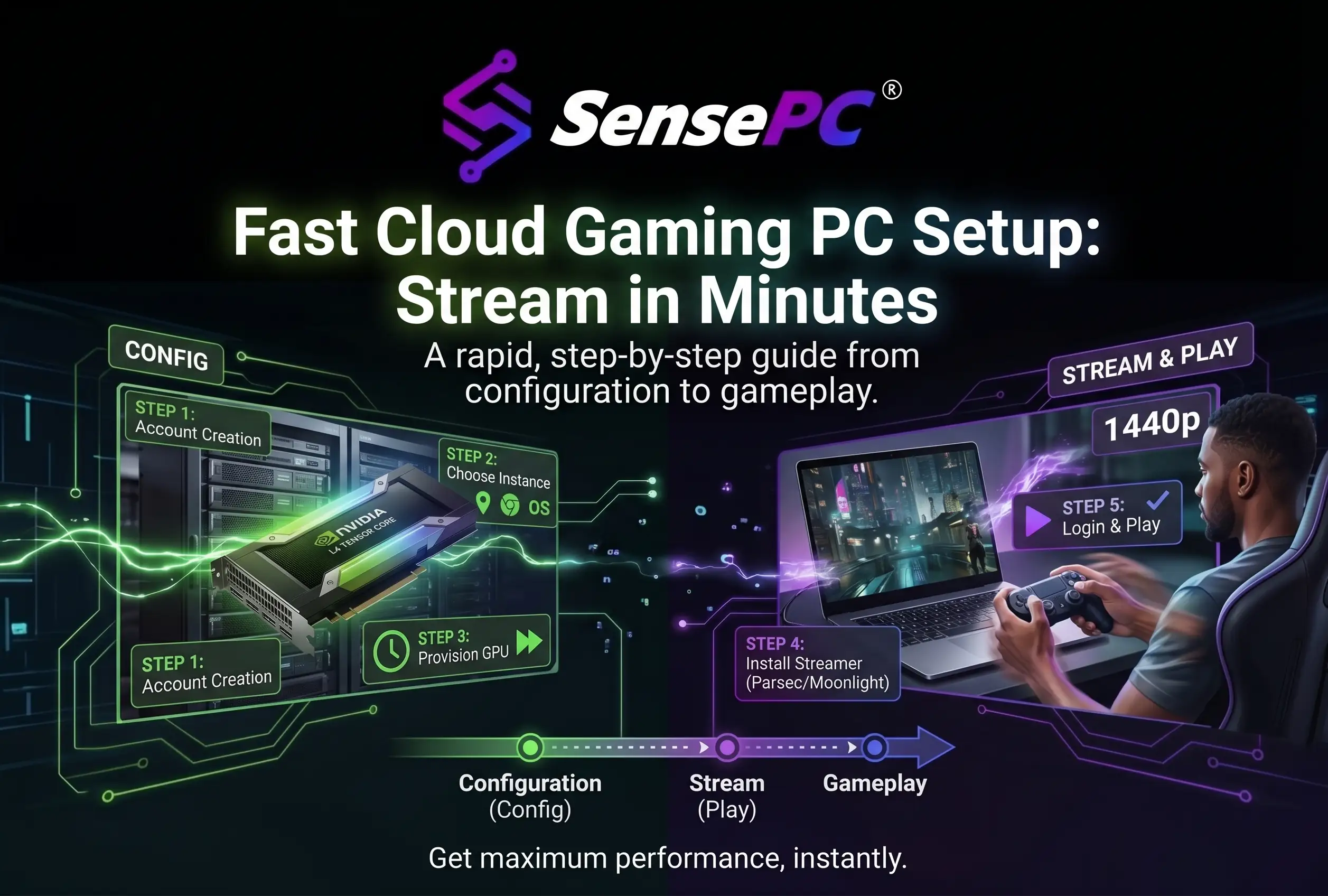
- Hardware: Xtreme tiers run Windows 11 on an NVIDIA L4, with Steam and the Epic Games Launcher preinstalled.
- Setup and billing: a new PC is typically ready in 3–5 minutes, billed hourly, daily or monthly.
- Devices: you play from a Windows, macOS or Linux computer, in the browser or through Performance Mode. Phones and tablets can manage your account but can't stream a session yet.
Choose it if you want your existing PC library, mods included, on a Mac or laptop without buying hardware. For the steps, see the setup walkthrough.
Option 3: Stream from a gaming PC you own
Steam Remote Play, Moonlight (with Sunshine as the host) and Parsec stream games from your own gaming PC to a laptop, TV or phone. Strictly speaking this isn't cloud gaming, since the "server" is your own PC, but it's the option people most often weigh against it.
- Strengths: no hosting fees; your full library, mods and settings.
- Limits: you still buy and maintain the gaming PC; away from home, quality depends on your home upload speed; the PC must be on, or wake remotely, whenever you play.
Choose it if you already own a capable gaming PC and want to play it from the couch or while traveling.
Option 4: Build your own GPU cloud VM
You rent a raw GPU instance from AWS, Azure or Google Cloud and set up Windows, GPU drivers and a streaming host yourself. Then you connect with a client such as Parsec or Moonlight.
- Strengths: full control over hardware, software and region.
- Limits: hours of setup and upkeep; separate charges for compute, disks, public IPs and data transfer that are easy to underestimate; security and patching are on you.
Choose it if you enjoy running infrastructure. If you don't, a full cloud PC gives the same flexibility without the upkeep.
Which way should you choose?
- Your games are in a catalog and you want zero setup → a game-streaming catalog
- You want your whole library, mods included, with no hardware to buy → a full cloud PC
- You already own a gaming PC → remote play
- You want to build and tune every layer yourself → a DIY GPU cloud VM
- You mostly play on a phone or TV → a catalog, or a cloud PC provider that supports those devices
What all four have in common: latency
Every option streams video from a machine that isn't in front of you, so the network round trip to that machine shapes how responsive games feel. Remote play on your home network has the shortest trip. Over the internet, under 30 ms to the data center is ideal. For ping targets and fixes, see Low Latency Cloud Gaming, Explained.