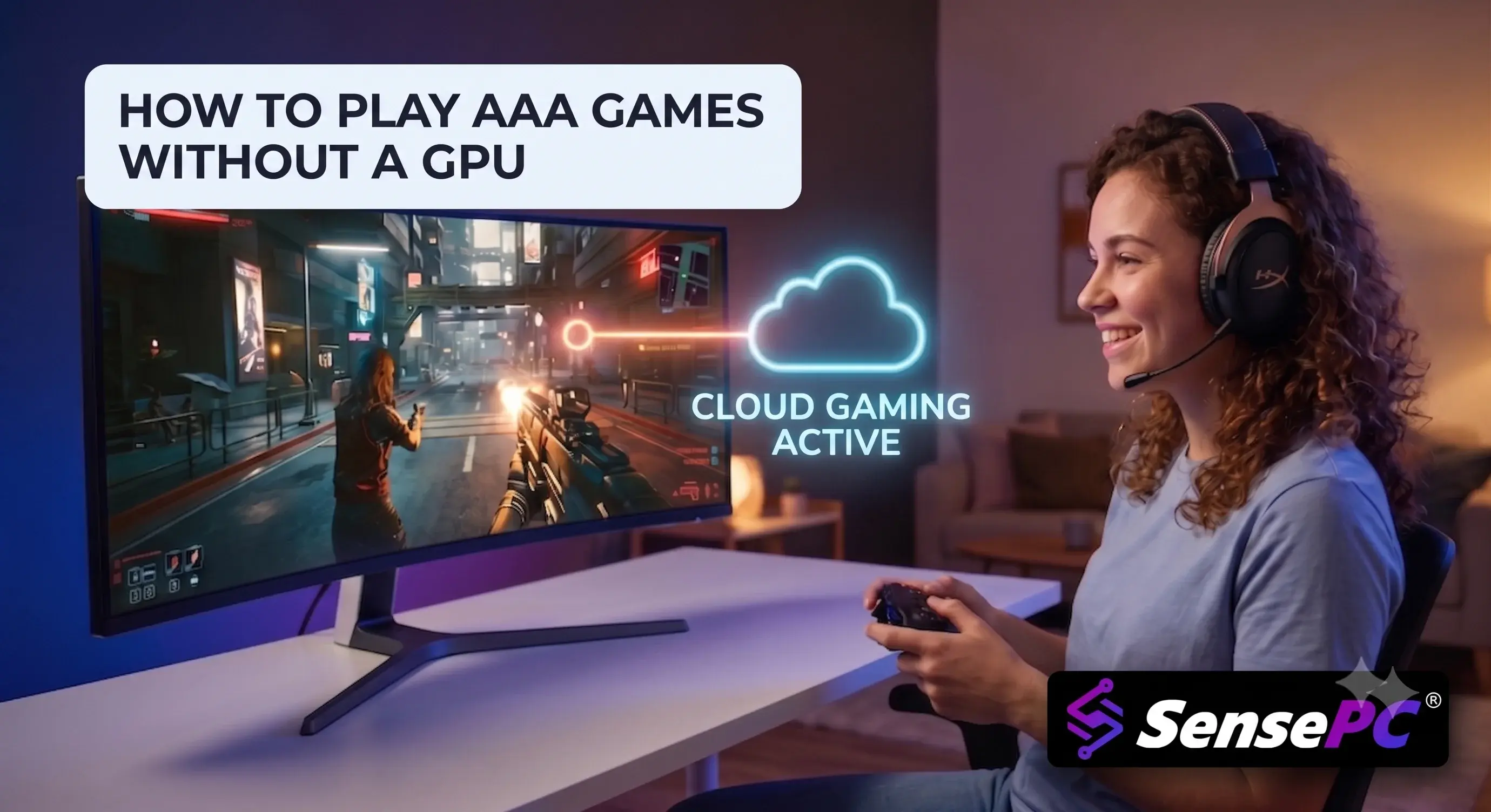
You can play AAA games without a GPU or graphics card by renting a cloud gaming PC — a remote Windows 11 machine with a dedicated NVIDIA GPU that runs your games and streams them to any device. Setup takes about 5 minutes, requires 15–25 Mbps internet for 1080p at 60 FPS, and costs from $2.25/hour with services like SensePC, with no hardware purchase required.
You do not need a gaming tower under your desk to run Cyberpunk 2077, Elden Ring, or Call of Duty at playable settings. If you're searching for how to play AAA games without a GPU or graphics card, the answer is: stop relying on your local machine to do the heavy lifting.
That matters if you are on a Mac, a basic laptop, an older desktop, or a work machine that can barely open a launcher without sounding like it is about to take off. No expensive gaming rig. No upgrade cycle. No hunting for a graphics card at the wrong time and the wrong price.
How to Play AAA Games Without a GPU: 5 Steps
Sign up for a cloud PC service and choose a GPU-backed performance tier that matches the games you play. (See SensePC plans →)
Provision your cloud gaming PC — this takes about 5 minutes and produces a full Windows 11 desktop with a dedicated NVIDIA GPU.
Connect from the device you already own — Mac, laptop, tablet, or old desktop — through your browser or a lightweight streaming client.
Install your launchers and sign in to Steam, Epic Games, Battle.net, or any other platform, exactly as on a local PC.
Download your games and play. Persistent SSD storage keeps your games, saves, and settings between sessions.
Can You Play AAA Games Without a Graphics Card?
Yes — you can play AAA games without a local graphics card, as long as a GPU exists somewhere in the chain. Modern AAA titles depend on GPU processing for lighting, textures, shadows, frame generation, and high-resolution rendering. A device with only integrated graphics will hit low frame rates, stuttering, or outright incompatibility.
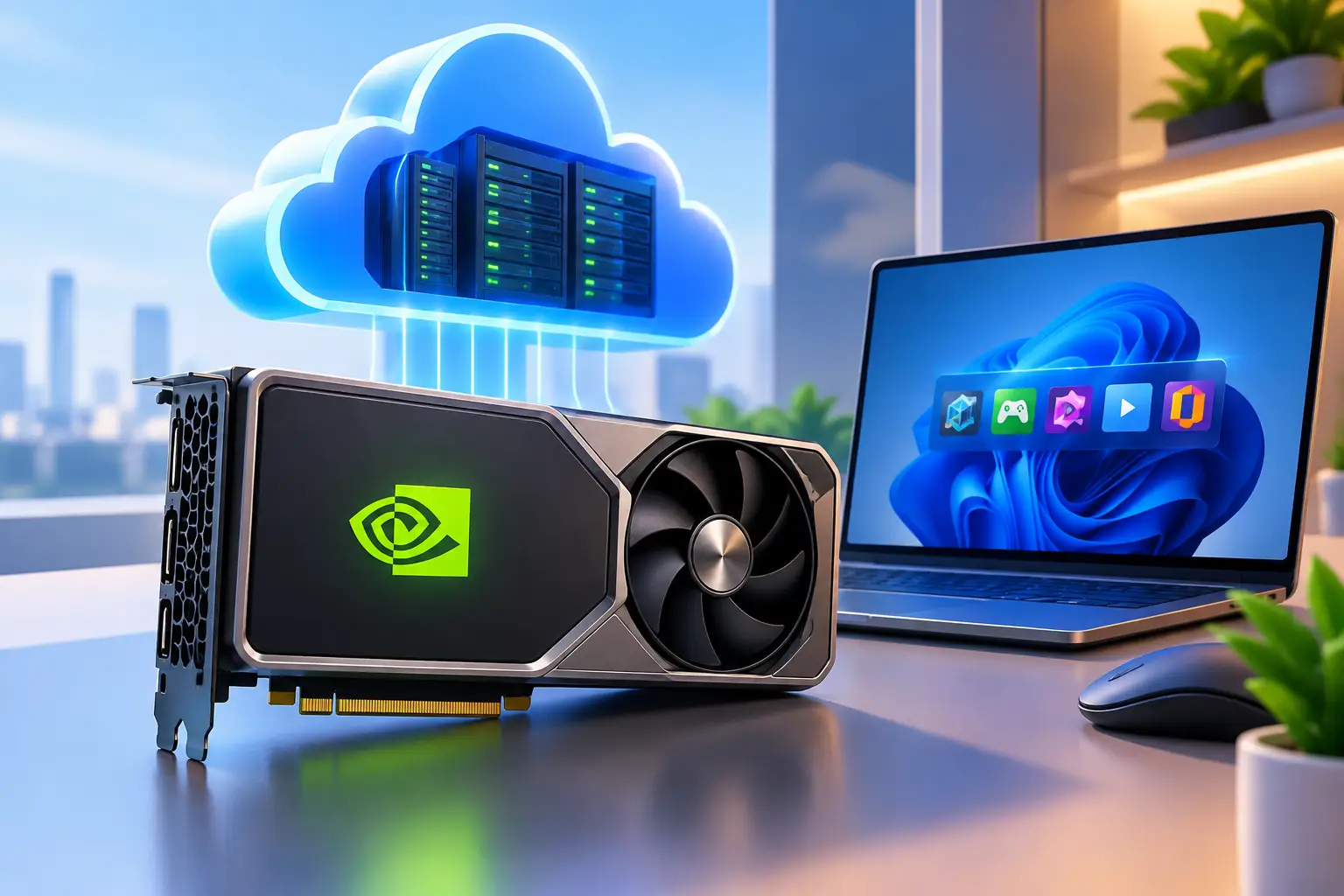
A cloud PC moves that GPU workload to a remote machine. The game runs in the data center; your laptop or Mac becomes the screen, keyboard, mouse, and controller endpoint. You are not squeezing one more year out of integrated graphics — you are borrowing a dedicated GPU on demand.
Cloud Gaming PC vs. Buying a Gaming PC: Comparison
Factor | Cloud Gaming PC | Local Gaming PC |
Upfront cost | $0 — pay hourly (from $2.25/hr) | $1,200–$2,500+ for an AAA-capable build |
Time to start playing | ~5 minutes | Days to weeks (buy, build, configure) |
Works on Mac / thin laptops | Yes — any device with a browser | No — Windows hardware required |
Upgrades & maintenance | Handled by the provider | Your cost and your time |
Best for | Occasional/mixed use, Mac users, travelers | Daily long-session gamers, elite esports |
Offline play | No — requires internet | Yes |
Competitive latency | Near-native with a close region (~30 ms) | Lowest possible |
Rule of thumb: if you game every day for long sessions, local hardware wins on cost over 2–3 years. If you play a few times a week or split time between gaming, work, and creative apps, hourly cloud access is usually the smarter spend.
What Internet Speed Do You Need for Cloud Gaming?
Cloud gaming for AAA titles requires a minimum of 15–25 Mbps sustained bandwidth for 1080p at 60 FPS, and 35 Mbps or more for 1440p or higher settings. Latency to the server matters more than raw speed: under roughly 30 ms to your nearest region feels close to native.
Target experience | Bandwidth | Latency to region | Connection |
1080p / 60 FPS | 15–25 Mbps | < 40 ms | Good 5 GHz Wi-Fi or Ethernet |
1440p / high settings | 35+ Mbps | < 30 ms | Ethernet recommended |
Competitive shooters | 25+ Mbps | < 20–30 ms | Ethernet strongly recommended |
Beyond your connection, the remote machine's specs still matter: AAA games lean on CPU and SSD performance for asset streaming and frame consistency, not just the GPU. Choose a tier that matches your heaviest game — underpowered cloud specs create bottlenecks just like underpowered local ones. Connecting to the nearest available server region is the single biggest latency improvement you can make.
Where to keep expectations realistic: single-player RPGs, racing, action, and casual multiplayer feel responsive and natural on a cloud PC. For elite competitive esports where every millisecond decides a fight, local hardware retains an edge.
Who Benefits Most From Cloud Gaming?
Mac users — access the full Windows game library without buying separate hardware.
Thin-and-light laptop owners — keep portability, gain AAA performance on demand.
Students — spin up power only when needed instead of committing $1,500+ upfront.
Remote workers and creators — one machine handles demanding Windows applications by day and gaming by night.
You are not buying a single-purpose box. You are accessing a high-performance PC when needed, from the device you already own.
How to Get the Best Cloud Gaming Experience
Use Ethernet if possible; otherwise strong 5 GHz Wi-Fi.
Connect to the nearest available server region.
Close bandwidth-heavy apps (downloads, backups, video streaming) during play.
Pick a cloud PC tier that matches your actual games — check requirements first.
Prioritize frame-rate stability over maximum settings; a smooth 1080p/1440p session beats an inconsistent 4K one.
Test controllers and peripherals early. Standard controllers work out of the box; verify niche hardware before a long session.
Do streamed AAA games actually look good?
Yes. Streamed AAA games look good when the host machine has a dedicated GPU and your connection is stable. Because you are no longer limited by your local hardware, the game can run at higher settings on the remote system than your laptop could manage on its own.
Is cloud gaming cheaper than buying a gaming PC?
Cloud gaming is cheaper than buying a gaming PC for anyone who plays a few sessions per week or less. An AAA-capable local build costs $1,200–$2,500 upfront plus upgrades, while hourly cloud access starts around $2.25/hour with no hardware bill, depreciation, or repairs. Daily long-session gamers eventually save with local hardware.
Will all my games work on a cloud PC?
Most games work on a cloud PC because it is a standard Windows 11 environment — your own launchers, settings, and mods, with far better compatibility than fixed-library streaming services. A small number of titles with strict kernel-level anti-cheat can vary, so check the specific games you care about most.
Do I need a gaming PC to play Elden Ring or Cyberpunk 2077?
No. Elden Ring and Cyberpunk 2077 both run well on a cloud gaming PC streamed to a regular laptop or Mac, provided your connection delivers roughly 15–25 Mbps and under 40 ms latency to the nearest server region.
The Real Shift: Stop Buying Around Occasional Needs
The old model says you must own peak hardware to access peak performance. That logic breaks down if your high-performance needs are occasional, mixed, or spread across gaming, work, and creative use.
The answer to playing AAA games without a GPU is not a hidden tweak or a miracle optimization. It is using the right machine — just not one that lives in your home. The hardware still exists. You simply access it on demand and pay for what you need.
Ready to try it? Spin up a cloud gaming PC in minutes — dedicated NVIDIA GPU, persistent storage, hourly billing from $2.25, and a free trial to see how your favorite games feel before you commit.