How to Play PC Games in the Cloud: 4 Ways Compared
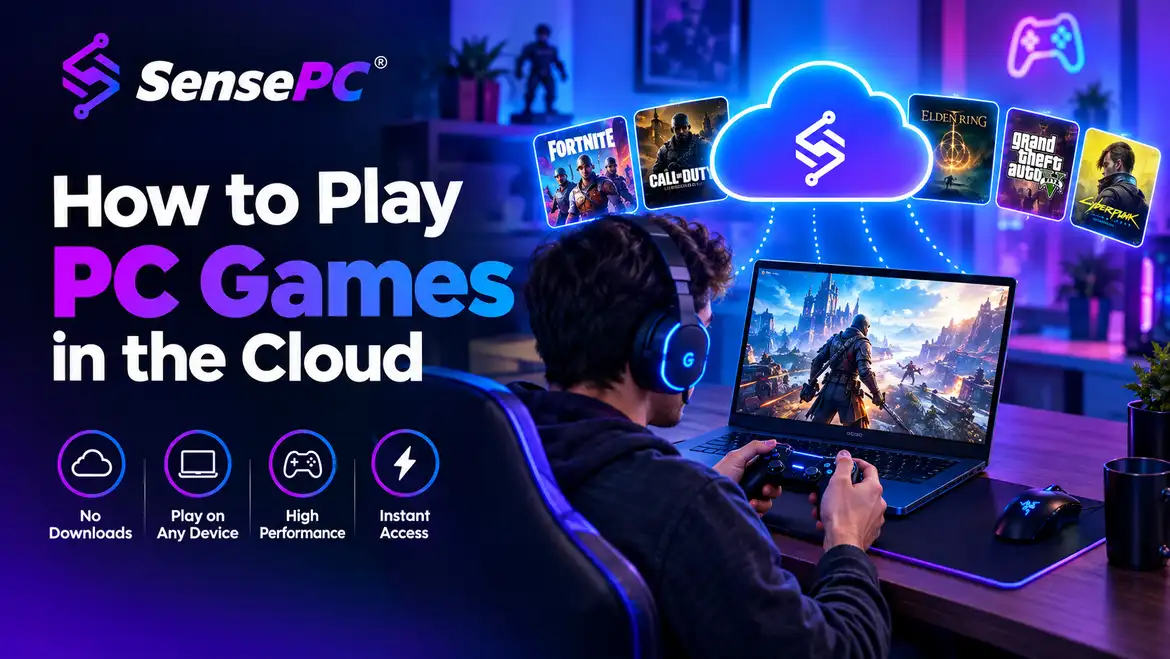
Four ways to play PC games in the cloud — streaming catalogs, cloud PCs, remote play and DIY cloud VMs — compared on library, cost, devices and setup.
Cloud GamingSep 12, 2026
SensePC articles and guides about SSD.
Four ways to play PC games in the cloud — streaming catalogs, cloud PCs, remote play and DIY cloud VMs — compared on library, cost, devices and setup.
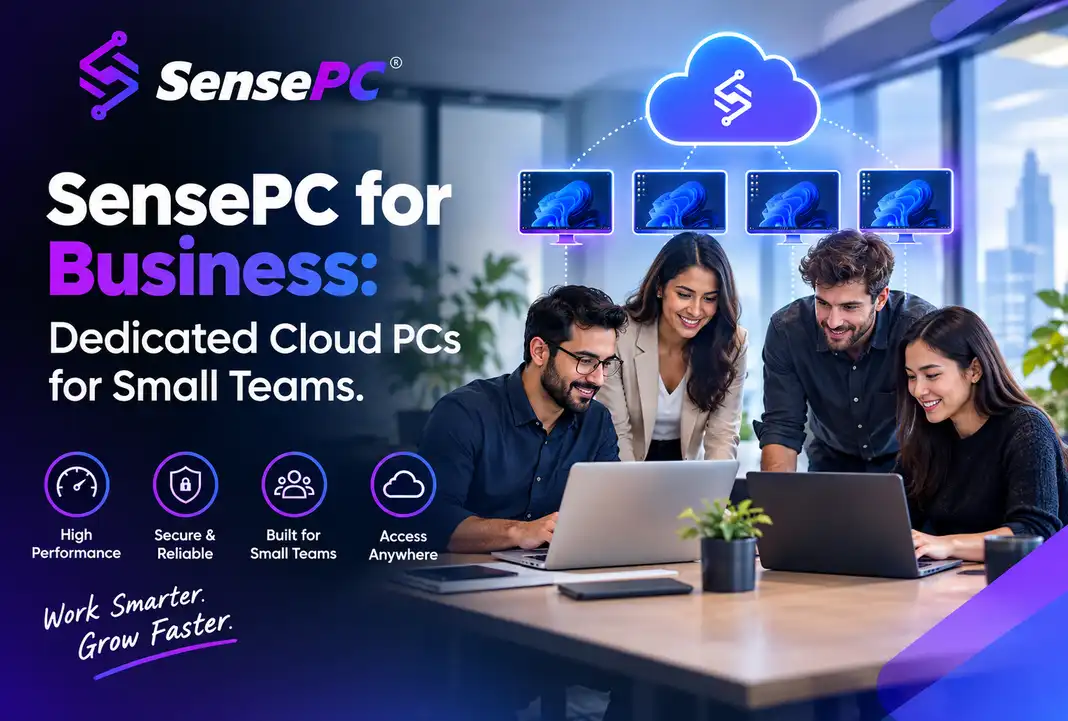
SensePC for Business gives small teams, contractors, and growing companies dedicated Windows cloud PCs for employees or contract workers — without buying hardware, shipping laptops, or building out enterprise IT infrastructure. It's built for businesses that find traditional VDI too heavy and buying a fleet of workstations too expensive or too slow, not as a replacement for enterprise-scale IT management.
Are you passionate about cloud computing, gaming VMs, or high-performance developer setups? Contribute a guest post to the SensePC blog. Start with your title, summary, and article body; media, SEO details, and FAQs can be added when they are useful.
Configure vCPUs, RAM, SSD, and high-performance NVIDIA GPUs. Spin up your dedicated virtual workstation in seconds.
No hidden fees. Pay-as-you-go hourly instances or flat monthly subscription packages. Scale resources up or down anytime.