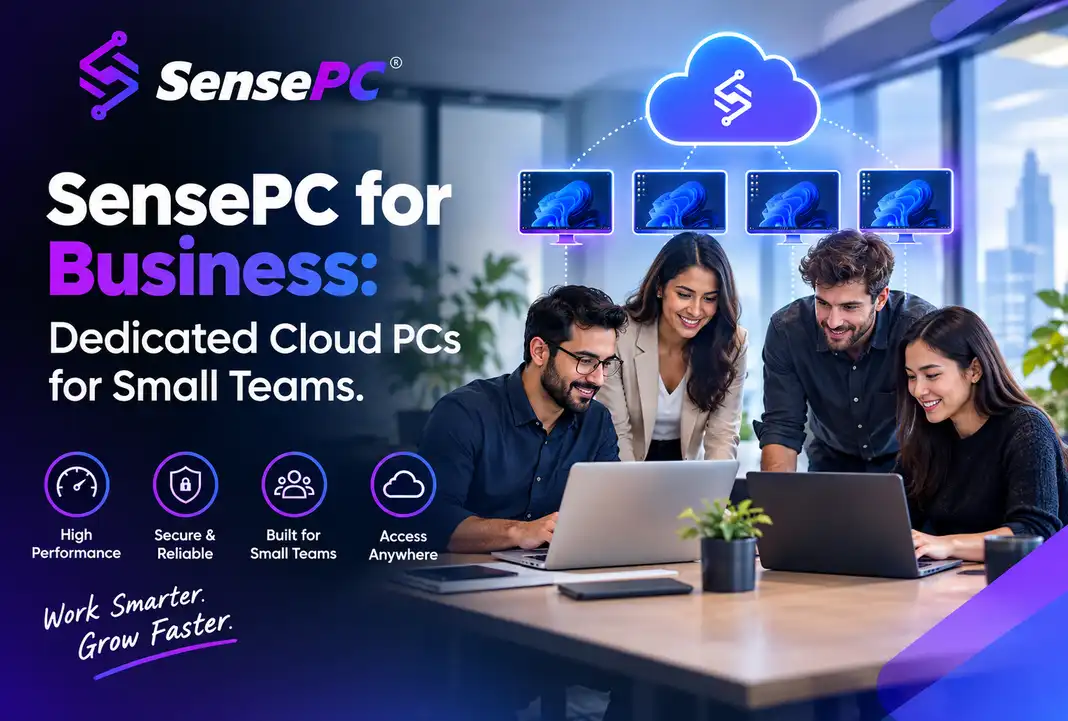
Short answer: SensePC for Business gives small teams, contractors, and growing companies dedicated Windows cloud PCs for employees or contract workers — without buying hardware, shipping laptops, or building out enterprise IT infrastructure. It's built for businesses that find traditional VDI too heavy and buying a fleet of workstations too expensive or too slow, not as a replacement for enterprise-scale IT management.
Provisioning a new hire's or contractor's computer usually means one of two headaches: buy and ship a physical machine, or set up something closer to enterprise virtual desktop infrastructure that needs IT overhead most small teams don't have. SensePC for Business is built for the gap between those two options — a dedicated Windows 11 cloud PC per person, ready in minutes, with no hardware purchase and no enterprise IT project.
Who This Is Actually For
This isn't a play for enterprise cloud infrastructure, multi-cloud management, or ERP-style business software — that's a different product category entirely. SensePC for Business is built for:
- Small teams and startups hiring remotely who need to get a new employee a capable Windows machine fast, without a hardware order and shipping delay
- Agencies and contractors who need a project-specific Windows environment — GPU-accelerated design work, Windows-only tools, or a separate machine from a client's personal device
- Growing companies scaling up and down — seasonal hiring, project-based contractor work, or a team whose headcount changes faster than a hardware refresh cycle can keep up with
- Distributed teams who need every team member to have the same consistent Windows setup, regardless of what laptop or Mac they personally use
| Individual / Consumer Use | SensePC for Business | Enterprise VDI | |
|---|---|---|---|
| Who it's for | One person, personal account | Small teams, contractors, SMBs | Large organizations with dedicated IT |
| Setup | Self-serve, minutes | Self-serve, minutes, per employee | IT-managed, approval workflows, managed images |
| Machine model | One persistent Windows PC | One dedicated Windows PC per team member | Centrally managed images, often shared infrastructure |
| Best for | Gaming, personal projects, freelancing | Provisioning employees/contractors without hardware purchases | Regulated industries, large-scale centralized policy |
Why a Dedicated PC Per Person, Not a Shared Environment
A meaningful distinction in how SensePC is built: each machine is a dedicated PC, not a shared session split across multiple users at once. For a business, that matters in a few concrete ways — one team member's heavy build, render, or compile job doesn't slow down anyone else's machine, each person's files, installed tools, and settings stay separate and persistent between sessions, and there's no contention over GPU or CPU resources during overlapping work hours.
This is the same model individual SensePC users get — a real example of this for a development team shows what it looks like when six people each get their own sized machine rather than sharing one environment.
How Can Small Businesses Benefit From Cloud Solutions?
The core benefit is avoiding upfront infrastructure spending. Instead of buying computers, servers, or specialized equipment before you know exactly how much you'll use them, a small business pays for computing power as it's needed — which matters most when headcount, project load, or technical needs change faster than a hardware budget can keep up with.
For a small business specifically, that plays out in a few concrete ways:
- Cost efficiency. No upfront purchase per employee or contractor, and no idle hardware sitting unused between hires or projects. You pay for a machine's use, not its existence.
- Faster hiring and onboarding. A new employee or contractor can have a fully configured Windows machine ready in minutes instead of waiting on a hardware order, shipping, and setup.
- Scaling without a hardware plan. Seasonal work, a new contract, or a short-term project doesn't require a purchasing decision — provision what's needed for the length of the work, then stop.
- Access to capability you couldn't otherwise justify buying. A small design or dev shop can give a contractor a GPU-configured machine for a single project without owning a GPU workstation the rest of the year.
- One consistent environment across a distributed team. Employees keep whatever laptop or Mac they already use personally, while company-specific software, files, and tools live on a separate, consistent Windows environment.
This is the same efficiency argument that applies to cloud solutions broadly, applied specifically to computing hardware rather than software or storage — the underlying principle (pay for access, not ownership, before you know your real usage) is identical to why a small business might choose cloud accounting software over an on-premise server. See the full range of cloud workstation use cases for how this plays out beyond a business context specifically.
Provisioning Without the Hardware Cycle
The clearest cost case for a small business is avoiding the hardware purchase-and-refresh cycle entirely. Buying a laptop or desktop per new hire means an upfront cost, a wait for shipping and setup, and eventually a replacement cycle a few years out — multiplied by however many people you're hiring or contracting.
A cloud PC changes that math: create a Windows 11 machine sized to the role (standard CPU/RAM for most business use, a GPU-configured tier for design, video, or technical roles), and the person connects from whatever device they already have — a personal laptop, a Mac, or a basic company-issued device that doesn't need to be powerful itself. When a contract ends or a project wraps, there's no hardware to reclaim, wipe, or resell.
Hourly-first billing works particularly well for a team's mixed usage — a contractor on a two-week project doesn't need the same billing model as a full-time employee using their machine daily.
What to Check Before Moving Company Work to a Cloud PC
⚠️ [Content gap — needs real answers before publishing] A business-focused post needs to address these directly, and I don't have confirmed answers for them in what's on file:
- Does SensePC currently support centralized billing or an admin view across multiple employee accounts, or does each person need their own individually billed account today?
- Is there any centralized management (adding/removing team members, resetting access when someone leaves) or is this fully self-serve per person right now?
- What are SensePC's actual data handling and security practices relevant to business use (where data is stored, any compliance certifications)? A business audience will ask this directly and a vague or missing answer here undermines the whole post's credibility.
If none of that exists yet, this post should either be framed more narrowly as "how individual employees or contractors can each get a SensePC" rather than implying a business/team product tier, or held until those pieces are built. I'd rather flag this than write around it with vague language.
Connection and Compatibility Still Matter
The same fundamentals that apply to any SensePC use case apply here: a stable, ideally wired internet connection makes the biggest difference in how responsive the machine feels, and if your team relies on Windows-only software, confirm licensing terms allow remote or cloud use before standardizing a workflow around it — the same check that applies to CAD and other specialized software applies to any licensed business application.
When a Physical Machine or Enterprise VDI Still Makes More Sense
This isn't the right fit for every business scenario. If you have an established IT department managing dozens or hundreds of employees with centralized policy requirements, an enterprise VDI platform is likely a better-matched tool than a self-serve consumer-style product. If your team works with extremely large local files daily, needs guaranteed offline access, or has strict regulatory data-residency requirements, a physical workstation or an enterprise-grade managed solution may be the safer choice until those requirements are confirmed against what a cloud PC can support.
Is SensePC for Business different from the regular SensePC product? It's the same underlying dedicated Windows cloud PC, applied to provisioning machines for employees or contractors rather than a single personal user. [Confirm current account/billing structure before treating this as a formal "business tier."]
Can I give a contractor a cloud PC just for the length of their project? Yes — this is one of the strongest use cases, since hourly or short-term billing avoids paying for a machine before or after the project's actual timeline, and there's no hardware to reclaim when the work ends.
Do employees need a powerful computer to use a business cloud PC? No. Their local device just needs to handle the video stream and their input reliably — a standard laptop, Mac, or even a lower-spec company device works, since the actual computing happens on the remote machine.
Is this secure enough for business data? [This needs a real, specific answer from SensePC's actual security and data-handling practices before publishing — a generic reassurance here would be misleading to a business reader making a real decision.]
How is this different from an enterprise VDI platform? SensePC for Business is self-serve and doesn't require IT-managed images, approval workflows, or centralized enterprise infrastructure — which makes it faster to set up for a small team, but also means it currently lacks the centralized administrative controls a larger IT-managed VDI platform typically provides.
How can small businesses benefit from cloud solutions? Mainly through cost efficiency and flexibility — avoiding large upfront hardware purchases, provisioning new hires or contractors in minutes instead of waiting on shipped equipment, and scaling computing capacity up or down with actual headcount and project load rather than committing to a fixed hardware budget years in advance.