Short answer: The perfect PC for vibe coding isn't a single spec sheet — it's whichever setup matches your heaviest actual task. Browser-based, script-driven work needs a solid CPU, comfortable RAM, and fast SSD storage. Full-stack work with containers and databases needs more CPU cores and RAM. AI-centered work (local models, Stable Diffusion, ComfyUI, CUDA tools) needs a dedicated GPU. Buying based on the "vibe coder" label instead of your real workflow usually means overspending or underpowering.
A vibe coder can go from a rough idea to a working app in an afternoon, then lose an hour waiting for local tools to install, a browser to recover, or an AI assistant to choke on a large project. The perfect PC isn't just a machine with a good processor — it's a setup that keeps the feedback loop fast while your tools, models, browser tabs, containers, and test environments all compete for resources.
What a Perfect PC for a Vibe Coder Needs
Vibe coding is fast-moving development — you might use an AI coding assistant to generate a starting point, then steer it through plain-language prompts, edits, error messages, and quick tests. The bottleneck is rarely one application; it's the combined load of your editor, browser, terminal, local server, database, package manager, source control tools, and sometimes an AI model or image workflow.
| Component | Why it matters | When to prioritize it |
|---|---|---|
| CPU (multi-core) | Compiling, running containers, indexing a codebase, executing tests | Any workflow running multiple services at once |
| RAM | When memory runs short, the system leans on storage and the workflow stutters | Docker, Android emulators, VMs, large JS projects, multiple local services |
| SSD storage (large, persistent) | Dev caches, dependencies, containers, local databases, SDKs, and test assets add up fast | Anyone working across multiple sessions — rebuilding environments wastes time |
| Dedicated GPU | Local AI development, CUDA tools, model testing, Stable Diffusion, ComfyUI, 3D or video work | Only when AI or GPU-accelerated tools are central to the work — not needed for standard web dev |
The goal isn't maximizing a benchmark score — it's avoiding having to close the tools you need every time your project gets serious.
When a GPU Changes the Equation
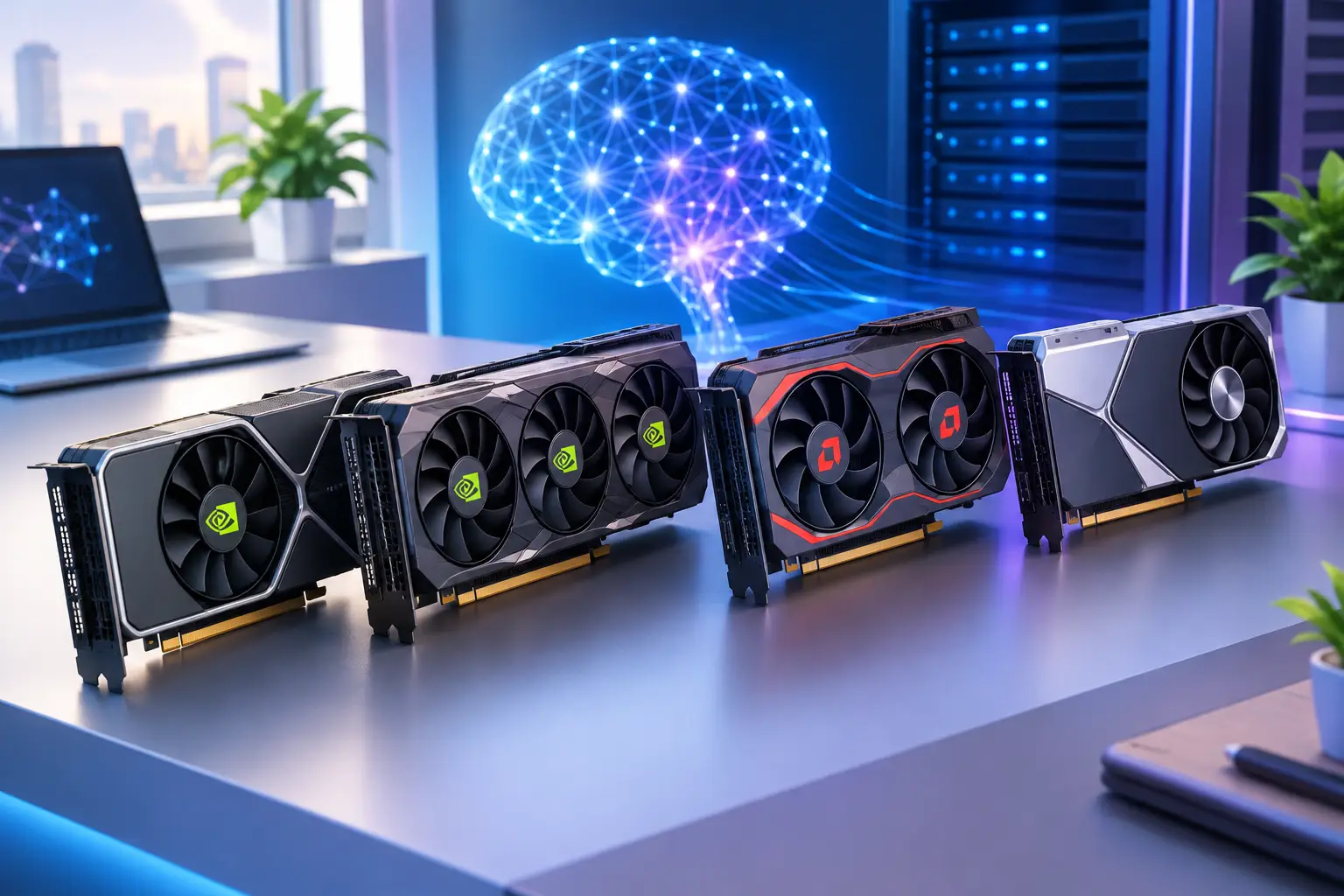
Many coding tasks don't require a dedicated GPU. A front-end developer building standard web apps may see little benefit from one. The calculation changes when your workflow includes local AI development, CUDA-based tools, model testing, Stable Diffusion, ComfyUI, 3D applications, video work, or GPU-accelerated creative tools.
A dedicated GPU opens up workloads that are impractical or slow on a basic laptop — but it doesn't make every AI tool simple, and it doesn't remove the need to understand memory limits, model requirements, or software compatibility. Still, it can turn experimentation from a remote-service dependency into something you run in a full Windows environment.
The Local PC Decision: Buy for Your Normal Week
A physical desktop is a strong choice when you code heavily every week, have reliable space for it, and want the lowest possible latency between your hands and your tools. It also makes sense when your workflow needs peripherals, local devices, or long GPU jobs running for many hours at a time — you own the machine, control the environment, and don't depend on an internet connection to reach it.
The trade-off is commitment. A high-performance desktop requires a large upfront purchase, and the configuration you buy sets the ceiling for the next few years. You're also responsible for hardware issues, heat, noise, upgrades, drivers, and eventually replacing parts that no longer fit your workload.
A powerful laptop offers portability but usually asks for a compromise somewhere — less GPU power for the money, more heat under load, limited upgrade options, and a less comfortable experience during sustained builds or AI work. For developers who travel constantly, that trade-off can be worthwhile; for someone who mainly wants a strong desktop experience from a thin laptop or Mac, it may not be.
Ownership still has real value when you use high performance constantly and want a dedicated machine available at all times.
Why a Cloud PC Fits the Vibe Coding Workflow
A cloud PC changes the hardware question from "what should I buy?" to "what performance do I need for this project?" You connect to a full Windows desktop from the computer you already have, use persistent storage for your development environment, and choose a configuration that fits the work in front of you.
That's useful for short, demanding projects — building an AI prototype for a course, testing a Windows app, editing a GPU-heavy creative asset, or working through a weekend launch. Rather than buying a machine for a temporary peak, you access stronger CPU, RAM, SSD storage, and dedicated GPU resources when you need them.
SensePC is built around this model: a Windows 11 desktop with persistent SSD storage and configurations that can include dedicated NVIDIA L4 GPU power, accessible from a desktop, laptop, Mac, or supported browser — returning to the same files and tools later instead of treating each session as disposable. See how one team split GPU and standard tiers across developers for a real sizing example.
Cloud access isn't automatically the best fit for every developer. Your internet connection and location affect the experience, especially for interactive work — a poor connection can make even a powerful remote machine feel frustrating. Check that the applications and workflows you depend on are suitable for a remote Windows environment before committing.
For many vibe coders, cloud access solves a specific problem: their local device is good enough to connect, but not good enough to run everything locally. That's different from renting a complex cloud server or setting up enterprise virtual desktop infrastructure — you want a usable computer, not another infrastructure project.
Match the PC to the Work, Not the Label
"Vibe coder" covers a wide range of users. Someone making a small landing page with an AI assistant has very different needs from a developer running local models, containers, and test environments. Buying based on a label wastes money; buying based on the heaviest task in your normal workflow doesn't.
| Your workflow | Prioritize | GPU needed? |
|---|---|---|
| Browser-based dev, scripts, lightweight web apps, occasional local testing | Solid CPU, comfortable memory, fast SSD, good display/remote connection | Usually not |
| Full-stack apps with databases, containers, emulators, multi-service environments | CPU cores and RAM first, so the system stays responsive under background load | Only for specific tasks — not always the first upgrade |
| AI-centered work (local models, CUDA tools) | Evaluate GPU access early — check model memory requirements and actual usage frequency | Yes — consider renting GPU power before buying |
| Mac or lightweight laptop, but need Windows-only apps | A persistent cloud Windows desktop keeps environments separate without replacing your local device | Depends on the Windows apps in question |
Build a Setup That Keeps You Moving
The best PC configuration is only part of the workflow. Keep repositories organized, use version control from the start, and document the commands needed to run your project. AI-generated code can accelerate early progress, but it still needs review, testing, security checks, and an environment you understand well enough to fix when something breaks.
Choose a machine with room for imperfect experiments — vibe coding works because it reduces the cost of trying ideas, and your PC should support that speed instead of forcing you to ration browser tabs, shut down services, or postpone testing until you're back at a stronger machine.
Think in terms of access, not just ownership. If you need peak power every day, a local workstation may earn its place. If your demand rises and falls with projects, classes, freelance work, or AI experiments, flexible cloud billing that matches project-based work can be the smarter path. The right setup is the one that lets your next idea become a working build before the momentum disappears.
Do vibe coders need a GPU?
Only if AI or GPU-accelerated tools are central to the work — local model testing, Stable Diffusion, ComfyUI, or CUDA-based development. Standard web development, scripting, and lightweight apps generally don't need one.
How much RAM do I need for vibe coding?
It depends on how many services run at once. Running Docker, emulators, several local services, or large JavaScript projects benefits from more headroom; when memory runs short, the system leans on storage and the workflow stutters.
Is a laptop or desktop better for vibe coding?
A desktop generally gives more GPU power and better sustained performance for the money, with fewer heat and upgrade compromises. A laptop trades some of that for portability — worthwhile if you travel constantly, less so if you mainly want a strong desktop experience from a thin device.
Can I vibe code from a Mac?
Yes, for most browser-based and script-driven work. If you need Windows-only applications, a persistent cloud Windows desktop lets you keep that environment separate without replacing your Mac.
Is a cloud PC good for testing AI coding tools before buying hardware? Yes — a dedicated GPU cloud PC lets you learn, experiment, and test model requirements and memory needs before committing to costly local hardware, which is particularly useful if your AI usage is still occasional or exploratory.