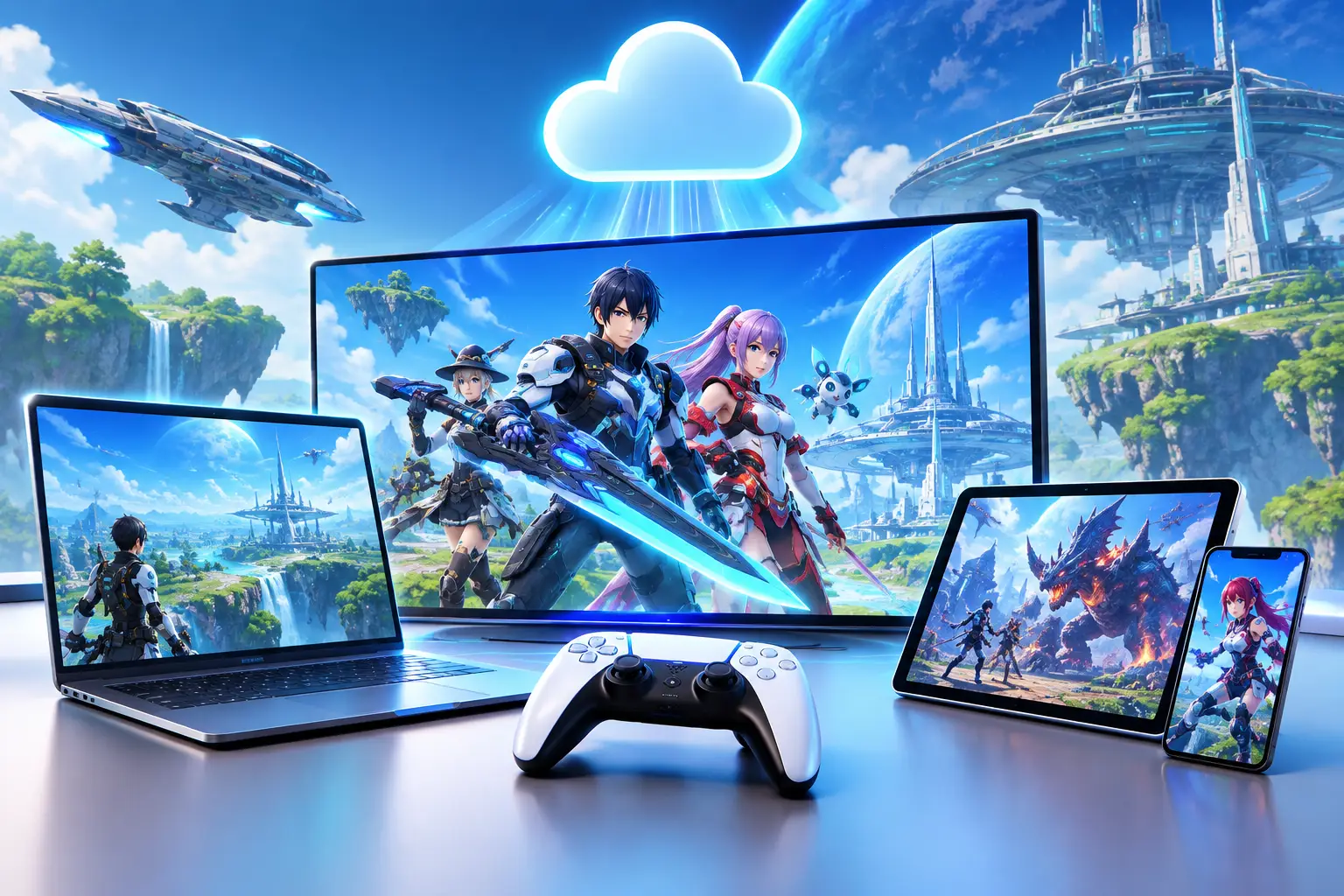
Short answer: You can play Phantasy Star Online 2 through cloud gaming in two ways: a cloud Windows PC where you install the official game client and stream the desktop, or a catalog cloud service if it lists the game (check Xbox Cloud Gaming's current catalog, because native Xbox support is a separate thing). "Phantasy Star Online 2" can mean the original PSO2 or PSO2: New Genesis (NGS), which is the version most players meet today. Both are online action RPGs that are not extreme GPU stress tests, so a stable, low-latency connection matters more than raw graphics power. Check SEGA's current platform and anti-cheat rules before relying on a cloud PC.
Phantasy Star Online 2, related games and cloud gaming fit together for a simple reason: this is an online series best enjoyed on a PC that feels ready when you are. That does not always mean buying a large gaming desktop, replacing a laptop or dealing with another GPU upgrade. A capable cloud PC can give you access to a full Windows gaming environment from the computer you already own.
For PSO2 players, the question is not just whether the game can run. It is whether your setup stays responsive during urgent quests, busy hubs, effects-heavy fights and long sessions. The answer depends on your local device, internet connection, distance from the cloud PC, and the game services and launchers you use.
Where Phantasy Star Online 2 Fits Today
When people say "Phantasy Star Online 2," they may mean the original game, PSO2: New Genesis, or both.
| PSO2 (original) | PSO2: New Genesis (NGS) | |
|---|---|---|
| What it is | SEGA's online action RPG, first released in 2012, with a large backlog of content | The newer, action-focused version with an open-field format |
| Feel | Traditional online RPG rhythm: quest structure, classes, gear systems | Fast movement, class-based combat, character building, co-op |
| Availability | Varies by region and platform | Reported on PC, Xbox and PlayStation in the U.S. as a free-to-play game |
Both are developed and published by SEGA. Availability and access can vary by region and platform, so confirm what your preferred official service offers before setting up a PC specifically for it.
Neither game is a cutting-edge GPU stress test like the newest AAA releases. Hardware still matters: large player groups, visual effects, background applications, high display settings, and streaming or voice chat can expose the limits of an older laptop quickly. A cloud PC is less about chasing extreme frame rates and more about moving the Windows gaming workload off your local machine.
Platforms and Cloud Options at a Glance
| Option | How it works | Notes |
|---|---|---|
| PC (Windows) | Install the official client locally | Generally the best-supported option |
| Xbox / PlayStation (native) | Play on the console | NGS is reported on both, including PS5; confirm your region |
| Catalog cloud service (e.g., Xbox Cloud Gaming) | Stream from the service's supported list | Native Xbox support is not the same as being listed for cloud streaming; check the current catalog |
| Cloud Windows PC (e.g., SensePC) | Stream a full Windows 11 desktop and install the game yourself | You manage setup; check launcher and anti-cheat rules first |
Related Games Worth Playing Alongside PSO2
The wider Phantasy Star catalog covers several very different eras. If you enjoy PSO2 for its combat and loot progression, the closest related experience is usually PSO2: New Genesis. Players who want an older online action RPG may look at Phantasy Star Universe, though its official online options and community access are more complicated than a current live-service game.
The classic Phantasy Star titles are different again. Phantasy Star IV is a story-driven, turn-based RPG with a strong reputation among fans of the 16-bit era. It will not demand much from your hardware, but it offers useful context for the series' universe, races and identity.
You may also see Phantasy Star Zero, Phantasy Star Portable and other older releases discussed in fan communities. These are not direct replacements for PSO2. Each has its own platform history, access limits and control style. Treat them as companion games, not interchangeable versions of the same online service.
That distinction matters when choosing a cloud PC. A single persistent Windows desktop is useful if you play PSO2, keep several launchers installed, use controller software, join Discord, and also need Windows tools for work or school. It is not necessary for every retro game.
Cloud Gaming for Phantasy Star Online 2: What Matters
Cloud gaming on a cloud PC is different from subscribing to a catalog-only streaming service. You connect to a full remote Windows computer, install supported software, manage your files, set your graphics preferences and use the desktop much like a physical PC.
That control is useful, but approach setup realistically. Game launcher behavior, anti-cheat tools, account services and regional availability can change, and some online games restrict virtual or remote environments. Check compatibility and SEGA's current terms before committing to a long plan. We have not published a SensePC test of PSO2, so treat it as unverified until you test your own account setup.
- Internet connection comes first. Stability matters more than a large speed-test number. Wired Ethernet is usually best. Strong Wi-Fi can work, but crowded networks, weak signals and packet loss are the common reasons a session feels inconsistent.
- Distance matters. The farther your connection travels to the data center, the more input delay you may feel. Test a session before relying on it for time-sensitive combat such as urgent quests.
- Display settings. Start with a sensible resolution and graphics preset instead of pushing every slider to maximum. Turn off unnecessary background apps. Use a controller or wired mouse and keyboard if that is how you normally play.
Cloud PC or Physical Gaming PC?
A physical gaming PC gives you direct local performance. There is no video stream between you and the game, so your experience does not depend on internet quality once it is installed. It is often the better choice if you play frequently, want the lowest local input delay, have unreliable internet or need a machine available all day without tracking usage.
The trade-off is ownership: a larger upfront purchase, space, power, maintenance and eventual upgrades. Performance-focused laptops are often expensive and can be noisy or warm. A lower-cost laptop may run PSO2 at modest settings but struggle once you add newer games or demanding Windows apps.
A cloud PC changes the cost model. You access stronger Windows hardware when you need it and stop paying for high performance when you do not. That fits players who game a few nights a week, travel between devices, use a Mac or lightweight laptop, or need extra compute power for projects beyond gaming. See hourly vs. monthly pricing.
It is not automatically cheaper over every time period. If you play daily for years, a well-chosen physical PC may offer better long-term value. If you need power for a weekend, a school term, a game release or occasional sessions, hourly-first access can be easier to justify than a major hardware purchase.
A Practical Setup Approach
- Check your connection where you will actually play, at the time of day you normally play, with your household's usual traffic present. A perfect morning test tells you little about an overloaded evening network.
- Choose a configuration that matches more than PSO2 alone. If you only want modest settings, you may not need the highest tier. If you also edit video, compile code, use 3D tools or run GPU-based AI software, stronger CPU, RAM and GPU resources make more sense. Persistent SSD storage keeps game files, Windows settings and project work available between sessions.
- Install only what you need first. SensePC is a full Windows 11 cloud PC with persistent storage, dedicated NVIDIA L4 GPU options and usage-based access. Set up the official game client, confirm account access, test controls and run a few normal combat situations.
- Add extras one at a time: voice chat, overlays, recording tools. That makes it easier to identify what affects performance or compatibility.
- Test the path you plan to use: visit a busy area, play an urgent quest and judge how the connection feels with your preferred controls.
A physical gaming PC remains a strong choice for regular local play and unstable internet. A cloud PC is a practical alternative when you want a powerful Windows setup without maintaining another machine, especially if your local device is a Mac, older laptop or compact desktop.
What do I need to set up cloud gaming for Phantasy Star Online 2?
A device that can decode video smoothly (Mac, Windows laptop, desktop or supported browser), a stable internet connection, and either a cloud Windows PC where you install the official game client or a catalog service that lists the game. Confirm SEGA's current platform and anti-cheat rules first.
Is PSO2 available for cloud play on different platforms?
The game being playable on multiple platforms is not the same as being offered through a third-party cloud service. PSO2: New Genesis is reported on PC, Xbox and PlayStation in the U.S., but check each cloud service's current game list. A cloud Windows PC such as SensePC lets you install the PC client yourself, subject to the game's rules.
Can I play PSO2 on Xbox Cloud Gaming?
Check Microsoft's current Xbox Cloud Gaming catalog. Native Xbox support for New Genesis does not by itself mean the game is available for cloud streaming, so verify the catalog and the required subscription tier before paying.
How can I play PSO2 in the cloud on my phone?
A cloud PC can be streamed to a phone through a compatible client, but the game is designed for mouse, keyboard or controller, so touch input is awkward. A paired controller and a stable Wi-Fi or mobile connection give a better experience. Test your own setup before relying on it.
What is the difference between PSO2 and PSO2: New Genesis?
PSO2 is SEGA's original 2012 online action RPG with a large content backlog. New Genesis is the newer, action-focused version with an open-field format. Availability differs by region and platform.
What are the best platforms to play Phantasy Star Online 2 on?
PC is generally the best-supported option for performance and options. New Genesis is also reported on Xbox and PlayStation in the U.S. For players without a gaming PC, a cloud Windows PC is an alternative, subject to compatibility checks.
Is PSO2 free to play, and who developed it?
Reports describe PSO2: New Genesis as free-to-play in the U.S. SEGA developed and publishes the game.
What is the ESRB rating for Phantasy Star Online 2?
Sources report an ESRB rating of M (Mature 17+) for the game, with content descriptors including blood, partial nudity, strong language and violence, and a note that users interact in-game. Verify the current rating for your specific version on esrb.org.
What games are related to Phantasy Star Online 2?
The closest is PSO2: New Genesis. Others include Phantasy Star Universe (an older online action RPG), Phantasy Star IV (a turn-based 16-bit RPG), and handheld titles such as Phantasy Star Portable and Zero. They are companions, not replacements.