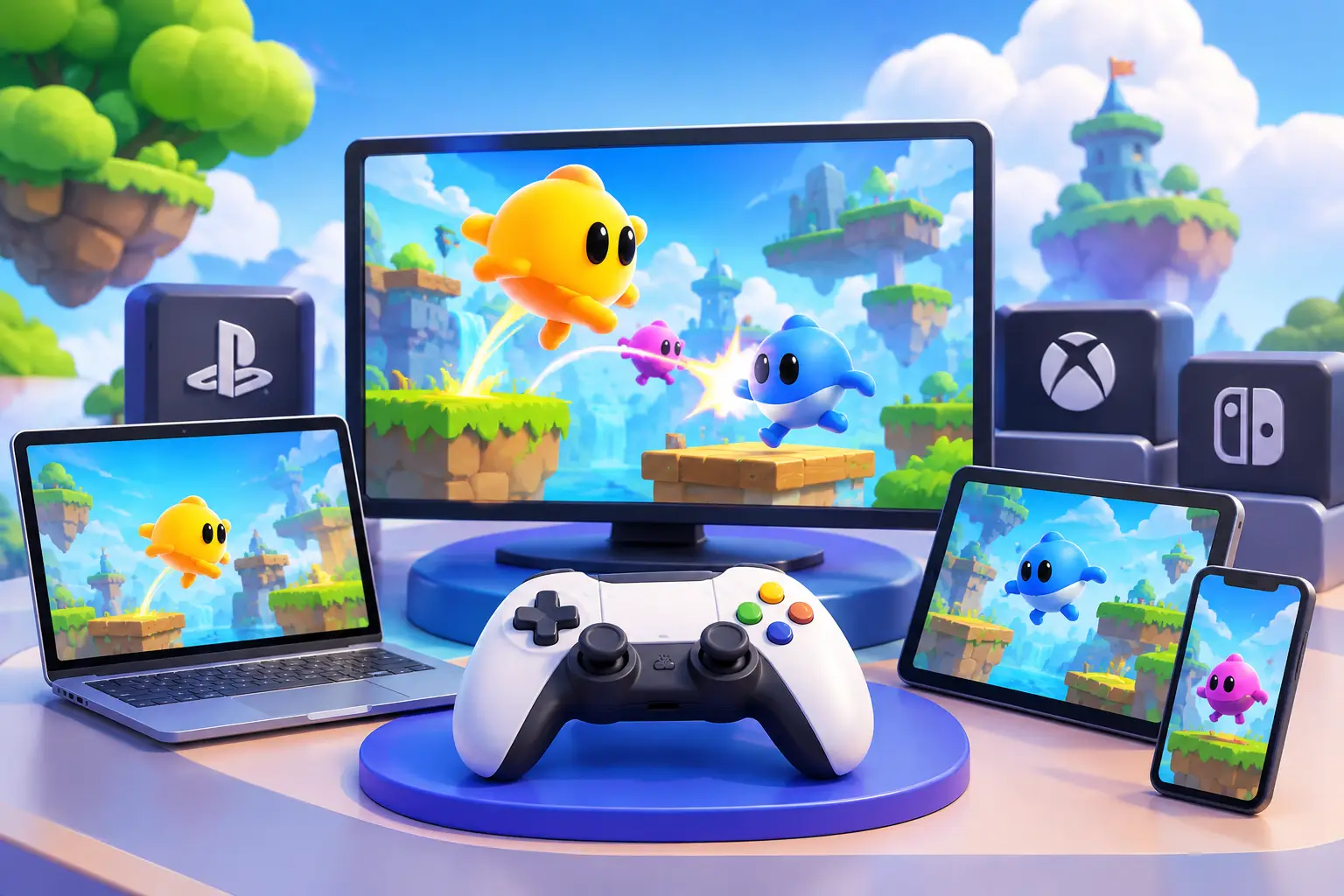
Short answer: Bopl Battle is a PC game sold through Steam. As of the sources checked, it is not available on iOS, Android or consoles. That makes the real platform question one of setup: a local Windows PC, a computer that can run the game natively, or a cloud Windows PC such as SensePC that you reach from a Mac, laptop or other device. Always confirm current support on the game's Steam page, because availability can change.
A Bopl Battle match can go from careful positioning to total screen-wide chaos in seconds. That is the appeal. Bopl Battle is a physics-driven party fighter built around unusual powers, quick rounds and unpredictable interactions. It is easy to pick up, but the setup (device, controllers, internet connection, and how friends join) shapes the experience more than raw GPU power does.
Not to be confused with Battle.net, Blizzard's game launcher. This article is only about the game Bopl Battle.
Bopl Battle Platform Availability
| Platform | Available? | Notes |
|---|---|---|
| PC (Windows) via Steam | Yes | The main supported platform |
| Mac / Linux | Check the store page | Support depends on the current build |
| iOS / Android | No | Not currently available |
| PlayStation / Xbox / Switch | No | Not currently available |
| Cloud Windows PC | Works if the PC can run the game | You stream a Windows desktop and run the Steam version on it |
Check the current Steam listing for operating system support, controller requirements, online features and minimum specifications before buying or setting anything up. A game being on a store does not mean every device or remote-play method works the same way.
Three Practical Ways to Play
- A local Windows PC or gaming laptop running the game directly.
- A supported non-Windows computer running the game natively, if the current build supports it.
- A cloud Windows PC accessed from your existing desktop, laptop or Mac.
Each trades off cost, convenience and responsiveness differently.
| Setup | Best for | Main limit |
|---|---|---|
| Local PC | Weekly same-room play; lowest input delay | Hardware cost, upgrades, space |
| Native on another OS | Players whose computer already runs the game | Depends on current build support |
| Cloud PC | Mac or light-laptop users, occasional play, one machine for games and work | Needs a stable connection; adds a streaming layer |
What Performance Actually Matters
Bopl Battle does not demand the graphics power of a new open-world AAA release. That does not make the setup irrelevant. Fast, reactive party games are sensitive to input delay: a small gap between pressing a button and seeing the result can change how a jump, shot or last-second dodge feels.
On a local computer, performance depends on whether the CPU, graphics hardware, operating system and drivers run the game cleanly. On a cloud PC there is another layer: your connection must send input to the remote machine and receive the video stream back quickly enough to feel comfortable.
So a powerful hosted GPU alone is not the whole answer. Internet quality, stability, distance from the cloud infrastructure, home Wi-Fi conditions and the access protocol all matter. A wired connection is usually more consistent than crowded Wi-Fi. If Wi-Fi is your only option, sit close to the router and reduce other high-bandwidth activity. For a reaction-based game, stable response beats extreme visual settings.
Controllers Are Part of the Platform Decision
Local multiplayer depends on reliable controller recognition, enough USB or Bluetooth connections, and a host that sees every player correctly. Test this before inviting a full group.
On a cloud PC, controller handling depends on the client application, your local operating system and the remote desktop technology. One working controller does not guarantee four will work as you expect. Check what your access method supports, then test the full controller count with the game before planning an event around it. Keyboard play may work for some setups, but controllers make a shared-screen action game easier to manage.
Local PC vs. Cloud PC for Bopl Battle
A physical gaming PC is the straightforward choice if you play locally every week and want the shortest input path. The game runs on the computer in front of you, controllers connect directly, and there is no streaming layer. If you already own suitable hardware, it is hard to beat for a regular local party setup. The downsides are the purchase price, space, updates, storage management and eventual upgrades.
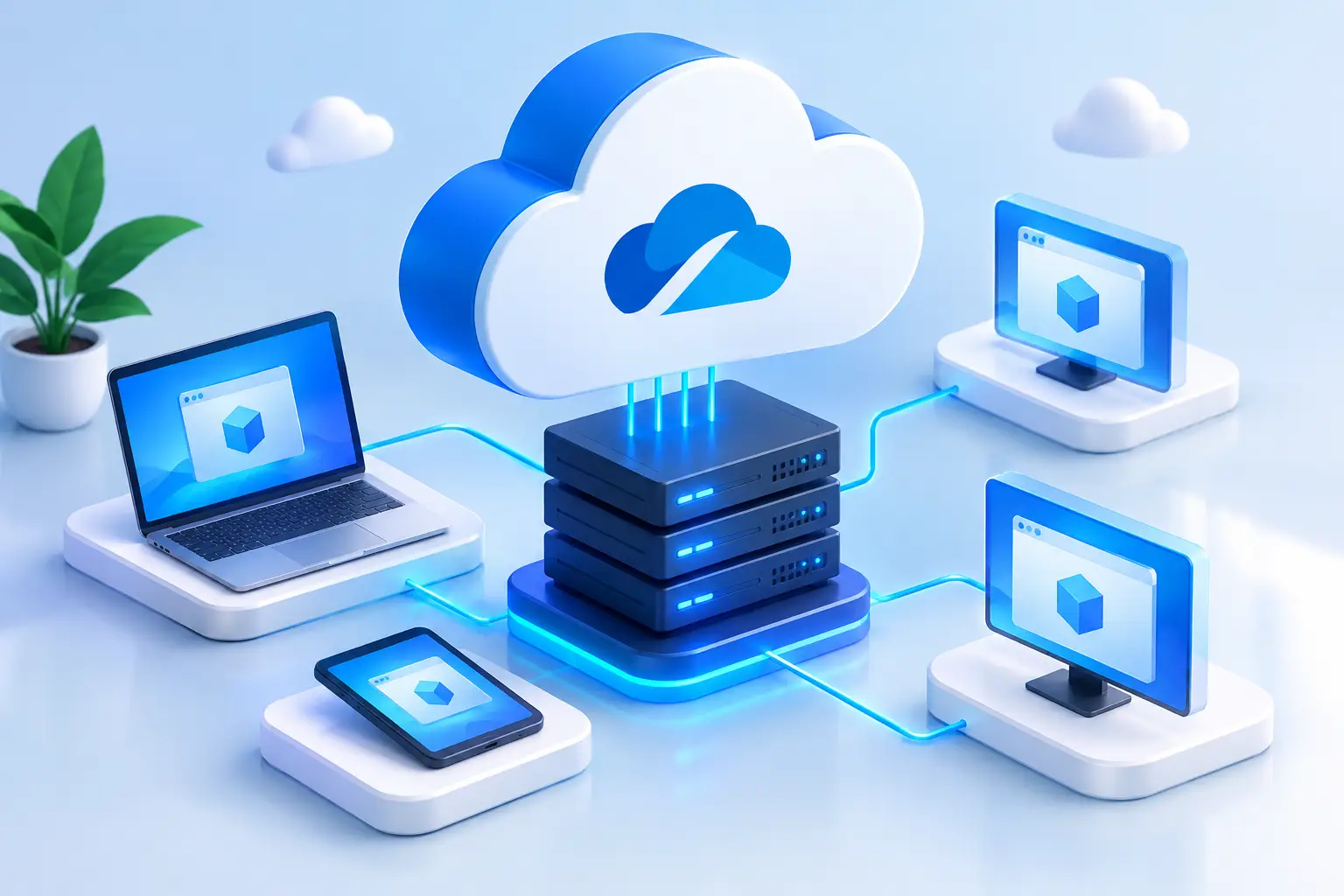
A cloud PC is a different model. Instead of buying a high-performance Windows system, you access one when you need it. That helps if your main device is a Mac, a lightweight laptop, an older desktop or a work machine that cannot run Windows games well, or if the same system will also serve development tools, creative work or GPU projects.
SensePC is built around that approach: a Windows 11 cloud PC with dedicated NVIDIA L4 GPU options and persistent SSD storage, reachable from compatible devices, with hourly, daily and monthly billing for people who need stronger hardware only some of the time.
Cloud access is not automatically the best route for Bopl Battle. If your group sits in one room and wants the most direct controller response, a local PC is likely the better fit. If you play occasionally, lack a capable Windows machine, or need the same high-performance desktop for other work, a cloud PC is a practical alternative.
Choosing the Right Setup for Your Group
Start with how people will play, not with a hardware shopping list.
- Everyone in one room: focus on the display, controller count and host computer. A TV or large monitor, comfortable seating and tested controllers matter more than overspending on components the game may not need.
- Friends in separate locations: test the game's currently supported online or remote-play options before committing. Network quality differs from home to home, and a method that feels fine for a slower game may feel less natural in a fast fighter. Ask every player to test early.
- Using a cloud PC: treat it as a complete chain. The host needs enough performance, the access device needs a stable connection, and the game platform, controllers and multiplayer method must work together. A short test match tells you more than comparing specs.
Game-night checklist
- Game installed and updated; host account can launch it
- Every controller detected; spare cables nearby; wireless controllers charged
- Audio routed to the right display or headset
- Display set to a game-friendly mode; unneeded apps closed on host and access device
- If streaming a cloud desktop, test at the same time of day you plan to play, since evening congestion can change the experience
Platform Fit Depends on More Than One Game
Bopl Battle may be the reason you want a stronger PC today, but not the only one tomorrow. A Mac user might need Windows for a game library, a coding tool or a class application. A student may need more CPU and RAM for an engineering project. A creator may need GPU acceleration for rendering. A cloud Windows PC can serve all of those.
A dedicated physical PC remains a strong choice for people who game often at home, have space for it and prefer direct local performance, with no usage decisions and no internet dependency for locally installed play. The right choice depends on usage frequency, internet conditions, budget and whether you need serious Windows performance beyond this one game.
The best next move is to test the setup you are most likely to use with the people you actually play with.
Is Bopl Battle available on mobile and consoles?
No. Bopl Battle is currently a PC game on Steam, with no iOS, Android or console versions. Availability can change, so confirm on the official Steam page. If you do not own a Windows PC, a cloud Windows PC such as SensePC can run the Steam version from a Mac or laptop.
What are the best platforms to play Bopl Battle on?
A Windows PC with Steam is the best-supported option, and the lowest-latency one for same-room play. A cloud Windows PC is the practical alternative if you only have a Mac or a lightweight laptop, or play occasionally.
How does Bopl Battle compare across gaming platforms?
It does not span platforms the way many multiplayer games do: it is a Steam/PC title rather than a multi-console release. The comparison that matters is how you run the PC version: locally, natively on another supported OS, or on a cloud PC.
Can I play Bopl Battle on a Mac?
Check the Steam page for current Mac support. If there is no native build, you can run the Windows version on a cloud Windows PC and stream it to your Mac. Plan for connection quality and test your controllers first.
Can I play Bopl Battle on a cloud PC like SensePC?
It should be possible if the cloud PC is Windows, can install Steam and can recognize your controllers. We have not published a SensePC Bopl Battle performance test, so run a short session before a game night. Wired internet and a nearby cloud region give the most consistent response.
Does Bopl Battle need a powerful GPU?
It is not as graphically demanding as a new AAA release, so the bigger factors are input delay, a stable connection and controller handling. Check the Steam page for the official minimum specifications.
Do controllers work with a cloud PC?
They can, depending on your client application, local operating system and remote desktop technology. Test the exact number of controllers you plan to use before the event.
Is a cloud PC better than a local PC for Bopl Battle?
Not for everyone. A local PC gives the shortest input path for same-room play. A cloud PC fits Mac or light-laptop users, occasional players, and people who want one Windows machine for games and other GPU work.