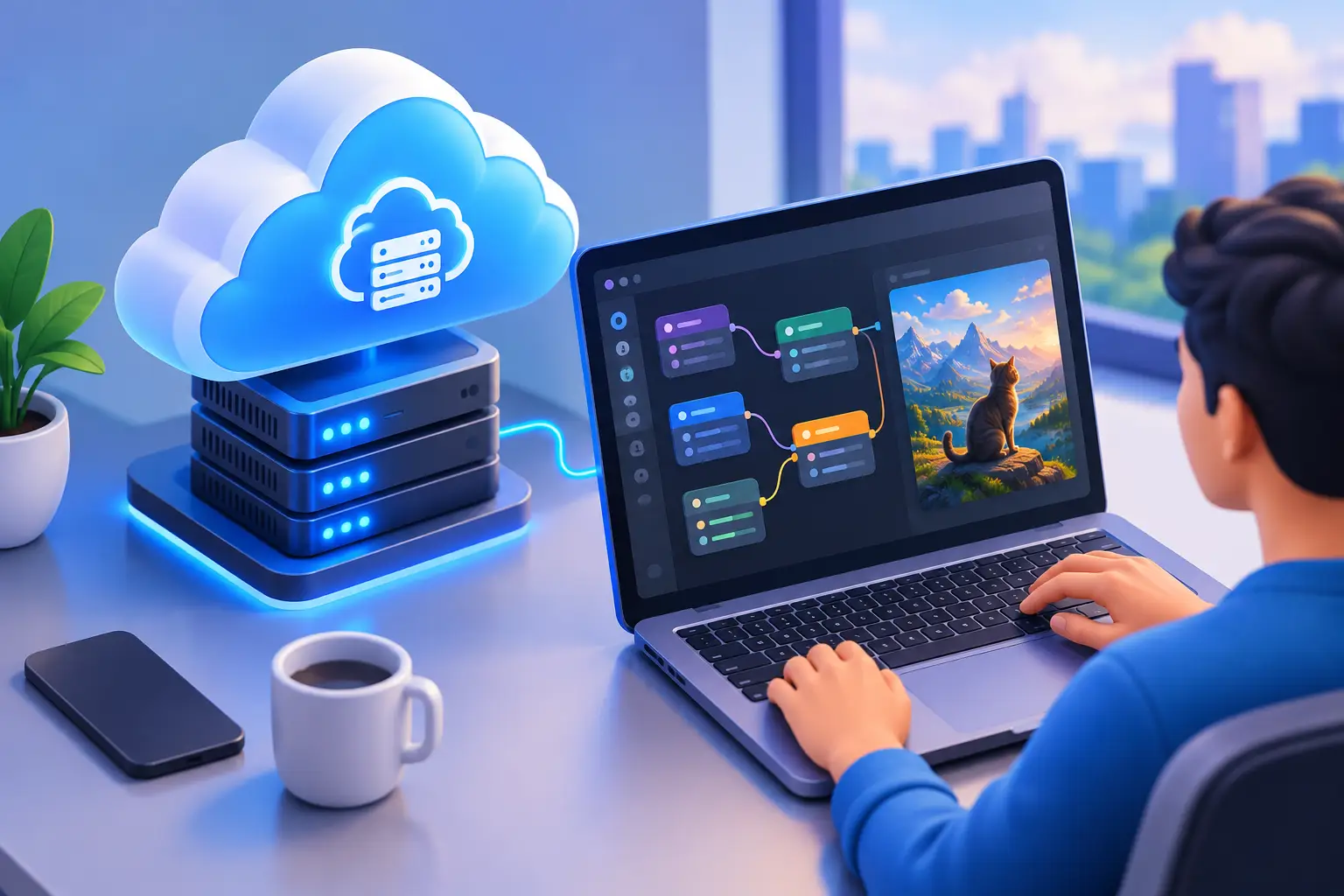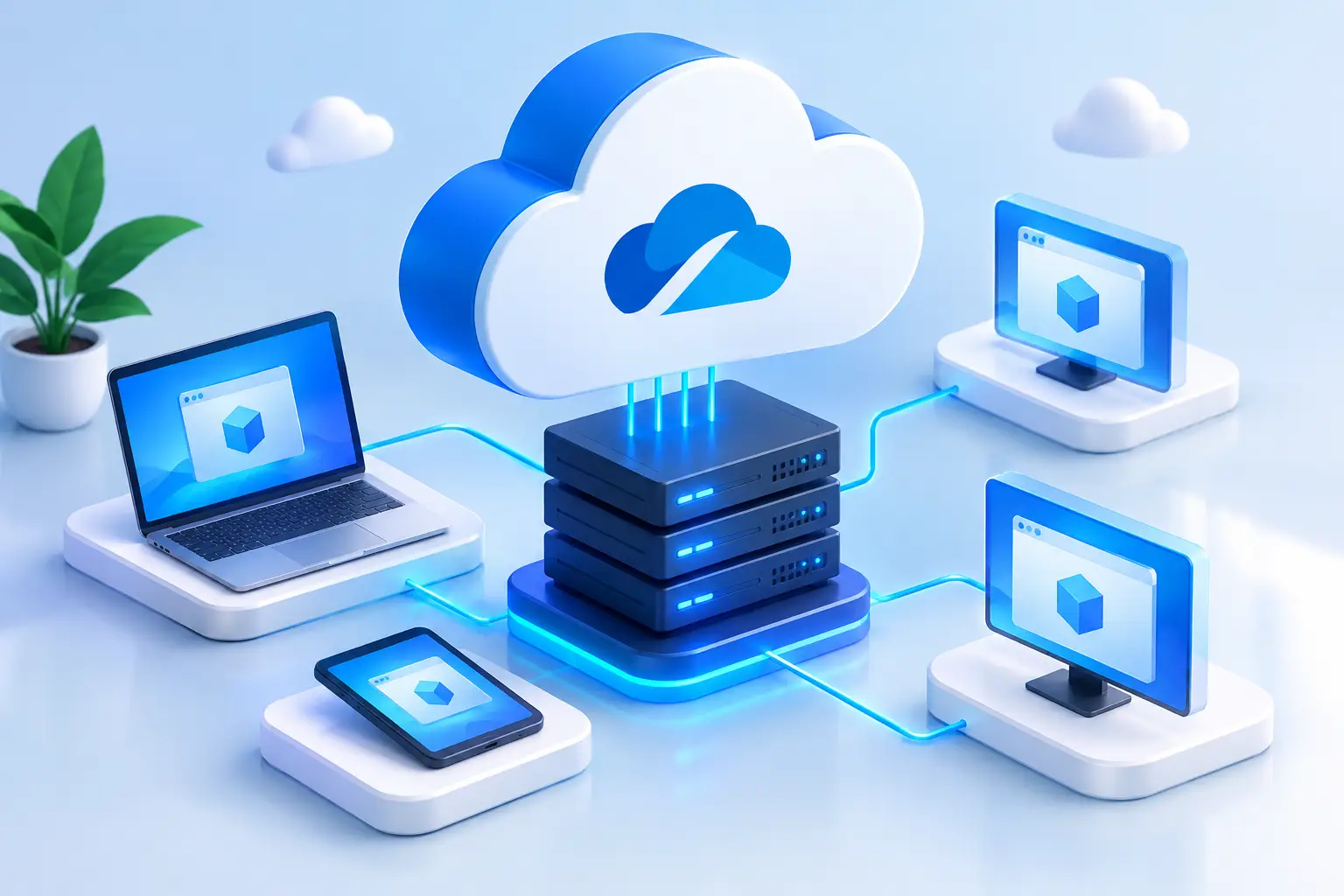
Short answer: A virtual cloud service gives you computing resources hosted in a data center instead of on your own device. The most practical version for individuals is a cloud PC: a complete Windows desktop with its own CPU, memory, persistent storage, and sometimes a dedicated GPU, which you control from a laptop, Mac, or browser. SensePC is a cloud PC service from SenseMinder LLC built on that model. A cloud PC is different from a VPS or cloud server, which is aimed at administrators, and from enterprise VDI, which is aimed at company IT teams.
A lightweight laptop can be enough for email, browsing, and documents. It becomes the wrong tool when you need to compile code, render a video, run Windows-only software, test an AI model, or play a demanding PC game. That is where virtual cloud services change the equation: the high-performance computer runs in a data center, while you connect to its full Windows desktop from the device you already own.
No expensive tower on your desk. No waiting for a new GPU. No opening a case to add RAM or replace a failing drive. You rent the computing power when the work calls for it, then return to your normal device when it does not.
SensePC at a Glance
| Attribute | Detail |
|---|---|
| What it is | Cloud PC service operated by SenseMinder LLC |
| Operating system | Windows 11 desktop |
| GPU | Dedicated NVIDIA L4 GPU configurations |
| Storage | Persistent SSD storage that stays between sessions |
| Billing | Hourly, daily, and monthly options |
| Access | Desktop, laptop, Mac, or supported browser |
| Remote protocol | NICE DCV-powered Performance Mode |
| Setup | A Windows 11 cloud PC can be created in minutes |
| Built for | Individuals and small teams: gaming, development, creative work, AI experimentation |
What Are Virtual Cloud Services?
The phrase covers a range of cloud-based computing products, but the practical idea is simple. A virtual cloud service gives you access to computing resources that are hosted elsewhere. Rather than running software on your local laptop or desktop, you use a remote virtual machine through an internet connection.
For many users, the most useful version is a cloud PC: a complete Windows desktop with assigned CPU, memory, storage, and in some cases a dedicated GPU. It feels closer to sitting in front of another computer than using a basic web app. You can install supported applications, save files to persistent storage, configure your workspace, and return to the same machine later.
That distinction matters, because the category is crowded with products that solve different problems:
| Option | Built for | You manage | Typical user |
|---|---|---|---|
| Cloud PC (e.g., SensePC) | A capable personal Windows desktop | Your apps and files | Gamers, creators, developers, AI learners, Mac users needing Windows |
| VPS / cloud server | Hosting and infrastructure | OS, networking, security, deployments | Administrators and DevOps teams |
| Enterprise VDI | Centrally governed employee desktops | Handled by company IT | Organizations with policy and identity requirements |
| Physical PC | Local, always-available hardware | Hardware, upgrades, repairs | Heavy daily users with a permanent setup |
Why a Virtual Cloud PC Can Be the Better Fit
The strongest reason to use a virtual cloud PC is not that physical computers are obsolete. It is that buying high-end hardware is a big commitment when your need for that hardware is temporary, variable, or hard to predict.
A student may need a GPU for one engineering project. A developer may need more RAM and CPU power for a release cycle. A creator may need a stronger machine for a few weeks of rendering. A Mac user may need Windows tools that do not run locally. In each case, paying for access can make more sense than buying equipment that will sit idle afterward.
Virtual cloud services also remove practical friction. Setup can be far faster than researching parts, ordering a system, waiting for delivery, and configuring a new machine. With SensePC, users can create a Windows 11 cloud PC in minutes, then connect from a desktop, laptop, Mac, or supported browser.
The machine remains separate from the device in front of you. That is useful when your local computer is old, lightweight, or shared. Your files and installed environment stay on the cloud PC's persistent storage rather than being tied to one physical laptop.
Dedicated GPU Power Has a Different Purpose
Not every cloud PC needs a GPU. Office work, browser research, and basic coding may run well on a modest local computer. GPU-backed cloud PCs become valuable when applications need parallel processing or graphics acceleration.
Examples include 3D projects, video workflows, CUDA-based development, AI experimentation, design applications, and graphically demanding Windows games. Dedicated NVIDIA L4 GPU configurations give users access to this class of performance without purchasing a premium graphics card or designing a desktop around it.
Still, more power is not automatically better. Choose CPU, RAM, GPU, and storage based on the software you plan to run. Paying for a larger machine than the workload requires wastes money. Choosing too little makes the desktop feel constrained. The right configuration fits the task and the hours you expect to use it.
Cloud PC vs. Buying a Physical Computer
Buying hardware remains a sensible choice for some people. If you use a powerful computer for many hours every day, have reliable space for it, and want the lowest long-term cost over several years, ownership can be compelling. A local workstation also avoids dependence on internet quality for interactive work. See the full rent-vs-buy cost breakdown for the numbers.
A virtual cloud PC is often more attractive when flexibility matters more than permanent ownership. The upfront cost is lower because there is no large purchase. There is no hardware maintenance, no heat from a workstation under your desk, and no upgrade cycle to plan around. Hourly, daily, and monthly options also let you align spending with actual use.
The trade-off is clear: your connection matters. For responsive use, especially graphics-heavy work or gaming, you need stable internet and a reasonable network path to the cloud PC. A weak home network, congested Wi-Fi, or poor routing can affect the experience. Test your connection and set realistic expectations before relying on remote computing for time-sensitive work.
There is also a usage-frequency question. If you only need high performance for specific projects, on-demand billing can be efficient. If you need it all day, every day, compare recurring cloud costs with the cost of owning and maintaining hardware over time. Neither option wins in every situation.
What to Look for in Virtual Cloud Services
A cloud PC should feel like a useful computer, not a confusing infrastructure project. Before choosing a service, focus on the factors that affect day-to-day work.
- Performance tiers. CPU cores, RAM, GPU access, and SSD storage determine what the machine can handle. A developer compiling large projects needs a different balance than a creator editing video or an AI learner running GPU-enabled tools.
- Persistent storage. Files, software, settings, and the work environment should remain available when you return. Without it, you spend time reinstalling applications and moving data.
- Connection quality. A quality remote desktop protocol and a performance-focused connection mode matter when interacting with a visual desktop. SensePC uses NICE DCV-powered Performance Mode for a responsive remote Windows experience, though results still depend on network conditions at both ends.
- Billing model. Hourly access suits short jobs and testing, daily access fits a project sprint, and monthly use fits a regular routine. Transparent control over the commitment level beats a plan that does not match how you work.
Practical Uses for a Cloud Workstation
A cloud workstation earns its place when it solves a real performance or compatibility problem. For gamers, it can provide access to a Windows gaming setup without buying a gaming desktop, subject to game, launcher, anti-cheat, and network compatibility. For developers, it can provide a persistent Windows environment with more resources than a personal laptop.
AI developers and learners can use GPU-equipped systems for supported frameworks, model experiments, visual AI tools, and local development workflows. Creators can move heavier tasks such as rendering, graphics work, and editing away from their everyday machine. Remote professionals can keep a consistent Windows desktop available across approved devices instead of carrying a full workstation from place to place.
The common benefit is control. You choose when to use the machine, how much performance to provision, and whether a short-term or ongoing setup makes sense. Your local device becomes the access point, not the limit on the work you can do.
Set Expectations Before You Start
Virtual cloud services are practical, but they are not magic. Check the system requirements of your applications, the amount of storage you need, and whether your internet connection is stable enough for remote desktop use. If your work involves large files, consider how long uploads and downloads will take. If you need specialized peripherals or niche software, verify support before building your workflow around a cloud PC.
It also helps to separate compute performance from streaming performance. A powerful remote GPU can speed up work inside the cloud machine. The image quality and responsiveness on your screen also depend on resolution, network conditions, local device capability, and connection settings.
For users who need serious Windows power without another hardware purchase, the best next step is simple: match the cloud PC to one real workload, use it for the period you need, and judge it by the time, cost, and maintenance it removes from your day.
How does Virtua Cloud compare to other cloud providers?
Virtua.Cloud is a specific, independent VPS/cloud-hosting provider, which makes it a different category from hyperscalers such as AWS, Azure, and Google Cloud, and from a cloud PC such as SensePC. A VPS is built for hosting and administration, while SensePC provides a persistent Windows 11 desktop with a dedicated NVIDIA L4 GPU for gaming, creative work, development, and AI experimentation. For Virtua.Cloud's current plans and specifications, use its own website; this article does not make claims about its pricing or features.
What are the benefits of using Virtua Cloud for businesses?
That question concerns Virtua.Cloud's own product, so its documentation is the authoritative source. What applies at category level: a VPS or cloud server suits businesses that have administrators to manage operating systems, networking, and deployments. A cloud PC such as SensePC suits individuals and small teams that need a capable Windows desktop without managing servers. Enterprise-wide governance, policy enforcement, and identity controls are the territory of traditional VDI, not of either.
Virtua Cloud and Virtual Cloud Services: are they the same thing?
No. Virtua.Cloud is a specific hosting company. "Virtual cloud services" is a general term for computing resources hosted remotely, including VPS, cloud servers, virtual desktops, and cloud PCs. SensePC is one example of a virtual cloud service in the cloud PC category and is not affiliated with Virtua.Cloud.
Can Virtua Cloud be integrated with existing IT infrastructure?
Integration details for Virtua.Cloud should be confirmed with that provider directly. For comparison, a cloud PC such as SensePC is self-serve rather than an infrastructure layer: you create a Windows 11 machine, connect from your own device, and keep files on its persistent SSD storage. It works alongside your existing computer instead of replacing or integrating into a company network.
What are the main features of Virtua Cloud services?
Check Virtua.Cloud's own services page for its current feature list. The features that define a cloud PC such as SensePC are: a full Windows 11 desktop, dedicated NVIDIA L4 GPU options, persistent SSD storage, hourly, daily, and monthly billing, access from desktop, laptop, Mac, or supported browser, and NICE DCV-powered Performance Mode for responsive remote use.
How can I choose the best cloud provider for my business?
Choose by workload, existing technology, compliance needs, and operating model rather than by the lowest headline price. If the workload is hosting an application, a VPS or hyperscaler fits. If the workload is a capable Windows desktop for gaming, 3D, video, development, or AI tools without buying hardware, a cloud PC such as SensePC fits. If the business needs centrally managed employee desktops with policy controls, evaluate enterprise VDI. Test the provider with one real workload before committing.
How does cloud storage work, and what are its benefits?
Cloud storage keeps files on servers run by a provider instead of only on your own device, so they are reachable from multiple devices. It is different from a cloud PC: SensePC's persistent SSD storage is attached to the cloud PC itself, keeping installed software, settings, and project files available between sessions. It is not a substitute for a backup process, so keep separate backup copies of important work.
What are the main types of cloud services available today?
The traditional three, as defined by NIST, are Infrastructure as a Service (IaaS), Platform as a Service (PaaS), and Software as a Service (SaaS). A fourth model is Desktop as a Service (DaaS), which delivers a full remote desktop. A cloud PC such as SensePC falls in the desktop category, giving an individual a Windows 11 environment with dedicated GPU options instead of raw infrastructure.