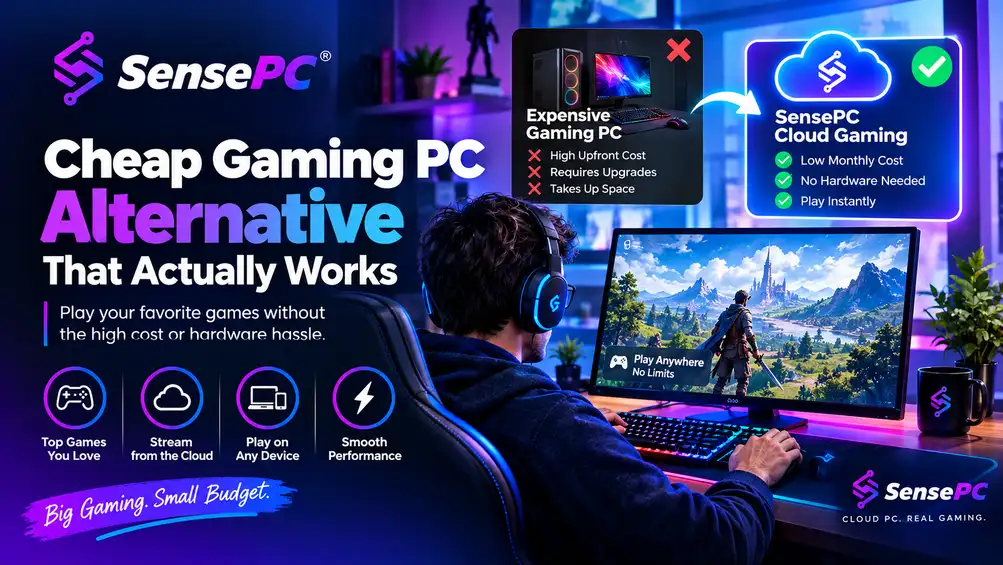
Short answer: The best cheap gaming PC alternative isn't a weaker machine — it's a smarter way to access real performance. Used PCs, consoles, and budget gaming laptops each trade away something important (reliability, PC library and mods, or long-term value). A cloud-hosted Windows gaming PC with a dedicated GPU, persistent storage, and low-latency streaming is usually the strongest alternative for players whose usage is occasional or inconsistent — daily heavy players with a stable setup may still come out ahead owning hardware.
Spending $1,200 to $2,000 on a gaming tower just to play a few nights a week is a bad deal, and most gamers already know it. The real search behind a cheap gaming PC alternative isn't for a weaker machine — it's for a smarter way to get solid frame rates, modern GPUs, and Windows game support without buying hardware that starts aging the day it arrives.
The Standard a Real Alternative Has to Meet
A real alternative has to do more than lower the sticker price — it needs to replace what people buy a gaming PC for in the first place: enough GPU power for modern games, enough CPU and RAM for stable performance, enough storage for real installs, and a Windows environment that works with the launchers people already use.
That rules out a lot of so-called alternatives immediately. Cheap office PCs with integrated graphics are fine for browsing and older indie titles, but not serious replacements for a gaming rig — the same goes for mini PCs with weak graphics or outdated used systems with limited upgrade paths. They can be inexpensive upfront but usually fail where it matters most: running current games at playable settings without constant compromise.
A better standard: if the alternative can't run the games you already own, support the platforms you use, and avoid turning every session into settings triage, it's not really an alternative — it's a cheaper disappointment.
Comparing the Real Options
| Option | The appeal | Where it usually falls short |
|---|---|---|
| Used gaming PC | Lower upfront cost than new hardware | Hidden thermal wear, noisy fans, aging storage, weak power delivery — you may save on day one and spend it later fixing someone else's old build |
| Console | Cheaper, simpler, no build required | You lose the Windows desktop environment, your PC library may not carry over, mods become limited or unavailable — solves a different problem than PC gaming |
| Budget gaming laptop | Portable, one-time purchase | Runs hotter, throttles sooner, becomes outdated faster; upgrades are limited and once the GPU isn't enough, the whole machine is the problem |
| Local budget build | Full ownership and control | The budget usually gets squeezed fast once you add a real GPU, adequate CPU/RAM, SSD, cooling, PSU, case, and Windows license — and you still own a machine that ages and needs upgrades |
| Cloud gaming PC | Real performance, no upfront hardware cost, usage-based billing | Depends on a stable internet connection; heavy daily use over years may cost more than ownership |
Why Local Budget Builds Often Lose the Value Argument
A lot of buyers start by pricing a low-cost gaming PC build. On paper, it looks reasonable — in reality, that budget usually gets squeezed fast. The GPU alone can blow up the plan, then you add a CPU that won't bottleneck it, enough RAM to keep modern games happy, a decent SSD, cooling, motherboard, power supply, case, a Windows license, and the usual shipping or tax creep. Even hunting for used parts carries risk — older GPUs may have hard wear, power supplies are often where corners were cut, and compatibility issues eat time. Once the build is done, you still own a machine that will age, collect dust, generate heat, and eventually need upgrades.
That doesn't mean local budget builds are always wrong — if you play every day, want full offline access, and like managing hardware, building can still make sense. But for a lot of gamers trying to minimize cost, the cheapest path isn't ownership. It's paying only when they need performance.
The Strongest Alternative: A Real Cloud Gaming PC
For many players, the strongest cheap gaming PC alternative is a cloud-hosted Windows gaming PC — not game streaming in the limited console-style sense, but a full Windows machine with dedicated GPU access, persistent storage, and the ability to install your own launchers and games.
That matters because it behaves more like a real gaming PC than a locked-down streaming catalog: log into Windows, install Steam, Epic, Battle.net, or other launchers, download your games, and play on hardware far more capable than what most budget local builds can offer. See how this differs from a streaming catalog specifically.
The financial advantage is straightforward: no big upfront payment, no chasing GPU prices, no replacing parts two years later because your original build was "good enough" until the next wave of games arrived. If you play a few times a week, usage-based access can cost dramatically less than owning and maintaining a physical gaming tower. The full cost breakdown against owning a rig covers the detailed math.
The practical advantage matters just as much — you play from devices you already own. A MacBook, older Windows laptop, workhorse desktop, or thin client becomes the access point rather than the performance bottleneck, which is a meaningful shift for students, apartment renters, frequent travelers, and anyone who doesn't want a loud, hot box parked under a desk.
What to Check Before Trusting a "Cheap" Cloud Gaming PC
Cheap should mean lower cost of access, not lower standards. A cloud gaming PC that gives you a weak experience didn't save you money — it just charged you less for something you'll stop using. Price gets attention first; performance decides whether the service lasts.
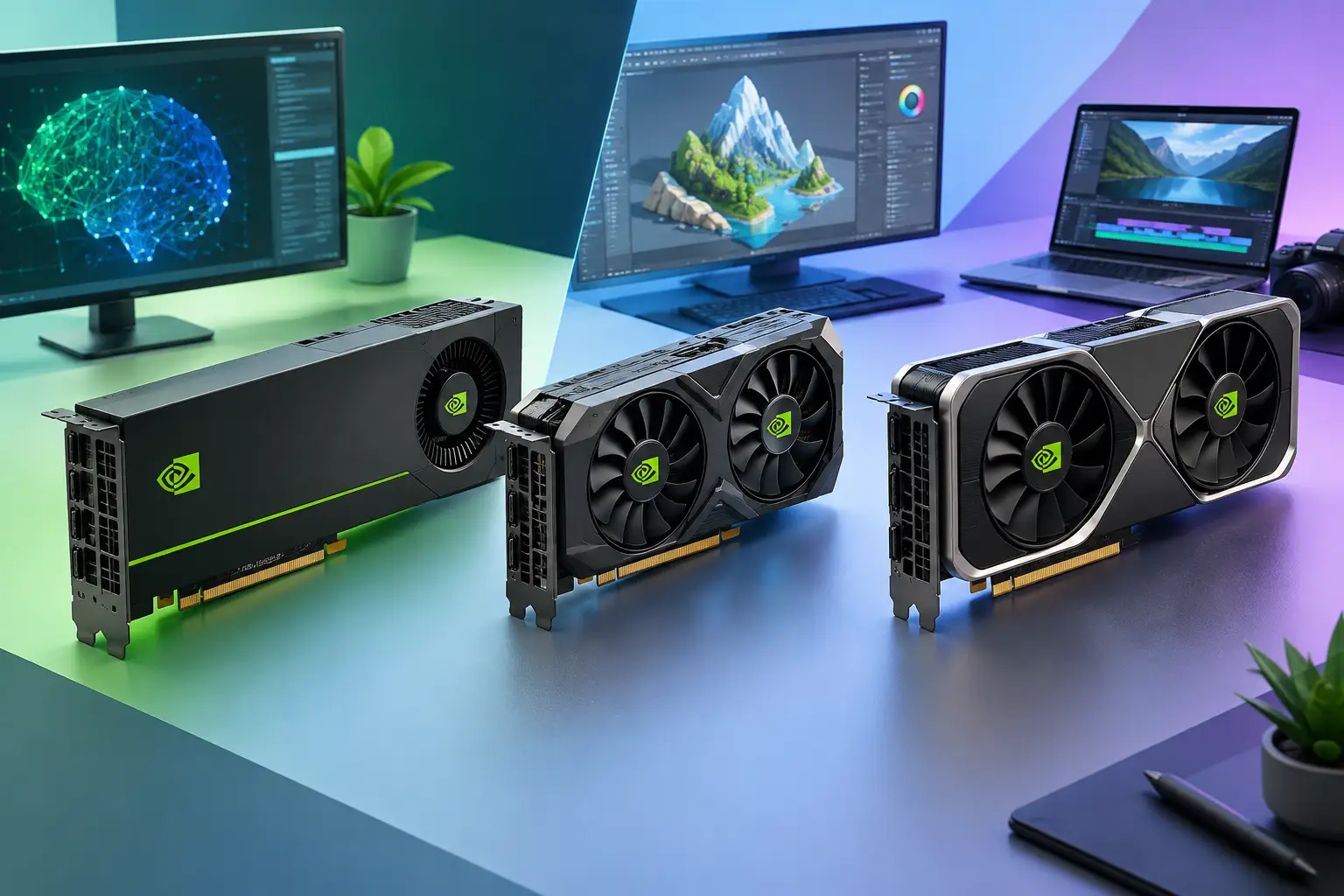
GPU quality matters more than inflated spec sheets. If a platform is vague about graphics hardware, that's usually a bad sign — you want dedicated GPU resources designed to handle modern games, not shared graphics capacity hidden behind marketing language. You should know exactly what class of GPU you're getting and whether it can handle the resolution and settings you care about.
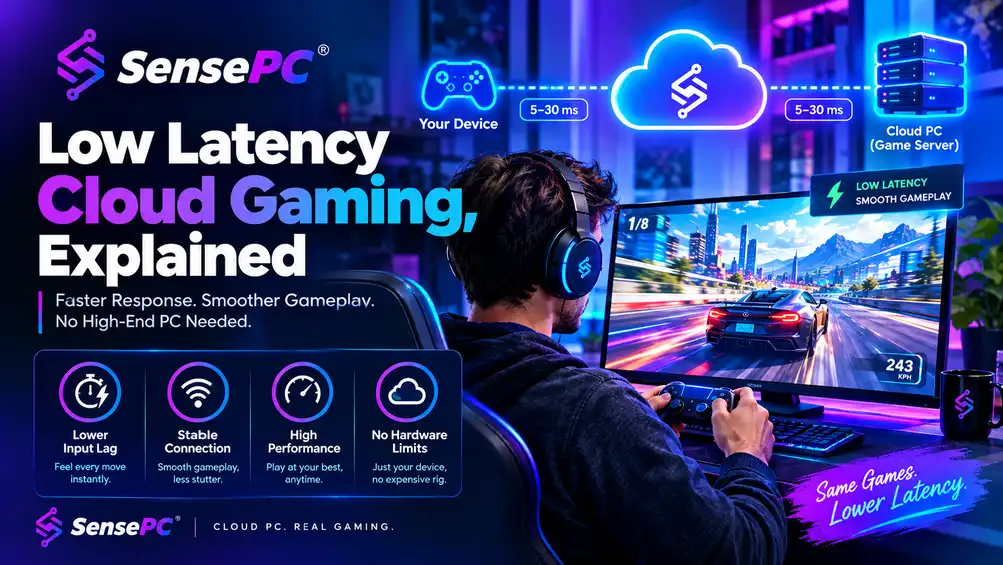
Latency is not optional. A gaming PC in the cloud only works if your inputs arrive quickly and the video stream comes back clean — the difference between a playable shooter and a frustrating one. This depends on your connection, but also on the provider's streaming protocol, infrastructure quality, and data center placement. A service can look affordable on paper and still feel slow if the connection path is inefficient.
Persistent storage saves time and frustration. Temporary sessions are fine for demos, not for actual gaming habits — reinstalling launchers, patches, and games every session kills the convenience cloud gaming is supposed to provide. Persistent SSD storage is what turns rented compute into a usable personal gaming setup: installs stay there, saves stay there, the desktop stays configured the way you left it.
Fast setup is part of the value. Waiting days for provisioning makes no sense in a product built around convenience — a good gaming cloud PC should be available within minutes. Quick deployment is also a signal that the platform is designed for self-serve access instead of enterprise-style ticket workflows.
See more questions to check before committing for a fuller evaluation checklist.
Who Benefits Most From This Alternative
The value is strongest for gamers whose playtime comes in bursts — heavy for a week, then barely touching a game for ten days. Hourly or flexible billing beats sinking money into a tower that sits idle most of the month.
It also makes sense for people using non-gaming devices — Mac users are an obvious fit, along with students with basic laptops, remote workers who already spend all day on a non-gaming machine, and anyone sharing space where a full desktop setup is impractical.
There's a timing advantage too. If you're waiting out hardware prices, unsure whether to commit to a new build, or just want immediate access to stronger specs, a cloud PC works as both a stopgap and a long-term option — no assembly, no shipping delay, no upgrade cycle. SensePC is built around exactly this use case: gaming-ready Windows machines with dedicated NVIDIA L4 GPU power, persistent storage, and fast setup instead of the usual hardware purchase spiral.
When This Is Not the Right Move
There are still clear cases where buying hardware wins. If you play every day for long sessions, demand local-only performance, have unreliable internet, or want deep hardware control with zero dependence on connection quality, ownership is still the stronger option.
The point isn't that every gamer should stop buying PCs — it's that many people buy them by default, even when the economics no longer make sense for how they actually play. A cheap gaming PC alternative is no longer a stripped-down compromise. In the right setup, it's the more efficient way to access serious gaming performance without tying up money in a box that depreciates, overheats, and needs replacing.
What's the best cheap alternative to buying a gaming PC?
For occasional or inconsistent play, a cloud-hosted Windows gaming PC usually beats used PCs, consoles, or budget laptops — it gives you real GPU power, your own game library and launchers, and usage-based billing instead of a large upfront cost or a compromised machine.
Is a used gaming PC a good cheap alternative?
It can be, but carries real risk — hidden thermal wear, aging storage, and weak power delivery are common, and problems from the previous owner often surface after you've already paid.
Can a console replace a gaming PC as a cheaper option?
Only if you don't specifically need PC gaming — you lose the Windows desktop environment, your existing PC game library may not carry over, and mod support becomes limited or unavailable.
What should I look for in a cheap cloud gaming PC specifically?
Confirm the GPU class is clearly stated (not vague), check that storage is persistent between sessions, verify the platform uses low-latency streaming technology, and make sure setup takes minutes, not days or a support ticket.
When does buying a physical gaming PC still make more sense than a cheap alternative?
When you play every day for long sessions, need guaranteed local-only performance, have unreliable internet, or want full hardware control without depending on a connection at all.