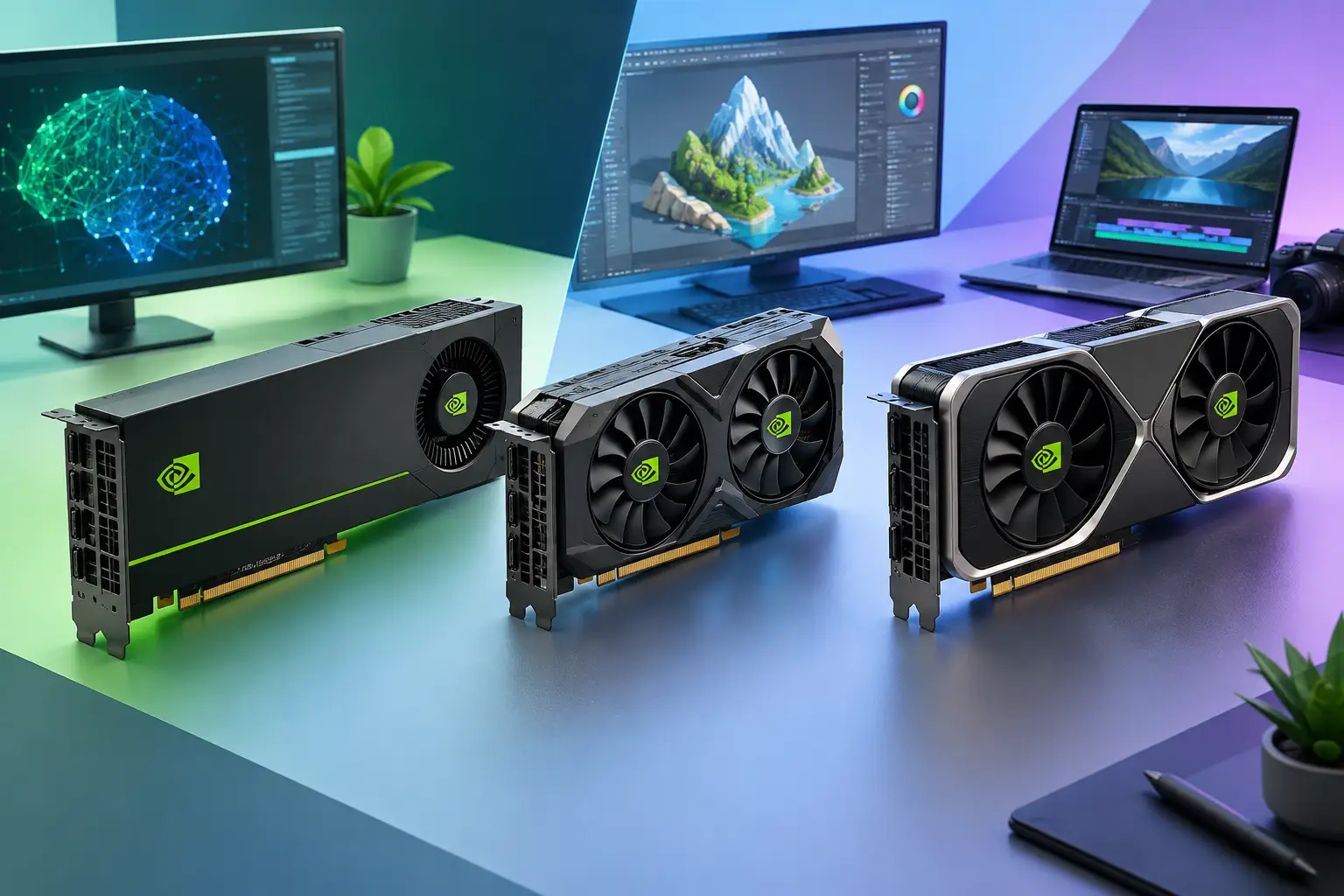
The NVIDIA L4 is a low-power data center GPU with 24 GB of memory, while the RTX 4070 (12 GB) and RTX 4080 (16 GB) are desktop cards built for raw local speed. For high-frame-rate gaming, the RTX 4070 or 4080 should be faster. The L4's strengths are memory capacity, efficiency and cloud use. Choose by workload, hours of use and internet quality, not by name.
Published by SensePC, which sells cloud PCs with NVIDIA L4 graphics. SensePC has not published benchmarks comparing the L4 with the RTX 4070 or 4080, so this guide compares published specifications and design goals, not measured results.
Quick comparison
| NVIDIA L4 | RTX 4070 | RTX 4080 | |
|---|---|---|---|
| Type | Data center GPU | Desktop GPU | Desktop GPU |
| Architecture | Ada Lovelace | Ada Lovelace | Ada Lovelace |
| Memory | 24 GB GDDR6 (ECC) | 12 GB GDDR6X | 16 GB GDDR6X |
| Memory bandwidth | about 300 GB/s | about 504 GB/s | about 717 GB/s |
| Power | about 72 W | about 200 W | about 320 W |
| Design goal | Cloud graphics, video, AI inference, virtual workstations | 1440p gaming, creative work | 4K gaming, rendering, heavy GPU work |
| You get it by | Renting a cloud PC | Buying hardware | Buying hardware |
Specs are NVIDIA's published figures; verify against NVIDIA's product pages before publishing. Partner cards vary.
The core difference
The L4 is built for efficient, always-on data center work: dense servers, remote graphics, video pipelines and AI inference. The RTX 4070 and 4080 are built for a monitor plugged into your own PC, with high clocks, display outputs and much higher power budgets.
That shapes what each does well:
- Raw gaming speed: the desktop cards have far higher power and memory bandwidth, so the RTX 4070 and 4080 should deliver more frames than an L4 in most games. Expect the L4 to sit below even the RTX 4070 for high-refresh gaming. Test it on your games.
- Memory capacity: the L4's 24 GB is more than either desktop card. That matters when a workload runs out of VRAM, such as larger AI models, big scenes or several GPU apps at once.
- Efficiency and density: at about 72 W, the L4 suits shared server environments where many GPU-backed Windows machines run at once.
NVIDIA L4 vs T4
The T4 is the older Turing-generation data center GPU with 16 GB of GDDR6. The L4 is the Ada Lovelace successor with 24 GB, newer AI and video hardware, and better efficiency at a similar low power class. For active development or newer AI tools, the L4 gives more headroom. The T4 can still suit lighter inference or legacy workloads where cost matters most.
RTX 4070 vs RTX 4080
If you are buying a desktop, the RTX 4070 is the value pick for strong 1440p gaming, creative work and CUDA development with moderate memory needs. The RTX 4080 is the stronger card, with more graphics performance and 16 GB of memory, and it helps most at 4K and with heavy rendering. It also costs more and needs a stronger power supply, bigger case and better cooling. A local RTX 4080 is a sound investment if you use it for many hours each week.
Where a cloud L4 PC makes sense
- Mac or lightweight laptop users who need Windows apps with GPU acceleration.
- Developers and students who need a stronger CUDA environment than their local device.
- AI learners working with PyTorch, ComfyUI or Stable Diffusion, where 24 GB of VRAM can matter. Training large models is a different category from inference and experimentation.
- Creators with burst demand: a render, a client project or a sprint, not constant daily use.
- People who want no hardware to maintain: no upgrade cycle, cooling or repairs.
Where a local RTX 4070 or 4080 wins
- You play or work on the GPU many hours every day.
- You need the lowest possible latency or offline access.
- You rely on local peripherals or displays.
- You want the highest frame rates, such as competitive high-refresh gaming or 4K.
What SensePC offers
SensePC cloud PCs use NVIDIA L4 graphics, with 24 GB of video memory on its dedicated plans:
- Xtreme Core, Pro and Ultra: Windows 11 with a dedicated L4 (24 GB), 4/8/16 vCPU and 16/32/64 GB RAM.
- AI Dev Core, Pro and Ultra: Ubuntu 24.04 with a GUI and a dedicated L4.
- Windows 11 and Ubuntu Standard, Pro and Ultra: share an L4, aimed at cost-efficient desktop, development and creator work.
Plans are billed Hourly, Daily or Monthly, with persistent SSD storage. Check pricing for current rates, which are dynamic.
Rent or buy: the usage question
Write down three numbers: your monthly hours of GPU use, the VRAM your main application needs, and whether your internet suits remote work.
Break-even formula: purchase cost ÷ cloud hourly rate = hours before buying costs less. Illustrative example only: if a complete PC would cost $1,800 and a cloud plan costs $2.25 per hour, break-even is 800 hours. This ignores electricity, resale value, upgrades, internet costs and storage billing, and the PC price is hypothetical. Use your own figures.
Cloud access also depends on distance to the region, your connection and the app. Test with the software you actually use, using an Hourly session, before deciding long term. For gaming, see the bitrate guide and the Wi-Fi vs. Ethernet guide.
1. What is the main difference between the NVIDIA L4 and the RTX 4070 or 4080?
The L4 is a low-power data center GPU with 24 GB of memory built for cloud, video and AI inference, while the RTX 4070 and 4080 are desktop cards built for local gaming speed. All three use the Ada Lovelace architecture.
2. Is the NVIDIA L4 faster than the RTX 4070?
Not for most gaming. The RTX 4070 has a much higher power budget and memory bandwidth, so it should deliver more frames. The L4 has more memory (24 GB vs 12 GB). SensePC has not published a head-to-head benchmark, so test your own games.
3. Is the L4 better than the RTX 4080?
Not for raw speed. The RTX 4080 is a much larger, higher-power card. The L4 has more VRAM (24 GB vs 16 GB) and is more efficient, which helps in cloud and memory-limited workloads.
4. How much VRAM do the L4, RTX 4070 and RTX 4080 have?
The L4 has 24 GB of GDDR6, the RTX 4070 has 12 GB of GDDR6X, and the RTX 4080 has 16 GB of GDDR6X. Capacity matters most when a workload runs out of memory, while speed matters most for frame rates.
5. Can the NVIDIA L4 run games?
Yes, in a cloud PC it can run many PC games, but it is a data-center GPU, not a top-end gaming card. Very demanding games may need lower settings. Check anti-cheat and launcher rules, and try a short session first.
6. Is a cloud PC with an L4 good for 1080p gaming? It can be, depending on the game, settings and your connection. SensePC has not published a measured result for specific games, so test a short Hourly session and watch the Session Live panel.
7. How does the NVIDIA L4 compare to the T4?
The L4 is the newer Ada Lovelace GPU with 24 GB of memory against the T4's 16 GB, with stronger AI and video features at a similar low power class. The T4 can still suit lighter inference or legacy tasks.
8. When was the NVIDIA L4 released and what architecture does it use?
NVIDIA announced the L4 at GTC in March 2023. It uses the Ada Lovelace architecture. Verify the launch date on NVIDIA's site.
9. Is the L4 good for AI and machine learning?
It suits inference, experimentation and tools such as PyTorch, ComfyUI and Stable Diffusion, and its 24 GB of VRAM helps with larger models. Training very large models needs different hardware. Model size, batch size, precision and storage speed all matter.
10. Is the RTX 4080 worth the extra cost over the RTX 4070?
It depends on your resolution, refresh rate and budget. The RTX 4080 is faster, especially at 4K and with ray tracing, and has 16 GB of memory. The RTX 4070 is usually the better value for 1440p. Check current prices.
11. Which is better for 4K gaming: RTX 4070 or RTX 4080?
The RTX 4080 is the better 4K card, with more performance and memory. The RTX 4070 can run some games at 4K with adjusted settings, but results vary by game.
12. How do the RTX 4070 and 4080 compare for power and heat?
The RTX 4080 draws far more power (about 320 W against about 200 W) and needs a stronger power supply and better cooling. The RTX 4070 is the more efficient choice. Both are far above the L4's about 72 W.
13. Is it cheaper to rent a cloud GPU PC or buy an RTX 4070 or 4080?
It depends on hours of use. Divide the purchase cost by the cloud hourly rate to find break-even. Light or bursty use favors renting, and heavy daily use favors owning. Include electricity, upgrades and resale value when you compare.
14. Can a cloud PC replace an RTX 4080 desktop?
For some workloads, yes, especially on a Mac or laptop. It adds network delay and depends on your connection, so it is not ideal for the lowest-latency competitive play or offline use.
15. Do I need a powerful computer to use a cloud PC with an L4?
No. Your device mainly displays the stream and sends input, so a Mac, laptop or basic desktop can work. A stable, low-latency connection matters more than local hardware.
16. Which SensePC plans use a dedicated L4?
Xtreme Core, Pro and Ultra (Windows 11) and AI Dev Core, Pro and Ultra (Ubuntu 24.04 GUI) use a dedicated NVIDIA L4 with 24 GB. The Standard, Pro and Ultra plans share an L4. Check the pricing page for current specs.
17. What is the difference between a dedicated and a shared L4?
A dedicated L4 gives one machine the GPU's capacity, so performance is more predictable. A shared L4 splits capacity between users and usually costs less. SensePC recommends Xtreme for gaming.
18. Can I use the L4 for video editing and rendering?
Yes, many GPU-accelerated editors and renderers can use it, and its 24 GB helps with large projects. A desktop RTX 4080 may render faster, so compare time against cost for your own project.
19. Can a Mac user use an L4 cloud PC?
Yes. The cloud PC runs Windows 11 and your Mac shows the stream. On supported macOS computers, Performance Mode uses a native Amazon DCV client for lower latency.
20. What internet connection do I need for a cloud GPU PC?
A stable, low-latency connection matters more than raw speed. Use wired Ethernet or strong 5 GHz Wi-Fi, choose a nearby region, and test your setup before relying on it.