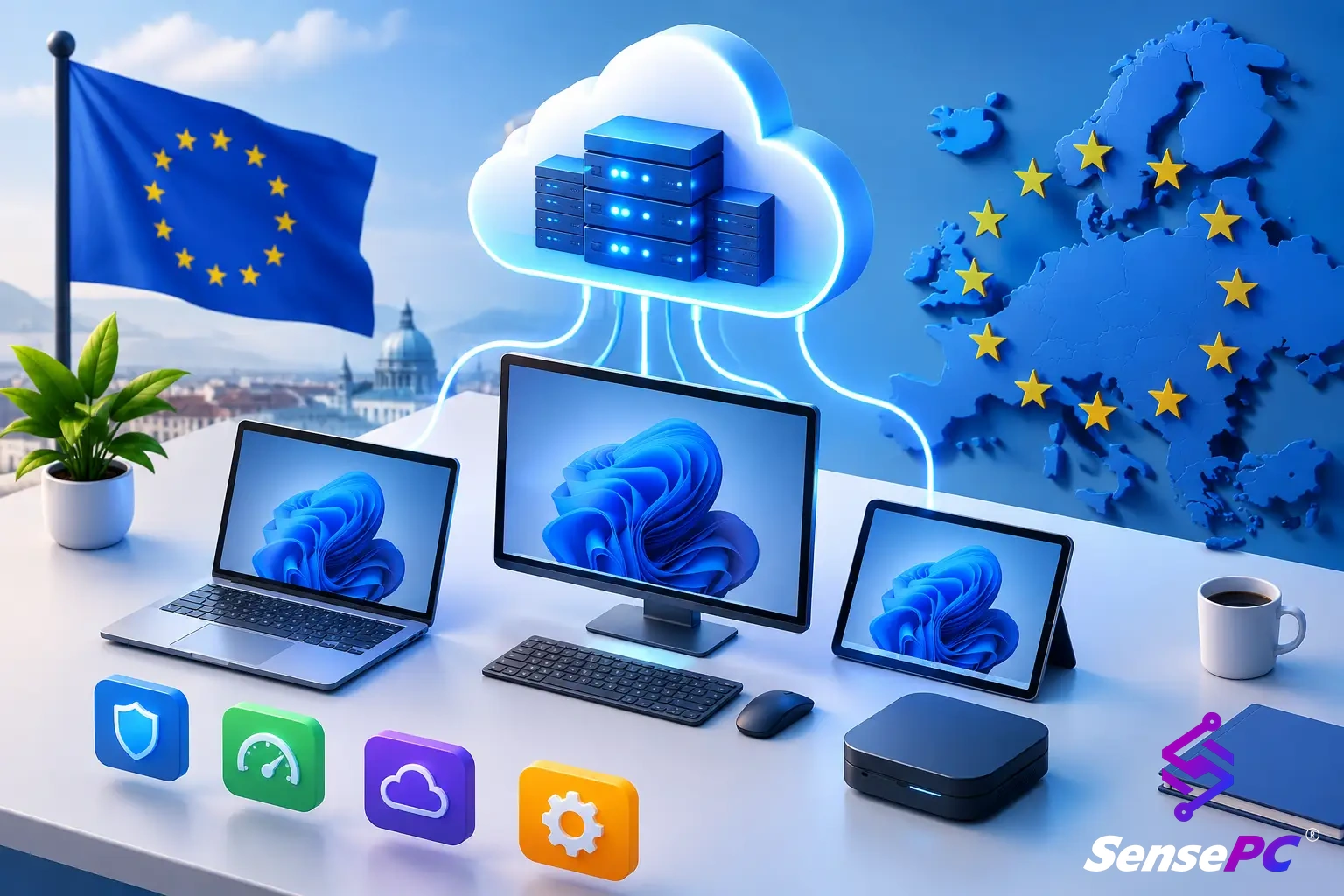
Short answer: For an individual or a small team, an advanced cloud solution usually means a high-performance cloud PC. That's a full Windows or Linux desktop running in a data center, with its own GPU, that you stream to the device you already own. It makes sense when your work needs more power than your laptop has, but not every day, or not enough to justify buying a workstation.
Enterprise cloud platforms such as AWS, Azure and Google Cloud are also "advanced cloud solutions", but they are built for IT teams running infrastructure. This guide is about the self-serve kind: one person signs up, picks a machine, and starts working.
What a high-performance cloud PC gives you
SensePC is a cloud PC service from Senseminder LLC. Each SensePC is a persistent desktop:
- Windows 11 or Ubuntu 24.04 LTS with a full desktop. Install whatever software you need.
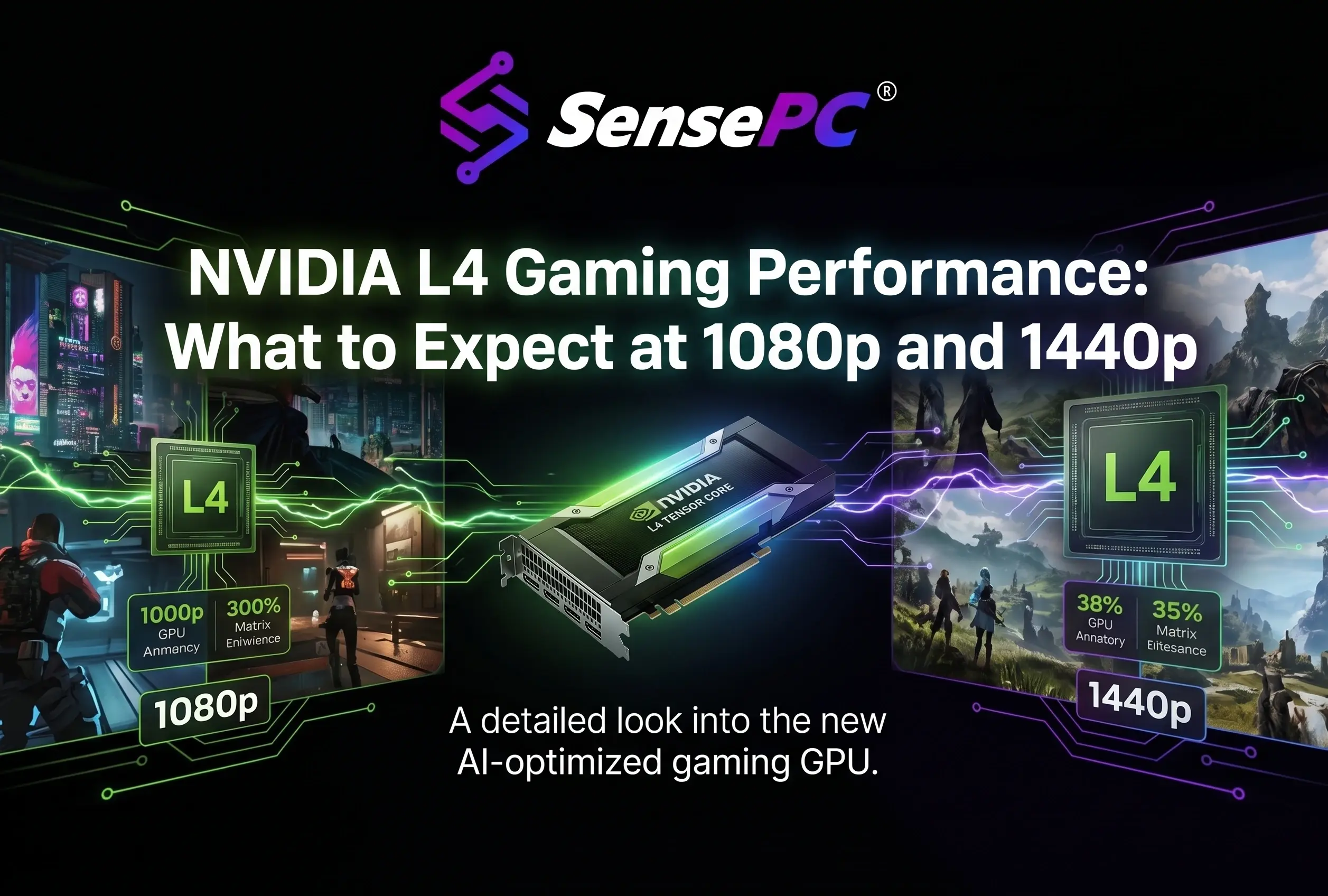
- NVIDIA L4 graphics. The Xtreme and AI Dev configurations get a dedicated L4 with 24 GB of VRAM. The Standard, Pro and Ultra Windows and Ubuntu configurations share L4 capacity.
- Persistent SSD storage. Your files, apps and settings stay on the machine when you stop it and are there next time.
- Fast networking, from up to 10 Gbps to up to 25 Gbps depending on the configuration.
Cloud workstation with a dedicated GPU: the configurations
| Configuration | OS | vCPU / RAM | GPU | Network |
|---|---|---|---|---|
| Xtreme Core | Windows 11 | 4 / 16 GB | Dedicated L4, 24 GB | Up to 10 Gbps |
| Xtreme Pro | Windows 11 | 8 / 32 GB | Dedicated L4, 24 GB | Up to 10 Gbps |
| Xtreme Ultra | Windows 11 | 16 / 64 GB | Dedicated L4, 24 GB | Up to 25 Gbps |
| AI Dev Core | Ubuntu 24.04 (GUI) | 4 / 16 GB | Dedicated L4, 24 GB | Up to 10 Gbps |
| AI Dev Pro | Ubuntu 24.04 (GUI) | 8 / 32 GB | Dedicated L4, 24 GB | Up to 10 Gbps |
| AI Dev Ultra | Ubuntu 24.04 (GUI) | 16 / 64 GB | Dedicated L4, 24 GB | Up to 25 Gbps |
| Windows 11 Standard / Pro / Ultra | Windows 11 | 4/16, 8/32, 16/64 GB | Shared L4 | Up to 12.5 Gbps |
| Ubuntu Standard / Pro / Ultra | Ubuntu 24.04 (GUI) | 4/16, 8/32, 16/64 GB | Shared L4 | Up to 12.5 Gbps |
If you want to rent a cloud PC with an NVIDIA L4 for GPU-heavy work, such as games, rendering, CUDA or model experiments, pick Xtreme (Windows) or AI Dev (Ubuntu) so the GPU isn't shared. For office apps, coding and light creative work, a shared-GPU configuration is usually enough. Not sure how much VRAM you need? See GPU VRAM requirements and dedicated vs shared GPU.
See current rates for each configuration on 24 GB NVIDIA L4 cloud PC pricing.
Who a high-performance cloud PC is for
| You need | Why a cloud PC fits | Go deeper |
|---|---|---|
| AI and CUDA work without buying a GPU | Dedicated L4 with 24 GB VRAM on Ubuntu or Windows | Use CUDA remotely |
| 3D rendering or video editing on deadline | Rent GPU power for the project, then stop paying for it | Cloud vs local rendering · Edit video remotely |
| Windows-only software on a Mac | A real Windows 11 desktop in a browser window | Run Windows apps on a Mac |
| A cloud workstation for software development | More cores and RAM than your laptop, same environment from any device | Cloud computer for coding |
| A cloud gaming PC with persistent storage | Your installed games stay installed between sessions | Persistent cloud storage |
| Several people needing machines | One account, a cloud PC per person, no VDI project | SensePC for Business |
A 24 GB GPU handles many learning projects, image-generation workflows and smaller models. It won't fit every large model, so check model size and memory before you commit.
Self-serve cloud PC vs enterprise VDI
A self-serve cloud PC for individuals and a traditional VDI solve different problems.
| Self-serve cloud PC (SensePC) | Enterprise VDI / DaaS | |
|---|---|---|
| Who sets it up | You, in a few minutes | An IT team |
| What you manage | Your own desktop | Directories, images, policies, user fleets |
| Billing | Hourly, Daily or Monthly, from a prepaid wallet | Per user or per desktop, usually through an organization account |
| GPU | Dedicated L4 on Xtreme and AI Dev | Depends on the bundle |
| Best for | Individuals, freelancers, small teams | Companies managing many employees |
Looking for an Amazon WorkSpaces alternative for individuals? WorkSpaces is built for organizations: it runs inside an AWS account and is tied to a directory of users. If you just want one powerful desktop for yourself, without setting up AWS, a self-serve cloud PC is the simpler route. For more on the categories, see cloud desktops and virtual workstations explained.
Cloud PC vs buying a desktop
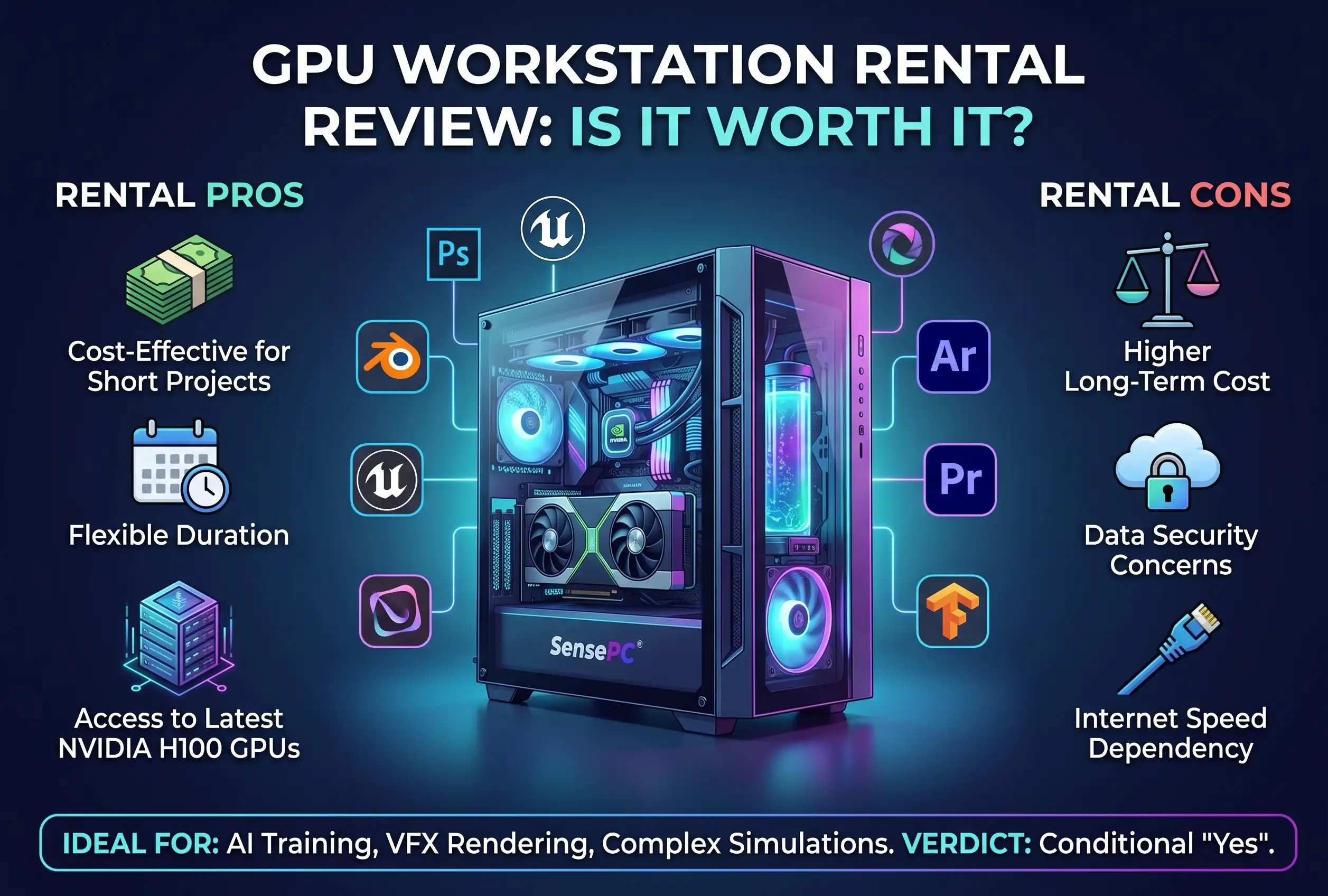
A local PC gives you direct performance, works offline, and can be cheaper over several years of heavy daily use. A cloud PC avoids the upfront cost, repairs, heat, noise and upgrade cycle, and you keep using the device you already own.
| Your situation | Likely better fit |
|---|---|
| Heavy use every working day for years | Buying hardware (compare it against the monthly cloud cost) |
| Projects, deadlines or short courses | Cloud PC |
| You need to work offline | Local hardware |
| Mac or light laptop, occasional Windows-only software | Cloud PC |
| Not sure how often you'll use it | Start on Hourly |
Full comparison: cloud vs desktop workstation.
Pay-as-you-go GPU cloud workstation: how billing works
SensePC bills from a prepaid wallet in three ways:
- Hourly: pay only while the PC runs, with no cap. It's the only plan that lets you resize CPU and RAM on demand.
- Daily: up to 10 hours of uptime per day.
- Monthly: up to 180 hours of uptime per billing cycle.
A few rules save money:
- Disconnect isn't stop. Disconnecting ends your stream, but the PC keeps running and billing.
- Stop when you're done. Stopping ends compute charges. The persistent SSD can keep billing while the PC exists.
- Keep a balance. A PC that stays stopped for more than 3 days with no wallet balance can be terminated. You get reminders first, but the disk can't be recovered afterwards.
Which plan costs less depends on your hours. See hourly vs daily vs monthly cloud PC plans, and check the billing FAQ.
How you connect
- In the browser: a browser-based Windows cloud computer with nothing to install. Good for getting started and for most work.
- Performance Mode: a native Amazon DCV client for supported Windows, macOS and Linux computers, for smoother streaming in games and creative apps.
Macs, lightweight Windows laptops and supported browser devices can connect. Phones and iPads can't stream a SensePC session.
Your connection matters more than your device. The PC streams video to you and receives your keyboard and mouse input, so stability and distance count more than raw speed. SensePC lists eight locations: New York, California, Chicago, Brazil, London, Berlin, Madrid and Stockholm. Pick the one closest to you, and test on your own network before a deadline or a competitive match. See internet speed for a cloud gaming PC.
How to choose your configuration
Start with the application, not the biggest spec.
- Which apps do you need, and on Windows or Linux?
- What's the bottleneck? Coding usually needs CPU and RAM. 3D, video and games need the GPU. AI work is often limited by GPU memory.
- How often will you use it? Occasionally, weekly or every day. This decides the plan.
- Is your connection stable? Test it on a real session.
Pick the smallest configuration that runs your workload well. On Hourly you can resize CPU and RAM later.
What are advanced cloud solutions and services?
The term covers everything from enterprise cloud platforms to managed services. For individuals and small teams, it usually means a high-performance cloud PC you reach over the internet.
What is a high-performance cloud PC?
A full desktop computer, with a GPU, hosted in a data center. Apps run on the remote machine and the screen streams to your device.
Does every SensePC plan have a dedicated GPU?
No. Xtreme and AI Dev configurations get a dedicated NVIDIA L4 with 24 GB VRAM. Standard, Pro and Ultra Windows and Ubuntu configurations share L4 capacity.
Can I get an Ubuntu cloud desktop with a GPU?
Yes. AI Dev configurations run Ubuntu 24.04 LTS with a desktop and a dedicated L4.
Is my Windows 11 cloud PC persistent?
Yes. Files, apps and settings stay on the persistent SSD when you stop the PC. They're removed only if you delete it.
Is a cloud PC the same as cloud storage?
No. Cloud storage holds files. A cloud PC runs software.
How is a self-serve cloud PC different from VDI?
VDI is built for IT teams managing company desktops. A self-serve cloud PC lets one person create and use a machine without an IT team.
Is SensePC an alternative to Amazon WorkSpaces for individuals?
For one person who wants a powerful desktop without setting up an AWS account and directory, yes. WorkSpaces suits organizations managing many users.
Can I run Windows software on a Mac with a cloud PC?
Yes. Connect from the browser or Performance Mode on macOS and use a full Windows 11 desktop.
Is it good for AI and CUDA?
Yes, for many projects. A dedicated 24 GB L4 handles CUDA tools, image generation and smaller models. Very large models may need more memory.
Can I play games on it?
Often, yes, on a Windows configuration with a good connection. Results depend on your network, distance to the data center and each game's anti-cheat rules.
How is it billed?
Hourly with no cap, Daily up to 10 hours a day, or Monthly up to 180 hours a month, from a prepaid wallet.
Do I keep paying if I only disconnect?
Yes. Disconnecting leaves the PC running. Stop it to end compute charges.
Can I try it before committing?
Yes. Start on Hourly, test your apps and connection, and stop the PC when you're done.
Related: Hourly vs daily vs monthly plans · What is a cloud PC? · 24 GB NVIDIA L4 cloud PC pricing · Billing FAQ