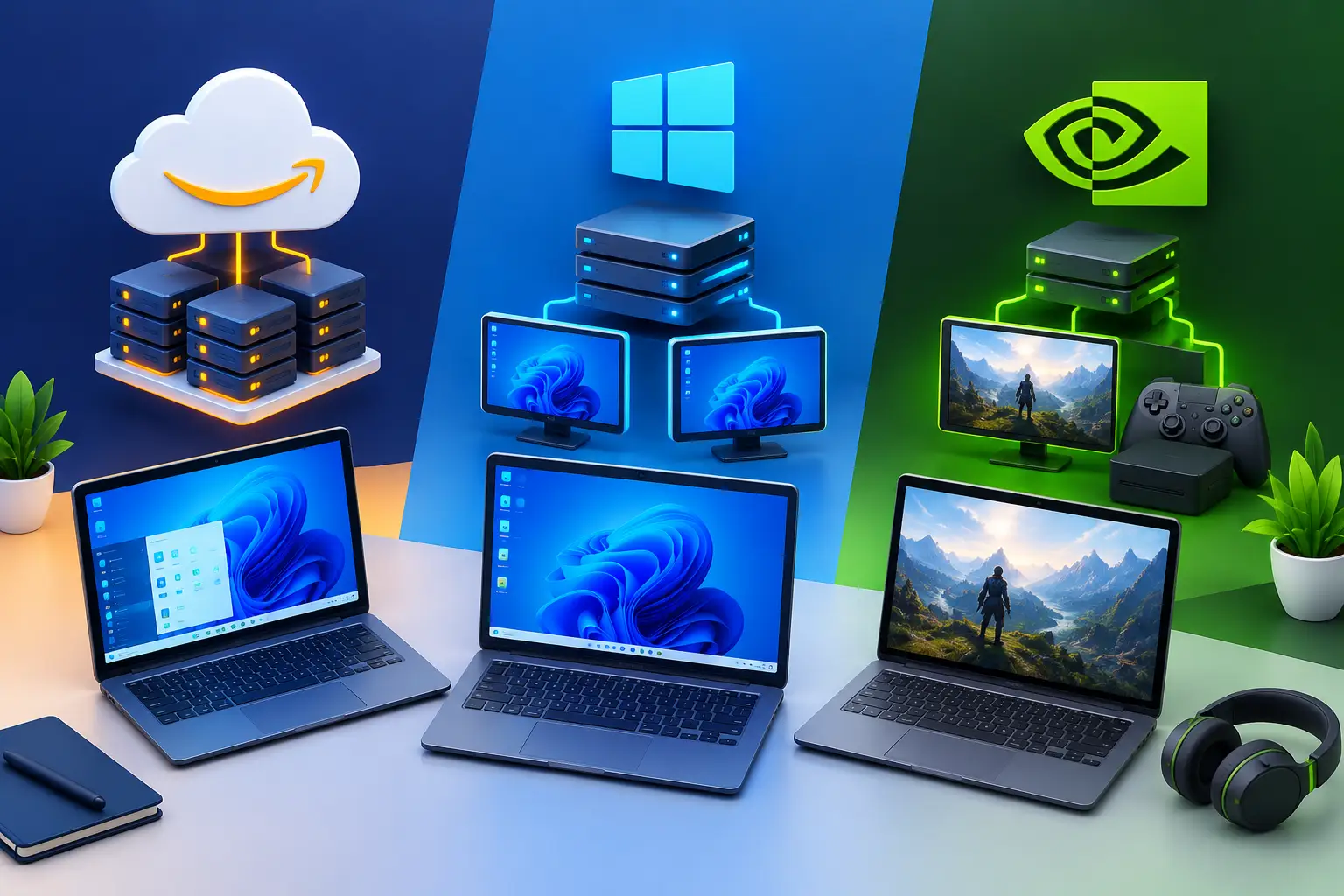
The best cloud PC for you in Europe is the one that fits your workload and your connection, and the checks that decide it are location, latency, GPU access, persistent storage and billing. A cloud PC is a full Windows or Linux computer running in a data center that you control from a laptop, Mac or desktop you already own. Cloud PCs are not all built for the same job: some are basic remote desktops, some are enterprise systems, and some offer GPU power but make cost or storage hard to manage. This guide lists what to check, so you can compare options fairly, including ours.
SensePC publishes this guide and sells cloud PCs, so treat it as guidance and test any service on your own connection.
What makes a cloud PC worth using
The best services focus on the parts that affect real work: setup speed, dedicated resources, persistent storage, connection quality and clear billing. A long feature list means little if you cannot create a machine quickly, install your own tools, save your files and return to the same desktop later.
The right setup depends on the job. A gamer needs a dedicated GPU and a responsive stream. A developer needs enough RAM for containers and IDEs. A creator needs GPU acceleration for editing, rendering or 3D. An AI learner needs an NVIDIA GPU for CUDA tools and model experiments. Start with your actual workload, not the biggest specification on a plan page.
Best cloud PCs in Europe: the checks that matter
Where the machine runs
A cloud PC feels most responsive when the route between you and the data center is short and stable. Distance matters, but so do your ISP, home network, Wi-Fi quality and the protocol that streams the desktop. No service can honestly promise identical responsiveness for every city, ISP or use case, so test with your own connection.
For gaming, SensePC's guidance is about 500 miles or less to a region, and it offers eight regions name the European region(s), the cities or countries they serve, and when they became available. If there is no European region, say so here and explain what that means for latency.]
GPU access that matches the work
A remote Windows desktop with no dedicated GPU can be enough for office work, web apps and light coding. It is usually not the right fit for modern AAA games, GPU-accelerated creative software, 3D scenes or many AI tools. Look for a dedicated NVIDIA GPU when your work depends on graphics acceleration or CUDA, and check CPU and RAM tiers as well. A strong GPU can still feel constrained if you compile large projects with too little memory.
SensePC offers Windows 11 and Ubuntu 24.04 cloud PCs with NVIDIA L4 graphics. Xtreme and AI Dev plans use a dedicated L4 with 24 GB, and Standard plans share an L4. Choose the tier for the job you run most often, not the most demanding task you might try once a year.
Persistent storage
Temporary machines are fine for short tests but create friction for ongoing work: reinstalling apps, re-downloading game libraries and moving project files every session. Persistent SSD storage keeps installed software, settings and files between sessions. Before you choose a service, check what persists, how much storage is included, and what happens when you stop or change a machine. On SensePC, Stop ends compute but stored SSD data can keep billing, and a stopped PC with no wallet balance for more than 3 days can be terminated.
Billing that matches how you use it
Hourly billing gives occasional users control, and Daily or Monthly options suit a regular routine. SensePC offers Hourly, Daily (up to 10 hours a day) and Monthly (up to 180 hours a month) access. Compare the total expected cost over several months, not the lowest hourly number. Know that Disconnect leaves the PC running and billing, so Stop it when you finish.
Your own connection
Use wired Ethernet when you can. On Wi-Fi, use a modern router on 5 GHz or Wi-Fi 6, stay close to it, and pause large downloads before latency-sensitive work. See our guides to internet speed for cloud gaming and low-latency streaming.
Cloud PC vs. buying a gaming PC or workstation
A local system gives you direct hardware access and no dependence on the internet. A cloud PC lowers the upfront cost and lets you reach stronger hardware from devices you already own.
| Your situation | Likely better choice |
|---|---|
| You play or create every day and want the lowest local input delay | Buy a desktop |
| Your internet is inconsistent | Buy a desktop |
| You need offline access and full control over upgrades | Buy a desktop |
| Your device is light, old or a Mac, and you need Windows apps or GPU power | Cloud PC |
| Your demand is temporary or variable (a course, a sprint, a few evenings) | Cloud PC |
| You are unsure how often you will use it | Start with hourly cloud access |
A premium laptop sits in the middle: portable, but costly with workstation-class graphics and limited to upgrade. See our cloud gaming PC vs. gaming laptop comparison for the break-even math. Enterprise virtual desktop platforms solve a different problem. They are built for central IT control, large teams and managed corporate desktops, and individuals and small teams often prefer a self-serve option.
What about EU data rules and sovereignty?
If you handle personal or regulated data, or you are required to use an EU-based provider, check these before you choose any cloud PC: where the data is stored, who owns and operates the provider, which jurisdiction applies, and what the data processing terms say. SensePC is operated by Senseminder LLC.
Windows 365 and browser-only cloud PCs
Windows 365 is Microsoft's cloud PC service, built mainly for organizations that manage standardized work desktops. It suits managed business use. A self-serve cloud PC suits individuals and small teams who want performance for gaming, development, AI or creative work. See our Windows 365 comparison.
Some services run entirely in a browser with nothing to install. SensePC supports browser access, and Performance Mode is a native Amazon DCV client for supported Windows, macOS and Linux computers when you want a more responsive session. Phones and iPads cannot stream a SensePC session.
How to choose the right configuration
- Start with the application that sets your minimum requirements. A student's engineering tool may need RAM more than GPU. A developer using Docker and Visual Studio needs CPU headroom and storage. A gamer should consider the games, display resolution and home network.
- Consider how often you will use it. Once or twice a month points to hourly access. Daily use calls for comparing a monthly plan against buying hardware, including electricity, repairs and upgrades.
- Test early. Install your tools, connect from the devices you rely on, and see whether the experience fits. Cloud computing is practical when it removes a real limitation, and less useful when your connection cannot support the work.
The best choice gives you enough power without forcing you to own more hardware than your life, work or budget requires. SensePC is a cloud PC service from Senseminder LLC that offers persistent Windows 11 and Ubuntu Linux cloud PCs with NVIDIA L4 graphics for gaming, development, AI, creative work and business, with flexible Hourly, Daily or Monthly access. See pricing and the FAQ.
What is a cloud PC?
A cloud PC is a full Windows or Linux computer that runs in a data center. You connect from another device and use its CPU, memory, storage and GPU remotely.
What are the best cloud PCs in Europe?
There is no single best. The right one fits your workload and connection. Compare data center location, latency, GPU access, persistent storage and billing, and test with your own network.
What should I look for in a cloud PC in Europe?
Check where the machine runs, how far it is from you, whether the GPU is dedicated, whether storage persists, how billing works and whether the service suits your workload.
Does SensePC have a data center in Europe?
SensePC offers eight regions. Check the region list on the pricing page or when you create a PC to see whether a European location is available.
How close should I be to the cloud PC data center?
Closer is generally better. For gaming, SensePC's guidance is about 500 miles or less to a region. Your ISP and home network also affect the result.
Will latency be a problem from Europe?
It depends on the distance to the region, your ISP and your network, so no one can promise a number. Test with your own connection before you rely on it for fast games.
What internet speed do I need for a cloud PC?
About 25 Mbps is a realistic minimum for 1080p and 50 Mbps is more comfortable for one player, with 100 Mbps or more for shared homes. Stability and latency matter as much as speed.
Should I use Ethernet or Wi-Fi?
Ethernet is the simplest upgrade because it gives more consistent latency. If you use Wi-Fi, choose 5 GHz or Wi-Fi 6, stay close to the router and pause large downloads.
Do I need a dedicated GPU in a cloud PC?
You do for modern AAA games, GPU-accelerated creative software, 3D work and many AI tools. For office work, web apps and light coding, a desktop without a GPU can be enough.
Which GPU does SensePC use?
NVIDIA L4 with 24 GB. Xtreme and AI Dev plans use a dedicated L4, and Standard plans share an L4.
Does every SensePC plan have a dedicated GPU?
No. Only Xtreme and AI Dev plans use a dedicated L4. Standard plans share one.
Can a cloud PC run AAA games?
Often, with a dedicated GPU and a good connection. Anti-cheat and virtual machine policy is set per game and can change, so check before you count on any title.
Can I use a cloud PC for AI and CUDA?
Yes. An NVIDIA GPU supports CUDA tools, model experiments and image generation. Match the machine to your model size and GPU memory needs.
Can a cloud PC run creative software for editing and 3D?
Yes, for applications that use GPU acceleration. Check the software's GPU requirements and your connection quality, since the session is a video stream.
Can I use a cloud PC for software development?
Yes. A cloud PC can host an IDE, containers and test environments. Check CPU cores, RAM and storage for your project.
Why does persistent storage matter?
It keeps installed software, settings and files between sessions, so you do not reinstall or re-download every time.
Will my files stay between sessions on SensePC?
Yes. A SensePC cloud PC uses persistent SSD storage. Keep independent backups of anything you cannot replace.
How is a SensePC cloud PC billed?
Hourly, Daily (up to 10 hours a day) or Monthly (up to 180 hours a month). Rates are dynamic, so check the pricing page.
Do I keep paying if I only disconnect?
Yes. Disconnect leaves the PC running and billing. Stop ends compute, though stored SSD data can keep billing.
Is a cloud PC cheaper than buying a PC?
For occasional or variable use, usually. For heavy daily use over several years, buying can cost less. Compare expected cloud cost with the full cost of owning, including electricity and upgrades.
Is a cloud PC better than a gaming laptop?
It depends. A laptop works offline and has the lowest local input delay. A cloud PC avoids a large upfront purchase and can pair with a light laptop or Mac.
Will cloud computing replace the PC?
Not entirely. Cloud PCs suit variable or heavy workloads, but local computers still win for offline use, low input delay and steady daily performance.
Can I use a Mac or tablet with a cloud PC?
Yes, a Mac works through the browser or Performance Mode. Phones and iPads cannot stream a SensePC session.
Can I use a cloud PC in a browser with nothing to install?
Yes. SensePC supports browser access. Performance Mode is a native Amazon DCV client for supported Windows, macOS and Linux computers when you want a more responsive session.
What is Performance Mode?
Performance Mode is a native Amazon DCV client for supported Windows, macOS and Linux computers that connects to a SensePC cloud PC with a more responsive session than the browser.
How is a cloud PC different from enterprise VDI?
Enterprise VDI is built for central IT control, large teams and managed corporate desktops. A self-serve cloud PC lets one person create a personal machine without a long provisioning process.
How is Windows 365 different from SensePC?
Windows 365 is Microsoft's cloud PC service, built mainly for organizations that manage standardized desktops. SensePC is a self-serve cloud PC aimed at individuals and small teams who want performance for gaming, development, AI and creative work.
How do I access a Windows 365 Cloud PC?
Windows 365 Cloud PCs are accessed through Microsoft's website or a supported Windows app, with a work or school account assigned by your organization. Check Microsoft's current instructions.