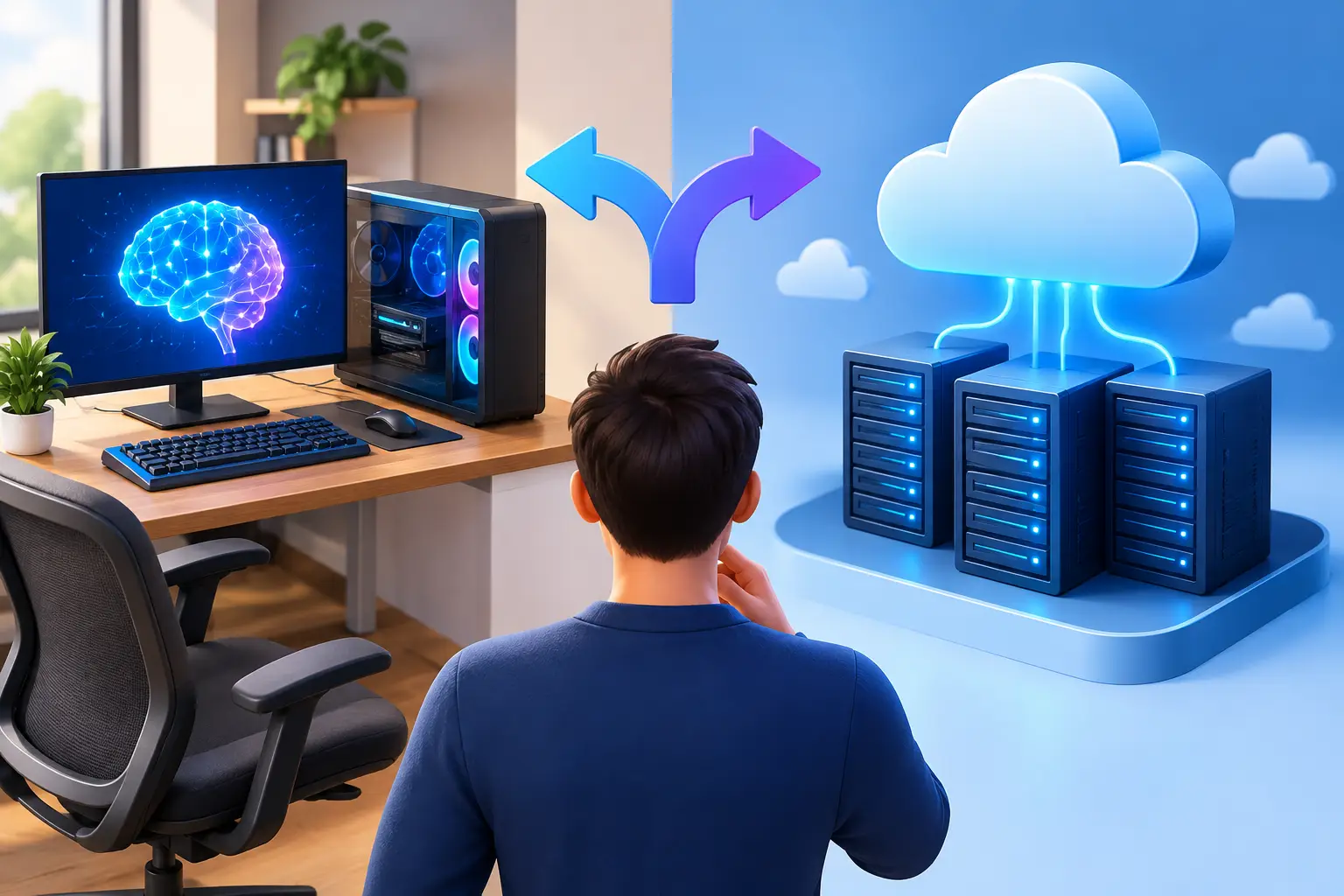
An AI workstation is a high-performance computer built for sustained GPU, CPU, memory and storage work such as training and fine-tuning models, running local language models, image generation and data processing. You can buy one as physical hardware or rent the same kind of capability as a cloud workstation. Buying usually wins if you run heavy workloads most days for years. Renting usually wins if your demand rises and falls, if you want to test before you commit, or if your current laptop is the only limit. This guide helps you decide.
SensePC publishes this guide and sells cloud PCs, so use the numbers below as a framework and check them against your own workload.
What makes an AI workstation different
A laptop is enough for writing code, reviewing data or running a small model. It stops being enough when a project needs serious GPU memory, CUDA tools, image generation, 3D rendering or repeated model testing.
- The GPU is usually the first limit. Many AI tools depend on NVIDIA CUDA, and model size, batch size and image resolution can quickly exceed an entry-level laptop GPU. VRAM matters more than most gaming specs.
- CPU cores and RAM still count. They matter for data preparation, compiling code and running a full development environment alongside your tools.
- Storage fills fast. Models, checkpoints, datasets, environments and outputs add up, and you want them to persist between sessions.
- It should feel like a complete computer. Most people need a desktop, an IDE, browser tools and creative apps, not just a command line attached to a GPU.
The cost of owning AI hardware
Owning gives you direct access whenever you want it. For developers, studios and researchers who run demanding workloads most days, it can be a sensible long-term choice. You control the machine, your network and your upgrade timing.
The trade-off is cost and commitment. A system with a capable NVIDIA GPU, enough RAM and fast SSD storage can be a large purchase, and it arrives before you know how often you will use it at full capacity. Then comes the ownership cycle: heat, noise, desk space, updates, repairs and an eventual upgrade when project requirements outgrow the machine. An AI class that moves from notebooks to GPU-based projects can leave a laptop behind in one semester.
Workstation-class GPUs can carry far more memory than a 24 GB card (some professional models offer 96 GB) and deskside AI systems exist for people who want a compact local box. If your models need that much memory every day, owning serious hardware may be the better answer.
When a cloud AI workstation makes sense
A cloud workstation fits when performance needs are real but variable: a weekend project, a month-long course, a client deliverable, a prototype or periodic creative work. Paying for access when you need it is easier to justify than buying a system that sits idle much of the year.
It also helps if you use a Mac, a lightweight laptop or an older desktop. Your local device becomes the screen and keyboard, while the heavy work runs on a more capable machine in a data center, and you can reach the same persistent desktop from another supported computer.
SensePC offers Windows 11 and Ubuntu 24.04 cloud PCs with persistent SSD storage and NVIDIA L4 graphics. Xtreme and AI Dev plans use a dedicated L4 with 24 GB, and Standard plans share an L4. Provisioning typically takes about 3 to 5 minutes. For model sizing, see GPU VRAM requirements, and for picks, our guide to cloud PCs for AI developers.
Buy or cloud: a quick decision table
| Your situation | Likely better choice |
|---|---|
| Heavy GPU use most workdays, for years | Buy hardware |
| Bursty use: courses, projects, deadlines | Cloud workstation |
| Models need far more than 24 GB of GPU memory every day | Buy a workstation-class GPU, or use a larger GPU server |
| Large-scale training or production serving | Raw GPU server or cluster, not a cloud PC |
| Need to work offline | Buy hardware |
| Mac or light laptop, occasional GPU work | Cloud workstation |
| Not sure how much you will use it | Start with hourly cloud access |
| Want one machine for AI and some gaming | Cloud workstation, or a gaming-capable desktop |
A simple break-even check
Divide the hardware cost by the cloud hourly rate. The result is how many hours of cloud use you could buy before owning would have been cheaper. As a hypothetical, a $4,000 GPU workstation against a cloud PC at $1.79 an hour is about 2,235 hours, or roughly 2.1 years at 20 hours a week. That ignores electricity, resale value, repairs, upgrades, taxes and your own time, so redo it with your real numbers. SensePC list rates for AI Dev plans seen on Oct 11, 2026 ranged from $1.79 to $2.69 an hour depending on billing option, and rates are dynamic. For a fuller cost model see hourly GPU rental vs. ownership.
If you buy: a short hardware checklist
- GPU memory first. Pick the card from your model's memory needs, then check CUDA support. Memory bandwidth also matters for inference.
- System RAM. More than your largest dataset or batch needs, with room to multitask.
- Fast NVMe storage. Enough for several model versions and datasets, plus a backup plan.
- Power and cooling. Sustained GPU load produces heat and noise, so check the power supply and airflow.
- Upgrade path. Check slots, power headroom and case size before you buy.
Cloud workstations have trade-offs too
- Connection quality. A remote desktop is a video stream, so a stable connection matters. A weak one can make interactive work frustrating even when the machine is strong.
- Distance. A nearby region feels better. SensePC's gaming guidance is about 500 miles or less to a region.
- Fixed GPU size. One 24 GB GPU will not fit every model.
- Data transfer. Large datasets take time to move, so consider where the files live and how often they change.
- Costs keep running. Disconnect leaves the PC running and billing. Stop ends compute, though stored SSD data can keep billing. A stopped PC with no wallet balance for more than 3 days can be terminated.
- Not for large-scale training. The L4 suits development, small-model fine-tuning and inference. Big training runs need bigger GPUs or a cluster.
A practical setup for AI development
Once the machine is ready, check the GPU with nvidia-smi before installing anything large, then install your editor, Python environment, framework and version control. Keep models, outputs and temporary files in separate folders, use isolated environments so one experiment does not break another, and name model versions clearly. Persistent storage makes these habits easier to keep across sessions. Our CUDA and PyTorch setup guide walks through it.
The right AI workstation is the one with enough performance, storage and flexibility to keep your project moving without an upgrade you are not ready for. SensePC is a cloud PC service from Senseminder LLC that offers persistent Windows 11 and Ubuntu Linux cloud PCs with NVIDIA L4 graphics for gaming, development, AI, creative work and business, with flexible Hourly, Daily or Monthly access. See pricing and the FAQ.
What is an AI workstation?
An AI workstation is a high-performance computer built for sustained GPU, CPU, memory and storage work such as training, fine-tuning and running models, image generation and data processing. It can be physical hardware or a cloud machine.
Should I buy an AI workstation or use the cloud?
Buy if you run heavy workloads most days for years. Use the cloud if your demand varies, you want to test first, or a laptop is your only limit. A break-even calculation with your real numbers settles most cases.
What is a cloud AI workstation?
A cloud AI workstation is a high-performance desktop in a data center, with a GPU and persistent storage, which you reach over the internet from your own device.
Is a cloud workstation cheaper than buying one?
For occasional or bursty use, usually yes. For heavy use every day over several years, owning can cost less. Compare the break-even hours with how much you use it.
How do I calculate when buying becomes cheaper?
Divide the hardware cost by the cloud hourly rate to get break-even hours. Compare that with your weekly hours, then adjust for electricity, resale value, repairs and upgrades.
What GPU do I need for an AI workstation?
Choose by the memory your models need, then check CUDA support. Larger models, higher resolutions and bigger batches need more GPU memory.
How much GPU memory do I need for AI work?
It depends on the model. As a rule of thumb, weights take about 2 bytes per parameter in FP16 and about 0.5 in 4-bit, plus room for context and overhead. See our GPU VRAM guide.
Is 24 GB of GPU memory enough?
It is enough for many learning projects, development, small-model fine-tuning and quantized inference. It is not enough for very large models, such as a 70B model, on a single GPU.
Which GPU does SensePC use?
NVIDIA L4 with 24 GB. Xtreme and AI Dev plans use a dedicated L4, and Standard plans share an L4.
Can a cloud PC train large models?
Not large-scale training. The L4 suits development, small-model fine-tuning and inference. Large training runs need larger GPUs or a cluster.
What are the downsides of a cloud AI workstation?
It needs a stable connection, the GPU size is fixed per plan, large datasets take time to transfer, and a running PC keeps billing. It is also not for offline work.
What are the downsides of buying an AI workstation?
A large upfront cost, setup and maintenance, heat and noise, and an eventual upgrade when your projects outgrow the machine.
Do I need Windows or Linux for AI work?
Choose the one your tools expect. Linux is common for ML tooling, while Windows suits desktop apps, creative tools and mixed use. SensePC offers Windows 11 and Ubuntu 24.04.
Can I use CUDA on a cloud workstation?
Yes, with an NVIDIA GPU. Verify with nvidia-smi and follow our CUDA and PyTorch setup guide. Whether drivers are preinstalled is.
Can I run local LLMs on a cloud workstation?
Yes, if the model fits in GPU memory. Quantized 7B to 13B models are common on a 24 GB GPU.
Can I run ComfyUI or Stable Diffusion in the cloud?
Many image workflows fit in 24 GB. Check the model and extension requirements, and keep checkpoints on the persistent SSD.
Will my files stay between sessions?
Yes, a SensePC cloud PC uses persistent SSD storage, so files, installed tools and settings remain available. Back up important work anyway.
How long does it take to start a cloud workstation?
Provisioning typically takes about 3 to 5 minutes. Installing frameworks and downloading models takes extra time.
How is a SensePC cloud PC billed?
Hourly, Daily (up to 10 hours a day) or Monthly (up to 180 hours a month). Rates are dynamic, so check the pricing page.
Do I keep paying if I only disconnect?
Yes. Disconnect leaves the PC running and billing. Stop ends compute, though stored SSD data can keep billing.
What internet connection do I need?
A stable, low-latency connection matters more than a huge speed. A nearby region helps, and Ethernet or strong 5 GHz Wi-Fi is better than a weak signal.
Can I use a Mac or a light laptop?
Yes. A Mac, a lightweight laptop or a supported browser can connect through the browser or Performance Mode. Phones and iPads cannot stream a session.
Are deskside AI systems or Dell workstations better than the cloud?
They suit people who need a local box for heavy daily use or offline work. The cloud suits variable demand. Compare the break-even and your usage before you decide.
Can one machine do AI work and gaming?
Often, with a Windows plan and a dedicated GPU, though anti-cheat and virtual machine policy is set per game and can change.
Does SensePC publish AI benchmarks?
Not yet. This guide gives sizing rules of thumb and a decision framework, not measured training or inference speeds.