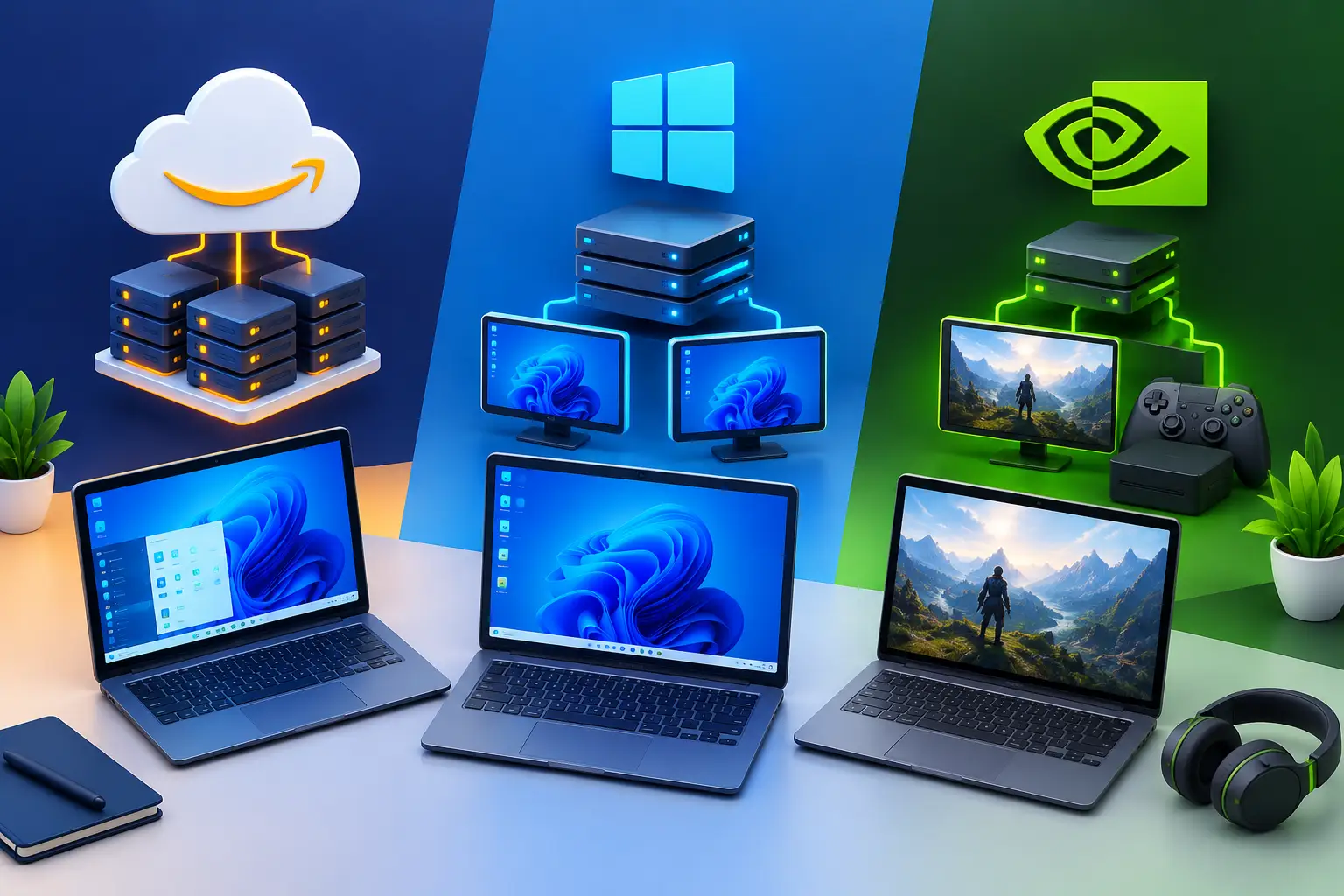
Short answer: no protocol makes a cloud PC color-accurate by itself. Amazon DCV, Remote Desktop Protocol (RDP) and Moonlight can all compress color, and each can be tuned. DCV is built for graphics-heavy desktops, RDP is Microsoft's built-in option, and Moonlight is built for low-latency game streaming. For design work, the settings that matter are chroma subsampling, bit depth, color space and the display you view the stream on.
A cloud PC can feel like a real workstation or like a desktop seen through a delay. The difference comes from the remote display protocol: the software that encodes the screen, sends it over the internet and shows it on your device. A developer in Visual Studio, a designer in Photoshop and a gamer need different things from it.
Amazon DCV vs. RDP vs. Moonlight at a glance
| Amazon DCV | RDP | Moonlight | |
|---|---|---|---|
| Built for | High-performance remote desktops | General Windows remote access | Low-latency game streaming |
| Needs a separate host app | DCV Server | Built into Windows | Sunshine or a compatible host |
| Default chroma | YUV 4:2:0, with lossless RGB for unchanged regions | 4:2:0 | Varies by host and client |
| Full-chroma option | High color accuracy (YUV 4:4:4), version 2022.0+ | 4:4:4 with AVC full-screen encoding and High image quality (policy) | Pre-release in the sources I checked |
| Strongest fit | Mixed creative, GPU and coding work | Admin, code, documents | Gaming from a host you manage |
Why color changes in a remote session
Four things decide what you see:
- Chroma subsampling. Most video compression stores brightness at full detail and color at lower detail (4:2:0). That saves bandwidth, but it can blur colored edges and fine colored text. 4:4:4 keeps full color detail and costs more bandwidth.
- Bit depth. Many streams are 8-bit per channel. Smooth gradients, such as skies and soft shadows, can show banding. 10-bit needs support from the host, the protocol and your client.
- Color space and color management. A remote session usually shows the host's colors on your local screen. Your monitor's profile, your operating system's color settings and the app's working space still decide how those colors look.
- Compression and bandwidth. When the connection is tight, the encoder lowers quality, and color suffers first in busy or gradient areas.
Amazon DCV: lossless text and a 4:4:4 option
Amazon DCV (earlier called NICE DCV) sends a Windows or Linux desktop. By default it compresses display output with YUV 4:2:0, then sends unchanged screen regions as lossless RGB, which keeps static content such as interface text sharp. For color-sensitive work, DCV has a "High color accuracy (YUV 4:4:4)" setting. It needs DCV Server and the native client at version 2022.0 or later, or a browser with WebCodecs support. AWS notes it increases bandwidth and can slow clients that lack hardware decoding for 4:4:4. SensePC's Performance Mode uses the native Amazon DCV client on supported Windows, macOS or Linux computers.
RDP: familiar, and more tunable than its reputation
RDP is built into Windows and works well for code, documents and administration. Microsoft's default mixed mode encodes text with a dedicated codec and images and video with AVC/H.264. For image-heavy work, Microsoft documents full-screen AVC/H.264 or HEVC/H.265 encoding, and a 4:4:4 option that needs full-screen AVC and Image Quality set to High through group policy. HEVC needs a compatible GPU-enabled machine. The page I checked does not say whether RDP carries HDR or 10-bit color, so test before you assume.
Moonlight: speed first, color depends on the setup
Moonlight is a streaming client that was built around NVIDIA GameStream and is now commonly paired with the open-source Sunshine host. It is tuned for frame rate and controller input. Moonlight and Sunshine support HDR on some clients, and 4:4:4 was in pre-release builds in the threads I read, with hardware caveats on some GPUs. Setup is more hands-on: host software, network configuration and client support all matter, and it is less natural for daily workstation use.
A color test to run before client work
Do not trust a protocol's feature list. Compare the real output.
- Open a test file with color ramps, saturated reds and blues, thin colored text on a dark background and skin-tone photos.
- View the same file on the cloud PC and on a local reference display.
- Capture a screenshot on the cloud PC and compare it with the stream on your screen.
- Repeat with 4:2:0 and 4:4:4, and on a wired and a weaker connection.
- If color is critical, measure the stream with a colorimeter and record the result.
Which one for creative design?
- Mixed creative and coding work: start with DCV and try high color accuracy if your client supports it.
- Standard Windows tasks: RDP is simple and often enough.
- Gaming: Moonlight, if you are comfortable setting up the host.
- Final color grading or print proofs: treat any remote stream as a working view, and check final colors on a calibrated local display.
Where SensePC fits
SensePC is a cloud PC service from Senseminder LLC that lets you launch a full Windows 11 cloud gaming PC with NVIDIA L4 graphics, persistent SSD storage, browser access and Performance Mode, with flexible Hourly, Daily or Monthly access. SensePC's documented access methods are the browser and Performance Mode, which uses Amazon DCV; whether you can run RDP, Moonlight or Sunshine on a SensePC.
Amazon DCV vs. RDP vs. Moonlight: frequently asked questions
1. What is the difference between Amazon DCV, RDP and Moonlight?
Amazon DCV and RDP are remote desktop protocols, and Moonlight is a game-streaming client. DCV is built for graphics-heavy desktops, RDP is Microsoft's built-in option, and Moonlight is tuned for low latency and controllers.
2. Which is best for color accuracy in design work?
None is automatically best. DCV offers a documented 4:4:4 setting, RDP offers 4:4:4 through group policy, and Moonlight's 4:4:4 support depends on host and client versions. Test with your own files.
3. Is Amazon DCV the same as NICE DCV?
Yes. NICE DCV is the earlier name, and AWS now calls it Amazon DCV.
4. What is chroma subsampling?
It stores color at lower detail than brightness to save bandwidth. 4:2:0 is common, and 4:4:4 keeps full color detail but needs more bandwidth.
5. How do I turn on high color accuracy in Amazon DCV?
In the DCV client settings, check "High color accuracy (YUV 4:4:4)". On Windows it sits under Streaming Mode, and on macOS and Linux under Preferences, Display tab. Both server and client need version 2022.0 or later.
6. Does 4:4:4 cost more bandwidth?
Yes. AWS says high color accuracy increases bandwidth and can affect client performance, especially at high resolutions, without hardware decoding.
7. Can RDP do 4:4:4?
Yes, with AVC/H.264 full-screen encoding and Image Quality set to High through group policy. Microsoft's page says no GPU is needed to change the chroma value.
8. Is RDP good enough for Photoshop or Illustrator?
It can be for light work. For image-heavy work, Microsoft documents full-screen AVC or HEVC encoding. Test your files, because RDP's defaults favor text and general desktop use.
9. Does Moonlight support HDR?
Moonlight and Sunshine have added HDR for some clients and hosts, but support varies by device and version. Check the current Moonlight and Sunshine documentation for your setup.
10. Does Moonlight support 4:4:4?
In the threads I read, 4:4:4 was in pre-release builds with GPU caveats, and AMD was reported to lack support. Check current releases before relying on it.
11. Can I stream Moonlight to an Amazon Fire TV Stick?
Moonlight has an Android client that people use on Fire TV devices. Check the current Moonlight documentation for your Fire TV model, and note that a TV is not a color-accurate reference display.
12. Does Moonlight work with AMD graphics cards?
Moonlight clients can connect to Sunshine hosts on AMD hardware, but 4:4:4 encoding was reported unavailable on AMD GPUs in the sources I read. Check your GPU and the current release.
13. What are the best Moonlight settings for HDR streaming?
They depend on your host GPU, client, display and network. Start with a bitrate your connection holds steadily, confirm HDR is on at the host and the display, and lower the resolution before the bitrate if quality drops.
14. Do I need a calibrated monitor to judge color on a cloud PC?
For color-critical work, yes. The stream shows the host's colors, and your local monitor and its profile decide how they look.
15. Does a remote desktop send my monitor's ICC profile to the cloud PC?
Not by default in the setups I know of, so the app may work in a different profile from your screen. Check how your protocol, client and app handle color management.
16. Can a cloud PC replace a local workstation for color grading?
Not for final grading unless you have tested the full chain and confirmed it for your project. Many teams use a cloud PC for working views and check final colors on a calibrated local display.
17. Why do colors look different in a stream than on the cloud PC?
Compression, chroma subsampling, bit depth and your local display all change the result. Reducing bandwidth or resolution can lower color quality first.
18. Does latency affect color accuracy?
Not directly. Latency affects responsiveness, while bandwidth and encoder settings affect color. Both depend on your connection and distance to the region.
19. Can I run RDP, Moonlight or Sunshine on a SensePC PC?
SensePC's documented access methods are the browser and Performance Mode, which uses Amazon DCV.
20. Does SensePC support high color accuracy (4:4:4)?
Performance Mode uses the native Amazon DCV client, which includes the 4:4:4 setting on supported versions. Whether it works on SensePC for your plan and client is.
21. Is SensePC color accurate?
SensePC has not published color measurements. Treat the stream as a working view, test your own files, and check final colors on a calibrated display.
22. How should I test a protocol for color before paying?
Open a ramp and saturated-color test file on the cloud PC and on a local reference, compare screenshots with the stream, repeat with 4:2:0 and 4:4:4, and try a weaker connection. An Hourly session is a low-commitment way to run it.