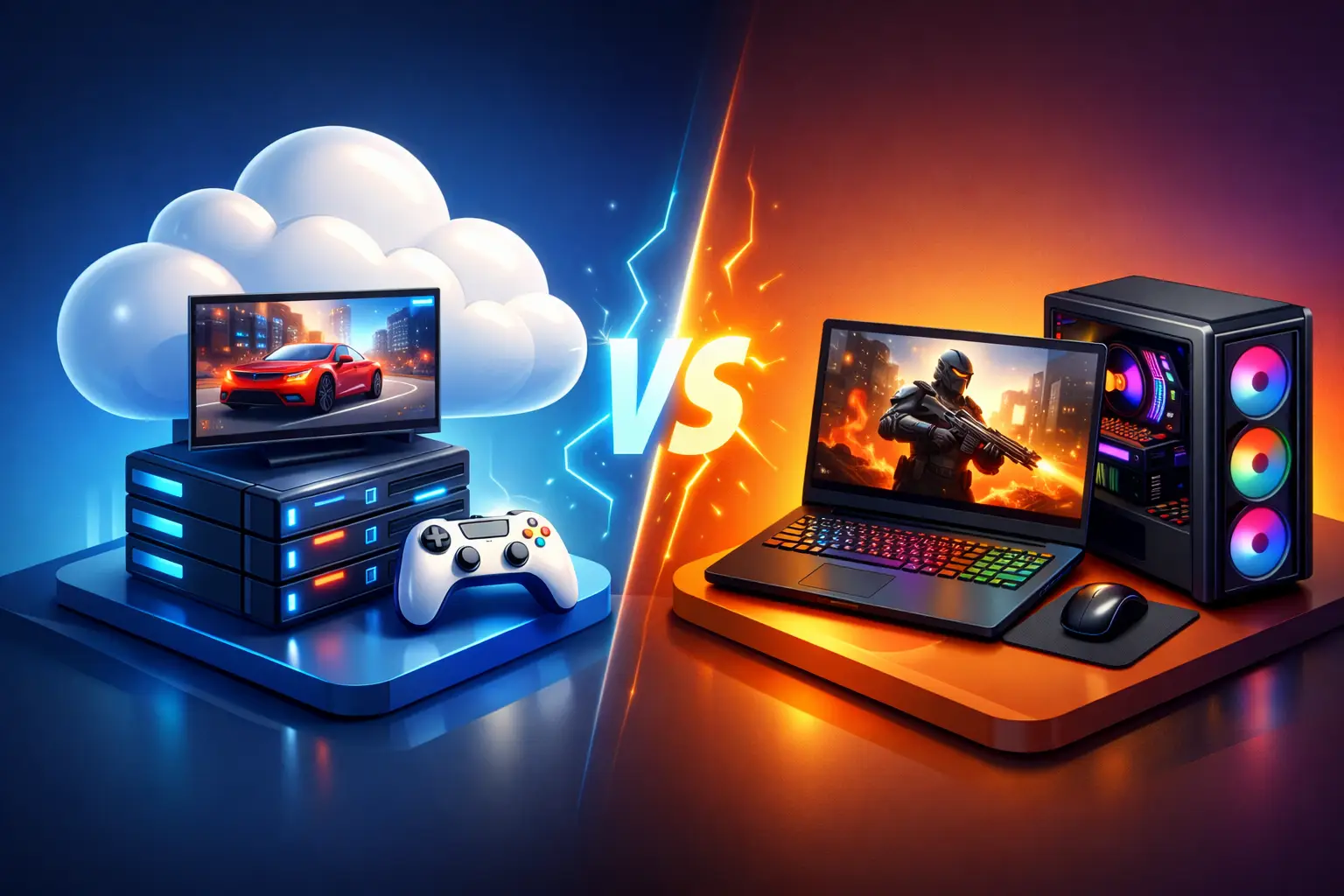
A cloud gaming PC fits you better if you already own a usable laptop or Mac, play in focused sessions rather than every day, or want Windows gaming power without a big hardware purchase. A gaming laptop fits better if you play many hours every week, need offline play, or have unreliable internet. A cloud gaming PC runs the game on a remote Windows computer and streams the picture to your device, while a gaming laptop runs everything locally. Both can be the right choice, and the answer depends on your connection, your schedule and your budget.
SensePC publishes this guide and sells cloud gaming PCs, so the SensePC details are labelled and the costs are shown so you can check the math.
Cloud gaming PC vs gaming laptop at a glance
| Cloud gaming PC | Gaming laptop | |
|---|---|---|
| Where the game runs | Remote Windows PC in a data center | On the laptop |
| Upfront cost | None; pay by the hour, day or month | Large purchase |
| Ongoing cost | Usage fees plus storage | Electricity, repairs, eventual replacement |
| Needs internet | Yes, a stable connection | No, for installed games |
| Latency | Adds streaming delay | Local, lowest |
| Heat and noise | None on your desk | Can run hot and loud |
| Upgrades | Choose another tier | Limited; the GPU is usually not upgradable |
| Offline play | No | Yes |
| Other uses | Same Windows desktop for work, code or creative tools | Local use of all of it |
What is cloud gaming, and how does it work?
Cloud gaming runs a game on a remote computer, encodes the screen as video and sends it to your device, while your keyboard, mouse or controller inputs travel back. It comes in two forms: services that stream a catalog of games, and cloud gaming PCs, where you rent a full Windows PC and install your own games. This guide compares the second form with a gaming laptop. For the catalog form, see our guide to playing PC games in the cloud.
The core difference
A gaming laptop is a physical machine you buy, configure, carry, charge and maintain. Its CPU, GPU, memory, screen and storage are tied together in one device. Once you own it, you can use it without a network connection for installed games and local work.
A cloud gaming PC gives you access to a Windows computer from a device you already own. A Mac, a standard laptop or a supported browser can be the access point, while the demanding work happens in the data center. That changes the buying decision: a laptop commits you to a fixed configuration for years, and a cloud PC charges for access based on how often you use it.
A cloud PC depends on a stable internet connection and a reasonable network path to the service. If you travel a lot, have inconsistent internet or need guaranteed offline access, local hardware has a clear edge.
Upfront cost vs. ongoing cost
A gaming laptop bundles a GPU, display, battery, cooling and storage into a portable shell, so a capable model is a major purchase. Costs also arrive later: storage fills, batteries wear, fans collect dust, and new games can outgrow the GPU. Memory or storage can sometimes be upgraded, but the CPU and GPU usually cannot, so replacing the whole machine is often the only way to get faster graphics.
A cloud gaming PC turns that into usage. Use this formula to compare:
Break-even hours = laptop price ÷ cloud hourly rate
As a hypothetical, a $1,500 laptop divided by $2.19 an hour (the Oct 11, 2026 list rate for the SensePC Xtreme Core plan, which is dynamic [VERIFY on /pricing]) is about 685 hours. At 8 hours a week, that is roughly 86 weeks, or about 1.7 years. At 20 hours a week it is about 34 weeks. The comparison leaves out storage costs, electricity, resale value and the fact that a laptop also does everything else you use it for. The two machines are also not equivalent in performance, so a price match does not mean a performance match.
For a heavy user who games many hours every day for years, a well-chosen laptop is often the better long-term value. Cloud access is strongest when flexibility has real value.
Performance is more than the GPU
A gaming laptop's performance is local and predictable once it is plugged in and configured. You can connect a high-refresh display and play without streaming compression or network variation. The trade-off is heat: thin gaming laptops can run hot and loud under sustained load, and performance changes with power settings, cooling and whether you are on battery.
A cloud gaming PC puts that heat and noise in a data center. With SensePC, you can create a persistent Windows 11 PC: Xtreme plans use a dedicated NVIDIA L4 with 24 GB, Standard plans share an L4, and you choose CPU and RAM tiers for your needs. Your games and files stay on persistent SSD storage between sessions [VERIFY on /pricing]. The L4 is a data-center GPU, not a consumer laptop GPU, and SensePC has published no game benchmarks, so check each game's requirements and test a short session before comparing it with any laptop.
The same cloud desktop can also run a coding project, Windows-only software or GPU-accelerated creative tools, so you do not have to buy a bigger laptop just for occasional heavy work.
Latency: the number to take seriously
Streaming quality is the main variable for cloud users. Network speed helps, but stability and latency matter just as much. Fast competitive games are more sensitive to input delay and image compression than slower strategy, simulation, role-playing or single-player games. A wired Ethernet connection is ideal, and strong, well-configured Wi-Fi can also work, though it is more exposed to congestion and interference.
How to make cloud gaming run smoother
If cloud gaming feels laggy or blurry, these steps help most, in this order:
- Use wired Ethernet, or strong 5 GHz Wi-Fi close to the router.
- Pick the nearest region. SensePC's gaming guidance is about 500 miles or less [VERIFY on /faq].
- Pause large downloads, backups and video streams on your network.
- Lower the stream resolution or bitrate before you lower in-game settings.
- Use Performance Mode, a native Amazon DCV client for supported Windows, macOS and Linux computers, instead of the browser.
- Check Session Live, which shows stream quality, latency, bandwidth and FPS, to find the bottleneck.
- Try a different time of day if your network is congested in the evening.
Our low-latency guide and bitrate guide go deeper.
Setup, maintenance and upgrades
A gaming laptop takes research before purchase and time to maintain: compare configurations, install updates, manage storage, fix drivers and protect the device. A cloud PC avoids shipping and hardware setup. A new SensePC PC takes about 3 to 5 minutes to provision [VERIFY on /faq], and you connect from the device you already have.
You still manage Windows, your applications, game files and account settings. You do not clean fans, replace a battery or decide whether an aging GPU is worth replacing. Upgrades work differently too: a laptop owner buys parts where possible or replaces the device, while a cloud user can choose a different tier when the work changes.
Mobility means different things
Gaming laptops are portable, but high-performance models can be large and heavy, with short battery life under load. A cloud gaming PC separates access from power: you can use a lighter laptop or Mac to reach the same persistent desktop from different places, and your installed games stay on the cloud PC.
That only works with suitable internet. A cloud PC is not a substitute for offline gaming on a flight or a train with unreliable Wi-Fi. SensePC sessions also cannot stream to phones or iPads.
What about anti-cheat and game compatibility?
Cloud PCs run games in a virtual machine, and some publishers block that for anti-cheat reasons. Policy is per game and can change after an update, so check the game's current rules and test a short session before you rely on it. A laptop has no such restriction. See our anti-cheat compatibility guide.
Who should choose a cloud gaming PC?
- Someone who owns a usable laptop, desktop or Mac but needs more performance than it can deliver.
- Players who want demanding Windows games without a large hardware purchase, especially in focused sessions.
- People for whom gaming is only part of the picture: developers, AI learners, creators and remote workers who can share one Windows environment.
Before you choose, test your home network honestly with the device, display and controller you expect to use, and check game compatibility.
Who should buy a gaming laptop?
- Anyone who needs offline access, has unreliable internet, or plays games where every fraction of a second matters.
- People who prefer one all-in-one machine and expect to use its local performance heavily for years.
Buy with the full lifecycle in mind: cooling, warranty, battery behavior, storage, ports, screen quality and serviceability. The cheapest model that meets a game's minimum requirements may feel limiting sooner than expected.
Choose the bottleneck you actually have
If your bottleneck is an aging laptop and an occasional need for serious Windows GPU power, cloud access can be a controlled alternative. If your bottleneck is unreliable internet or a need to play anywhere without compromise, put the performance in your bag.
SensePC is a cloud PC service from Senseminder LLC that lets you launch a full Windows 11 cloud gaming PC with NVIDIA L4 graphics, persistent SSD storage, browser access and Performance Mode, with flexible Hourly, Daily or Monthly access. An Hourly session is a low-commitment way to test your own game and connection, and Disconnect leaves the PC running and billing, so stop it when you finish. See pricing, the FAQ and help choosing a plan.
Frequently asked questions
Is a cloud gaming PC better than a gaming laptop?
Neither is better for everyone. A cloud gaming PC suits occasional or flexible play without a big purchase, and a gaming laptop suits heavy daily use, offline play and the lowest latency.
What is cloud gaming?
Cloud gaming runs a game on a remote computer and streams the video to your device, while your inputs travel back. It comes as catalog services or as cloud gaming PCs where you install your own games.
How does cloud gaming work?
The game runs on a remote machine in a data center. The service encodes the screen as video, sends it to your device, and returns your keyboard, mouse or controller inputs. Latency and bandwidth decide how responsive it feels.
Does cloud gaming work on a PC?
Yes. A Windows PC can stream catalog games from a browser or app, and it can also connect to a cloud gaming PC that runs your own games. Quality depends on your connection and distance to the data center.
Is cloud gaming good?
It can be, on a stable, low-latency connection, especially for single-player and slower games. Fast competitive games are more sensitive to delay, and offline play is not possible.
Why is cloud gaming so laggy?
The usual causes are a distant region, Wi-Fi, a congested network, background downloads or a bitrate your connection cannot hold. Use wired Ethernet, the nearest region and check Session Live.
How do I make cloud gaming run smoother?
Use Ethernet, pick the nearest region, pause downloads, lower the stream resolution or bitrate before in-game settings, and use a native client such as Performance Mode instead of the browser.
Can I run games on my laptop?
Many games run on a laptop with a capable GPU. If your laptop cannot run a game well, a cloud gaming PC streams it from a remote computer, so your laptop only needs to decode video.
How do I play games on a laptop without a gaming GPU?
Run the game on a cloud gaming PC and stream it to the laptop through a browser or native client. See our guide to playing AAA games without a GPU.
Is a cloud gaming PC cheaper than a gaming laptop?
For occasional play, often yes. Divide the laptop price by the cloud hourly rate to find break-even hours, then add storage, electricity and resale value. Heavy daily players may spend less on a laptop over several years.
How much does a cloud gaming PC cost?
SensePC bills Hourly, Daily or Monthly, with storage priced separately. Rates change, so check the pricing page for current plans.
How many hours until a laptop pays for itself versus cloud gaming?
Break-even hours equal the laptop price divided by the cloud hourly rate. A hypothetical $1,500 laptop against $2.19 an hour is about 685 hours, or roughly 1.7 years at 8 hours a week.
Can a cloud gaming PC match a gaming laptop's performance?
It depends on the plan and the game. SensePC's NVIDIA L4 is a data-center GPU, not a consumer laptop GPU, and SensePC has published no game benchmarks, so test your game on a short session.
Do I need fast internet for cloud gaming?
You need a stable connection more than a headline speed. Typical guidance is about 15 to 25 Mbps for 1080p at 60 FPS, with low latency to the data center [VERIFY].
Can I play cloud games while traveling?
Yes, if you have a stable connection and a supported computer. It is not a substitute for offline play on a flight, and SensePC sessions cannot stream to phones or iPads.
Can I use a Mac for cloud gaming?
Yes. A cloud gaming PC runs Windows in the cloud and your Mac shows the stream. Use Performance Mode on a supported Mac and test your connection. See our Mac guide.
Can you play multiplayer games on cloud gaming?
Often yes, but games with anti-cheat may block virtual machines, and policy changes after updates. Check the game's current rules and test a short session.
Do all games work on a cloud gaming PC?
No. Some games with kernel-level anti-cheat block virtual machines. Check each game's rules, and see our anti-cheat compatibility guide.
Can I upgrade a gaming laptop's GPU?
Usually not. Memory and storage can sometimes be upgraded, but the CPU and GPU are typically fixed, so faster graphics usually means replacing the laptop.
Do gaming laptops get hot and loud?
Thin models can under sustained load, and performance varies with power settings, cooling and battery use. A cloud PC puts that heat and noise in a data center.
Who should buy a gaming laptop instead of using cloud gaming?
People who need offline play, have unreliable internet, play competitive games where latency matters most, or game many hours every week for years.
Can a cloud gaming PC do more than gaming?
Yes. It is a full Windows desktop, so it can also run coding tools, Windows-only software and GPU-accelerated creative apps, with files kept on persistent storage.
What happens to my games when I stop a cloud gaming PC?
Files stay on the persistent SSD while the PC exists. Stopping ends compute charges, but SSD storage can keep billing, and deleting the PC permanently removes its disk.
How do I test cloud gaming before I buy a laptop?
Run a short Hourly session with the game you care about, on your usual network and device. Note latency, frame rate and image quality in Session Live, and compare the real cost with the laptop.