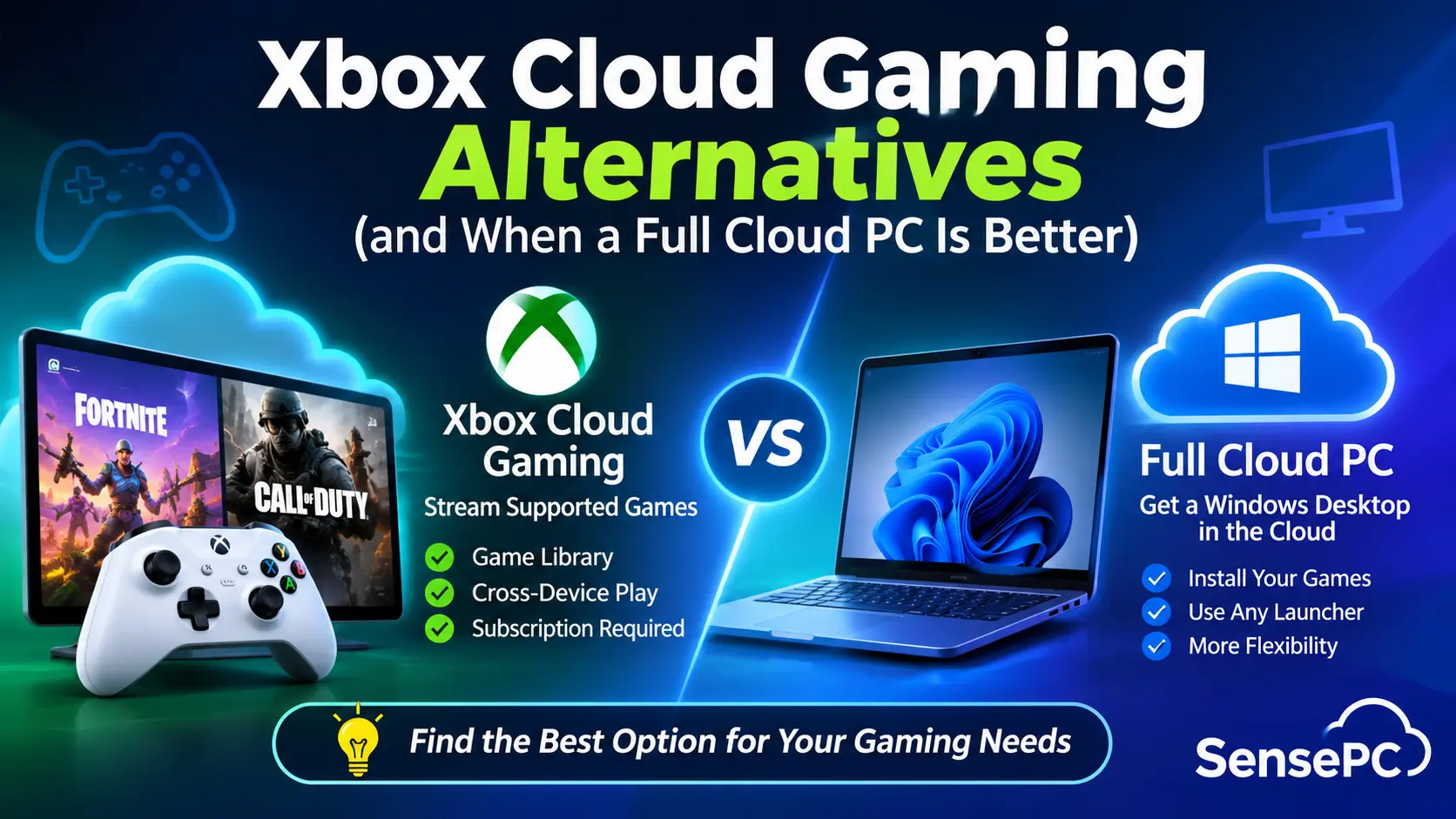
Xbox Cloud Gaming lets you play without buying a console or a gaming PC, but it’s becoming harder to rely on. From November 2026, Microsoft is replacing unlimited streaming with monthly caps of 5, 10 or 15 hours, depending on your Game Pass tier. You’re also limited to the Game Pass catalog, with no way to play games you already own elsewhere.
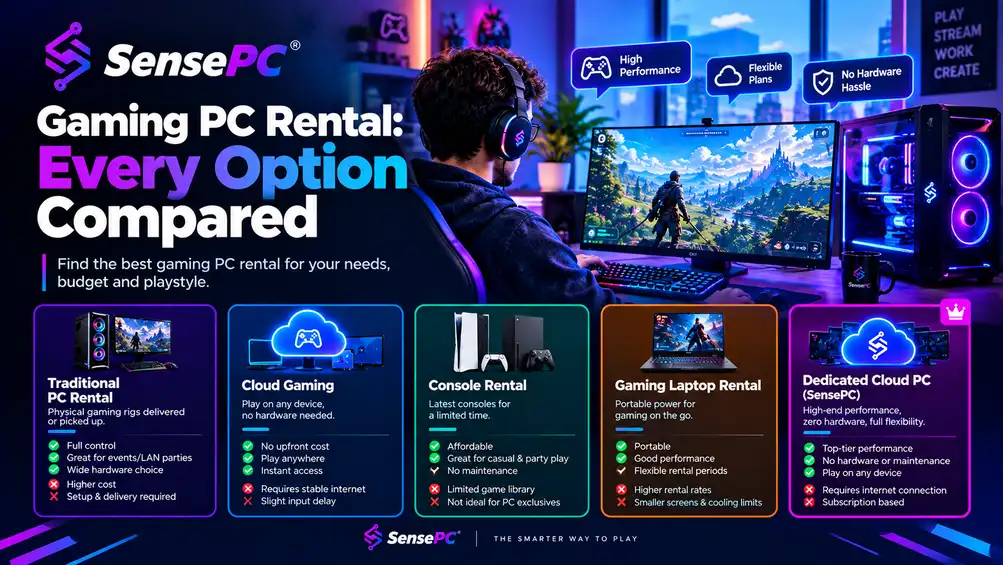
GeForce NOW and Boosteroid are good alternatives as they stream supported PC games, while Amazon Luna offers a subscription library. Shadow PC and SensePC provide a full Windows desktop in the cloud.
SensePC's Xtreme plans also include NVIDIA L4 graphics, ready-to-use Steam and Epic Games Launcher, and persistent SSD storage. Its Windows 11 cloud PC is available through hourly, daily, and monthly plans. This guide compares five options to help you find the right fit.
Xbox Cloud Gaming vs Alternatives: Feature Comparison
Not all cloud gaming services offer the same level of access. Some let you stream games from supported libraries, while others provide a full Windows PC where you can install games and applications.
Here’s a quick comparison to help you see the main differences.
Service | Best for | Game access | PC environment | Billing model | Full Windows desktop |
Xbox Cloud Gaming | Game Pass players | Supported Game Pass, owned, and free-to-play titles | Xbox cloud streaming | Game Pass or free-to-play access | No |
GeForce NOW | Existing PC game libraries | Supported games from linked stores | Managed streaming session | Free and paid plans | No |
Boosteroid | Streaming owned PC games | Compatible games from linked stores | Managed streaming session | Subscription; Ultra from €7.49/month (annual billing) | No |
Amazon Luna | Prime members | Included, Premium, and channel libraries | Managed streaming session | Included with Prime; paid Premium plan | No |
Shadow PC | Regular cloud PC gaming | Compatible games installed through launchers | Windows 11 cloud PC | Monthly subscription with usage limits | Yes |
SensePC | Flexible cloud PC gaming | Compatible games installed using your own accounts | Windows 11 cloud PC (BYOL) | Hourly, daily, or monthly; storage billed separately | Yes |
Each service offers different features and levels of control. Let's look at what each one offers and how they compare.
5 Best Xbox Cloud Gaming Alternatives in 2026
These five services take different approaches to cloud gaming, from streaming supported titles to running a full Windows PC.
1. GeForce NOW – Best for Supported PC Games
GeForce NOW lets you stream supported games from Steam, Epic Games Store, and other connected accounts. You'll need to own paid games or have a qualifying subscription. Some titles won't be available.
Key features
Streaming: Up to 5K at 120 FPS on Ultimate
Graphics: RTX 5080-class cloud rigs on Ultimate
Games: Supported Steam, Epic, and Xbox PC titles
Plans and pricing: Offers a Free tier and Performance at $9.99/month. Ultimate starts at $19.99/month. Paid plans include 100 premium hours monthly with limited rollover.
Pros | Cons |
|---|---|
|
|
2. Boosteroid – Best for a Different PC Game Selection
Boosteroid streams support PC games from connected storefront accounts. These include Steam and Epic Games Store. Check the game and storefront version before subscribing.
Key features
Streaming: Up to 4K at 120 FPS
Playtime: No monthly hour limit
Games: Supported PC storefront titles
Plans and pricing: Ultra costs €16.89/month or €89.89/year. Ultra Pro costs €74.89 for six months.
Pros | Cons |
|---|---|
|
|
3. Amazon Luna – Best for Prime Members
Amazon Luna is a practical choice for anyone already paying for Prime. Prime members can play games from Luna's included library without buying them separately.
Key features
Streaming: Up to 1080p at 60 FPS
Library: Prime and Premium games
Devices: Fire TV, PC, and mobile
Plans and pricing: Luna Standard comes with Amazon Prime. Luna Premium costs $9.99/month in the U.S.
Pros | Cons |
|---|---|
|
|
4. Shadow PC – Best for Subscription-Based Windows Gaming
Shadow PC gives you a remote Windows desktop rather than access to a fixed list of games. You can install compatible PC titles, manage your files, and run other Windows software, although you're responsible for your game licenses.
Key features
Desktop: Full Windows PC
Streaming: Up to 5K resolution or 240 Hz on eligible plans
Storage: Persistent SSD
Plans and pricing: Neo Lite starts at $29.99/month, Neo at $37.99/month, and Power at $54.99/month. Neo Lite has a 120-hour monthly limit.
Pros | Cons |
|---|---|
|
|
5. SensePC – Best for Flexible Full Cloud PC Access
SensePC takes a different approach to cloud gaming. Rather than providing access to a fixed game catalog, it gives you a full Windows 11 cloud PC with dedicated gaming hardware. You can install compatible games, access your existing game accounts, and use the computer for other Windows applications.
This makes it a good alternative to Xbox Cloud Gaming if you like to play PC games rather than console based streaming.
Key features
Graphics: NVIDIA L4 GPU with 24 GB VRAM
Streaming: Up to 220 FPS through Amazon DCV Performance Mode on supported Xtreme PCs.
Secure Boot and TPM 2.0 enabled on Xtreme Windows 11 PCs
Storage: Persistent SSD
Plans and pricing: Xtreme gaming PCs offer hourly billing, with rates based on configuration. SSD storage costs extra.
Desktop: Full Windows 11 cloud PC.
Pros | Cons |
|---|---|
|
|
Why Is SensePC Different From Other Xbox Cloud Gaming Alternatives?
Unlike conventional cloud gaming services that stream games from supported catalogs, SensePC provides a full Windows 11 cloud PC. This gives you more control over game installations and other applications.
Key differences include:
Full Windows Access – Install supported games, manage launchers, files, and other software.
Powerful Graphics – Xtreme packages use NVIDIA L4 Graphics Cards with 24GB VRAM. Core, Pro & Ultra CPUs & Memory.
Flexible Pricing – Hourly, daily, or monthly pricing.
Permanent Storage – Games, settings & personal files can be stored on an SSD. Storage will continue to be charged.
Beyond gaming – Use the same cloud PC for compatible productivity, creative, and development applications.
SensePC is therefore an option for players who want a configurable Windows gaming environment rather than access to a fixed streaming catalog.
Which Xbox Cloud Gaming Alternative Is Right for You?
If you have an existing Steam or Epic Games Library, then GeForce NOW and Boosteroid would be best for you. They both allow you to play supported titles without having to download them. Amazon Luna is a good option if you want to play from a subscription library.
If you want more control over game installations, Windows applications, and compatible mods, consider a full cloud PC. Shadow PC gives you access to a subscription based Windows PC. If you want more flexible options, then SensePC would be better. It has powerful Xtreme packages with NVIDIA L4 graphics, permanent storage, and a full Windows 11 PC. This means you can manage your compatible PC games and software.
If you play occasionally, then the hourly option will help you save money. If you play regularly, then look at the daily and monthly options.
If you want more control over your games and applications, explore SensePC's cloud gaming comparison and pricing plans to find what works for you.
1. Do PC Game Pass games run on SensePC?
Some PC Game Pass games may work on SensePC. However, you will need a valid subscription and a compatible game. Anti-cheat restrictions can prevent some titles from running.
2. Is a full cloud PC faster than Xbox Cloud Gaming?
Not automatically. Server distance, connection stability, device, and game settings influence performance.
3. Does SensePC keep games after shutdown?
Yes. Games and files remain on the persistent SSD, while the cloud PC and its storage are retained. On hourly plans, storage charges continue after shutdown.
4. Can I play PC Game Pass games on SensePC?
Some PC Game Pass titles may work on SensePC through the Xbox app. You need an active subscription and a compatible game. However, certain titles may not run because of anti-cheat restrictions or installation requirements.
5. Does SensePC support NVIDIA RTX graphics?
SensePC's Xtreme configurations use NVIDIA L4 GPUs with 24 GB of VRAM. These are dedicated GPU configurations for gaming and performance Windows workloads.
6. How much does SensePC cloud gaming cost?
SensePC offers hourly, daily, and monthly billing. The final cost depends on your selected Xtreme configuration, server location, usage plan, and SSD storage.
7. Can I install mods on SensePC?
You can install compatible mods and manage game files through the Windows desktop. However, individual games and their publishers determine which modifications are permitted. Some multiplayer games may restrict modified files or cloud virtual machines.
8. Does SensePC keep games after shutdown?
Yes. SensePC uses persistent SSD storage to retain installed games, launchers, and personal files after the cloud PC shuts down. Compute charges stop when you stop an hourly PC, but applicable SSD storage charges continue.
9. Is a full Cloud PC better?
If you want to install compatible games, manage your files, use mods and other software, then a full Cloud PC would be best. If you just want to play supported titles, then a traditional subscription would be easier.
10. Is SensePC better than Xbox Cloud Gaming?
If you want more control over your gaming, then SensePC would be best. You can install compatible PC games and use Windows software. If you just want to play supported titles, then Xbox Cloud Gaming would be easier.