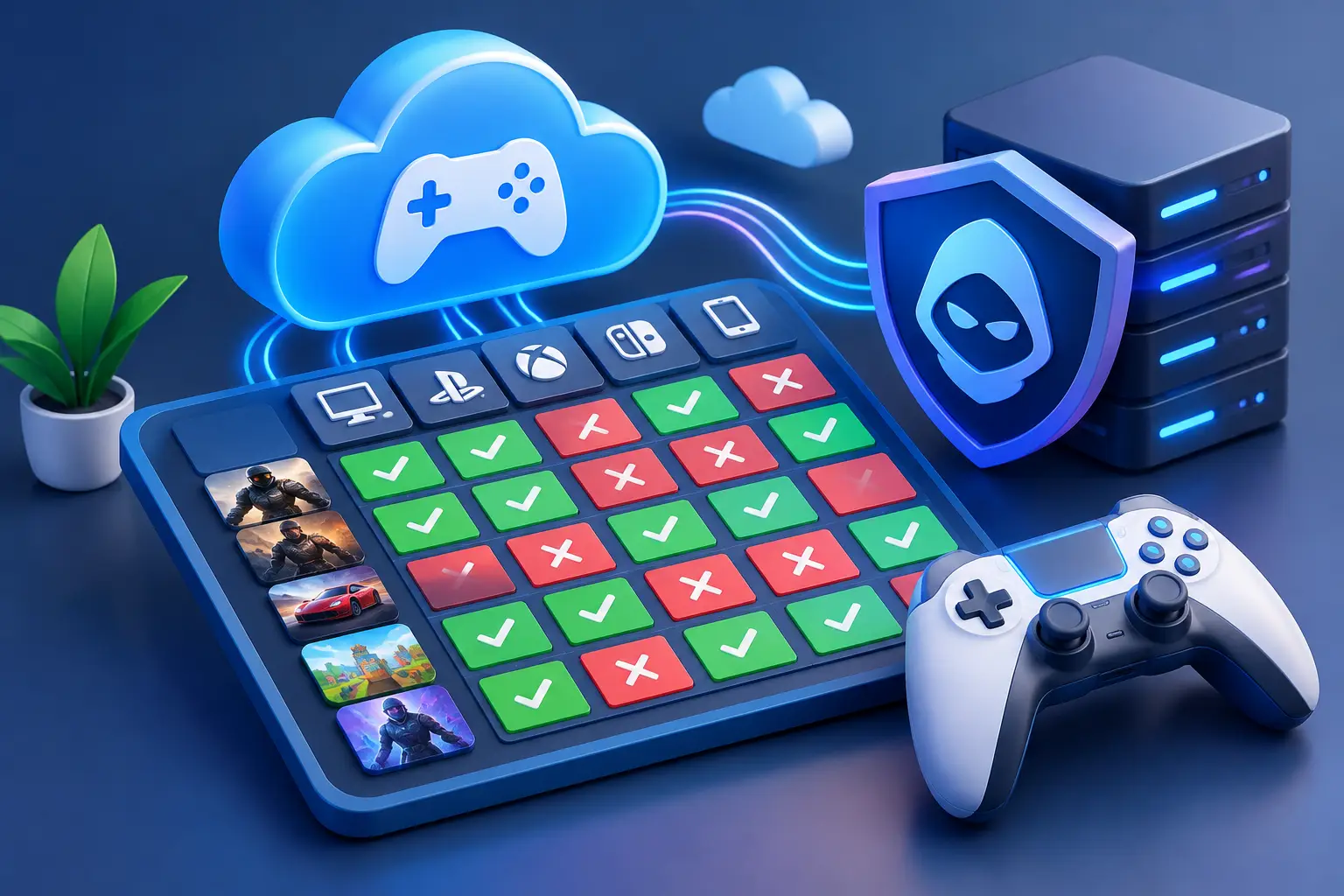
Many online games use anti-cheat software that can reject virtual machines, and a cloud PC is a virtualized Windows environment. A game can install and launch yet refuse online play, regardless of GPU power. Compatibility depends on the publisher, the anti-cheat vendor and the current game version, so check each game's official rules and test before relying on it.
Published by SensePC, which sells cloud gaming PCs. Last reviewed: November 3, 2026. No game in this matrix is marked verified, because SensePC has not published tested results for protected multiplayer titles.
Quick answers
| Question | Short answer |
|---|---|
| Can a cloud PC play games with anti-cheat? | Some, possibly. Others reject virtual environments. There is no blanket answer |
| Does a stronger plan fix it? | No. It's a policy and compatibility decision, not a performance one |
| Does Secure Boot or TPM 2.0 guarantee compatibility? | No. SensePC Xtreme PCs have them enabled, but a publisher can still reject a cloud PC |
| Is single-player affected? | Usually less than protected online multiplayer. Check each game |
| Should I hide that I'm on a VM? | No. Tools that spoof or hide virtualization can break game rules and risk your account |
Why anti-cheat changes the cloud gaming equation
Anti-cheat protects competitive games from tampering, unauthorized software and suspicious system behavior. Some systems work at the application level. Others use deeper system access, inspect drivers and operating-system settings, or look for signs that Windows is running in a virtual machine.
A cloud PC is a real Windows desktop with dedicated compute, persistent storage and a remote display connection, but it is still virtualized. For some anti-cheat systems that matters more than the GPU, CPU or internet connection. Decisions can also change after a game update or an anti-cheat update.
Types of anti-cheat
| Type | What it does | Cloud PC implication |
|---|---|---|
| Server-side detection | Analyzes gameplay data for impossible behavior | Usually independent of your PC |
| User-mode client | Scans the game process and files | Policy varies by game |
| Kernel-level driver | Runs with deep system access; may inspect drivers, system integrity and virtualization | More likely to restrict virtual environments; check the game's rules |
| Hardware / boot checks | Requires features such as Secure Boot and TPM 2.0 | Necessary but not sufficient on a cloud PC |
The compatibility matrix
Status key
| Status | Meaning | What to do |
|---|---|---|
| Verified | A current official statement or a recent, recorded SensePC test shows cloud use is accepted for that game | Confirm current guidance and test normally |
| Possible, unverified | The game may launch, but there is no reliable current confirmation | Treat it as a test case |
| Restricted or blocked | The anti-cheat, game policy or launcher rejects virtual or remote environments | Don't work around it. Use a local PC or pick another game |
| Unknown | Little current information or conflicting reports | Ask the publisher and assume nothing |
"Works for someone else" belongs in Possible, not Verified. Region, game build, launcher, account status, virtual hardware profile and anti-cheat version can differ.
Major anti-cheat systems and example games
Anti-cheat assignments are widely reported and should be confirmed on each game's official page before you publish.
| Anti-cheat | Example games | Type | Cloud / VM status for SensePC |
|---|---|---|---|
| Riot Vanguard | VALORANT | Kernel-level | Unverified. Riot's public pages we checked do not describe a cloud PC policy |
| Call of Duty Ricochet | Call of Duty titles | Kernel-level on PC | Unverified |
| Easy Anti-Cheat (EAC) | Fortnite, Apex Legends, Rust, Elden Ring | Varies by game | Unverified. Policy is set per game |
| BattlEye | Rainbow Six Siege, PUBG: Battlegrounds | Kernel-level | Unverified. Policy is set per game |
| Valve Anti-Cheat (VAC) | Counter-Strike 2 and other Valve games | Primarily user-mode and server-side | Unverified |
| Tencent Anti-Cheat Expert (ACE / AntiCheatExpert) | Several Tencent-published games | Kernel-level components | Unverified |
How a game earns "Verified" on this page
A game moves to Verified only when all of these are recorded:
- A dated SensePC test on a named plan and region, with the game build and anti-cheat version.
- A joined online match played for at least 30 minutes with no anti-cheat kick, ban or error.
- A screenshot or recording and a link to the test page.
- A check of the publisher's current rules.
- A review date, because a later update can change the result.
Per-game matrix (fill from tests)
| Game | Anti-cheat | SensePC status | Last tested | Evidence |
|---|---|---|---|---|
| VALORANT | Riot Vanguard | Unverified | not tested | none |
| Call of Duty | Ricochet | Unverified | not tested | none |
| Fortnite | Easy Anti-Cheat | Unverified | not tested | none |
| Apex Legends | Easy Anti-Cheat | Unverified | not tested | none |
| Rainbow Six Siege | BattlEye | Unverified | not tested | none |
| PUBG: Battlegrounds | BattlEye | Unverified | not tested | none |
| Counter-Strike 2 | VAC | Unverified | not tested | none |
| Chivalry 2 | Check the game's page | Unverified | not tested | none |
What AntiCheatExpert (ACE) is
AntiCheatExpert, also shown as ACE or ACE Base, is Tencent's anti-cheat system, used by certain Tencent-published games. It may appear as a process or service on a PC. It is a legitimate game component, but you can decide whether you want it installed: uninstall it only through the related game, and check the game's support page before removing anything. If a game that uses it matters to you, check its cloud and virtual machine rules first.
What SensePC says
From SensePC's FAQ:
- Not every anti-cheat game will work. Some require Secure Boot, TPM 2.0, kernel-level anti-cheat or publisher checks that may reject cloud or virtualized environments.
- Current SensePC Xtreme Core, Pro and Ultra Windows 11 PCs have Secure Boot and TPM 2.0 enabled. That meets some prerequisites but does not guarantee a publisher or anti-cheat system allows a cloud PC.
- Steam and Epic Games Launcher are preinstalled on Xtreme configurations. Sign in with your own accounts.
- Support can change after game or anti-cheat updates, so launcher installation alone does not guarantee compatibility.
What to check before you create a cloud gaming setup
- Read the official rules. Check the game's support pages, community rules and anti-cheat documentation for wording about virtual machines, cloud PCs, remote desktops or unsupported environments. "Supports Windows" does not confirm cloud support.
- Separate single-player from multiplayer. A game may run offline or in single-player while protected multiplayer is blocked. Validate the multiplayer part first if that's your reason for playing.
- Check the full launch path: launcher, account service, anti-cheat client and any required driver can each add a restriction.
- Install only from official sources. Avoid tools that claim to hide virtualization, alter system identity or bypass detection. They can violate rules and risk your account.
- Test your connection separately. Compatibility and streaming quality are different issues. See the Wi-Fi 6 vs. Ethernet guide.
- Use an Hourly session to test before committing. See pricing.
Where a cloud PC makes sense, and where it doesn't
Good fit: demanding single-player games, titles with confirmed or low-risk compatibility, flexible or Hourly access, and underpowered laptops with a stable connection.
Weaker fit: anti-cheat-heavy competitive titles, inconsistent internet, or very frequent play where ownership costs less. Local hardware removes the virtual-environment question entirely.
Treat compatibility as a moving target: confirm current rules, test before relying on a title, and tie your expectations to verified information. See SensePC cloud gaming and the Windows cloud PC setup guide.
1. Can you play games with anti-cheat on a cloud PC?
Some, possibly, but there is no blanket answer. Some anti-cheat systems reject virtual machines, so check each game's rules and test a short session first.
2. Why do some anti-cheat systems block cloud PCs?
A cloud PC is a virtualized Windows environment, and some anti-cheat tools inspect for virtual machines, drivers or system integrity as part of protecting competitive games. That is a policy decision by the game or anti-cheat vendor.
3. What is kernel-level anti-cheat?
Anti-cheat that runs with deep system access through a driver, so it can inspect drivers, system settings and signs of virtualization. It is more likely to restrict virtual environments than a user-mode client.
4. Does Riot Vanguard work on a cloud PC?
SensePC has not verified it. Riot's public pages we checked don't describe a cloud PC policy, so confirm with Riot before relying on VALORANT on a cloud PC.
5. Does Call of Duty's Ricochet anti-cheat work on a cloud PC?
SensePC has not verified it. Check Activision's current rules and test before depending on it.
6. Does Easy Anti-Cheat work on cloud gaming?
It depends on the game. EAC is used by many titles, and each publisher sets its own policy. Check the specific game's rules and test.
7. Does BattlEye work on a cloud PC?
It depends on the game and its configuration. Check the publisher's current rules and test first.
8. What is AntiCheatExpert (ACE) and is it safe?
AntiCheatExpert (ACE, ACE Base) is Tencent's anti-cheat system used by some Tencent-published games. It is a legitimate game component, but you can decide whether to keep it. Remove it only through the related game's support instructions.
9. Which games use AntiCheatExpert?
Certain Tencent-published games. Check the game's official page or its installer, because lists change and no list here is exhaustive.
10. Which major games use kernel-level anti-cheat? Examples widely reported include VALORANT (Riot Vanguard), Call of Duty (Ricochet) and games using BattlEye or Easy Anti-Cheat in kernel mode. Confirm on each game's official page.
11. Does Secure Boot and TPM 2.0 make a cloud PC compatible?
No. SensePC Xtreme Windows 11 PCs have both enabled, which meets some prerequisites, but a publisher or anti-cheat system can still reject a cloud or virtualized PC.
12. Will a higher-tier plan fix anti-cheat problems?
No. Anti-cheat acceptance isn't a performance question, so a stronger GPU, CPU or plan won't change it.
13. Does single-player work on a cloud PC with anti-cheat?
Often better than protected multiplayer, because many single-player modes don't require the same checks. Verify each game, and check whether it needs an online connection.
14. Can I hide that I'm using a virtual machine?
No, and you shouldn't try. Tools that hide virtualization or bypass detection can violate game rules and put your account at risk. Use a local PC or another title instead.
15. How can I check if a game works on a cloud PC?
Read the publisher and anti-cheat vendor's rules for wording about virtual machines or cloud PCs, check the whole launch path, then test a short Hourly session and play an online match to see if it's accepted.
16. What does "works for someone else" mean for compatibility?
It means the game worked in their setup, which isn't verification for yours. Region, game build, launcher, account, virtual hardware and anti-cheat version can differ, and updates can change the result.
17. Can an anti-cheat update break a game that worked?
Yes. Support can change after game or anti-cheat updates, so re-check before relying on a title, even if it worked before.
18. Are Steam and Epic installed on SensePC?
Yes, on Xtreme configurations. Sign in with your own launcher accounts and download the games you own. Launcher installation does not guarantee a game will work.
19. Why does Steam sometimes block login on a cloud PC?
Steam can treat a cloud-provider IP address as a new or unusual network and trigger security protection. Complete any Steam Guard or verification prompts, and contact SensePC support if it persists.
20. Should I play anti-cheat competitive games on a cloud PC or a local PC?
For anti-cheat-heavy competitive titles, a local PC avoids the virtual-environment question. A cloud PC suits single-player and confirmed or low-risk titles, flexible access and underpowered local devices.