Poppy Playtime: Chapter 5 — Broken Things is the fifth chapter of Mob Entertainment’s horror-puzzle series, released for PC on February 18, 2026 and for PlayStation, Xbox and Nintendo Switch on May 27, 2026. In it, the player goes deeper into the Playtime Co. factory and confronts the Prototype, the figure behind the company’s worst events. Its PC requirements are modest at the low end (a GTX 1650-class graphics card and 8 GB of RAM), so most players need a cloud PC only if they are on a Mac or a laptop without a dedicated GPU.
This guide covers what Chapter 5 is, where to play it, what it costs, the reported PC requirements, how to prepare a Windows PC so a chase sequence does not stutter, and when a cloud Windows PC makes sense. It avoids story spoilers.
Poppy Playtime Chapter 5 at a glance
Detail | Information |
|---|---|
Full title | Poppy Playtime: Chapter 5 — Broken Things |
Developer and publisher | Mob Entertainment |
PC release | February 18, 2026 (Steam and Epic Games Store) |
Console release | May 27, 2026 (PlayStation 4 and 5, Xbox One, Xbox Series X and S, Nintendo Switch) |
Base game required on PC | Yes. Chapter 5 is downloadable content that needs the free base game, Poppy Playtime, installed first |
Price | About US$19.99 on Steam according to a price tracker; €19.50 in Europe. Prices vary by region and sale, so check the store page |
Length | About 5.5 hours for the main story, according to HowLongToBeat data |
Mode | Single-player |
What “Enter Broken Things, Face the Prototype” means
The chapter’s official synopsis tells players to prepare to face the puppetmaster behind the horrifying events of Playtime Co.’s dark past. The subtitle “Broken Things” points to damaged spaces and the Prototype’s unfinished work in the lab. Coverage of the release also describes new characters and new GrabPack mechanics, with Huggy Wuggy pursuing the player and the player left without the help of old allies.
In a horror puzzle game, broken environments are not just decoration. They can hide routes, clues and hazards, and they reward players who slow down and inspect a room instead of sprinting through it. Details of specific puzzles and scares are left out here on purpose, because the best moments are the ones you do not spoil for yourself.
Where to play Chapter 5
On PC, Chapter 5 is sold on Steam and the Epic Games Store. Install the free base game first, then add the chapter.
On consoles, Chapter 5 arrived on May 27, 2026 for PlayStation 4, PlayStation 5, Xbox One, Xbox Series X and S, and Nintendo Switch.
On Mac, the PC release lists Windows 10/11 requirements. Mac players should check the store page for current operating system support before buying, and can otherwise use a Windows machine they reach remotely (see below).
Poppy Playtime Chapter 5 PC requirements
The requirements below match the figures listed on the Steam store page and repeated by several requirement trackers. Confirm them on the store page before buying, because developers can update them.
Component | Minimum | Recommended |
|---|---|---|
Operating system | Windows 10/11 (64-bit) | Windows 10/11 (64-bit) |
Processor | Intel Core i3-9100 or AMD Ryzen 5 3500 | Intel Core i9-11900K or AMD Ryzen 9 5900X |
Memory | 8 GB RAM | 16 GB RAM |
Graphics | NVIDIA GeForce GTX 1650 or AMD Radeon RX 470 | NVIDIA GeForce RTX 3070 or AMD Radeon RX 6800 XT |
DirectX | Version 12 | Version 12 |
Storage | About 15 GB reported by a retailer listing; check the store page | Not listed |
The gap between minimum and recommended is wide. A GTX 1650-class card is enough to start the game, while the recommended tier targets higher resolutions and settings. If you are unsure how much graphics memory you need, see our guide to GPU VRAM requirements.
How to prepare a Windows PC before you start
A horror game depends on timing, clear visuals and steady controls. A dropped frame during a chase makes the sequence harder than it should be, so fix the basics first.
Free up storage. Leave room for the game, updates and shader files. A drive near its limit slows downloads and makes Windows maintenance harder.
Update your graphics driver and restart. Do this before you launch, not in the middle of a session.
Close what you do not need. Browser tabs, recording tools and extra launchers compete for memory and bandwidth, especially on laptops with limited RAM. If you plan to stream or record, test that combination before a tense first playthrough. For more general steps, see how to optimize your PC for gaming on Steam.
Stay plugged in on a laptop. Many laptops reduce CPU and GPU performance on battery. Confirm the power mode and check that Windows is using the dedicated graphics processor for the game.
Settings that matter for a horror game
Start with a balanced preset, not the highest one. A stable frame rate and responsive input matter more during a pursuit than reflections you will barely notice while moving.
Lower resolution or render scale first. If performance drops in complex scenes, this usually helps more than lowering every option at once. Keep textures and lighting high enough that you can still read the environment.
Change one or two settings at a time. Test in the same area after each change so you can tell what caused the stutter.
Calibrate brightness carefully. Shadows should stay unsettling, but you still need to see paths, interactable objects and puzzle clues.
Check controls before the game gets demanding. Learn the buttons for movement, interaction, crouching and any chapter-specific tools. Controller players should check dead zones and sensitivity, and mouse players may want a slightly lower sensitivity if they overcorrect under pressure.
Use headphones. Directional audio makes cues easier to locate, and subtitles help if your room is noisy.
If the game crashes or will not launch, restart Windows, check free storage, close overlays and look for updates. If it continues, note the exact error message and what you did before it appeared.
When a cloud PC makes sense for Chapter 5
A cloud PC is a remote Windows machine with its own GPU that you reach from another device. For Chapter 5, the benefit is access to a Windows gaming environment from hardware that cannot run the game locally.
It is a good fit if you:
- use a Mac and want to run a Windows game (see how to run Windows apps on a Mac without buying a Windows PC and our guide to AAA games on Mac);
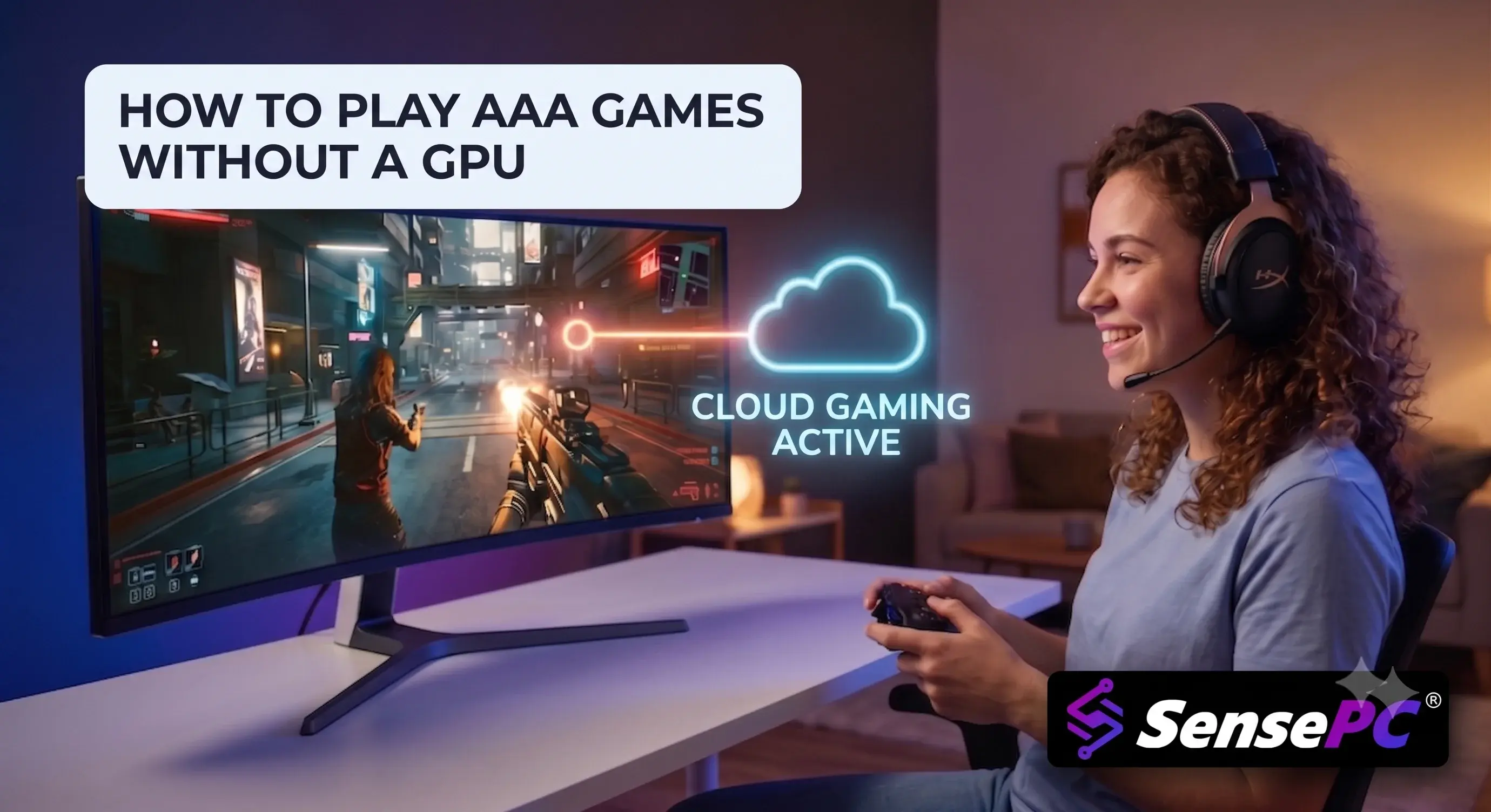
- have a thin laptop or older device with no dedicated graphics card (see how to play AAA games without a GPU);
- want to play for a few sessions without buying hardware (see whether hourly billing is worth it).
It is not needed if you already own a Windows PC that meets the minimum requirements or a console that runs the game. Because the minimum graphics requirement is modest, performance alone is rarely a reason to rent a cloud PC for this chapter.
SensePC cloud PCs use dedicated NVIDIA GPUs; see our overview of the NVIDIA L4 for gaming. This guide does not include SensePC performance measurements for Poppy Playtime, so test the game in a short session before committing to a long one. To get started, follow the steps to set up a cloud gaming PC and install Steam on a cloud desktop. Because the base game and chapter install inside the remote machine, review how persistent cloud storage works so you know what is kept when the machine is stopped.
Connection quality on a cloud PC
Streaming a fast horror sequence depends on a steady connection. A wired Ethernet connection is usually the most consistent option. Strong Wi-Fi can work, but distance from the router, other traffic and interference all matter. Test at the time of day you normally play, not at midday on an empty network.
A stable connection matters more than a fast one. To understand why, read about low-latency cloud gaming, and check which cloud region is closest to you in the list of SensePC data center locations. A single-player game tolerates some delay better than a competitive shooter, but a chase sequence still punishes stutter and freezes. If you are curious about the difference between delay and dropped data, our guide to packet loss vs. ping in cloud streaming explains each.
Cloud PC or physical gaming PC for Chapter 5?
A physical gaming PC suits players who play demanding games often, want the lowest local input delay and are comfortable paying for hardware up front. The trade-offs are cost, maintenance, heat, desk space and eventual upgrades.
A cloud PC suits players who do not need high-end gaming power every day: a student, a Mac user who needs Windows, or someone with a basic laptop that is fine for work and school. You pay for performance when you need it. For a broader comparison, read our cloud gaming PC questions answered.
Neither choice is automatic. If your home internet is inconsistent, local hardware may be the better fit. If you want a Windows gaming setup without buying, building or upgrading a rig, a cloud PC reduces the friction. You can compare plans on the SensePC pricing page.
When was Poppy Playtime Chapter 5 released?
Poppy Playtime: Chapter 5 — Broken Things released on PC on February 18, 2026, and on PlayStation, Xbox and Nintendo Switch on May 27, 2026.
What is Chapter 5 called?
Its full title is Poppy Playtime: Chapter 5 — Broken Things.
Who is the main villain in Chapter 5?
The Prototype, also known as Experiment 1006, is the central antagonist, and Huggy Wuggy also pursues the player in this chapter.
Do I need the first game to play Chapter 5 on PC?
You need the free base game, Poppy Playtime, installed on PC. Chapter 5 is downloadable content for it.
What platforms is Chapter 5 on?
PC (Steam and Epic Games Store), PlayStation 4 and 5, Xbox One and Series X and S, and Nintendo Switch.
What are the minimum PC requirements for Chapter 5?
Windows 10/11 (64-bit), an Intel Core i3-9100 or Ryzen 5 3500, 8 GB of RAM, and a GeForce GTX 1650 or Radeon RX 470, with DirectX 12. Confirm on the store page.
Can I play Chapter 5 on a Mac?
The PC release lists Windows requirements, so check the store page for macOS support. Alternatively, you can use a Windows machine remotely through a cloud PC.
How long is Chapter 5?
About 5.5 hours for the main story, according to HowLongToBeat data.
Summary
Poppy Playtime: Chapter 5 — Broken Things is available on PC and consoles, requires the free base game on PC, and runs on a GTX 1650-class graphics card at the minimum tier. Prepare storage, drivers, power settings and controls before you start, start with a balanced graphics preset, and keep a steady connection if you stream it from a cloud PC. Then turn down the lights, put on headphones and let the factory do the rest.