Short answer: There are three real options for cloud gaming with Call of Duty: Xbox Cloud Gaming (subscription/catalog access tied to Xbox Game Pass, console-equivalent experience), GeForce NOW (streams a copy of the game you already own on a PC storefront like Battle.net), and a full cloud PC like SensePC (a complete persistent Windows desktop where you install and run the game yourself, with full control and the same machine usable for anything else). Platform-specific game availability changes — confirm current support for your specific title directly with each service before committing.
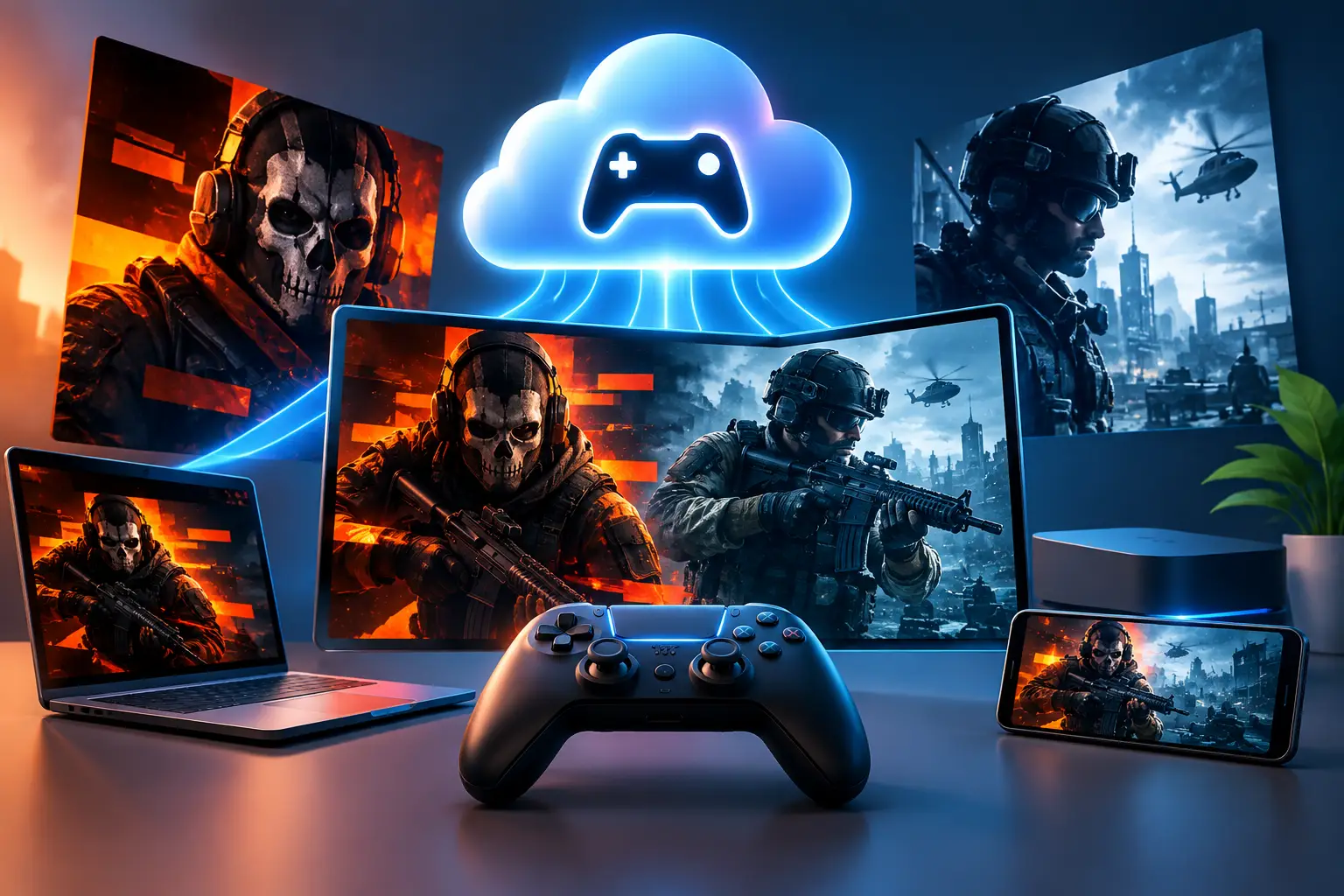
A new Call of Duty release can turn a perfectly usable laptop into a compromise. Storage fills up, frame rates fall, fans get loud, and a GPU upgrade quickly becomes a much larger PC purchase. Cloud gaming for Black Ops 6 and Modern Warfare 3 offers a different route: run the game on powerful remote hardware and play it from the computer you already own.
The Three Real Options, Compared
| Xbox Cloud Gaming | GeForce NOW | Full Cloud PC (SensePC) | |
|---|---|---|---|
| What it is | Subscription catalog streaming | Stream a PC game you own | Complete persistent Windows desktop |
| Requires | Xbox Game Pass subscription | Game ownership on a supported PC storefront | A cloud PC subscription/usage plan |
| Control level | Console-style, limited | More PC-like, still a managed session | Full Windows admin control |
| Persistent storage/settings | No | Limited | Yes |
| Useful for other tasks | No | No | Yes — any Windows software |
| Install your own launcher/mods | No | No | Yes |
Xbox Cloud Gaming streams Call of Duty as part of an Xbox Game Pass subscription — a console-equivalent experience with no local install and no full Windows environment underneath it.
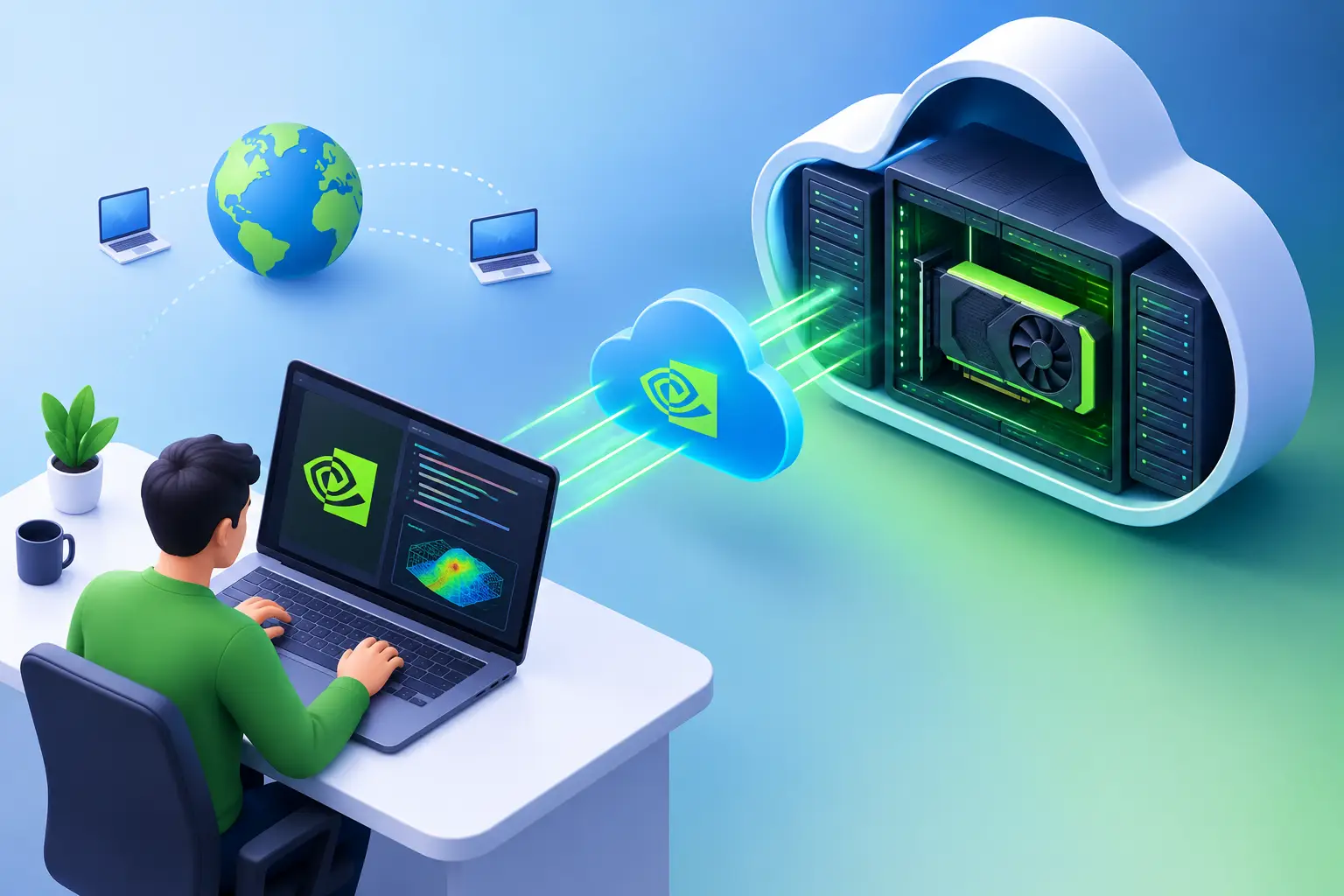
GeForce NOW streams a copy of the game you already own through a PC storefront (Battle.net, Steam, etc.) — closer to a PC experience than Xbox Cloud Gaming, but still a managed streaming session rather than a desktop you fully control.
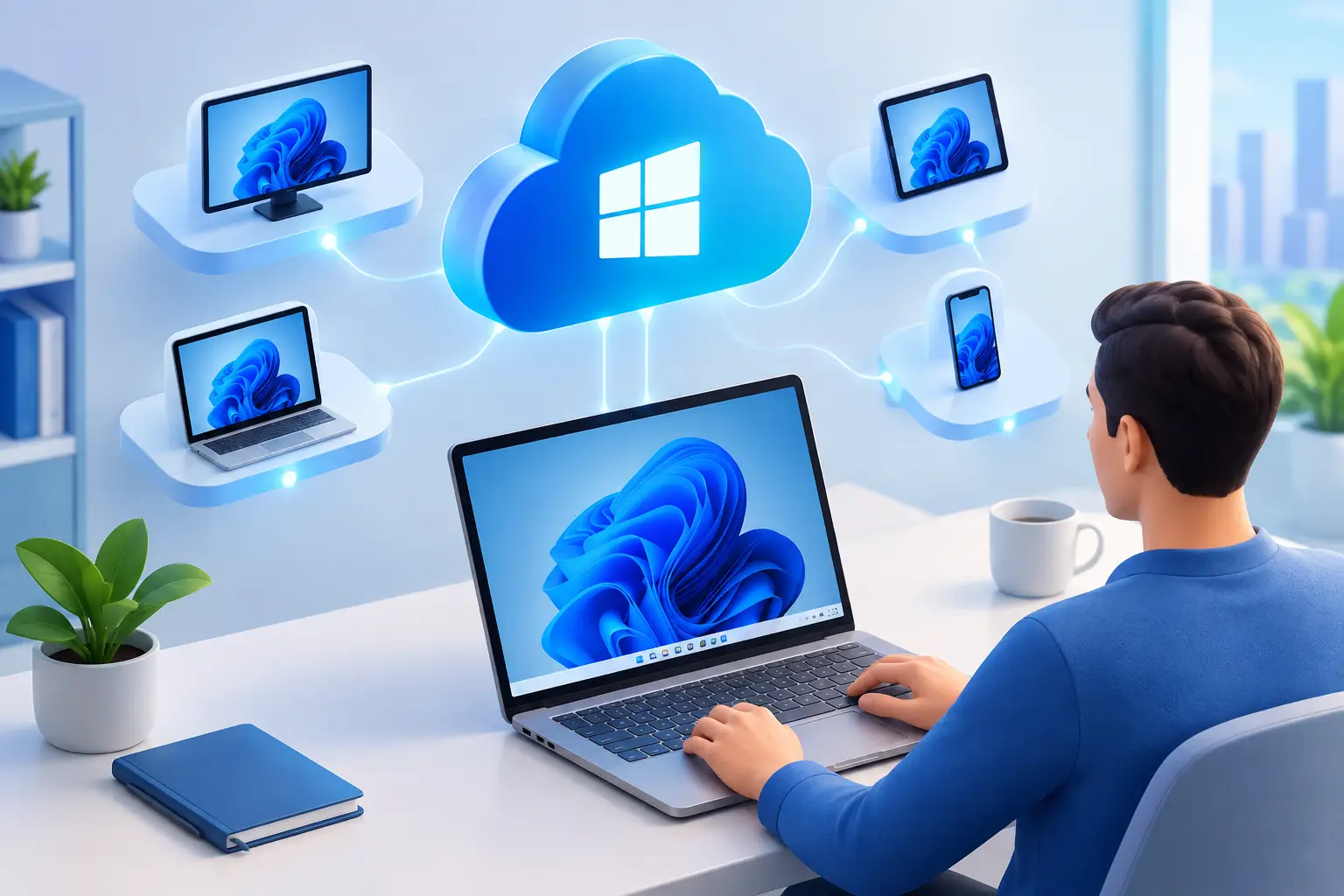
A full cloud PC gives you a complete Windows desktop: sign in to Windows, install the game through the platform where you own it (Battle.net for Call of Duty), manage settings, and use the same environment for other Windows tasks. You're not limited to a catalog or a console-style interface.
SensePC is built around this third model — an on-demand Windows 11 desktop with dedicated GPU options, persistent SSD storage, and a low-latency Performance Mode. The session runs in the cloud while your laptop, desktop, or Mac acts as the screen, keyboard, mouse, and controller connection.
What You Still Need Before You Play
A cloud PC supplies the computing power, but doesn't remove requirements around the game itself. You still need a legitimate game license (or eligible subscription) and an account for the store or launcher used to access it — plan for install size too, since modern Call of Duty titles can require significant storage with multiple modes and content packs installed.
A stable internet connection matters more than raw download speed. Latency, jitter, packet loss, Wi-Fi interference, and distance to the cloud PC all affect how responsive aiming and movement feel — a wired Ethernet connection is the best starting point; if that's not an option, use reliable 5 GHz or newer Wi-Fi close to the router rather than a congested network.
Your local device doesn't need to be a gaming machine — a lightweight Windows laptop or Mac can be enough to access the remote desktop, as long as it handles video decoding reliably and supports your preferred display, mouse, keyboard, or controller setup.
A Practical Setup Path
Start by choosing a cloud PC configuration that fits the game and leaves room for Windows updates, the launcher, shader files, and future patches — dedicated GPU access is the key factor for graphics-heavy gaming, while sufficient CPU, RAM, and persistent SSD storage keep the overall system usable.
Once ready, connect using the platform's performance-focused remote desktop option. Install Windows updates only if needed, update the GPU driver when appropriate, then install your preferred launcher and the Call of Duty title you own — let installation and any shader optimization finish before judging performance.
In the game's graphics settings, start with a sensible resolution and preset rather than maxing every option — streaming adds another layer, so the best setting isn't always the highest visual setting. Test a few matches, watch for input delay or video artifacts, and adjust one variable at a time.
If the game requires anti-cheat or launcher verification, test it before a long session — these systems and third-party platforms can change policies or behavior, so compatibility should be confirmed for your specific game version, account platform, and cloud environment rather than assumed.
Latency Is the Real Performance Test
Raw GPU power matters, but latency decides whether cloud gaming feels right for Call of Duty. In single-player, a small amount of delay may be easy to accept. In Black Ops 6 multiplayer or Modern Warfare 3 ranked play, even minor inconsistency can be distracting.
Think of responsiveness as a chain: your input travels from mouse or controller to the cloud PC, the game processes it, the resulting frame is encoded, sent across the network, decoded on your device, and displayed. A strong remote GPU improves the game-rendering part of that chain, but it can't fix poor home Wi-Fi or a long network route. The full technical breakdown of what affects latency covers this regardless of which platform you choose.
For that reason, cloud gaming — on any of the three options above — tends to fit casual multiplayer, campaign modes, Zombies, co-op sessions, and players who value access over tournament-level precision better than ranked competitive play. It can still work well competitively when the connection is strong and the cloud location is favorable, but that's worth testing personally rather than assuming.
A few practical changes usually help: use Ethernet when possible, close downloads and video calls during a session, avoid a VPN unless you have a specific reason and understand the routing impact, use a wired controller or responsive mouse, and set the remote session to a refresh rate your device and connection can handle consistently.
Cloud PC vs. Buying a Gaming PC
Buying a physical gaming PC makes sense when you play demanding games most days, want the lowest possible local input delay, and expect to keep the hardware busy for years — it doesn't depend on your home connection to render the game, and is the more predictable choice for unreliable internet or strict competitive requirements. The trade-off is upfront cost, space, heat, and an eventual upgrade cycle.
A cloud PC is more attractive when gaming is occasional, seasonal, or tied to a specific new release — or when you already have a Mac, school laptop, or work-friendly device that can't run modern AAA games locally. The cost comparison against buying a gaming PC covers this trade-off in detail. Usage frequency should guide the decision: a few weekends a month usually favors hourly or short-term cloud access; daily high-end use across gaming, editing, or other work is worth comparing against the long-term cost of ownership directly.
Beyond Call of Duty: Why a Full Windows Desktop Helps
A full cloud PC does more than launch one game — the same persistent Windows desktop can support game management, school software, creative applications, development tools, and GPU-accelerated workloads when configured for them. Files, installed applications, and settings remain available between sessions instead of disappearing after each play period. The same distinction applies for Steam-based PC libraries, not just Call of Duty specifically.
Keep gaming storage organized regardless: leave enough free SSD space for updates, avoid installing every optional content pack unless you use them, and review what's consuming space after major patches.
Decide Based on Your Connection and Play Style
This isn't about pretending hardware no longer matters — it's about choosing where that hardware lives, and which category (subscription catalog, stream-what-you-own, or full desktop) actually fits what you need. If your internet is stable, your local device is underpowered, and you want full Windows control rather than a managed streaming session, a full cloud PC is worth testing. Questions to check before committing to any cloud gaming option covers the practical checklist.
Start with a real session, not a spec sheet — install the game, play during your normal hours, and judge the experience on your own network.
What are the best cloud gaming services for playing Call of Duty titles? It depends on what you own and how you want to play. Xbox Cloud Gaming fits an Xbox Game Pass subscription and console-style access. GeForce NOW fits players who already own the game on a PC storefront like Battle.net and want a closer-to-PC streaming experience. A full cloud PC fits players who want complete Windows control, persistent settings, and a machine usable beyond just one game.
Is Black Ops 6 available on all cloud gaming platforms? No — availability varies by platform and changes over time, so confirm current support directly with each service (Xbox Cloud Gaming, GeForce NOW) before relying on a specific one. A full cloud PC sidesteps this question differently, since you're installing the game yourself through the platform where you own it rather than depending on a managed catalog's current support list.
Can I play Call of Duty Modern Warfare 3 on Xbox Cloud Gaming or GeForce Now? Both have supported MW3 at various points, with different requirements — Xbox Cloud Gaming through a Game Pass subscription, GeForce NOW through ownership on a supported PC storefront. Confirm current availability directly, since cloud gaming platform support for specific titles changes.