Short answer: SensePC ran Kingdom Come: Deliverance II — a GPU-intensive, open-world medieval RPG, not an easy title — on a cloud PC and recorded it. Watch the gameplay. That matters because cloud-based gaming means a full Windows 11 PC, with its own CPU, RAM, SSD storage, and dedicated GPU, runs in a data center while you connect from a laptop, Mac, or browser — and a demanding title like this is a real stress test of whether that setup actually holds up, not a cherry-picked easy case.
If you're deciding whether a cloud PC can realistically handle a game like Kingdom Come: Deliverance II, the honest answer shouldn't be a marketing claim — it should be a recording. KCD2 is a large, detailed open world with heavy draw distances, demanding lighting, and a combat system that punishes input lag, which makes it a genuinely useful benchmark for what "cloud gaming that works" should mean.
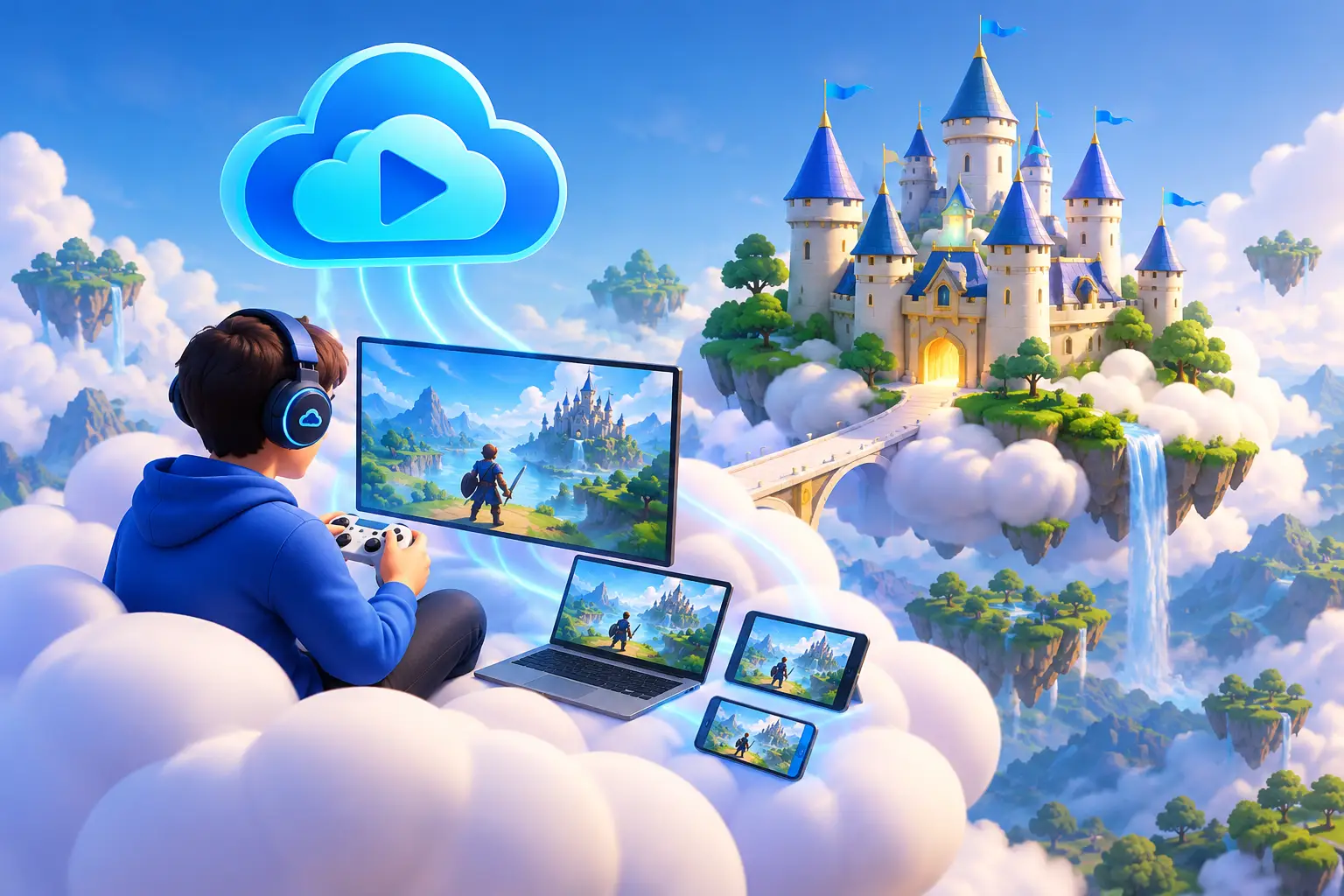
The idea of serious computing power floating somewhere else — a kind of "cloud castle" you reach from a laptop you already own — can sound like a nice metaphor that falls apart the moment a game this demanding starts loading. For the right setup, it isn't a fantasy. It's a practical way to access serious Windows performance without buying a high-end desktop, replacing parts, or waiting through another upgrade cycle.
The difference comes down to expectations. Cloud gaming isn't magic, and it isn't the best answer for every player or workload. But when you need GPU power occasionally, work from a Mac or lightweight laptop, or want a persistent Windows desktop without the cost of ownership, a cloud PC can be a smart alternative — and a real recorded playthrough of a game like KCD2 is a better way to judge that than a spec sheet.
What a Cloud Gaming PC Actually Is
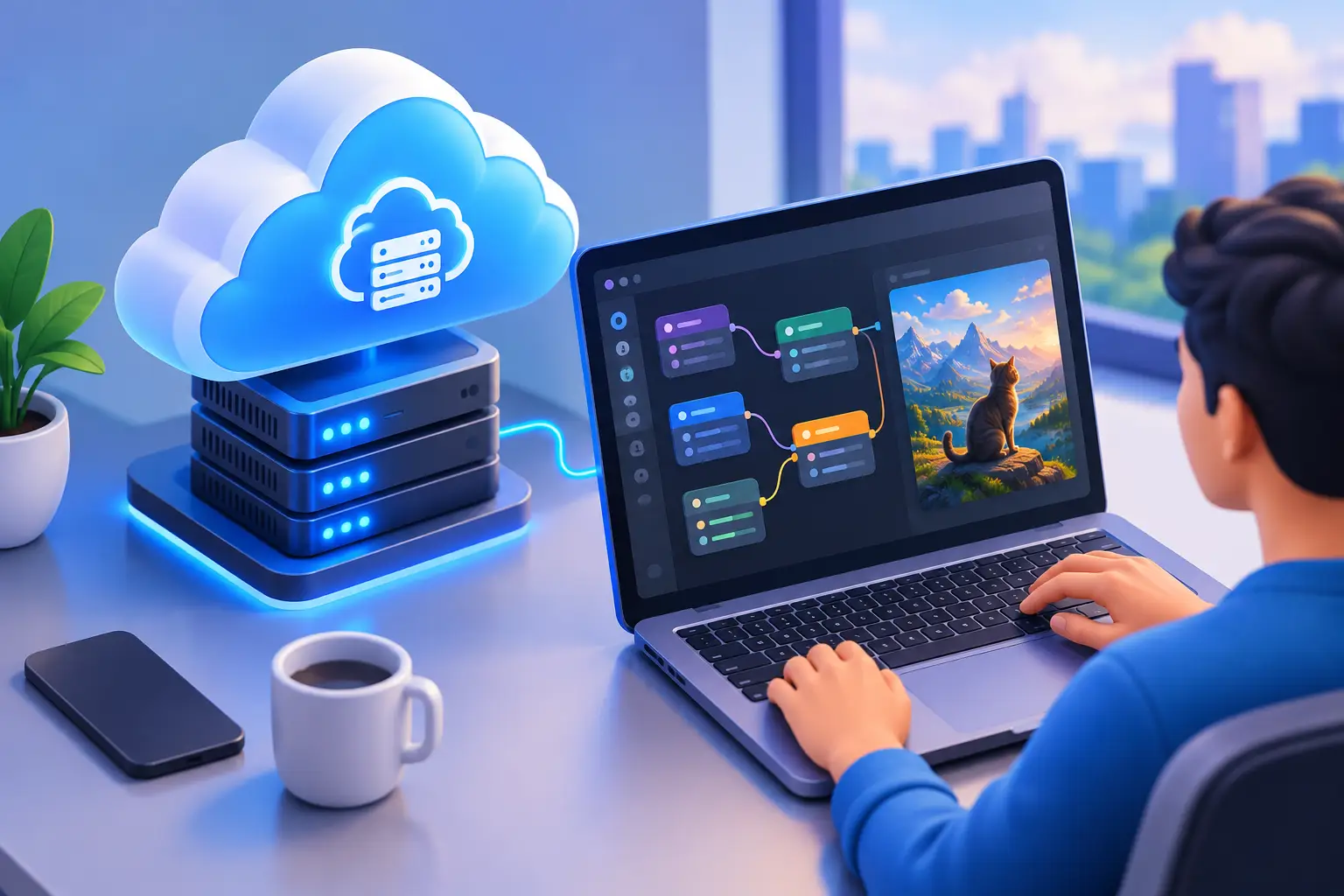
The useful version of "computing power without the physical machine under your desk" isn't a stripped-down game stream — it's a full Windows 11 computer running in a data center, with its own CPU, RAM, SSD storage, and dedicated GPU.
You connect to that computer from your desktop, laptop, Mac, or supported browser. Your local device handles the display, keyboard, mouse, and controller input. The cloud PC handles the demanding work: rendering graphics, running Windows software, compiling code, editing video, or processing GPU-heavy projects.
That setup changes the buying decision. Instead of asking whether to spend thousands on a gaming PC or workstation, you can ask how often you actually need one. If the answer is a few evenings a week, a short creative project, an AI course, or a temporary development sprint, usage-based access may fit better than owning hardware full time.
The Kingdom Come: Deliverance II Demo, in Detail
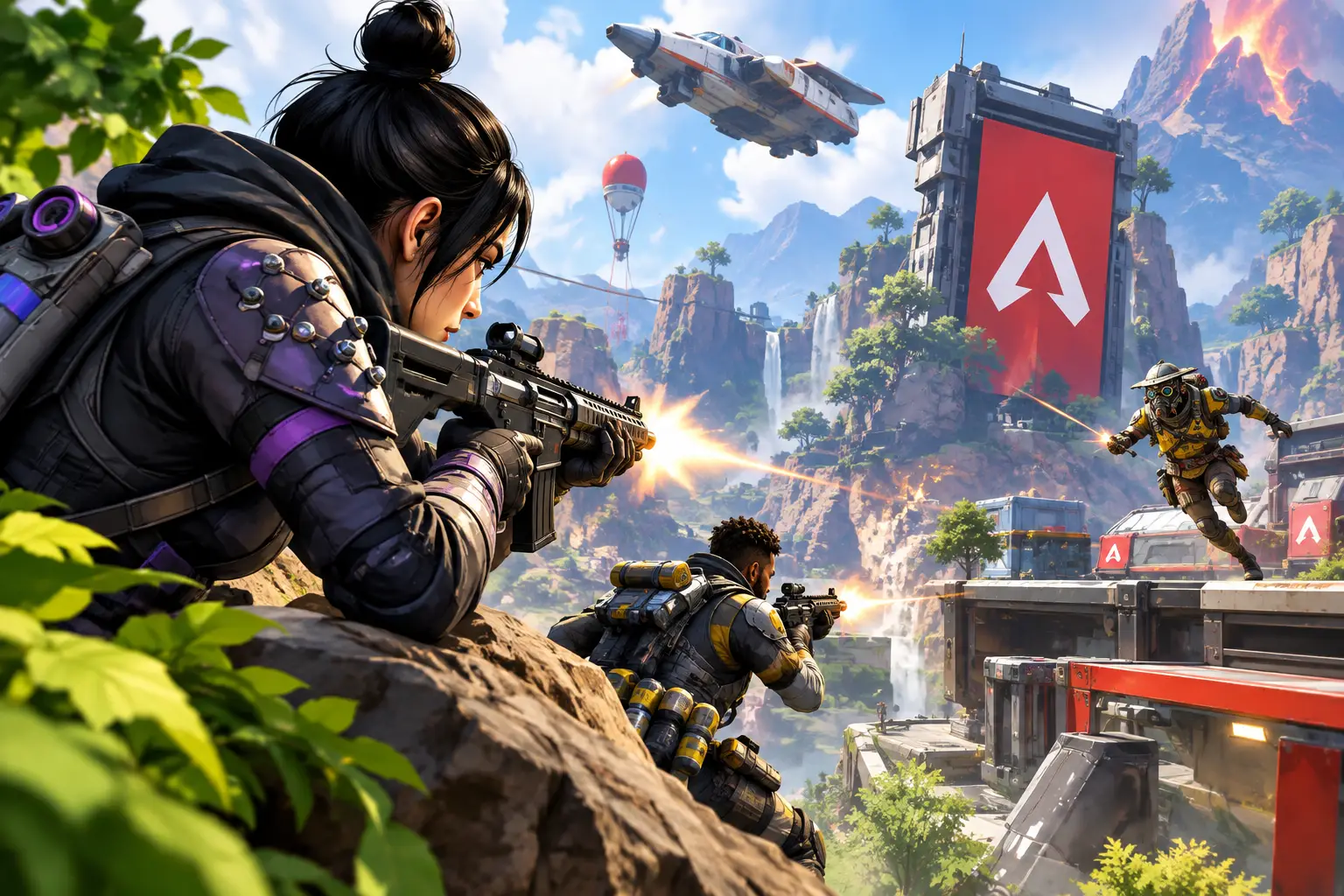
Kingdom Come: Deliverance II is a demanding choice for this kind of test on purpose. It's a large open-world RPG set in 15th-century Bohemia, with realistic lighting, dense environments, long draw distances, and a combat system where even small amounts of input delay are noticeable. Games like this are exactly where a weak connection or an underpowered remote setup would show its limits immediately — stutter during fast camera movement, delayed sword swings, or texture pop-in as the world streams in.
SensePC's recorded gameplay session shows the game running on a cloud PC with a dedicated NVIDIA L4 GPU configuration — the same tier available to any user setting up a machine for demanding single-player RPGs, not a specially tuned demo rig. That's the point of using this specific title as the example: it's a reasonable worst-case for "will this actually work," not a best-case picked to flatter the setup.
If you're specifically deciding whether to play Kingdom Come: Deliverance II on a cloud PC rather than buying or upgrading a local gaming desktop, this is the kind of evidence to look for from any provider — a real recording of the actual game, not a generic benchmark number.
How Cloud-Based Gaming Works in Practice
With cloud-based gaming, the game runs on the remote Windows PC. The rendered video is sent to your screen, while your inputs travel back to the remote machine. The experience depends on more than GPU specifications — your internet connection, network stability, distance from the data center, display settings, and the game itself all matter.
A wired Ethernet connection is usually the most dependable choice. Strong Wi-Fi can work well, but crowded networks, weak signals, and background downloads can create stutter or input delay. Fast internet helps, but consistency matters just as much as raw download speed.
This is why a cloud PC should be viewed as a performance system, not a universal replacement for every local machine. Players who compete at the highest level in fast-reaction games may prefer a powerful local PC on a high-refresh monitor. Players who want access to demanding PC games without buying a gaming tower may value flexibility more than owning the lowest possible latency.
A cloud PC also gives you more control than a game-only streaming service. You have a complete Windows environment for installing supported software, managing files, adjusting settings, and using the same desktop for work or creative tasks. Compatibility can vary across games, launchers, anti-cheat systems, and third-party applications, so it's wise to check requirements before committing to a specific title or workflow.
No Expensive Rig, No Upgrade Cycle
A physical gaming PC has real strengths. Once it's purchased and configured, it works without relying on a high-quality internet connection. You control the hardware, peripherals, local storage, and operating environment. For someone who games or renders heavily every day for years, ownership can be the better long-term value.
But ownership also means an upfront bill, hardware research, maintenance, heat, noise, and the familiar moment when a once-premium GPU starts limiting new software. A gaming laptop avoids the desk setup, yet it often trades sustained performance and upgrade options for portability.
A cloud PC shifts those trade-offs. No expensive gaming rig. No opening the case to install parts. No hardware waiting game when your needs change. You choose the performance tier that fits the task and pay based on how often you need it — the same tier shown running Kingdom Come: Deliverance II in the demo above, not a special configuration. See the full rent-vs-buy cost breakdown for the numbers side of this.
That doesn't mean cloud access is automatically cheaper. Frequent, high-hour usage can add up. If you need a powerful computer eight or ten hours every day, compare monthly cloud costs with the price and expected lifespan of a local workstation. The cloud model is strongest when flexibility, fast access, and avoiding a major purchase matter as much as permanent ownership.
Beyond Gaming: One Windows PC for Demanding Work
The most useful cloud setup is rarely gaming-only. The same machine that can run a demanding game can also provide a Windows workspace for coding, 3D design, video editing, engineering tools, GPU-accelerated applications, and AI experimentation.
For developers, this can mean keeping a persistent development environment available from different devices. For students, it can mean accessing software that doesn't run well on a basic laptop. For Mac users, it can mean using Windows-only applications without maintaining a separate physical PC.
Persistent storage matters here. Your project files, installed tools, and Windows settings remain available between sessions, so you're not rebuilding the machine each time you connect. That makes a cloud PC feel less like a temporary server and more like a computer that happens to live somewhere else.
SensePC is built around that model. Users can create a cloud Windows PC in minutes, select a configuration suited to their workload, and connect through a performance-focused remote desktop experience. Dedicated NVIDIA L4 GPU options and tiered CPU and RAM configurations provide room for gaming, development, creative work, and GPU-based projects without forcing every user into the same oversized setup.
Choosing the Right Setup for Cloud Gaming
The best cloud PC configuration depends on what you plan to run. A lighter Windows workload may not need the same CPU, memory, or GPU capacity as a modern AAA game, a large code build, or a 3D render. Paying for more resources than you use wastes money. Choosing too little can create a frustrating experience.
Start with the software requirements. Check the recommended CPU, RAM, storage, and graphics specifications for the games or applications you use most. Then consider how many tasks you run at once — gaming while downloading large files, running a browser full of tabs, or keeping creative tools open can increase memory and storage needs.
Your local device still matters, even though it isn't doing the heavy compute work. You need a screen that suits your target resolution, reliable input devices, and a stable network connection. An older laptop can become a capable access point, but a poor home network can still hold the whole experience back.
Before making cloud gaming part of your regular routine, test it realistically. Use the device, connection, time of day, and display settings you expect to use most often. Try both a game and a non-gaming task if you need the PC for more than entertainment — that gives you a clearer answer than a speed test alone. If you're specifically weighing Kingdom Come: Deliverance II or a similarly demanding open-world title, watch how it performs in motion-heavy scenes and combat before committing a multi-hour session to it.
When a Cloud PC Makes the Most Sense
Cloud access is especially practical for people with changing needs. Maybe you have a capable work laptop but need Windows GPU power for a few projects. Maybe you want to play PC games without storing a large desktop in a small apartment. Maybe your current computer is fine for everyday tasks but can't handle Unreal Engine, CUDA tools, rendering, or modern games.
It also suits people who value a consistent desktop across locations. Your files and applications stay on the cloud PC, while the device in front of you can change. You can move between a home office laptop, a Mac, and another supported computer without moving a tower or copying large project folders.
The key is to match the service to your actual usage. If you need a powerful system on demand, cloud computing turns hardware from a long-term purchase into a flexible resource. If you need maximum local responsiveness every day, or your internet connection is inconsistent, physical hardware may still be the stronger fit.
The practical version of this isn't about pretending hardware no longer matters. It's about getting the performance you need when you need it, without making a premium PC purchase before you know how much power your work, games, or projects will truly demand.
Can I play Kingdom Come: Deliverance II on a cloud PC? Yes — SensePC has a recorded gameplay demo of Kingdom Come: Deliverance II running on a cloud PC with a dedicated NVIDIA L4 GPU configuration. It's a GPU-intensive, open-world medieval RPG with a combat system sensitive to input delay, which makes it a reasonable real-world stress test rather than a best-case scenario picked to flatter the setup.
Is Kingdom Come: Deliverance II too demanding for cloud gaming?
Not based on the recorded demo — it ran on a standard cloud PC GPU tier, not a specially tuned setup. That said, any open-world RPG this detailed benefits from testing under your own connection and conditions before relying on it for a long session, since your internet quality and distance from the data center affect the experience as much as the hardware does.
What is cloud-based gaming, exactly?
A full Windows 11 computer — with its own CPU, RAM, SSD, and dedicated GPU — runs in a data center. You connect to it from a laptop, Mac, desktop, or supported browser; your device handles display and input, while the remote machine does the actual rendering and processing.
Is cloud gaming the same as a game-streaming service like GeForce NOW?
No. A full cloud PC gives you a complete Windows environment where you install and manage any supported software yourself, with persistent storage between sessions. A game-streaming service gives you access to a limited library of supported titles through a client, without a real desktop behind it.
Is cloud gaming good enough for competitive play?
It depends on how sensitive you are to input latency. Players competing at the highest level in fast-reaction games may still prefer a local PC on a high-refresh monitor, since a cloud setup adds network travel between you and the machine. For players who want access to demanding games without owning a gaming tower, the trade-off is usually worth it.
Is a cloud gaming PC cheaper than buying a physical PC?
It depends on usage. For occasional or changing needs, cloud access avoids a large upfront purchase and the upgrade cycle that comes with ownership. For someone who needs a powerful computer eight or ten hours a day, the ongoing cloud cost should be compared directly against the price and expected lifespan of local hardware — frequent heavy use can make ownership the better long-term value.
What internet connection do I need for cloud gaming?
A wired Ethernet connection is the most dependable choice. Strong Wi-Fi can work, but crowded networks, weak signals, and background downloads can cause stutter or input delay. Consistency matters as much as raw download speed — test with your actual connection and setup before relying on it.