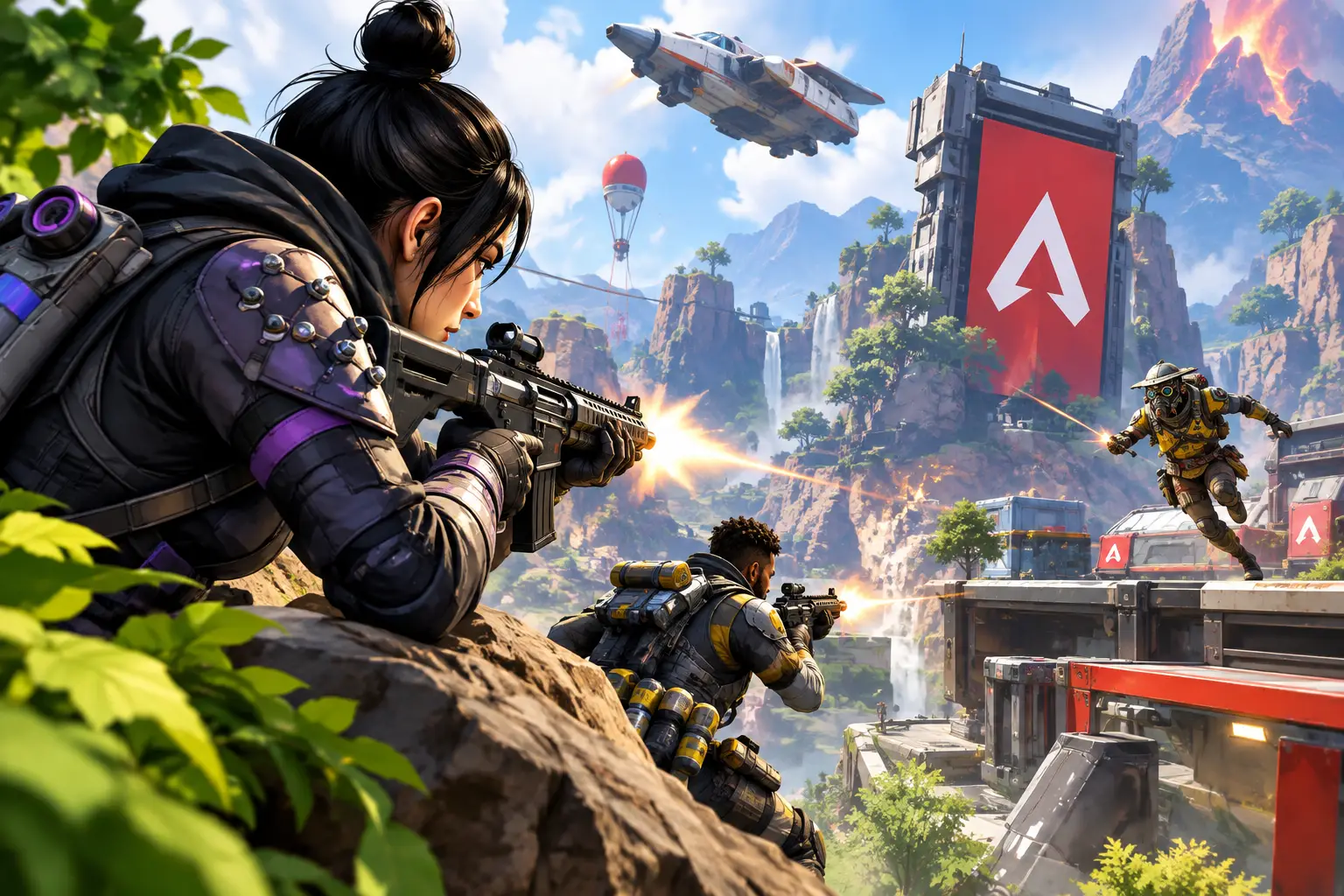
Short answer: Apex Legends gameplay is decided before the final shot — by positioning, information, and whether your squad has a clear trigger to fight. Aim matters, but cover, rotation timing, and pushing together after a real advantage (a knock, a cracked enemy caught away from cover) matter more. Better hardware makes the game feel more responsive; it doesn't fix a bad push.
Apex Legends gameplay is decided before the final burst of an R-99 or the last shield swap. The teams that win more often usually arrive with better cover, cleaner information, and a plan for the next five seconds. Aim matters, but it's only one part of a game built around movement, abilities, rotations, and fast decisions.
That's why Apex can feel demanding even when you know how to shoot. A good player makes fewer exposed peeks, takes smarter angles, and knows when a fight has turned against the squad. Better hardware can make the game feel more responsive, but it won't fix a bad push. The goal is to build a setup and a playstyle that let you react clearly when the match gets chaotic.
What Makes Apex Legends Gameplay Different
Apex is a battle royale, but it doesn't reward passive survival for long. Squads need loot, position, and momentum. The ring forces movement, third parties punish drawn-out fights, and a single knocked teammate can change the value of every decision.
The game also asks you to manage several systems at once: enemy locations, ammunition, healing items, shields, cooldowns, ring timing, and distance to nearby cover. This is why raw aim alone has limits. A perfect shot from an open hillside can still lose the fight if another team has a clearer angle.
Movement raises the skill ceiling even further. Sliding into cover, taking a climb route, using a jump pad, or strafing with purpose can make you harder to hit — but movement should get you to cover, create an angle, or break an enemy's line of sight, not happen without a reason.
Win Fights Before They Become Even
The strongest Apex fights start with an advantage: a cracked shield, high ground, a better building position, or knowing an opponent is separated from their team. Once you have it, act quickly — a damaged enemy often creates a brief opening to push, heal, or take space.
Don't confuse damage with progress. Landing 150 damage across a distant squad may feel useful, but it doesn't always create a finish. If the enemy resets behind cover while you burn ammo, you've announced your position without changing the fight. Damage matters most when your squad can convert it into pressure or a knock.
Use Cover as Part of Your Aim
Good cover isn't just a wall you hide behind when your shield breaks — it's the starting point of every peek. Position your body so only a small portion is visible when you shoot, then return to safety before the enemy can trade damage.
Avoid standing beside teammates in the same narrow lane. One grenade, one enemy angle, or one charged weapon can punish the entire squad. Spread just enough to create crossfire while staying close enough to help if a teammate gets pushed.
High ground improves visibility and forces opponents to expose themselves as they climb — but it's not automatically safe. A rooftop with no exit becomes a trap when another squad arrives. Before committing to a position, look for a retreat route and a place to heal.
Push With a Clear Trigger
A push should answer a simple question: why now? Strong triggers include a knock, a cracked player caught away from cover, a squad using its last healing window, or an enemy team distracted by another fight. If you can't name the trigger, slowing down is often the better call.
When you push, go together. A staggered push turns a three-person advantage into separate one-on-one fights. Call the target, call the route, and keep the distance manageable. You don't need perfect voice communication — short information is enough: "one cracked, pushing left, hold roof, reset."
Rotation Is a Combat Skill
Many losses start two minutes before the shots begin. A late rotation forces your squad through open terrain, into a choke point, or directly into a team holding the next ring. You may still have good weapons and full shields, but your options are gone.
Check the ring early and decide whether your squad needs to move now, loot briefly, or hold a strong position. The right choice depends on the map, your legend composition, available mobility, and nearby squad count — there's no universal rule that says every team should rotate early or play edge.
Playing edge can lead to easier third-party opportunities and more loot, but increases the risk of getting pinched by teams rotating behind you. Playing center gives more time to defend a position but may draw more attention from nearby squads. Learn both styles instead of forcing one approach every match.
Legends and Loadouts Should Support the Squad
Choose a legend because their kit helps the way your team wants to play, not because a streamer made a highlight clip with them. Mobility legends help take space or escape pressure. Defensive legends make a building easier to hold. Recon and support options provide information, recovery, or stability after a bad fight.
Weapon choices work the same way. Two close-range weapons can be effective in tight urban areas but leave you weak against a squad poking from distance. A long-range setup creates entry damage but may slow you down if every fight reaches a small room.
For most players, a flexible pairing works best: one weapon for close or mid-range pressure, another that covers the range you struggle with. Spend time with a small set of weapons rather than changing your entire loadout every match — familiar recoil and predictable handling make fights simpler.
Performance Settings That Actually Matter
Apex is fast enough that inconsistent frame pacing, input delay, and visual clutter can affect how confident you feel in a fight. Start with stable performance, not maximum visual detail — a steady frame rate is generally more useful than settings that look great but fluctuate during heavy action.
Lowering demanding graphics options reduces strain on a system. Resolution, display refresh rate, and field of view are personal choices, so test changes in short sessions instead of copying someone else's settings. A higher field of view shows more of the battlefield but makes targets appear smaller; a lower setting makes targets easier to see but reduces peripheral awareness.
Use a wired network connection when possible — it reduces the variability that comes from Wi-Fi interference. Close bandwidth-heavy downloads and background tasks before playing. These steps can't remove every connection issue, since route quality and distance still matter, but they give your game a cleaner starting point.
Can a Cloud PC Work for Apex Legends Gameplay?
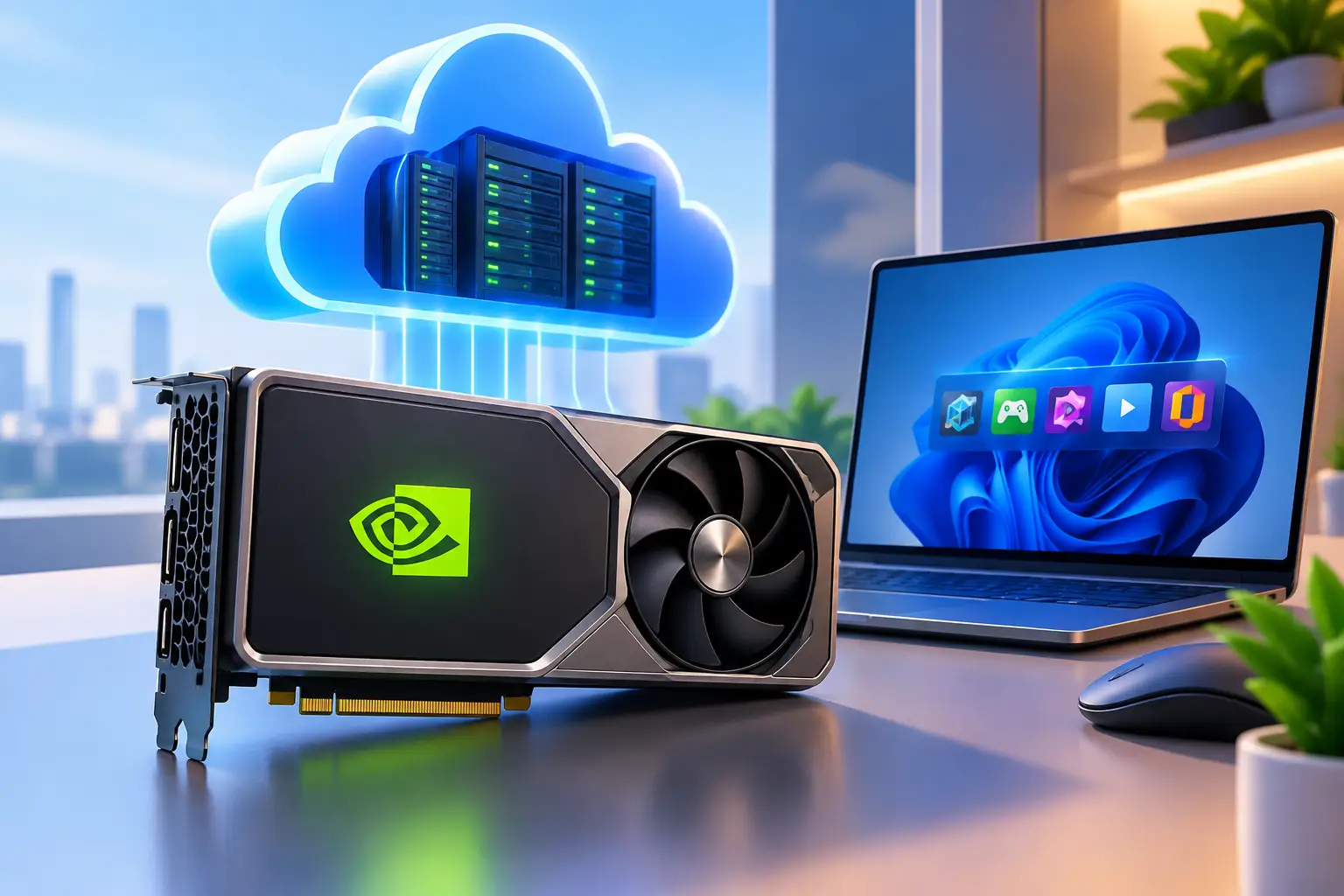
For players on a Mac, a thin laptop, or an older desktop, a cloud PC can be a practical way to access a capable Windows gaming environment without buying a full gaming rig. With SensePC, you can create a Windows 11 cloud PC with dedicated GPU resources and persistent storage, then connect from a supported computer or browser.
The trade-off is straightforward. A local gaming desktop keeps the game close to your monitor and is often the better fit for players who compete frequently, have a strong hardware budget, and want the most direct setup possible. A cloud PC adds network travel between you and the machine, so your internet quality, location, and latency tolerance matter.
Cloud access makes more sense when you need performance occasionally, want to avoid a large upfront hardware purchase, or need a powerful Windows desktop for gaming and other work. Hourly access can be useful for a weekend of play or testing whether a stronger setup changes your experience. Persistent storage also means you don't have to rebuild your desktop each session.
Before committing to any cloud gaming setup, test it during the times you normally play. Check how it feels in the firing range and in real matches. Confirm that the game, launcher, and account setup work as expected for your own use case — performance expectations should be practical, not based on a spec sheet alone.
Fast Habits That Actually Move Your Win Rate
If you only change a few things this week, make it these:
- Use cover before shooting — peek, fire, return to safety
- Rotate early — decide to move, loot, or hold before the ring forces the choice
- Push with a named trigger — a knock, a cracked enemy, a distracted squad — and go together
- Leave fights that have become a third-party magnet — damage without a finish just reveals your position
- Keep performance settings stable, not maximal — a steady frame rate beats flashy visuals that fluctuate
A Better Match Starts With Better Decisions
The fastest route to stronger results isn't chasing every fight or copying every advanced movement technique. Pick one repeatable habit for your next session: use cover before shooting, rotate earlier, push together after a knock, or leave fights that have become a third-party magnet.
Apex rewards players who create choices for themselves and remove choices from opponents. Build that habit first. Then make sure your PC setup gives you a clear, stable way to act on it.
What are some tips to improve my Apex Legends gameplay?
Improving is less about flashy movement and more about consistently making good decisions under pressure: use cover as the starting point of every peek, rotate before the ring forces you to, push only with a clear trigger (a knock, a cracked opponent, a distracted squad), and keep your weapon pool small enough that recoil and handling become predictable.
What strategies help with winning in Apex Legends?
Winning is more about positioning, timing, and team play than raw aim. Prioritize cover over open fights, convert damage into pressure instead of just landing hits, go together on pushes rather than staggering in, and learn to recognize when a fight has become a third-party magnet worth leaving.
How does movement affect Apex Legends gameplay?
Movement raises the skill ceiling by making you harder to hit — sliding into cover, using jump pads, and strafing with purpose all help — but movement should always have a purpose: reaching cover, creating an angle, or breaking an enemy's line of sight, not moving for its own sake.
Should I play edge or center of the ring in Apex Legends?
Both have trade-offs. Playing edge can mean easier third-party opportunities and more loot, but a higher risk of getting pinched by squads rotating behind you. Playing center gives more time to defend a position but can draw more attention from nearby squads. Most strong players learn both rather than forcing one approach every match.
Can I play Apex Legends on a cloud PC?
Yes, with the right expectations. A cloud PC gives you a real Windows 11 environment with dedicated GPU resources, which works well for occasional play or when you don't want to buy a full gaming rig. A local desktop is still the better fit for players who compete constantly and want the lowest possible latency — test a cloud setup during your normal playtimes before relying on it.
What settings actually matter for Apex Legends performance?
A stable, consistent frame rate matters more than maximum visual detail. Lower demanding graphics options if your system struggles, use a wired connection when possible, and test resolution/field-of-view changes in short sessions rather than copying someone else's settings exactly.
How is Apex Legends gameplay different from other battle royale games?
Apex puts more emphasis on movement, squad-based ability kits, and fast third-party engagements than many traditional battle royale games. Fights resolve quickly, positioning and information matter as much as aim, and a single knocked teammate can swing the outcome of an engagement — which makes decision-making and rotation timing more central to winning than in slower-paced battle royale titles.
Why do I keep losing fights even when I'm hitting my shots?
Landing damage isn't the same as winning a fight. If the enemy can reset behind cover while you burn ammo, you've revealed your position without creating an advantage. Fights are usually lost in positioning and timing — a bad push, a late rotation, or engaging without a clear trigger — more often than in raw aim.