Short answer: A high-end gaming PC build is worth it if you game heavily and consistently, want full local control over every component, and plan to keep the hardware for years — the cost spreads out and the ownership model pays off. It's a weaker choice if your need is occasional, tied to a single release or project, or still unproven (testing whether a hobby becomes a habit). The real comparison isn't build cost versus cloud cost in the abstract — it's the total cost of ownership (parts, maintenance, eventual upgrades) against paying for access only when you actually need the performance.
A premium graphics card is only one line item in a much bigger purchase. High-end gaming PC builds also require a capable CPU, enough memory, fast storage, cooling, a reliable power supply, and a monitor that can show what the system can do. The result can be excellent — the question is whether owning all of that hardware makes sense for how often you actually use it.
What High-End Gaming PC Builds Really Cost
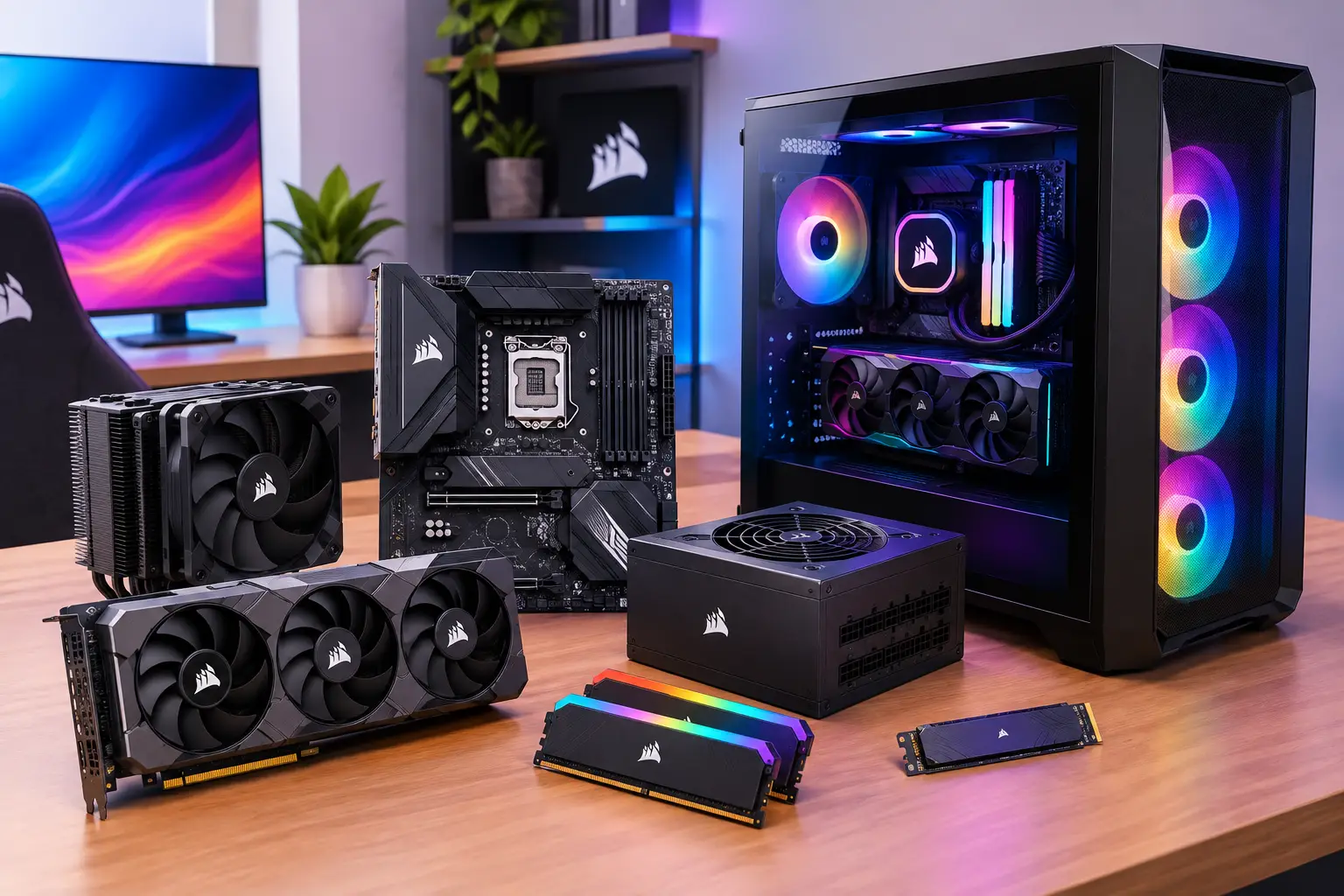
The price of a high-end build isn't just the parts listed in a shopping cart — it's also the cost of building, troubleshooting, maintaining, and eventually replacing them. A system for demanding AAA games can need a premium GPU, a fast modern processor, substantial RAM, NVMe storage, quality cooling, and a power supply with room to spare, before display upgrades, peripherals, extra drives, and electricity even enter the picture.
None of this is a bad investment if you use the machine often enough — a desktop you play on most nights, use for work, and keep for several years provides real value. But expensive hardware is a fixed commitment: you pay before you know how much you'll use it. If your schedule changes, a new GPU generation arrives, or a game needs more than expected, ownership doesn't become more flexible — you keep the setup, upgrade it, or accept its limits.
There's also the maintenance nobody puts in a benchmark chart: driver updates, heat, fan noise, dust, cable management, storage cleanup, and the occasional part that refuses to cooperate. Some users enjoy that process. Others just want to launch a Windows desktop and get to work or play.
Build Locally or Use a Cloud Gaming PC?
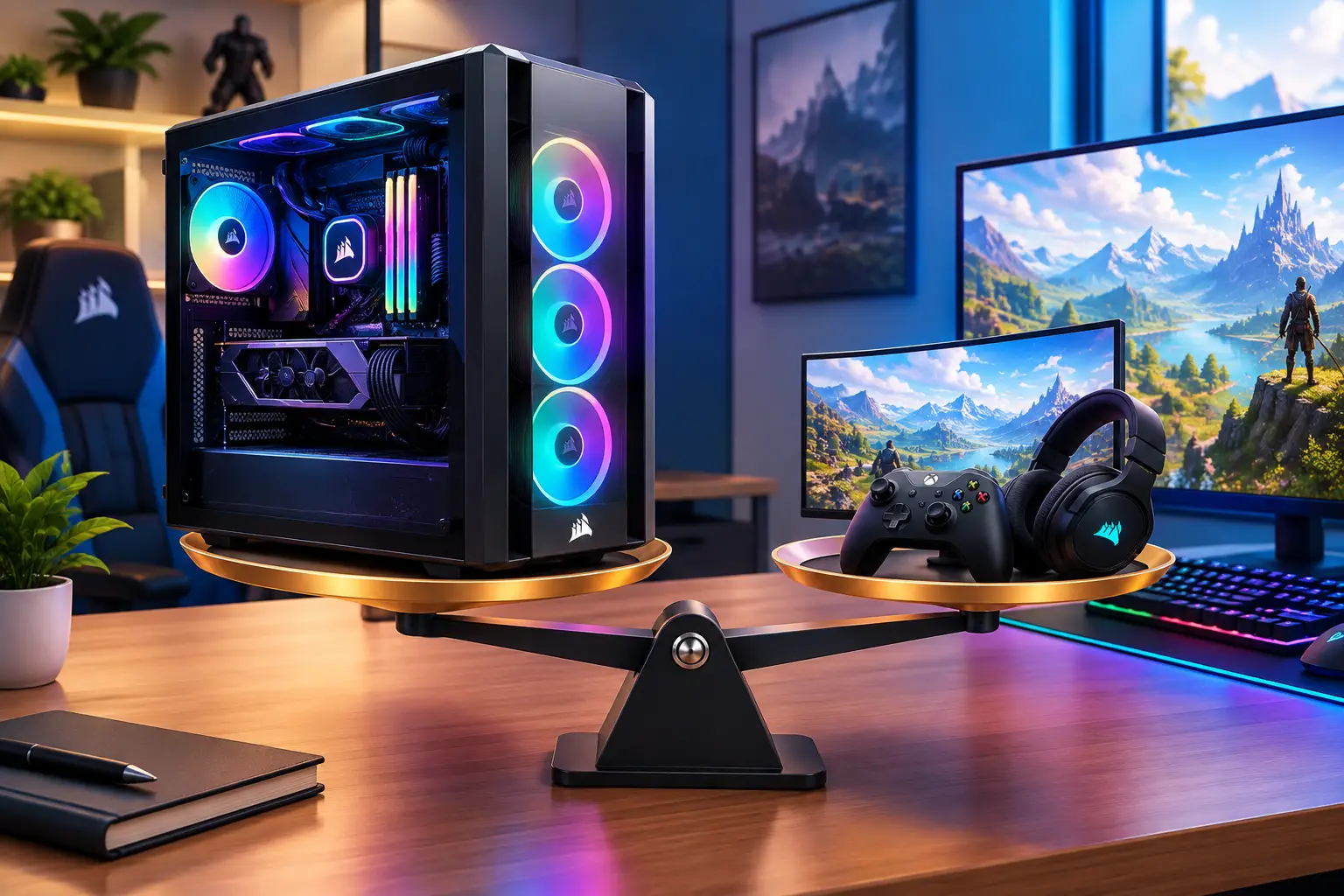
This isn't simply a question of which option is more powerful — it's about where performance matters, how often you need it, and what trade-offs fit your setup.
A local gaming PC has clear advantages. Games run on hardware in your room, so internet quality doesn't affect the video stream or controls. You choose every component, install whatever storage you want, connect local accessories, and tune the system over time — especially useful for competitive players highly sensitive to latency, people with unreliable internet, and anyone spending many hours each week gaming or running demanding software.
A cloud PC changes the ownership model. Instead of maintaining a high-end tower, you connect to a powerful Windows computer from the device you already have — your local laptop or Mac handles display and input while the heavier work runs remotely. That's practical for someone with a lightweight laptop, older desktop, or Mac needing occasional access to Windows games or GPU-accelerated applications, or whose demand comes in bursts: a new game release, a weekend project, an editing deadline, a software class, or a period of remote work.
That doesn't mean cloud access is automatically right. Connection quality matters — distance from cloud infrastructure, home network stability, and tolerance for streamed input response all affect the experience. Some games, especially those using specific anti-cheat systems or third-party launchers, may need compatibility checks first. Questions to check before committing to cloud access covers this ground.
When Buying a High-End PC Makes Sense
Buying local hardware is often the better long-term move with consistent, heavy use — demanding games every day, local creative workloads, or dependable performance regardless of internet conditions all favor ownership. It also makes sense for full hardware control: multiple internal drives, specialty PCIe hardware, a particular monitor configuration, or direct access to local devices that depending on a remote desktop can't replace.
The key is honest usage. A powerful desktop sitting idle for weeks isn't an efficient investment. A powerful desktop used for gaming, coding, rendering, and daily work can be.
Don't buy for a single short-term need. Many purchases happen because one game, course, or project needs more performance than a current device provides — a need that may last a month, not three years. In that case, a usage-based cloud PC is often a more measured decision than financing a full new build. The same applies when you're waiting to see whether a hobby becomes a habit — testing PC gaming, learning Unreal Engine, experimenting with AI tools, or working with creative software before committing thousands of dollars to hardware. Temporary access lets you evaluate the workload first.
Where a Cloud PC Fits Best
A cloud PC isn't just for gaming — the same machine can support a Windows development environment, GPU-assisted creative tools, remote project work, and compatible games, which matters when one local device has to serve many roles.
SensePC is built around this: create a high-performance Windows PC when you need one, access it from a desktop, laptop, Mac, or supported browser, and keep files in persistent storage between sessions. Dedicated GPU configurations and Performance Mode are built for users needing more than a basic remote desktop without managing server infrastructure.
For occasional users, hourly-first access keeps cost control straightforward — no paying for unused hardware on your desk. For longer projects or regular use, daily or monthly options may be more sensible. Other ways to rent gaming hardware covers the broader landscape if a cloud PC isn't the exact fit.
Check Your Connection Before You Shift Your Workflow
A cloud PC depends on a solid connection, so test your setup realistically. Wired Ethernet is often preferable to unstable Wi-Fi — if Wi-Fi is your only option, use a strong signal and avoid a crowded network when possible. Close unnecessary downloads and consider whether other household activity affects your connection during the hours you plan to play or work.
Your input devices still matter, too. A good mouse, keyboard, controller, and display still improve the experience even when the heavy compute is remote — the difference is you keep those accessories while avoiding the cost and upkeep of a premium tower.
A Better Way to Decide
Start with three practical questions:
- How many hours per week will you need high-end performance?
- Does your internet quality support a responsive remote desktop experience?
- Do you need local hardware features a cloud PC can't provide (specialty peripherals, multiple internal drives, guaranteed offline access)?
If you need maximum local responsiveness, play frequently, and want full control over every component, build or buy the desktop — just budget for the complete system, not only the GPU. If your demand is occasional, temporary, or spread across gaming, development, creative work, and Windows-only applications, cloud access may offer a cleaner path — scale up when a workload appears, scale back when it's over.
The smartest setup isn't always the biggest box under the desk. It's the one that gives you enough performance for the work and games you actually run, without forcing you to pay for years of capacity you may not use.
Is it worth building a high-end gaming PC in 2026?
It depends on usage frequency, not the hardware's capability alone. Daily or near-daily heavy gaming, local creative work, or a need for guaranteed offline performance still favor building. Occasional, seasonal, or project-based needs are often better served by cloud access, since a high-end build's cost doesn't shrink when you use it less.
What does a high-end gaming PC actually cost beyond the GPU?
The full system includes a capable CPU, sufficient RAM, fast NVMe storage, adequate cooling, a power supply with headroom, and often a display upgrade — plus ongoing costs like electricity and eventual part replacement. The GPU alone significantly understates the real total cost.
Should I buy a gaming PC for just one game or project?
Usually not, if the need is genuinely short-term. A usage-based cloud PC is typically a more measured choice for a single release, a one-off project, or testing whether a new hobby sticks, since it avoids locking in thousands of dollars of hardware for a need that may not continue.