Short answer: Build around the games and software you actually plan to run, not the most expensive part in each category. The GPU has the largest effect on gaming performance, but it only performs well when paired with enough CPU, RAM, fast storage, and a case with real airflow — not just visual appeal. Compatibility checks (socket, RAM generation, GPU length, cooler clearance, PSU capacity) prevent the most common and expensive build mistakes. For occasional or changing performance needs, a cloud PC can remove the ownership cost and maintenance cycle entirely.
A gaming PC can look impressive on a desk and still make the wrong trade-offs. A top-tier graphics card inside a poorly ventilated chassis can run hot and loud — a large case with weak fans doesn't automatically solve that. The goal isn't buying the most expensive part in every category; it's building a system where performance, cooling, budget, and future needs actually match.
Start With the Workload, Not the Parts List
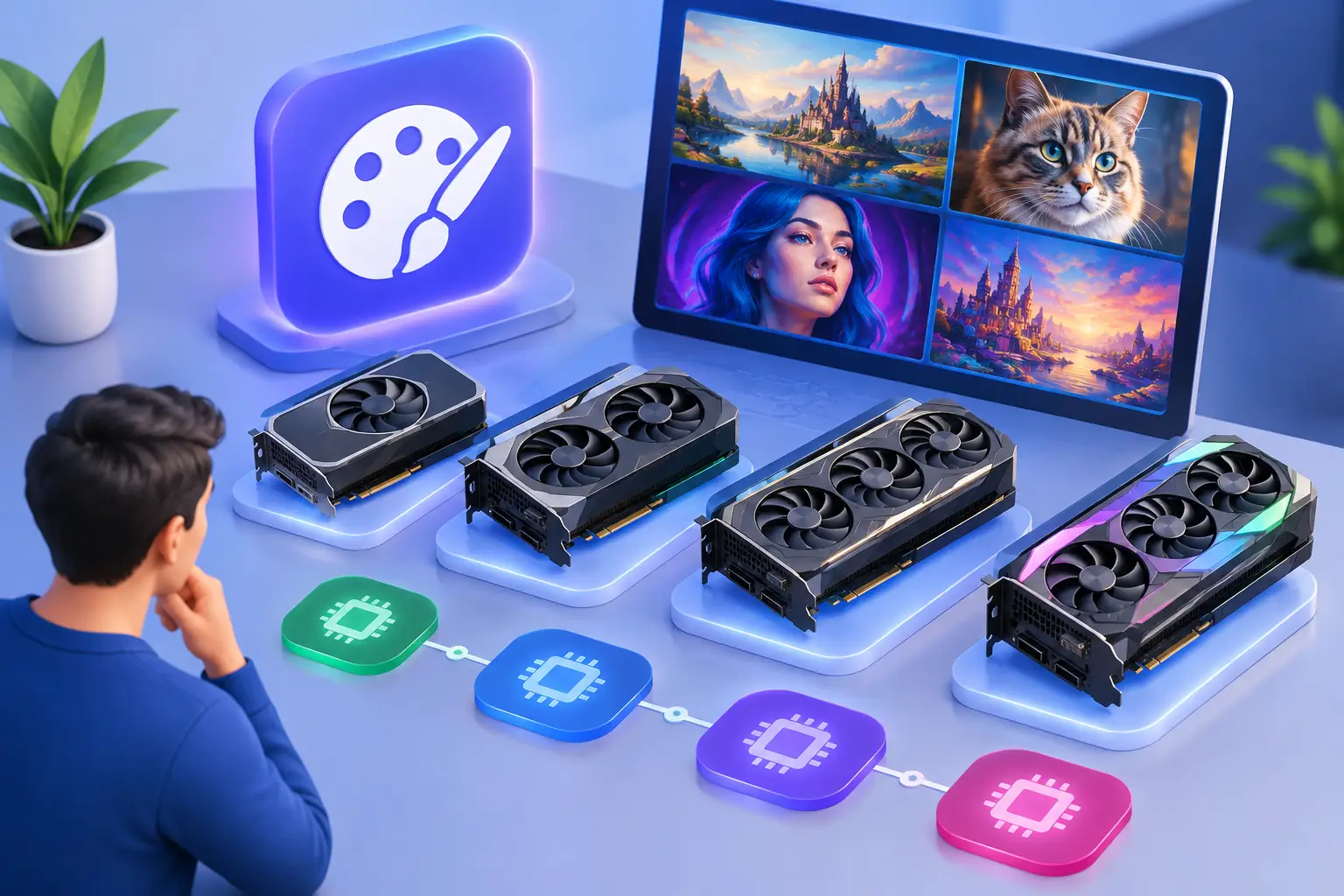
A gaming PC is built around the games and applications you plan to run. Fast-paced competitive games often benefit from high frame rates and a responsive display. Large AAA games tend to push the GPU, video memory, storage, and system cooling harder. If you also edit video, use 3D tools, compile code, or test AI software, CPU cores, RAM, and GPU capability become more important.
That's why copying a parts list from a forum can be a mistake — a build designed for 1080p esports gaming isn't automatically a good fit for 4K gaming, Unreal Engine work, or GPU-accelerated creative projects. Set a target first: the games or software you need, your preferred resolution, and how long you expect to keep the system.
Your display matters here too. Spending heavily on a GPU while using a basic low-refresh monitor leaves performance value on the table. Buying a high-resolution monitor without enough graphics power may force you to reduce settings more often than expected.
The Components That Set Real Performance
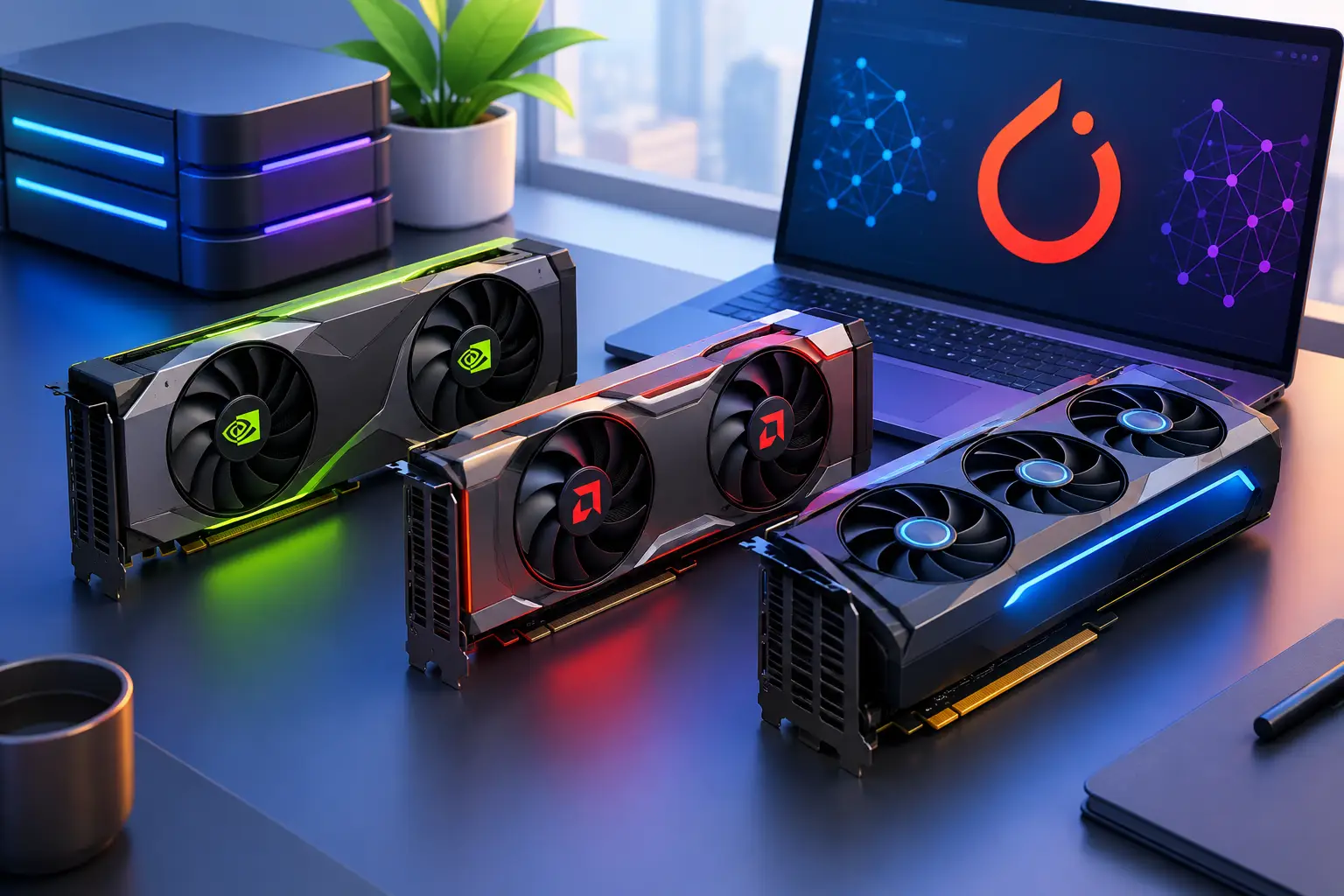
GPU: the center of most gaming builds. The graphics card usually has the largest effect on frame rate and image quality, handling rendering work a general-purpose CPU can't do efficiently — it also matters for GPU-accelerated creative applications, 3D rendering, and many AI development tools. Don't evaluate a GPU by its name alone — look at the resolution you plan to use, available video memory, power draw, physical size, and the software you need. A powerful card may require a larger power supply and more case room, and may generate enough heat to change your cooling plan. Pairing a premium GPU with too little RAM, a slow storage drive, or a weak power supply creates avoidable limitations — the best card isn't always the right card if it forces cuts elsewhere in the system.
CPU and RAM: the parts that keep everything moving. The CPU handles game logic, background tasks, OS processes, and workloads like compiling, simulation, and content production. Many games don't need the most expensive processor available, but a CPU that's too limited can hold back a strong GPU, especially at lower resolutions where frame rates are higher. RAM gives your system working space — modern games, browsers, launchers, voice chat, capture tools, and creative apps add up quickly. The practical question isn't just "will this game launch," it's whether the system stays comfortable during normal use.
Storage and power: easy to overlook, hard to fix later. An SSD directly affects boot times, game loading, file transfers, and overall responsiveness — capacity matters as much as speed, since modern games and creative files are large and an almost-full drive makes routine updates frustrating. The power supply is less visible but should never be an afterthought: it needs enough capacity for the GPU and CPU under load, with room for normal power spikes and future upgrades. Saving a small amount here can create a much bigger problem later.
Gaming PC Cases Are a Performance Choice
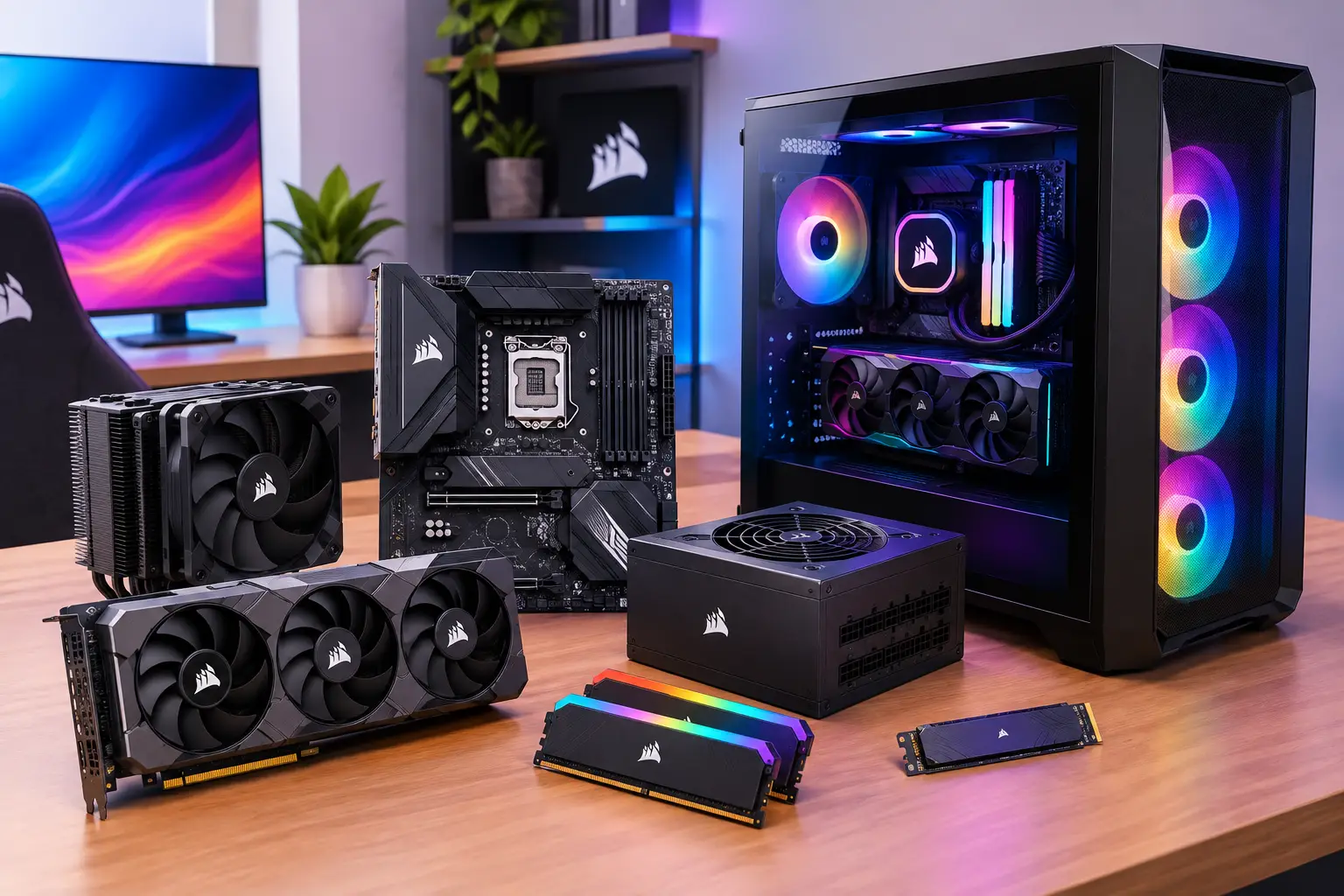
A case isn't just decoration — it determines airflow, which GPU sizes fit, how many fans or radiators you can install, and how difficult the build is to maintain. It also affects desk space, noise, dust control, and cable management.
Small-form-factor cases suit compact setups, apartments, and portable workspaces, but demand more planning — component clearance is tighter, cable routing is harder, and heat can be more difficult to control. A full-size tower offers more room for large GPUs, storage, and cooling, but takes up more space than many users need.
Airflow Beats Glass Panels
A case with a ventilated front panel and a sensible fan layout usually has a stronger foundation than one designed mainly around appearance. The basic goal is simple: bring cool air in, move warm air out, and avoid blocking that path with cables or solid panels.
More fans aren't always better — fan placement, case design, and component heat output matter more than a high fan count. A system with two or three well-positioned fans can outperform a cluttered setup with several poorly placed ones, and larger fans can move similar amounts of air at lower speeds, reducing noise.
Think about maintenance before you buy — accessible dust filters, enough space behind the motherboard tray, and removable panels make a physical PC easier to keep clean. These details seem minor until you need to change a drive, replace a fan, or troubleshoot a cable months after the build.
Compatibility Is Where Builds Often Go Wrong
Before ordering parts, check the motherboard form factor, CPU socket, RAM generation, GPU length, cooler height, radiator support, and power supply size — basic checks that prevent expensive returns and wasted setup time.
The motherboard should provide the features you'll actually use: enough storage slots, reliable networking, front-panel connectivity, and expansion options. A board packed with features you'll never touch takes budget away from the GPU or storage; buying too little makes upgrades inconvenient.
Cooling deserves the same practical approach. Air coolers are often simple, effective, and easier to maintain. Liquid cooling can be useful for certain high-heat systems or specific case layouts. Neither is automatically superior — choose based on the processor, case clearance, noise preference, and how much maintenance you're willing to accept.
Build, Buy, or Access a Cloud PC?
A physical gaming PC makes sense when you game or create often, have a stable desk setup, and want direct control over every part — once purchased, it's always available without needing an internet connection for the desktop itself, and can be a better long-term value for heavy daily use depending on hardware level and how long you keep it.
The trade-off is upfront cost: you pay for the full system before knowing how much you'll use it, plus handling upgrades, dust, heat, repairs, driver issues, and resale value. The full cost-vs-cloud decision framework covers this trade-off in depth.
Cloud access changes that model — instead of buying a premium GPU, large SSD, and new desktop all at once, access a high-performance Windows machine when the workload calls for it. This can be practical for students with temporary project needs, Mac users who need Windows applications, travelers, developers testing GPU tools, and gamers who don't want a large local rig. SensePC offers persistent cloud PCs with dedicated GPU configurations and Windows access from compatible desktops, laptops, Macs, and supported browsers. It's not a universal replacement for a local machine — internet quality, location, game or application requirements, and your tolerance for remote access all matter — but for occasional or changing performance needs, usage-based access avoids the cost and maintenance cycle of a physical upgrade.
Make the Choice That Fits Your Use
The best gaming setup is the one that removes the bottleneck you actually have. If your current desktop is reliable and only needs a storage or GPU upgrade, replacing the entire system may not be necessary. If you need powerful Windows performance only for certain projects or games, buying every component may be more hardware than you need. Other ways to access gaming hardware without building covers the broader landscape of options.
Choose physical gaming PC components and cases when you want a machine always at your desk and worth maintaining over years of frequent use. Choose flexible cloud access when you need serious power without committing to the full ownership cost. Either way, build around the work you plan to do, not the parts that happen to look best on a product page.
What's the most important component for gaming PC performance?
The GPU has the largest single effect on frame rate and image quality, but it only performs well paired with adequate CPU, RAM, and storage — a powerful GPU bottlenecked by a weak CPU or too little RAM won't deliver its full performance.
Does a bigger PC case mean better cooling?
Not automatically. Airflow design, fan placement, and ventilation matter more than raw case size — a smaller case with a well-planned airflow path can outperform a larger case with poor fan layout or blocked vents.
How many fans does a gaming PC need?
There's no universal number — two or three well-positioned fans often outperform a cluttered setup with more poorly placed ones. Fan placement and case design matter more than fan count alone.
Should I prioritize air cooling or liquid cooling for a gaming PC?
Neither is automatically better — choose based on your processor's heat output, case clearance, noise preference, and how much maintenance you're willing to do. Air cooling is generally simpler to maintain; liquid cooling can suit specific high-heat builds or case layouts.
When does a cloud gaming PC make more sense than building one? When your need for high performance is occasional, temporary, or changing — a student with a short-term project, a Mac user needing Windows software, or a gamer who doesn't want to maintain a large local rig. Daily, consistent heavy use over years still generally favors building or buying hardware outright.