SensePCSensePC
SensePC For Business
Pricing
Launch SensePC in your browser

Product

  • Free Signup Today
  • Cloud Gaming PC
  • Sense PC
  • Sense Cloud
  • How to Choose PlanNew
  • SensePC for Business
  • AI Developer Cloud PCNew

Resources

  • FAQ
  • BlogNew
  • StudioNew
  • Pricing
  • Tutorials
  • Data Center LocationsNew
  • Compare Cloud PC Providers

Company

  • Home
  • Contact
  • Security
  • About Us
  • Welcome Page

Legal

  • Privacy Policy
  • Terms of Service

Newsletter

Get the latest SensePC product updates, cloud PC news, feature releases, launch announcements, and platform improvements.

Subscribe to our newsletter:

Access powerful cloud PCs for gaming, work, AI, development, and creative workloads from supported Windows and macOS computers.

© 2026 SensePC® — a product of Senseminder LLC. All rights reserved.

    All Articles

    Run Comfyui Remotely

    SensePC articles and guides about Run Comfyui Remotely.

    All ArticlesCloud GamingProduct UpdateRemote WorkSoftware Development
    Run ComfyUI Remotely on a Cloud PC

    How to Run ComfyUI Remotely on a Cloud PC

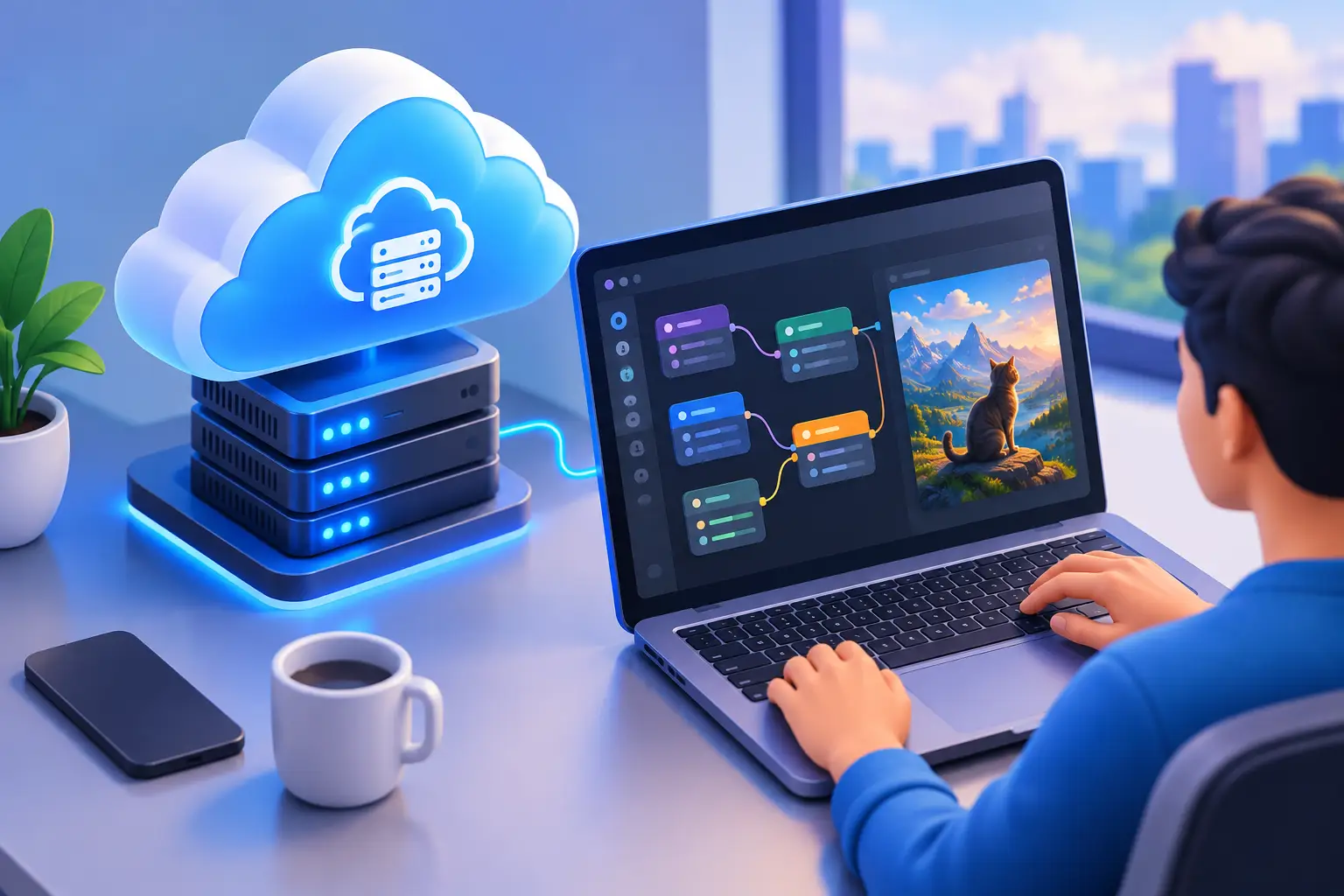
    A practical guide to running ComfyUI on a Windows cloud PC. It covers GPU, VRAM, and storage sizing, installing ComfyUI and organizing models and workflows, headless/CLI use, and why remote desktop access is safer than exposing ComfyUI to the public internet.

    Cloud GamingOct 13, 2026
    Popular Tags
    AI DeveloperAI Prototype ExampleAI WorkloadAir Pgu Vs SensePCAirgpu Vs SensePCAlternatives To AirgpuApex Legends GameplayBrowser Gaming PCCloud ComputerCloud DesktopCloud Desktop StorageCloud Gaming For Black Ops 6Cloud Gaming PCCloud Hosted Windows DesktopCloud PCCloud PC SecurityCloud PC SSDCloud PC StorageCloud RenderingCloud WorkstationCost Comparison Of Cloud RenderingCPUDedicated GPUDedicated GPU HardwareDeliverance Ii On A Cloud PCDesktop as a ServiceDesktop WorkstationDeveloperEdit Video RemotelyFrameworkGaming PC AlternativeGaming PC RentalGPUGPU Cloud PCGPU WorkstationHigh End Gaming PC BuildsHourly Billed Gaming ComputerHourly Cloud PCHow To Play PC Games In The CloudInstalling Steam On A Cloud DesktopKingdom ComeLocal AI WorkLocal RenderingLow Latency Cloud GamingMacModern Warfare 3Monthly Cloud PC BillingNVIDIA L4 Cloud Gaming L4 GPU SpecsNVIDIA L4 ReviewPC For AI DevelopmentPC For Gaming On SteamPC Games In The CloudPersistent Cloud StoragePowerful GPUReal Proof Cloud Gaming WorksRemote DesktopRemote GPU AccessRemote Windows PCRemote Windows SecureRent A Cloud WorkstationRenting Gaming DesktopRun A Windows Desktop On MacRun Comfyui RemotelyRun Comfyui Remotely On Cloud PCScale Workstation PowerSensePCSensePC For BusinessSet Up A Cloud Gaming PC FastShared GPUSSDStable Diffusion GPUUse Cuda RemotelyVDIVibe CoderVirtual DesktopVirtual Desktops In Cloud ComputingVirtual MachinesVirtual PCVirtual PC StorageVirtual WorkstationsWindowsWindows 11Windows 11 Cloud DesktopWindows 365 Cloud PCWindows Cloud DesktopWindows Desktop On MacWindows Gaming PcsWithout Buying A PC

    Share Your Insights with the SensePC Community

    Are you passionate about cloud computing, gaming VMs, or high-performance developer setups? Contribute a guest post to the SensePC blog. Start with your title, summary, and article body; media, SEO details, and FAQs can be added when they are useful.

    Custom Build Your SensePC

    Configure vCPUs, RAM, SSD, and high-performance NVIDIA GPUs. Spin up your dedicated virtual workstation in seconds.

    Start Building

    Simple, Transparent Pricing

    No hidden fees. Pay-as-you-go hourly instances or flat monthly subscription packages. Scale resources up or down anytime.

    View Packages