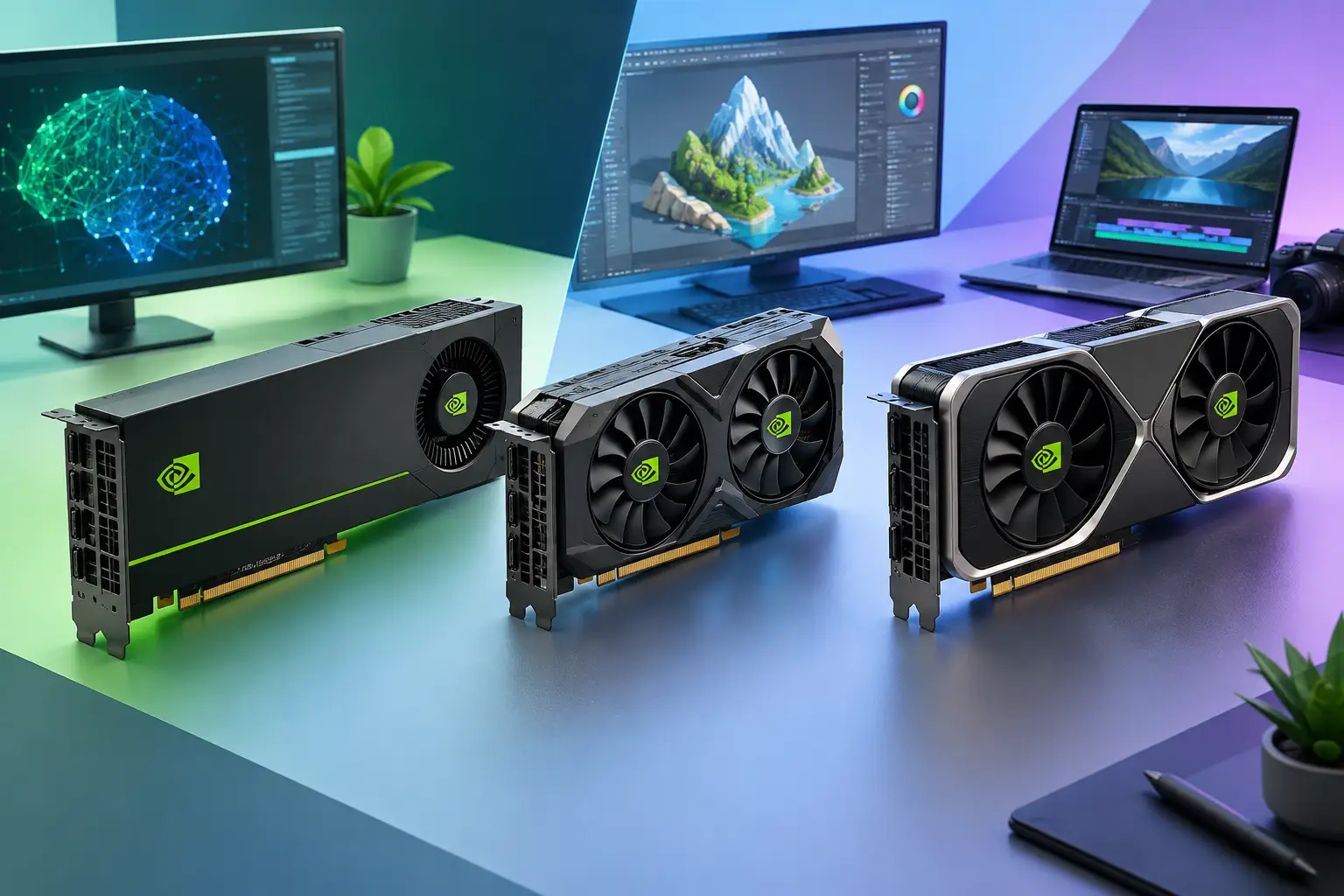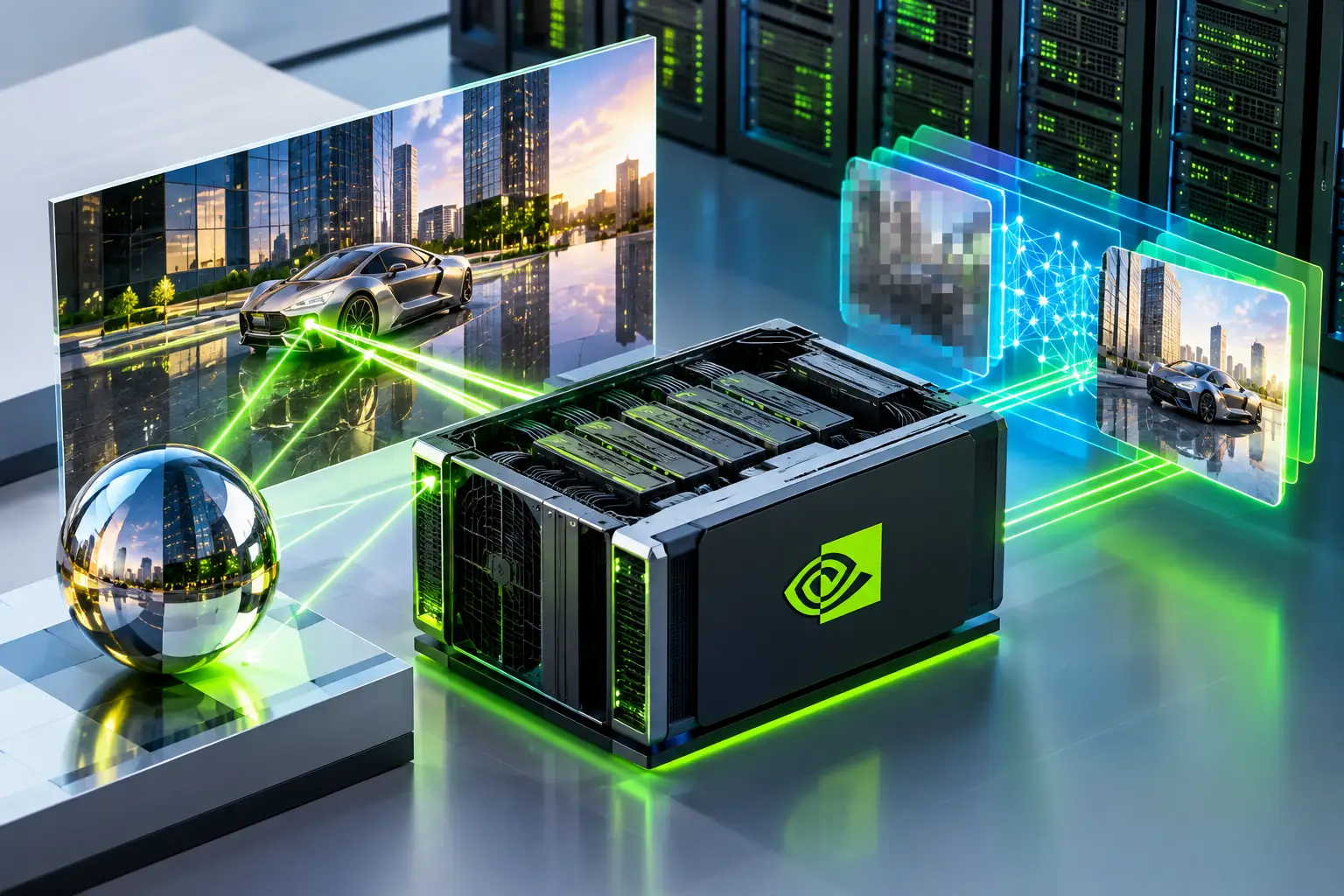
A data center GPU such as the NVIDIA L4 has RT Cores for ray tracing and Tensor Cores for AI, so it can run ray-traced Windows games and 3D software on a cloud PC. DLSS 3 Frame Generation is officially supported on GeForce RTX 40-series cards, so whether it works on a given cloud GPU depends on the driver and the game. Check it in the game's settings before you rely on it.
Quick answers
| Question | Short answer |
|---|---|
| Can a data center GPU do ray tracing? | The NVIDIA L4 includes RT Cores, so ray tracing is supported in compatible applications |
| Does DLSS 3 work on a data center GPU? | DLSS 3 Frame Generation is officially supported on GeForce RTX 40-series. Data center support depends on drivers and the game, so test it |
| What does DLSS Super Resolution do? | Renders at a lower resolution and uses AI to upscale, which can raise frame rate |
| What does Frame Generation do? | Creates extra frames between rendered ones, which raises displayed FPS but can add latency |
| Does it fix a bad connection? | No. DLSS affects GPU output, and the stream still depends on your network |
What ray tracing adds
Ray tracing simulates how light behaves in a scene. It produces more realistic reflections, shadows, ambient lighting and glass or water effects than traditional rendering. In games, a neon street reflects properly in a puddle. In 3D and visualization work, it helps preview materials and lighting more accurately.
It is also expensive to compute, which is why it has needed a powerful local GPU. On a cloud PC the heavy graphics work happens on the remote GPU while your local device handles display and input.
What DLSS does, and what DLSS 3 adds
DLSS (Deep Learning Super Sampling) uses AI to build a high-quality image from a lower internal render resolution. That reduces the work for each frame and helps offset the frame-rate cost of ray tracing.
DLSS 3 adds Frame Generation in supported games, which uses AI to generate extra frames between traditionally rendered ones for smoother perceived motion. It looks best when the game already has a solid base frame rate, and it can add latency, so it suits slower, visual games more than twitch shooters.
Newer DLSS versions (DLSS 4 and later) exist, with their own hardware and game requirements. This guide covers DLSS 3. Check NVIDIA for what the newest versions support.
Why the cloud adds a second layer
There are two separate performance layers on a cloud PC:
- The game on the remote GPU, where DLSS and ray tracing act.
- The video stream to your screen, which depends on your network, region and streaming settings.
DLSS can improve the first. It cannot fix the second. The stream may also cap the frame rate it delivers, so extra generated frames might not all reach you. Check what the Session Live panel shows.
Does DLSS work on a data center GPU?
Be careful here. Officially:
- DLSS Super Resolution works on GeForce RTX cards, and NVIDIA lists support by game and GPU.
- DLSS 3 Frame Generation is officially supported on GeForce RTX 40-series GPUs. The L4 uses the same Ada Lovelace architecture, but it is a data center product with its own drivers.
- Whether a particular game offers DLSS options on a cloud GPU depends on the driver installed, how the GPU is presented to Windows, and the game's own checks.
SensePC has not verified DLSS 3 Frame Generation on its L4 plans, and this guide does not claim it works. The only reliable answer is to launch the game and look.
How to check DLSS and ray tracing on a cloud Windows 11 PC
- Check the GPU. Open Task Manager > Performance > GPU, or run
nvidia-smiin a terminal, and confirm an NVIDIA L4 is present and the driver is loaded. - Check the game supports it. Look on the game's store page or NVIDIA's list for DLSS Super Resolution, Frame Generation and ray tracing.
- Open the in-game graphics settings. Look for a DLSS option (Super Resolution, Frame Generation) and ray tracing toggles. If they are missing or greyed out, the game or driver is not exposing them.
- Test one setting at a time. Turn on ray tracing and note FPS. Then turn on DLSS Super Resolution. Then Frame Generation, if present.
- Watch Session Live for latency, bandwidth, FPS and stream quality. A rising frame rate in the game overlay may not mean a smoother stream.
- Record the result. Write down the game, driver version, plan, region and settings. That becomes a real result you can publish.
Some games recommend Windows features such as Hardware-accelerated GPU scheduling for Frame Generation. Check the game's guidance.
How to optimize upscaling if it is available
| Goal | Try this |
|---|---|
| Higher FPS with ray tracing | Use DLSS Super Resolution at Quality or Balanced before dropping resolution |
| Sharper image at 1080p | Quality mode; lower-resolution targets have less detail to upscale from |
| Smoother motion in slower games | Add Frame Generation only if the base FPS is already solid |
| Lower latency for fast games | Skip Frame Generation, keep DLSS Super Resolution |
| Ghosting, flicker or artifacts | Try a different quality mode, update the game, or turn off Frame Generation |
| Choppy stream despite high FPS | Fix the connection first: closest region, wired Ethernet, matching stream bitrate |
See the bitrate guide and Wi-Fi 6 vs. Ethernet guide for the streaming side. For Mac and laptop users, the cloud PC supplies the GPU, and your device only shows the stream.
Where SensePC fits
SensePC offers Windows 11 cloud PCs with NVIDIA L4 graphics (24 GB), billed Hourly, Daily or Monthly:
- Xtreme plans use a dedicated L4 and are recommended for gaming.
- Standard, Pro and Ultra plans share an L4 and suit cost-efficient desktop, development and creator work.
- You can connect from the browser or use Performance Mode (native Amazon DCV client on supported Windows and macOS computers), with 8 regions available.
The L4 is an efficient data-center GPU, not a top-end gaming card, so very demanding ray-traced games may need lower settings. See the L4 vs RTX 4070/4080 comparison and pricing.
When a cloud GPU works best, and when it doesn't
Good fit: Windows GPU performance you don't need every day, Mac users who need Windows apps, laptop users who need more graphics power, and visualization or creative work in bursts.
Weaker fit: an inconsistent connection, offline use, or many hours of heavy GPU work every day, where buying hardware may cost less. Test your own games on an Hourly session before committing.
1. Can a data center GPU do ray tracing?
Yes, the NVIDIA L4 includes RT Cores, so ray tracing works in compatible applications. Performance is lower than a high-end desktop card, so demanding games may need reduced settings.
2. Does DLSS 3 work on the NVIDIA L4?
NVIDIA officially supports DLSS 3 Frame Generation on GeForce RTX 40-series GPUs. The L4 shares the Ada Lovelace architecture but is a data center product, so support depends on the driver and the game. SensePC has not verified it, so test it.
3. What is DLSS 3?
DLSS 3 is NVIDIA's AI rendering technology that combines DLSS Super Resolution with Frame Generation. Frame Generation creates extra frames between traditionally rendered frames to raise displayed FPS.
4. What is the difference between DLSS Super Resolution and Frame Generation?
Super Resolution renders at a lower resolution and upscales with AI to raise performance. Frame Generation creates additional frames in between rendered ones. Super Resolution is far more widely supported.
5. Which graphics cards support DLSS 3?
DLSS 3 Frame Generation is officially supported on GeForce RTX 40-series GPUs. Newer DLSS versions have their own requirements, so check NVIDIA's current compatibility list.
6. Can I use DLSS on a cloud PC?
Possibly, if the cloud GPU exposes DLSS to the game. Check the in-game graphics settings for DLSS options. If they are missing or greyed out, the game or driver is not offering them.
7. How do I enable DLSS in a game?
Open the game's graphics settings, find DLSS (Super Resolution and, if offered, Frame Generation), and choose a mode such as Quality or Balanced. The option appears only if the game, GPU and driver support it.
8. How can I force DLSS 3 on a graphics card?
You can't reliably force it. DLSS 3 Frame Generation depends on supported hardware and game integration. If the game doesn't list it, no setting will add it.
9. How do I check DLSS and ray tracing on a SensePC?
Confirm the L4 in Task Manager or nvidia-smi, open the game's graphics settings, test ray tracing then DLSS one at a time, and watch Session Live for latency and FPS. Record the game, driver, plan, region and settings.
10. Does DLSS Frame Generation add latency?
It can, because generated frames sit between real ones. It works best when the base frame rate is already solid, and it is less suited to fast, competitive games. A cloud stream adds its own network delay.
11. Does DLSS improve cloud gaming stream quality?
DLSS improves the image and frame rate the GPU produces. The stream you see still depends on your network, region and streaming settings. The two fix different problems.
12. Which games benefit most from DLSS?
Graphically demanding games that use ray tracing or path tracing benefit most, especially at 1440p or 4K. Check the game's store page for DLSS support.
13. What is the difference between DLSS and FSR?
DLSS is NVIDIA's AI-based upscaling and frame generation, while FSR is AMD's competing family. DLSS needs NVIDIA RTX hardware. FSR is designed to work on a wider range of GPUs.
14. Can AMD or GTX cards use DLSS?
No. DLSS needs NVIDIA RTX hardware, so AMD GPUs and GTX cards can't run it. DLSS Frame Generation additionally needs a supported RTX generation.
15. What are the common DLSS problems, and how do I fix them?
Typical issues are latency, stutter, ghosting, flickering and uneven frame pacing. Try a different quality mode, turn off Frame Generation, update the game and driver, and check that your stream is stable.
16. What are the DLSS quality modes?
Modes such as Quality, Balanced and Performance control how low the internal render resolution is. Quality keeps more detail, and Performance raises FPS more. Pick the mode that looks good at your target resolution.
17. Should I use ray tracing on a cloud PC?
Use it if the game stays smooth at your target resolution. Ray tracing lowers frame rate, so pair it with DLSS Super Resolution if available. Test one setting at a time.
18. Which SensePC plans have a dedicated L4?
Xtreme Core, Pro and Ultra (Windows 11) and AI Dev plans use a dedicated NVIDIA L4. The Standard, Pro and Ultra plans share an L4. Check the pricing page for current specs.