Short answer: PlayStation offers two ways to play games on other devices. Cloud streaming, which runs supported games on Sony's servers, is reported to require PlayStation Plus Premium in the United States. Remote Play streams a game from your own PS5, which must be on. Cloud streaming reduces the need for a console but depends on the catalog, your device and your connection. A cloud Windows PC such as SensePC is a different category: it runs PC games and Windows software you install, not PlayStation games.
A high-end console used to be the price of entry for PlayStation's biggest games. PlayStation cloud gaming and streaming change that equation, at least for some players. Instead of rendering every frame on hardware in your living room, a remote server runs the game and sends video to your screen while your controller inputs travel back.
That can be useful when you want access to supported games without buying new hardware right away. But cloud streaming is not a universal replacement for a console or gaming PC. The experience depends on the games available to stream, the device you use, your internet connection and how sensitive you are to input delay.
How PlayStation Cloud Gaming and Streaming Work
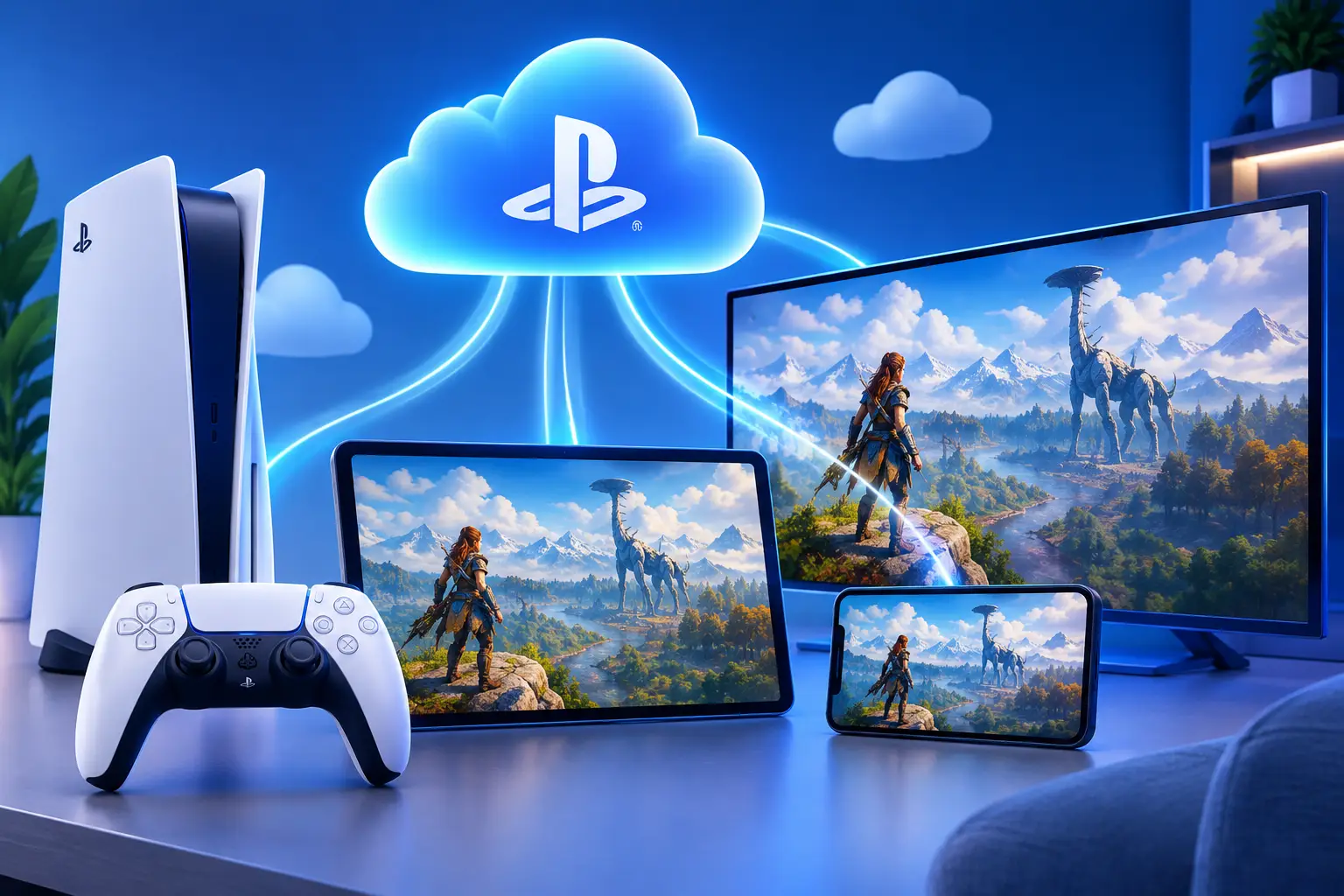
Cloud gaming moves the demanding work away from your local device. The remote machine handles the game engine, graphics processing and updates. Your device mainly receives a video stream and sends back controller commands.
This differs from downloading a game. A downloaded title runs locally, so image quality and responsiveness depend on your console or PC. A streamed title depends more heavily on the path between you and the data center. A strong local device can still help with decoding video, but it does not need to carry the full graphics workload.
PlayStation's cloud features are tied to its own account, subscription, device support and game catalog rules, and those details change. A game included in a catalog may not always be streamable, and a game you own may not automatically be available through the cloud. Check current availability for the specific title and region before planning around it.
Cloud streaming vs. Remote Play
| Cloud streaming | Remote Play | |
|---|---|---|
| Where the game runs | Sony's servers | Your own PS5 (or PS4) |
| Does your console need to be on? | No | Yes |
| Subscription | Reported to need PlayStation Plus Premium in the U.S. | Uses your console and account |
| Best for | Playing supported games without owning or powering a console | Playing your own console games from another room or device |
| Depends on | Catalog eligibility, region and connection | Your home network and console |
PlayStation Portal can reportedly do both: Remote Play from your PS5, and, in the U.S., cloud streaming that does not need a console turned on. Confirm current Portal features on PlayStation's support pages.
What You Gain From Streaming PlayStation Games
The main advantage is lower hardware pressure. If a supported game can stream to a device you already own, you may be able to postpone a console purchase or play away from your primary setup. There is also less local storage to manage, since the game runs elsewhere.
Streaming suits players who move between rooms, travel with a laptop, or want occasional access to a game rather than a permanent hardware investment. It also removes some of the friction of large downloads and patches on your device. For casual single-player games, strategy titles and slower genres, cloud play can feel like a sensible trade.
There is a financial trade-off. A subscription makes sense when you play across a supported catalog regularly. It is less compelling if you only want one game, play infrequently, or already own hardware that runs it well. The recurring cost, catalog rotation and streaming eligibility matter as much as the headline monthly price.
Where Cloud Streaming Can Fall Short
Cloud gaming does not erase the laws of networking. Every button press has to reach a remote system, and every frame has to return to your display. That round trip can add noticeable delay when the network is congested, unstable or far from the service infrastructure.
Fast reaction games expose this first. Competitive shooters, fighting games, racing games and rhythm games can feel less precise than local play, particularly for players used to a responsive console or PC. Many people will still enjoy them, but expectations should be realistic.
Video compression is another factor. Streams can look very good, yet fast movement, dark scenes and fine detail may show artifacts that a locally rendered image does not. Bandwidth use can be significant, which matters on capped plans or shared household connections.
A wired Ethernet connection is usually the best place to start. Strong Wi-Fi can work, but walls, distance from the router and other devices competing for bandwidth affect consistency. The biggest improvements usually come from the network, not a console graphics setting. Test during the hours you normally game before relying on streaming.
PlayStation Streaming vs. a Gaming PC vs. a Cloud PC
| PlayStation cloud streaming | Gaming PC (owned) | Cloud Windows PC (e.g., SensePC) | |
|---|---|---|---|
| What you play | Supported PlayStation games in Sony's catalog | PC games you install | PC games and Windows software you install |
| Setup | Minimal | Buy, build, maintain | Create the PC, install software |
| Upfront cost | Subscription | Large hardware purchase | None; hourly, daily or monthly access |
| Other uses | Games only | Work, creative, development | Work, creative, development, GPU projects |
| Depends on | Catalog, subscription, connection | Your hardware | Connection; your own software and licenses |
PlayStation cloud gaming is built around a console ecosystem. It is a straightforward option when the games you want are supported and you prefer controller-first play.
A gaming PC offers broader control: install compatible PC games, adjust graphics settings, use different launchers, connect peripherals, and run work or creative software. The downside is a large upfront payment and an upgrade cycle that eventually returns.
A full cloud PC is a different category from console game streaming. SensePC provides a persistent Windows 11 desktop with dedicated NVIDIA L4 GPU options, persistent SSD storage and hourly, daily and monthly access. Rather than streaming only games selected by a platform catalog, you work inside a full Windows environment and install compatible software yourself. It does not run PlayStation games; it runs PC software.
When a Cloud PC Makes More Sense Than Console Streaming
PlayStation streaming is often the simpler route if you want supported PlayStation games with minimal setup: no desktop environment, no development tools, no PC software. You pick a game and play.
A cloud PC can be the stronger fit when gaming is only part of your needs. Maybe your laptop handles browsing and schoolwork but struggles with a 3D project. Maybe you need a more powerful Windows machine for a few weeks of development work, then want to play compatible PC games in the evening. Maybe you use a Mac but need occasional access to Windows software and GPU performance.
Hourly-first access avoids paying for a physical workstation that sits unused most of the month. If you game or render many hours every day, owning a physical PC may cost less over time. See how to choose between building and a cloud PC.
Build a Better Streaming Setup Before You Spend More
The best upgrade for cloud gaming is not always a faster computer.
- Start with the connection. Use Ethernet where possible, keep your device close to a quality router on Wi-Fi, and avoid large downloads or 4K streams on the same network.
- Check your input and display. A wired controller connection can remove one source of delay, and a low-input-lag display helps. Close background apps using bandwidth, especially cloud backups, video calls and OS updates.
- Test with the games you actually play. A slow-paced adventure and a ranked fighting game place very different demands on a streaming connection.
The Practical Choice
PlayStation cloud gaming and streaming are useful tools, not magic shortcuts. They can make supported games more accessible and reduce the need for immediate hardware purchases, but they ask you to accept a catalog-based experience and some dependence on network quality.
If you want a focused console gaming path, streaming may be enough. If you need a powerful Windows desktop for games, development, creative work or AI experimentation, a cloud PC gives you a wider workspace. Start with the games and software you need, test your connection honestly, and pay for hardware access that fits how often you will use it.
What are the differences between PS5 cloud gaming and other streaming services?
PS5 cloud streaming is integrated into PlayStation's account, subscription and catalog, so you play supported PlayStation games. Other services, such as catalog services for PC games, use different libraries and rules. A cloud Windows PC such as SensePC is another category: a full Windows desktop where you install PC games and software yourself.
Is PS5 cloud gaming available through PlayStation Plus?
Reports say cloud streaming in the United States is part of PlayStation Plus Premium, not the lower tiers. Check PlayStation's support pages for your region and current plan details.
Can I play PS5 games via cloud gaming on different devices?
Yes, with caveats. Cloud streaming and Remote Play support different devices and have different requirements. Reports list Windows PC, Mac, phones, tablets, Android TV and PlayStation Portal across the two methods. Confirm device support for each on PlayStation's site.
What is the difference between PS5 cloud streaming and Remote Play?
Cloud streaming runs supported games on Sony's servers, so your console does not need to be on. Remote Play streams from your own PS5, which must be on and connected. They are separate systems with different requirements.
Can I play PlayStation games on PC through cloud streaming?
Reports say yes in the U.S. with PlayStation Plus Premium and a PlayStation Network account. Confirm current requirements and supported titles on PlayStation's site.
How do I improve streaming quality on PS5 cloud gaming?
Focus on the network: use wired Ethernet, reduce other traffic, keep Wi-Fi strong if wireless, and use a low-input-lag display. A graphics setting on the console will not fix a poor connection.
What are the best settings for streaming PlayStation games to a PC or other device with Remote Play?
Network stability matters more than raw speed. Use wired connections for both the console and the device where possible, avoid heavy downloads during play, and adjust the stream quality setting to favor consistent response over maximum image detail.
How does cloud streaming work on PlayStation Portal?
Reports say Portal supports Remote Play from your PS5 and, in the U.S., cloud streaming that does not need a console powered on. Check PlayStation's support pages for current Portal features and regions.