Game launchers usually open fine on a cloud PC. The security layers underneath them (virtualization, Secure Boot and a virtual TPM 2.0) mostly matter because Windows 11 expects them and because some games and anti-cheat tools check them after you press Play. A launcher opening does not guarantee that every game it manages will run.
Quick answers
| Question | Short answer |
|---|---|
| Do Secure Boot and TPM 2.0 make games run faster? | No. They are trust and security features, not performance features |
| Does Windows 11 need them in a virtual machine? | Microsoft's requirements call for a Secure Boot capable VM with a virtual TPM 2.0 |
| Does every cloud PC use Hyper-V? | No. Hypervisors differ by provider. Hyper-V is one |
| Can a launcher open but a game fail to start? | Yes. Game and anti-cheat checks run after you press Play |
| Does enabling Secure Boot and TPM guarantee anti-cheat acceptance? | No. Publisher policy on virtual machines still applies |
| Should I try to hide that I'm on a VM? | No. It can break game rules and risk your account |
What the three layers do
| Layer | What it is | Why it matters for games |
|---|---|---|
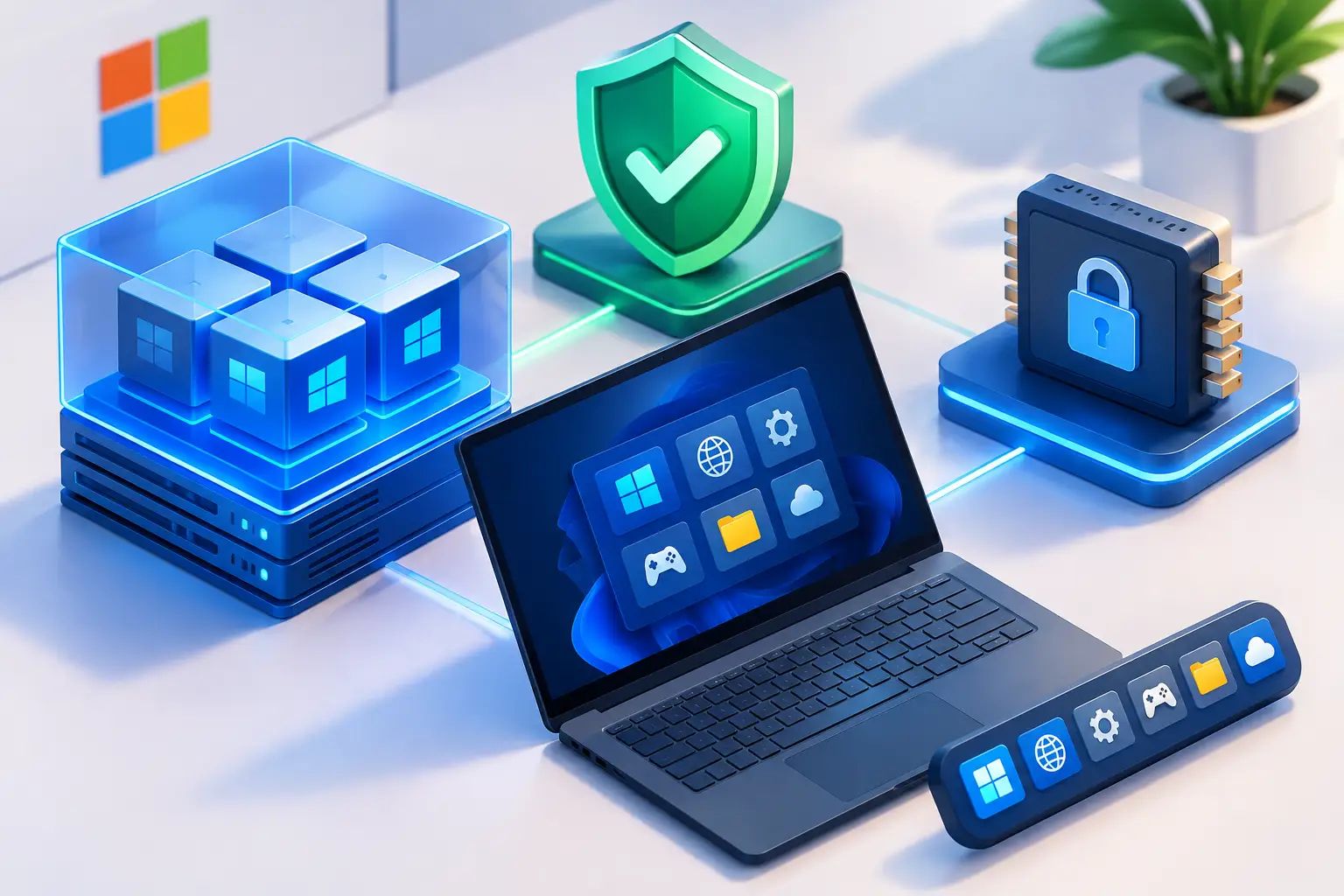
| Hypervisor (such as Hyper-V) | Software that lets one physical server run many virtual machines | Your cloud PC runs on it. Some anti-cheat tools look for signs of virtualization |
| Secure Boot | A UEFI feature that helps verify Windows starts with trusted components | Windows 11 expects Secure Boot capability. Some games or anti-cheat tools require it to be on |
| TPM 2.0 | A security component that stores keys and helps verify system integrity | Windows 11 expects it. In a VM it is provided as a virtual TPM |
The hypervisor is not always Hyper-V
Hyper-V is Microsoft's virtualization platform and is used on Windows Server and in Azure. Other providers use other hypervisors. For example, AWS says its NitroTPM is a virtual TPM 2.0 module for EC2 instances based on the AWS Nitro System, and Windows AMIs can be configured for UEFI Secure Boot and NitroTPM.
What matters to a launcher is not the brand of hypervisor. It is whether the virtual machine presents UEFI firmware, Secure Boot and a TPM 2.0 that Windows 11 accepts.
Why Windows 11 cloud PCs have a virtual TPM and Secure Boot
Microsoft's Windows 11 requirements list a Secure Boot capable UEFI firmware and TPM 2.0. For virtual machines, Microsoft says to use a Generation 2 VM, and on Hyper-V to enable Secure Boot and a virtual TPM. Microsoft also says a virtual TPM 2.0 is emulated in the guest VM independent of the host's physical TPM.
In practice this means a cloud provider can satisfy Windows 11's requirements through virtual machine settings. You don't manage motherboard firmware.
How these layers affect game launchers
Launchers themselves. Steam, Epic and similar launchers mostly need a working Windows install, a network connection, enough storage and permission to install and update games. If those are in place, a launcher can generally install and sign in. Secure Boot and TPM do not directly make a launcher faster or slower.
The games they launch. The checks that cause trouble usually happen after you press Play:
- The game or its anti-cheat inspects system integrity, drivers or virtualization status.
- The game requires Secure Boot or TPM 2.0 to be on, and fails if they are off.
- The publisher's policy on virtual machines blocks the session regardless of Windows settings.
Secure Boot and TPM 2.0 can help or be neutral. They can keep Windows in a supported security state, and some games expect them. Reports said Riot's Vanguard began requiring both on Windows 11 in 2021, which is why Valorant players saw errors such as VAN9001 when they were off. Riot's current guidance may differ.
They do not override a publisher's policy. A game can still refuse to run in a virtual environment even when Secure Boot and TPM 2.0 are on and Windows is fully updated. See our anti-cheat compatibility guide.
Does virtualization-based security slow games?
Windows can use virtualization-based security (VBS) and memory integrity (HVCI), which run Windows on top of Microsoft's hypervisor even on a physical PC. In 2021 testing, Tom's Hardware measured about a 5% average gaming drop with VBS and HVCI on, with some titles around 7 to 8%, on specific desktop CPUs with an RTX 3090. Those were physical PCs, not cloud PCs, and the settings and Windows builds have changed since. [VERIFY with current testing]
This is also why a game that reacts to Hyper-V is not necessarily reacting only to cloud PCs.
What to check when a game won't start on a cloud PC
- Read the exact error. Anti-cheat errors and launcher errors are different problems.
- Check Secure Boot and TPM status in Windows (see FAQ 18).
- Check the game's current policy on virtual machines and remote environments on the publisher's official page.
- Update Windows, the launcher and the game.
- Confirm free storage for the game, updates and shader caches.
- Test a short session of the specific game before committing to a long download.
- Don't try to bypass virtualization or anti-cheat checks. Contact the publisher's support or choose a different game or a local PC.
1. How do Hyper-V, Secure Boot and TPM 2.0 affect cloud game launchers?
Mostly indirectly. Launchers usually open if Windows, storage and the network are fine. The layers matter because Windows 11 expects Secure Boot and TPM 2.0, and because some games or anti-cheat tools check them, or check for virtualization, after you press Play.
2. What is Hyper-V, and does every cloud PC use it?
Hyper-V is Microsoft's virtualization platform. Not every cloud provider uses it. Providers use different hypervisors, such as AWS's Nitro System. What matters for Windows 11 is that the virtual machine provides UEFI, Secure Boot and a virtual TPM 2.0.
3. Does a cloud PC need Hyper-V to run Windows 11?
No. Windows 11 needs a Secure Boot capable UEFI environment and TPM 2.0. A virtual machine can provide these through different hypervisors. Microsoft's own VM guidance specifies Generation 2 VMs with Secure Boot and a virtual TPM.
4. What is Secure Boot?
Secure Boot is a UEFI firmware feature that helps verify the system starts with trusted components. Windows 11 requires Secure Boot capable firmware, and some games or anti-cheat tools require it to be turned on.
5. What is TPM 2.0, and what is a virtual TPM?
A TPM is a security component that stores cryptographic keys and helps verify system integrity. A virtual TPM provides the same kind of function to a virtual machine in software, so a cloud PC can meet Windows 11's TPM 2.0 requirement without a physical chip dedicated to you.
6. Does Windows 11 require TPM 2.0 and Secure Boot in a virtual machine?
Microsoft's Windows 11 requirements call for Secure Boot capable UEFI and TPM 2.0, and list a Generation 2 VM with a virtual TPM for virtual machines.
7. Do Secure Boot and TPM 2.0 make games or launchers faster?
No. They are trust and security features. They don't improve frame rates or launcher speed.
8. Why does my launcher open but my game won't start on a cloud PC?
Launcher requirements are different from game requirements. A game can add checks after you press Play, such as anti-cheat inspections of drivers, system integrity and virtualization status, and these can block a session even though the launcher works.
9. Can Secure Boot or TPM settings stop a game from launching?
Yes, if a game requires them and they are off. Some modern games and anti-cheat tools expect Secure Boot and TPM 2.0 to be enabled on Windows 11. If they are on and the game still fails, the cause may be the anti-cheat's virtual machine policy.
10. Does Valorant require Secure Boot and TPM 2.0?
Reports from 2021 say Riot's Vanguard began enforcing both on Windows 11. Riot's requirements can change, so check Riot Support for the current rule. Whether Vanguard accepts a cloud PC is a separate question that SensePC has not verified.
11. What do VAN9001 and VAN9003 errors mean?
They are Riot Vanguard error codes, and reports link VAN9001 and related codes to Secure Boot and TPM requirements on Windows 11. Riot's error-code page lists them with their own articles. Follow Riot's official guidance and don't use tools that hide virtualization.
12. Does enabling Secure Boot and TPM 2.0 guarantee an anti-cheat will accept a cloud PC?
No. They are prerequisites for some games, not approval. Publishers and anti-cheat vendors decide whether virtual machines are allowed, and decisions can change after an update.
13. Does virtualization-based security slow down gaming?
It can. In 2021 Tom's Hardware measured about a 5% average drop with VBS and HVCI on some desktop systems, with some games near 7 to 8%. Those tests were on physical PCs and older Windows builds, so results today may differ.
14. Why would a game react to Hyper-V on a physical PC?
Windows features such as virtualization-based security can run Windows on a hypervisor even on a physical PC. A game that reacts to Hyper-V may be reacting to that, to nested virtualization or to a broader policy about virtual environments, not only to cloud PCs.
15. Do SensePC cloud PCs have Secure Boot and TPM 2.0?
Per the SensePC FAQ, Secure Boot and TPM 2.0 are enabled on Xtreme Windows 11 PCs. Check the FAQ for other plans. Having them enabled does not mean any particular protected game is accepted..
16. Can I change Secure Boot or TPM settings inside a cloud PC?
Cloud providers set these in the virtual machine configuration, so you usually can't change them the way you would in a physical PC's BIOS. Check your provider's documentation.
17. How do I check whether Secure Boot and TPM are enabled in Windows?
Open System Information (msinfo32) and look for BIOS Mode and Secure Boot State, and open the TPM Management console (tpm.msc) to see the TPM status and version.
18. Should I try to hide that I'm on a virtual machine to get a game running?
No. Tools that spoof or hide virtualization can break game rules and put your account at risk. Check the publisher's policy, contact support, or use a local PC for that game.
19. How do I enable TPM 2.0 on a physical PC?
It is usually a UEFI or BIOS setting, often named fTPM, PTT or Security Device, and the name varies by manufacturer. Check your motherboard or PC maker's guide. This applies to a physical PC, not a cloud PC.