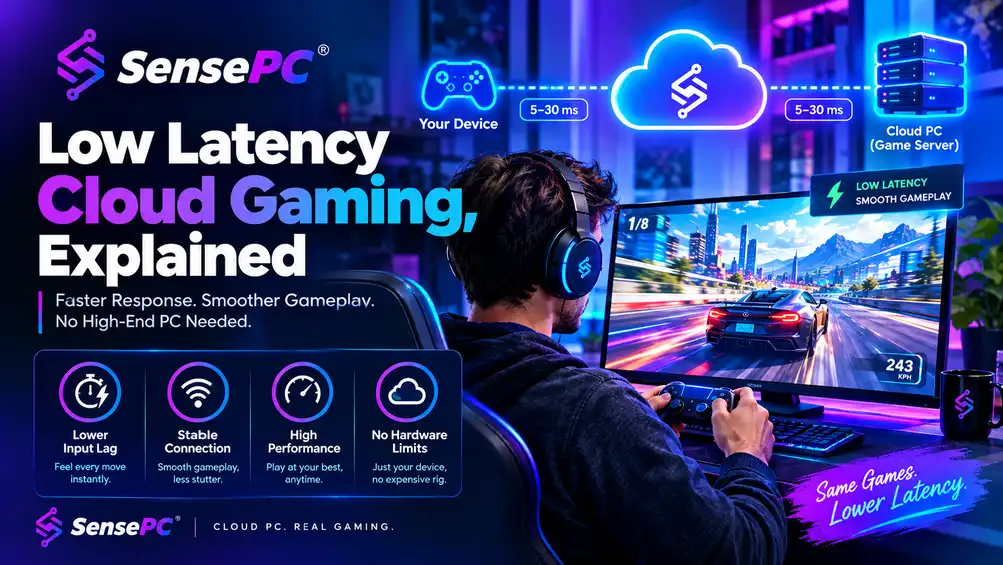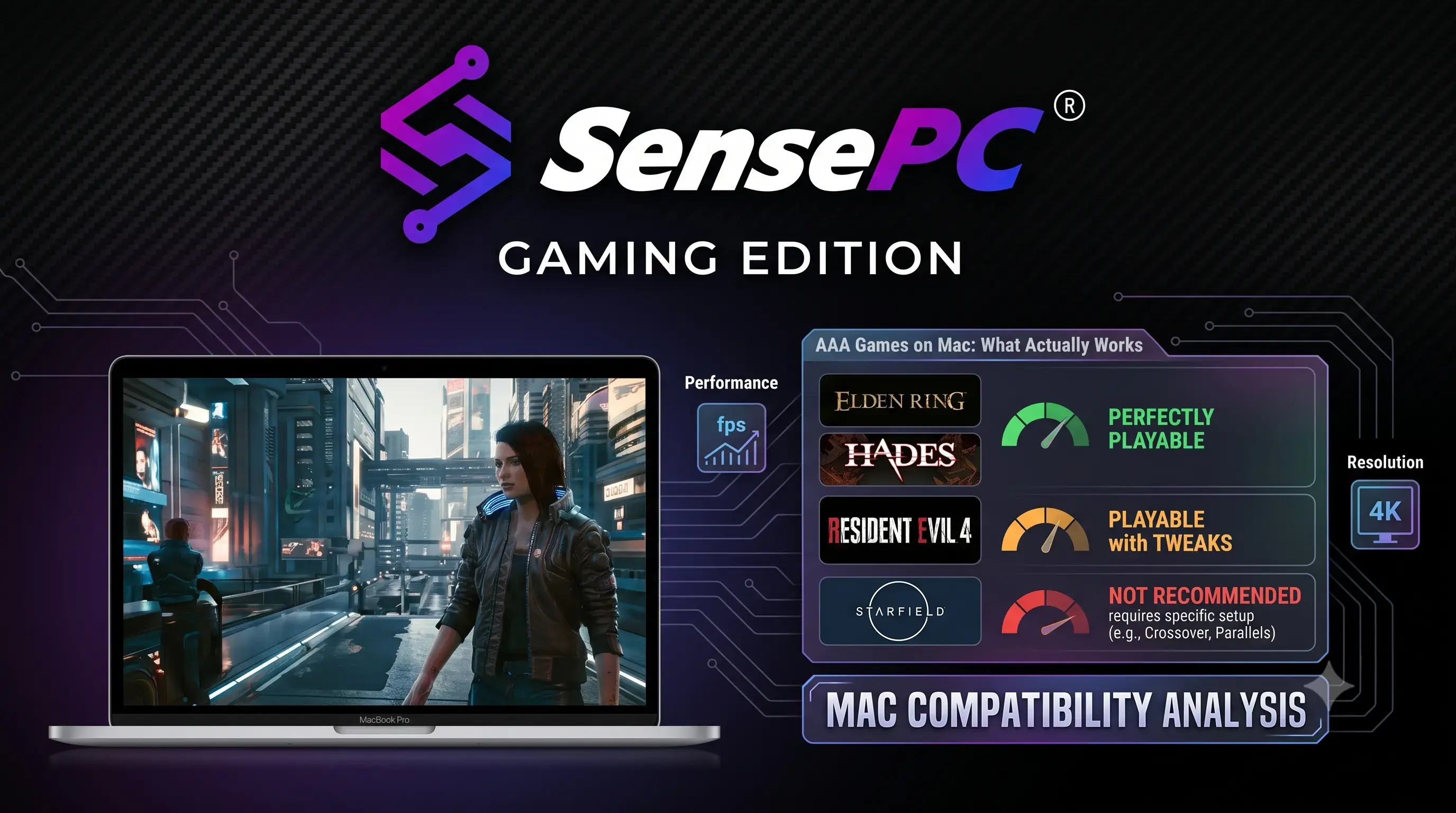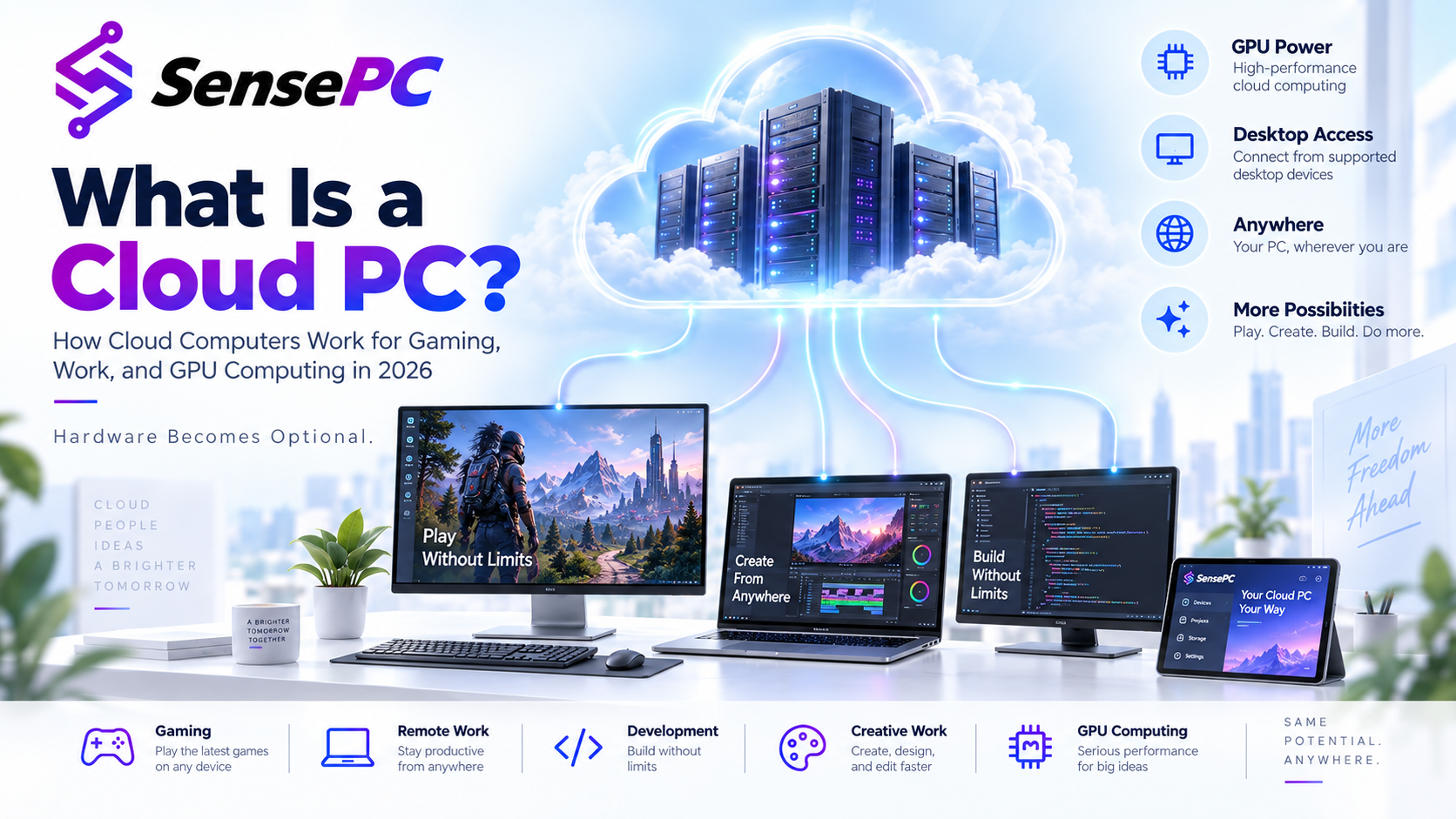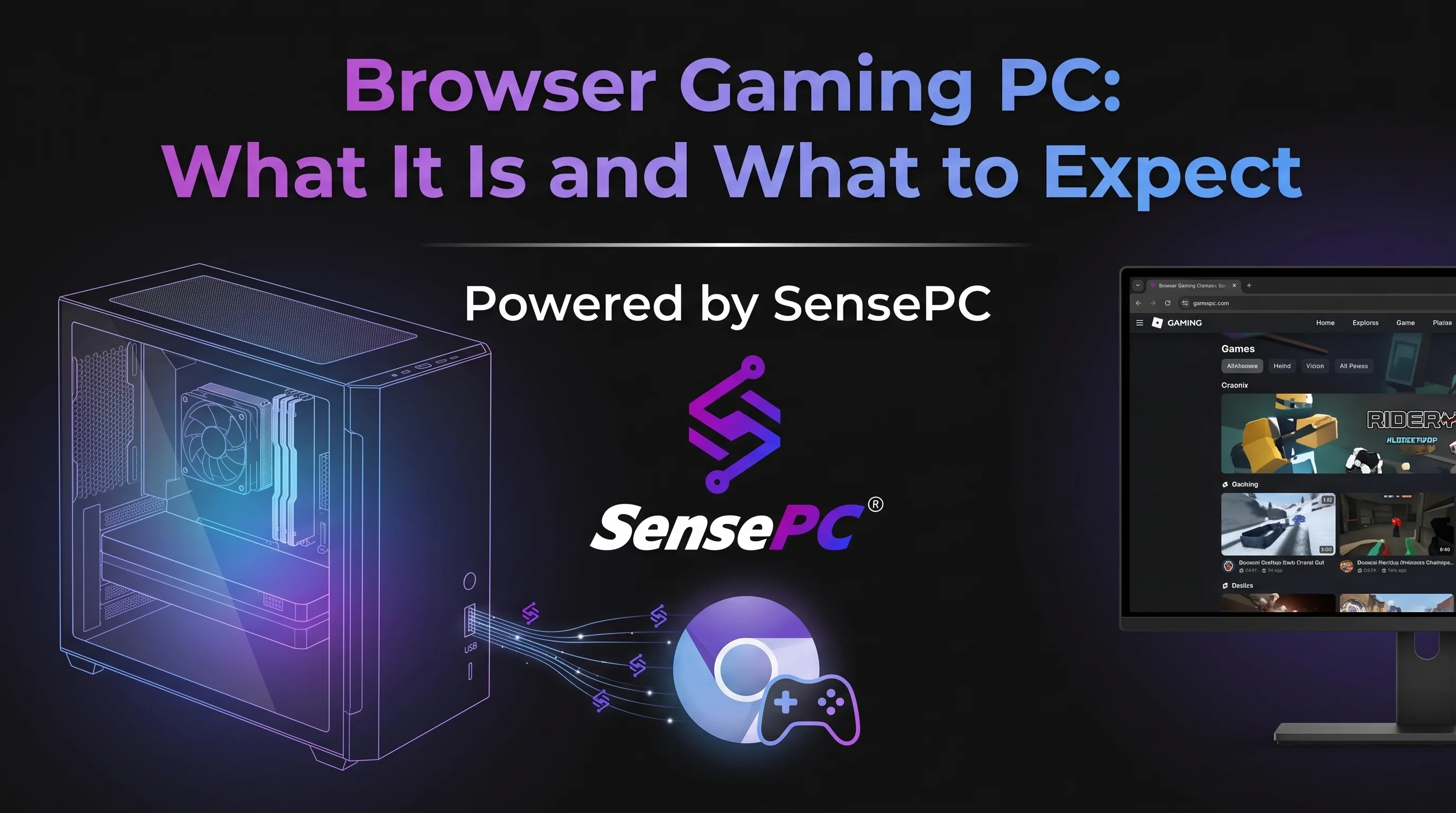
A browser gaming PC is a cloud-hosted Windows desktop with dedicated GPU hardware that streams gameplay to your browser or a lightweight client, so you can play PC games without owning gaming hardware. You open a browser or thin client, connect to a remote Windows gaming desktop, and play on the device you already own. No expensive rig. No parts hunt. No hardware locked to one room.
That pitch is strong, but the details matter. A browser gaming PC is not magic, and it is not the right fit for every player. If you mainly play competitive shooters on a weak internet connection, the trade-offs look different than they do for someone playing RPGs, strategy titles, or AAA single-player games from a MacBook or standard laptop.
What a Browser Gaming PC Actually Is
A browser gaming PC is a cloud-hosted Windows PC with gaming hardware assigned to your session. Instead of rendering a game on your local machine, the game runs in a remote data center. The video stream is sent to your screen, and your inputs travel back to that remote system in real time.
From the user side, it feels like renting a gaming desktop on demand. You sign in, launch a Windows environment, install your game launchers, and play from Chrome, Edge, Safari, a thin client, or a dedicated app depending on the provider. The better services make this process feel close to a normal PC session, not a stripped-down streaming portal.
That distinction matters. Some platforms are built around a fixed catalog of supported games. Others give you an actual Windows machine with persistent storage, which means your files, launchers, mods, settings, and installs stay there. If you want flexibility, a true cloud gaming PC is far more useful than a closed game-streaming platform.
Why People Look for a Browser Gaming PC
Most players searching this term are trying to solve one of three problems: their current device is too weak for modern games, they do not want to buy a high-end gaming desktop, or they want access from multiple devices without moving hardware around.This is why the model works well for Mac users, students with thin laptops, people who travel, and anyone whose main computer is built for work rather than gaming. You keep your daily device. The gaming horsepower lives elsewhere.Cost is another major reason. A local gaming PC means a large upfront purchase, then a slow leak of extra spending through upgrades, storage expansion, cooling, electricity, and eventual replacement. A browser-based gaming setup shifts that into usage-based or subscription pricing. For some players, that is dramatically cheaper. For others, especially those who play six hours every day, it depends on the rate structure.
The Real Advantages of Using a Browser Gaming PC
The biggest advantage is access. If your current machine can handle a modern browser and stable internet, it can potentially handle games that would normally require a dedicated GPU. That changes the math for anyone on older hardware.The second advantage is speed. A strong cloud gaming service can provision a Windows 11 gaming PC in minutes. You skip the buying process, driver headaches, hardware assembly, and long upgrade cycle. You go from account setup to game install fast.There is also a flexibility benefit that local hardware cannot match. You can move between devices, play from a dorm room, hotel, office setup, or living room desk, and keep the same environment. Persistent storage makes that even better because you are not rebuilding your setup every session.Then there is the obvious financial upside. Paying by the hour or choosing a smaller commitment is a better fit for players who game hard on weekends but not every night. It is also useful for people who want high-end performance only when they need it.
Where a Browser Gaming PC Falls Short
The main limiter is connection quality. Cloud gaming lives or dies on latency, stability, and bitrate. If your network is inconsistent, no GPU in a data center can fix that. You may see input lag, compression artifacts, or stutter during peak congestion.
Genre matters too. Story-driven games, racing games, MMOs, action RPGs, and many strategy titles can feel excellent on a well-tuned cloud gaming PC. Twitch-sensitive competitive titles are less forgiving. If you care about every millisecond in ranked play, local hardware still gives you the cleanest path.
Browser access can also be more limited than native performance modes or dedicated low-latency clients. Browsers are convenient, but they are not always the fastest path for input response or stream quality. Many serious cloud gaming setups offer both options for that reason.
And not every service offers the same level of control. Some give you a full Windows desktop with dedicated GPU resources and persistent SSD storage. Others feel more like temporary sessions that reset too often or restrict what you can install. If you expect a real PC experience, check that before you pay.
Browser Gaming PC vs. a Local Gaming Desktop
Factor | Browser Gaming PC | Local Gaming Desktop |
Upfront cost | Low — no hardware purchase | High ($1,500+) |
Internet dependency | Required, latency-sensitive | None |
Setup time | Minutes | Hours to days (build + drivers) |
Best suited for | RPGs, strategy, MMOs, casual/variable play | Competitive, ranked, twitch-sensitive shooters |
Maintenance | Handled by provider | Upgrades, cooling, storage, repairs on you |
Access | Any device, any location | Tied to one physical machine |
Cost over time | Usage-based or subscription | Fixed after purchase, depreciates |
A local gaming desktop still wins on raw consistency. There is no internet dependency, no stream compression, and no session billing. Once the machine is paid for, your marginal cost per hour is low. If you play heavily for years, ownership can make financial sense.
But local ownership comes with friction. The upfront cost is high, and the machine starts aging the day you buy it. New games push higher requirements, components run hot, storage fills up, and upgrades never seem to happen at a convenient time.
A browser gaming PC flips that model. You get fast access, lower upfront cost, and the freedom to use ordinary hardware locally. In exchange, you depend on a solid connection and accept that performance is tied not just to GPU specs, but to streaming quality and distance from the data center.
This is less about which model is universally better and more about fit. If you want the cheapest entry into strong PC gaming performance right now, cloud access is hard to ignore. If you want zero network dependency and maximum control for years of heavy daily use, local still has an edge. For a closer side-by-side of specific providers, see our cloud gaming provider comparison.
What to Look for in a Browser Gaming PC Service
Start with the actual machine specs. A service should clearly state its GPU class, CPU allocation, RAM, and storage. Vague claims about "high performance" are not enough. If you are running modern AAA games, dedicated GPU access and enough memory matter.
Next, check whether storage is persistent. This is one of the biggest quality-of-life differences in the category. Persistent SSD storage means your installed games, updates, mods, and files remain available between sessions. Without it, the service becomes much less practical.
Latency features deserve close attention. Data center region, stream protocol, supported resolutions, frame rates, and any native low-latency mode all affect the experience. A service aimed at general remote desktops is not the same as one built specifically for gaming.
Billing structure matters just as much as hardware. Hourly pricing is attractive if your playtime varies. Daily or monthly plans can make more sense if you play often. The strongest services let you scale commitment instead of forcing one rigid model.
Finally, look at setup time and software freedom. A gaming-first cloud PC should be ready quickly, run standard Windows, and let you install launchers like Steam, Epic, Battle.net, and GOG without enterprise-style complexity.
Who Should Seriously Consider a Browser Gaming PC
If you own a Mac, ultrabook, office laptop, or aging desktop and want access to current PC games, this category makes a lot of sense. The same applies if you move between locations often or share space and do not want a bulky tower setup.
It is also a smart option for budget-conscious players who hate the idea of sinking a huge amount into hardware they may only fully use a few nights a week. Renting performance when you need it is simply a better cost model for some gaming habits.
SensePC provides on-demand Windows gaming PCs with dedicated NVIDIA L4 GPUs, persistent SSD storage, and hourly or monthly billing — avoiding the fixed-catalog restrictions of game-streaming-only platforms. See how it applies to your setup on our gaming use case page.
Is a Browser Gaming PC Worth It?
Yes, if your goal is flexible access to real PC gaming power without paying for a physical rig upfront. No, if your connection is weak or your only priority is the lowest possible latency for ultra-competitive play.
The smartest way to think about it is not as a replacement for every gaming setup, but as a different ownership model. You are trading hardware responsibility for on-demand access. For many players, that is a strong trade. For others, especially those with stable high-end local rigs already on hand, it may not change much.
What matters is that browser-based gaming is no longer a gimmick. With the right infrastructure, it is a practical way to run demanding PC games from devices that were never built for them. If your current machine is holding you back, a browser gaming PC can be the fastest way around that problem without buying another box for your desk.
The useful question is not whether cloud gaming replaces every desktop. It is whether you need to own the power at all.