A Cloud PC provides the flexibility of a traditional computer while offering greater scalability, accessibility, and performance. Whether you're a gamer, developer, designer, remote employee, or business owner, cloud computing enables you to work and play from virtually anywhere.
As organizations continue adopting hybrid work models and gamers seek high-performance hardware without large upfront costs, Cloud PCs are becoming one of the fastest-growing computing solutions of 2026.
What Is a Cloud PC?
A Cloud PC is a virtual Windows computer that runs on enterprise infrastructure instead of your local hardware.
Users connect securely through a browser or application and receive access to a dedicated desktop environment with storage, applications, and computing resources available on demand.
Unlike traditional desktops, Cloud PCs can be upgraded instantly without replacing physical components.
How Virtual Desktops Work
Virtual desktop technology separates the operating system and applications from physical hardware.
Instead of processing tasks on your laptop or desktop, everything runs inside powerful cloud servers equipped with modern CPUs, high-speed NVMe storage, and dedicated GPUs.
Benefits include:
- Access from any location
- Consistent performance
- Automatic updates
- Secure centralized management
- Device independence
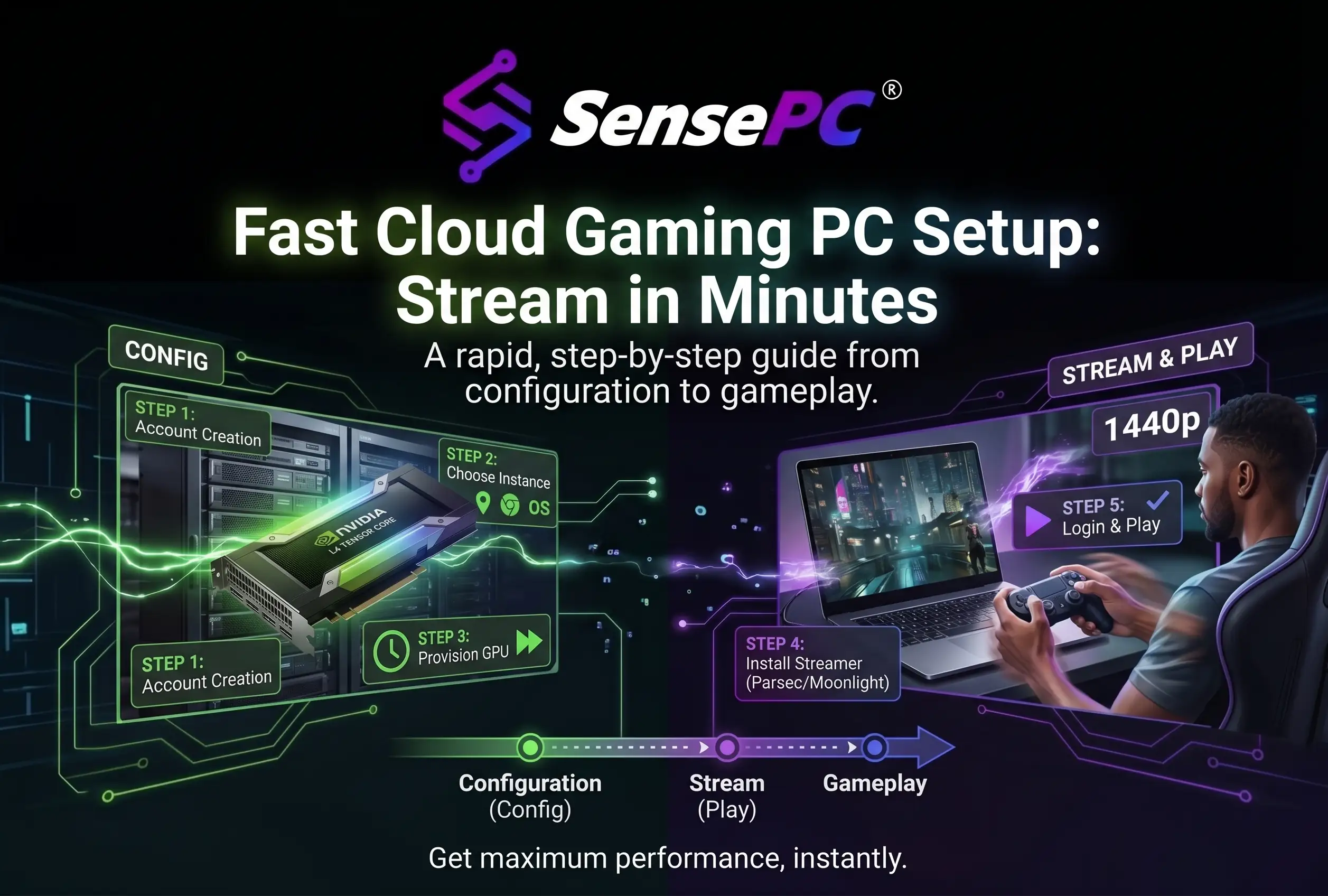
Why Cloud PCs Are Changing Gaming
Modern games require powerful graphics cards and processors that are expensive to purchase and upgrade.
Cloud gaming PCs solve this challenge by streaming high-performance computing directly to users.
Advantages include:
- Play AAA titles without buying expensive hardware
- Access gaming environments from laptops and Chromebooks
- Faster game loading with SSD storage
- Lower hardware maintenance costs
- Flexible subscription options
Gamers can enjoy premium performance while using lightweight devices.
Remote Work Without Hardware Limitations
Remote teams need secure and reliable access to business applications.
Cloud PCs provide:
- Secure Windows environments
- Centralized file management
- Remote collaboration
- Easy onboarding for new employees
- Business continuity
Organizations no longer need to distribute high-end computers to every employee.
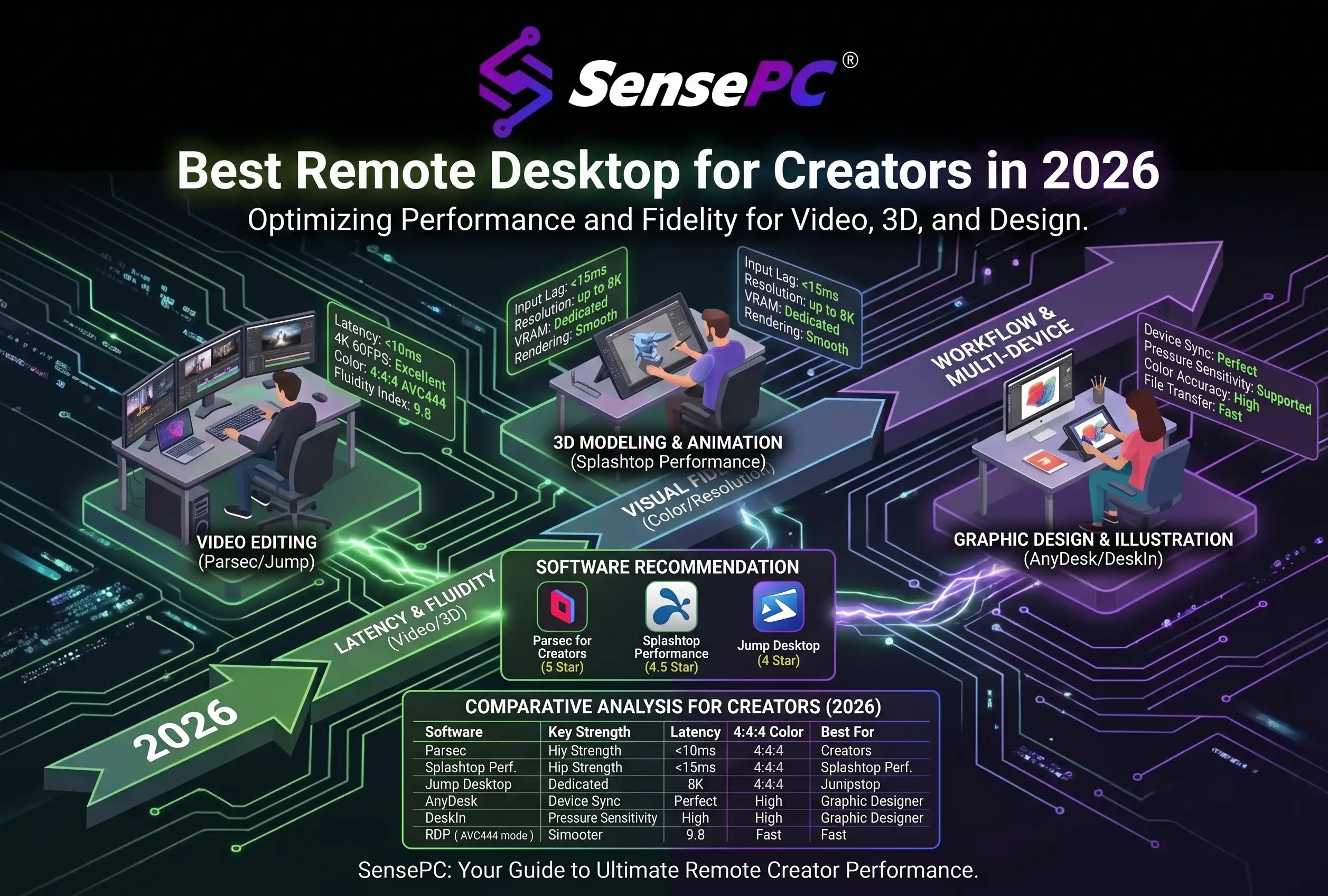
Cloud PCs for Developers and Creators
Developers and creative professionals often require significant computing power.
Cloud workstations support:
- Software development
- Video editing
- 3D rendering
- AI model testing
- Graphic design
- CAD applications
Resources can be scaled instantly based on project requirements.
Business Benefits
Businesses adopting Cloud PCs benefit from:
- Lower hardware investment
- Simplified IT management
- Improved security
- Better disaster recovery
- Flexible workforce deployment
- Predictable operating costs
This makes virtual desktops an excellent solution for startups, agencies, and enterprise organizations.
Why Cloud PCs Are More Scalable
Traditional computers eventually become outdated.
Cloud PCs allow organizations to:
- Increase RAM
- Upgrade CPUs
- Add GPU resources
- Expand storage
- Deploy new desktops in minutes
without replacing physical machines.
Security Advantages
Enterprise cloud infrastructure provides:
- Encrypted connections
- Multi-factor authentication
- Automated backups
- Centralized security policies
- Access controls
- Continuous monitoring
Sensitive business data remains inside secure cloud environments rather than on individual devices.
Who Should Use a Cloud PC?
Cloud PCs are ideal for:
- Gamers
- Remote employees
- Software developers
- Designers
- Small businesses
- Students
- Digital agencies
- Video editors
- Content creators
- Enterprise teams
The Future of Computing
Cloud computing is redefining how people access technology.
Instead of investing thousands of dollars in hardware that depreciates over time, users can access enterprise-grade performance through flexible cloud subscriptions.
With improvements in internet connectivity, GPU virtualization, and remote desktop technology, Cloud PCs are becoming the preferred solution for gaming, productivity, collaboration, and business operations.
Organizations that embrace virtual desktops today gain greater flexibility, improved security, and the ability to scale without hardware limitations.
As remote work and cloud gaming continue to grow, Cloud PCs will play an increasingly important role in delivering powerful computing experiences from anywhere in the world.