Give every student a capable computer
Help students access a consistent cloud desktop experience even when their personal device is old, underpowered, shared, or unavailable.
SensePC helps education teams give learners access to capable cloud computers from almost any device. Build virtual computer labs, support remote learning, and reduce the friction of hardware-dependent coursework.
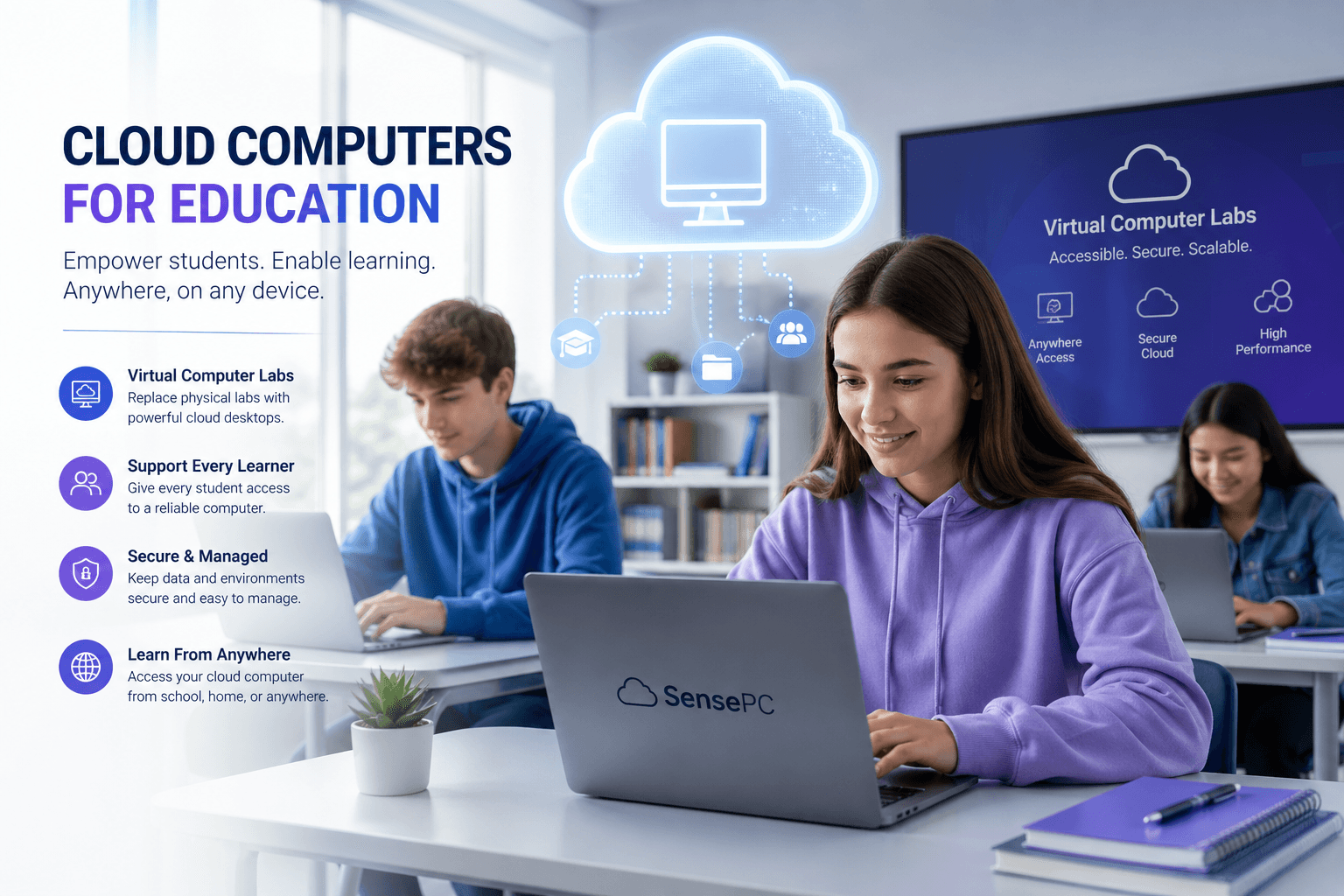
Virtual Computer Lab
A ready-to-access cloud desktop experience for students, instructors, and remote education teams.
Access
Browser-ready
Setup
Minutes, not days
Best for
Remote labs
Traditional computer labs are expensive to maintain, hard to scale, and limited by physical access. SensePC gives education teams a flexible way to support students with cloud desktops that can be reached from compatible devices, wherever learning happens.
Help students access a consistent cloud desktop experience even when their personal device is old, underpowered, shared, or unavailable.
Support remote labs, hybrid classes, bootcamps, workshops, and after-hours learning without requiring every learner to be physically present.
Students can start from a browser and access a prepared desktop environment in minutes, reducing setup friction before class or training begins.
Useful for schools, online programs, workforce training, coding bootcamps, design classes, and technical courses that need reliable desktop access.
Students or admins select a SensePC configuration based on the class, workload, location, and performance needs.
Learners access their cloud computer without needing a high-end local machine, complex lab setup, or physical campus workstation.
Students can continue coursework, projects, and labs from almost any compatible device with a stable internet connection.
A virtual computer lab gives students access to cloud-hosted computers over the internet. Instead of relying only on campus machines or personal laptops, students can connect to a remote desktop for coursework, practice, and projects.
SensePC can help education teams provide students with consistent computer access, support remote learning, reduce physical lab dependency, and simplify access for technical or software-based classes.
No. The main computing environment runs in the cloud, so students can access their SensePC from a compatible device with an internet connection.
Yes. SensePC is designed for flexible access, making it useful for remote classes, hybrid learning, online training, workshops, and after-hours lab access.
Students can start from the SensePC home experience, choose or access the right cloud PC setup, and begin working from the browser.
Build a flexible education-ready cloud PC experience for students, instructors, labs, training programs, and remote learning.